




Find Fiv3Devs’ Cool Bean map for FiveM Enhanced and check edition, logo customization, collisions and separate café-job requirements.
![[ENHANCED] Cool Bean - Fiv3Devs](https://rpcrate.com/wp-content/uploads/2026/08/1bec909139590cc1e025733ddbc06c765e3bac2e_2_345x194.jpeg "Cool Bean MLO for FiveM Enhanced: Edition and Map Checks")
 English
Free FiveM MLO and YMAP releases, collected from public author posts. An MLO replaces or adds a building interior; a YMAP places objects and props into the world. Both reach the client through a resource stream folder, so both are limited by your server’s streaming budget rather than by its framework.
Before a free map goes near a live server, check four things: the game build it was made for, whether collision and LOD files ship with it, which dependencies it names, and what the author’s licence actually permits. A free download is not automatically a free licence, and a map that loads on an empty test server can still cause texture loss once other resources compete for memory. Load it on staging first and watch the client console for missing-asset warnings.
Find Fiv3Devs’ Cool Bean map for FiveM Enhanced and check edition, logo customization, collisions and separate café-job requirements.
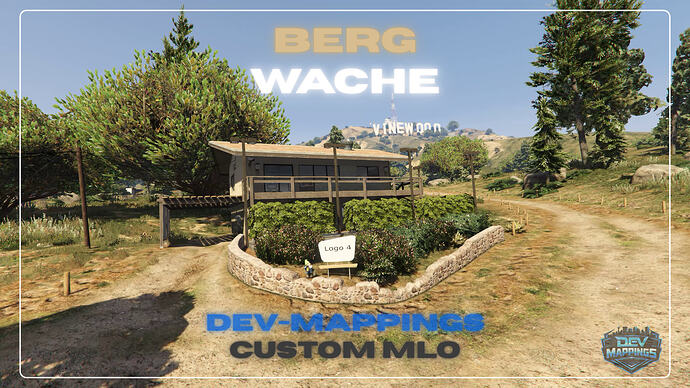
Find the DEV-Mappings rescue station for FiveM and check DLC requirements, texture access, map conflicts and staging checks before installation.
![[ENHANCED] Cockpit - Fiv3Devs](https://rpcrate.com/wp-content/uploads/2026/08/e195b70cce8469b97b83d779db146227adf5c5c2_2_345x194.jpeg "Fiv3Devs Cockpit: FiveM Enhanced Setup and Travel Checks")
Check the Enhanced-only Cockpit package, target integration and Cayo Perico travel requirements before enabling the aircraft interior.
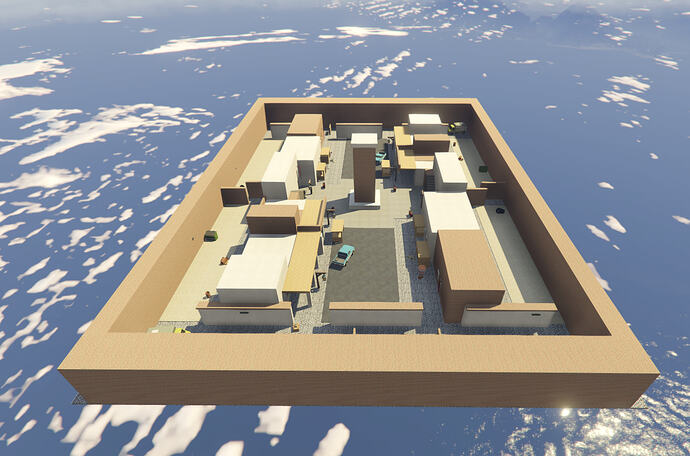
Find V3SC’s Bazaar arena, its documented coordinates and build requirement, and check its escrow and support limits.
![[MLO] Marines Table Restaurant](https://rpcrate.com/wp-content/uploads/2026/06/maxresdefault-2.jpg "Marines Table Restaurant MLO: Location and Resource Setup")
Find Vertex Group’s restaurant release, its documented resource name and the entrance checks to make before adding a job.
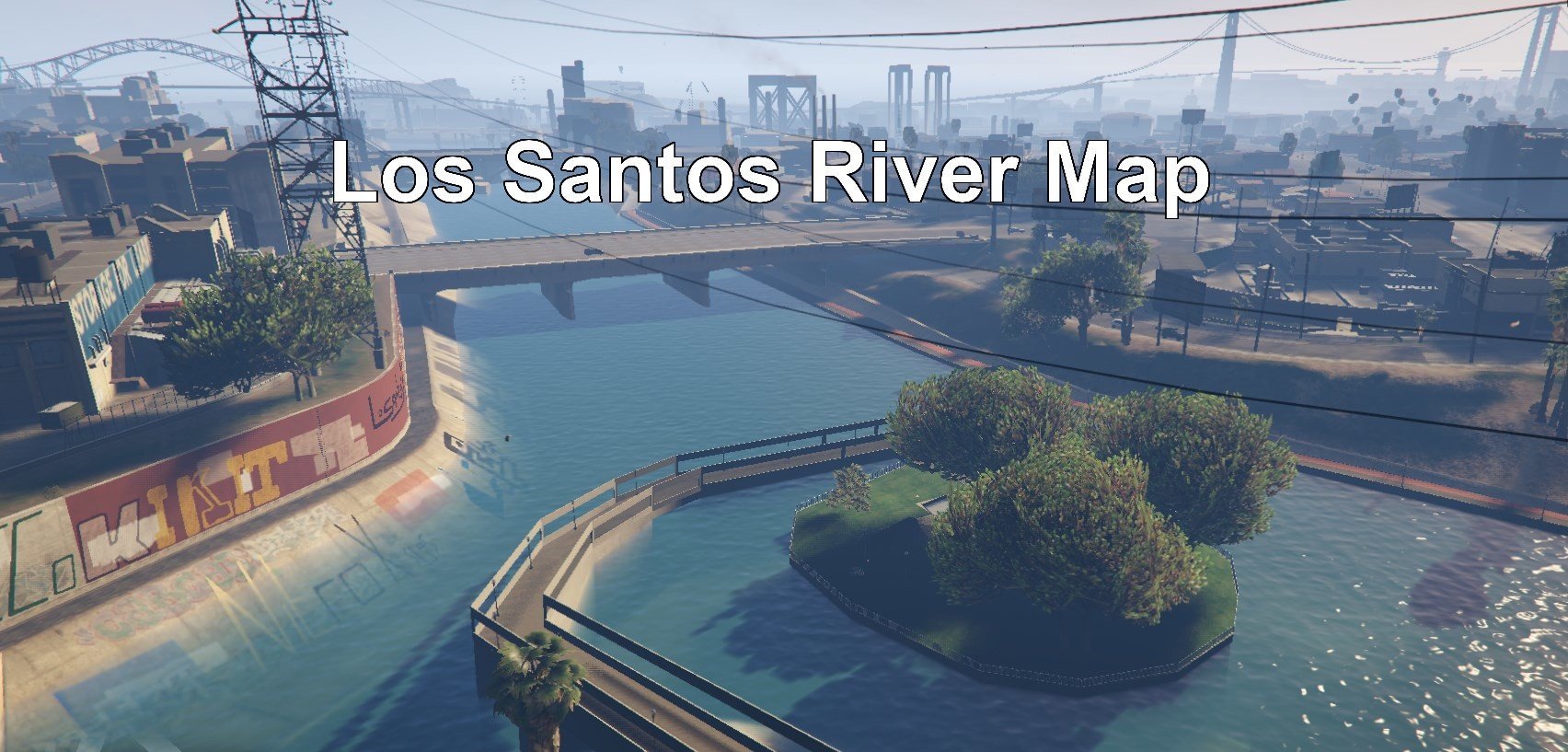
Los Santos River Map by MrTrue: actual SP/FiveM archive paths, missing manifest reference and limits of water and compatibility claims.

Choose Tony Montana’s FiveM WTC archive, back up its LCPP replacements and check teleport controls and Los Santos side effects before installation.
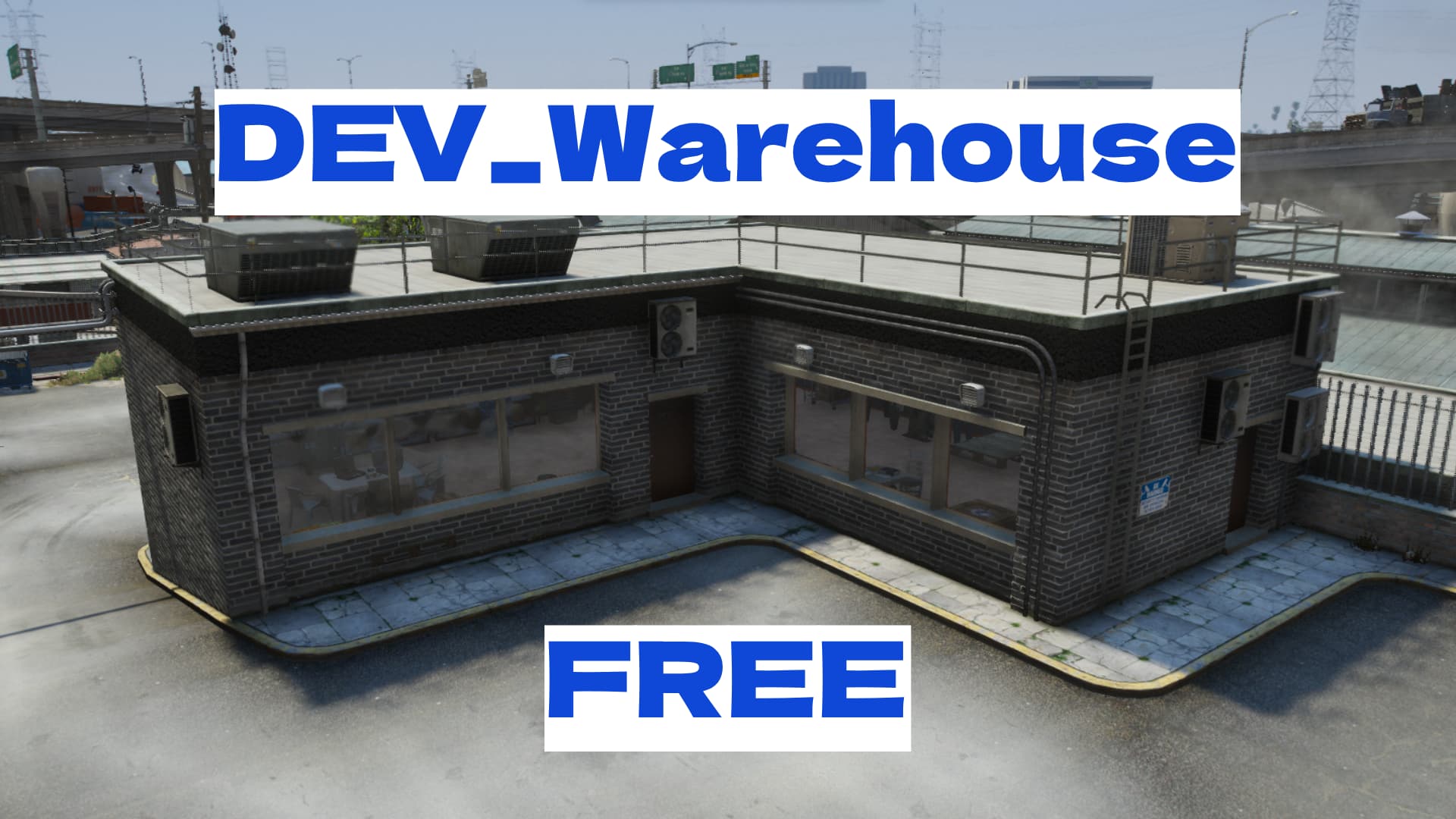
Warehouse is the dev_warehouse map released by Dev04 on the Cfx forum. The original release links to the same Cfx-hosted ZIP previously listed here, so the archive can now be traced to its release thread. Dev04 describes a two-room interior with three entrances at 898.1000, -1033.4728, 34.9669.
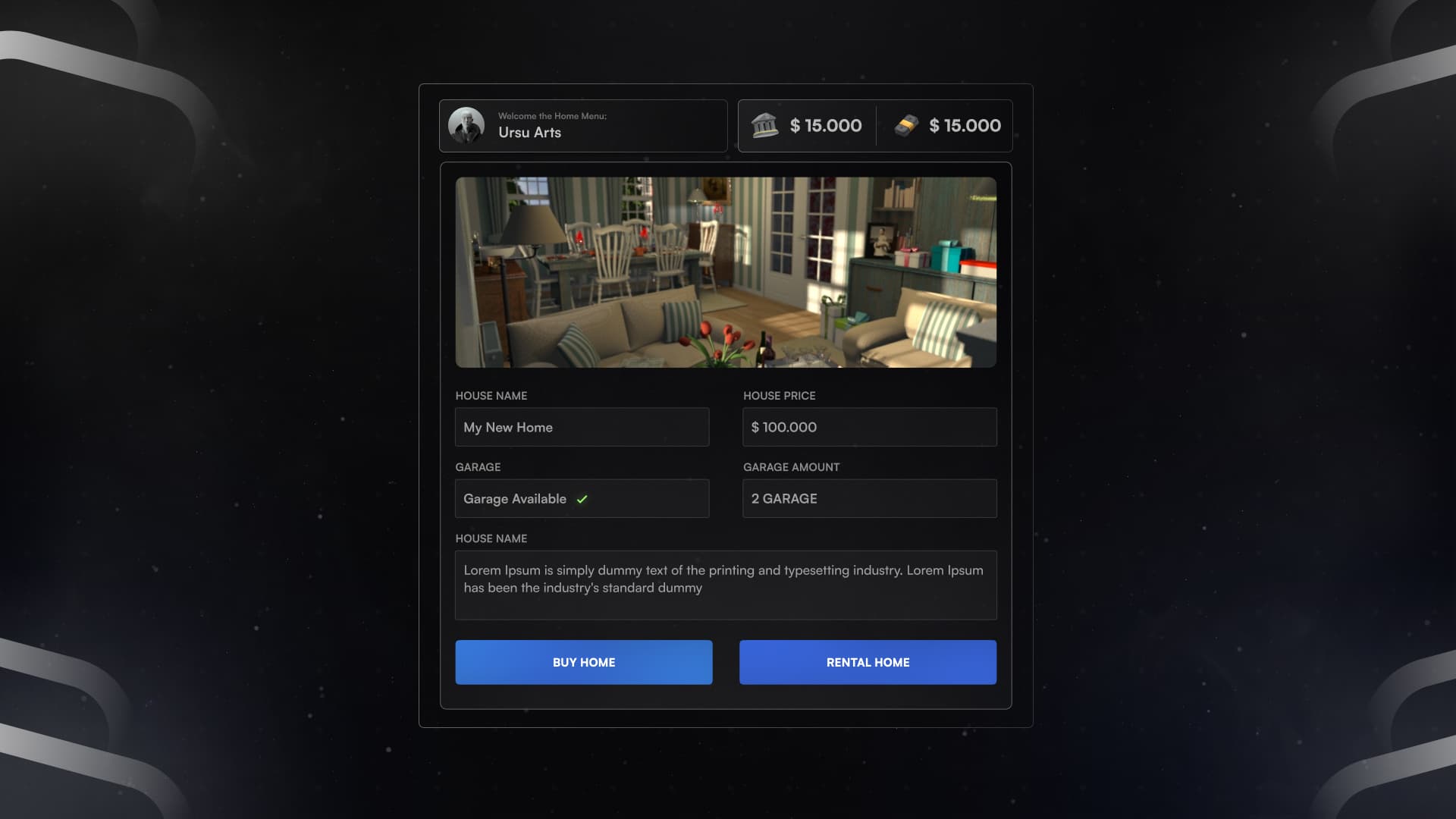
Identify the original real-house resource and review framework settings, database setup, rent-price defects and missing door authorization.
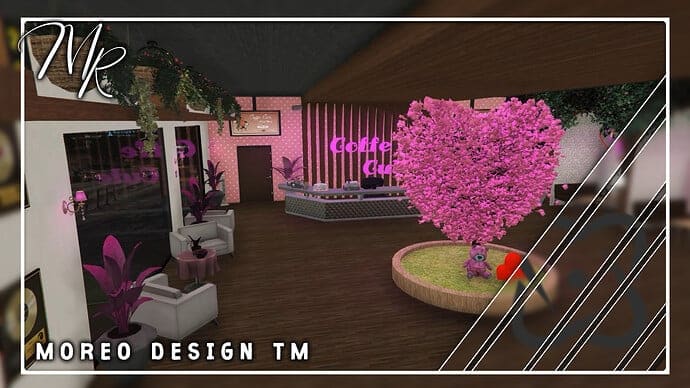
Download Coffee Cute V2 from Moreo’s release, use the correct resource layout and coordinates, and check DLC requirements and shared occlusion files.
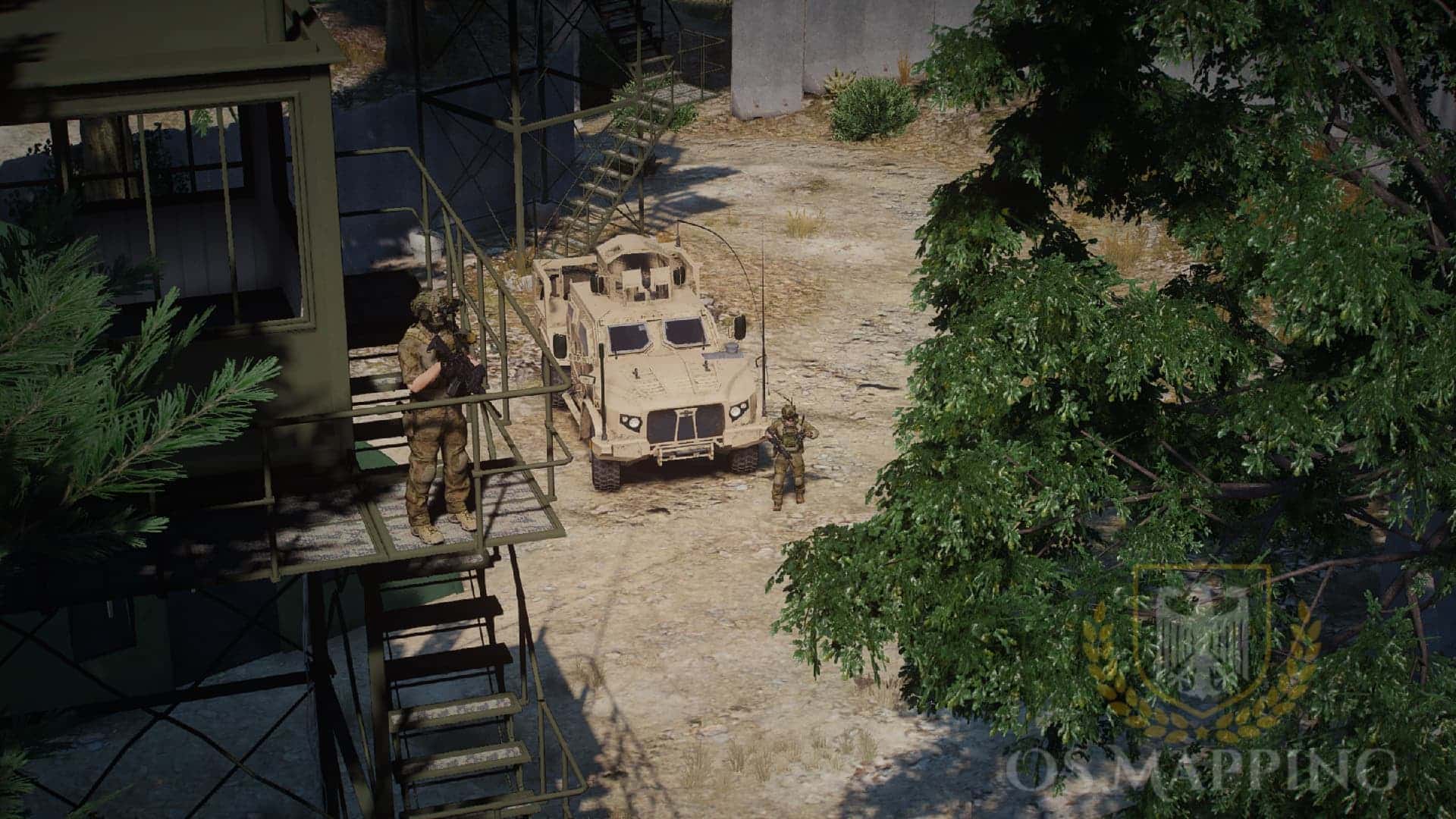
Find the original FOB Foxtrot map, select its actual MP resource and review manifest path, filename and asset-registration mismatches before installation.
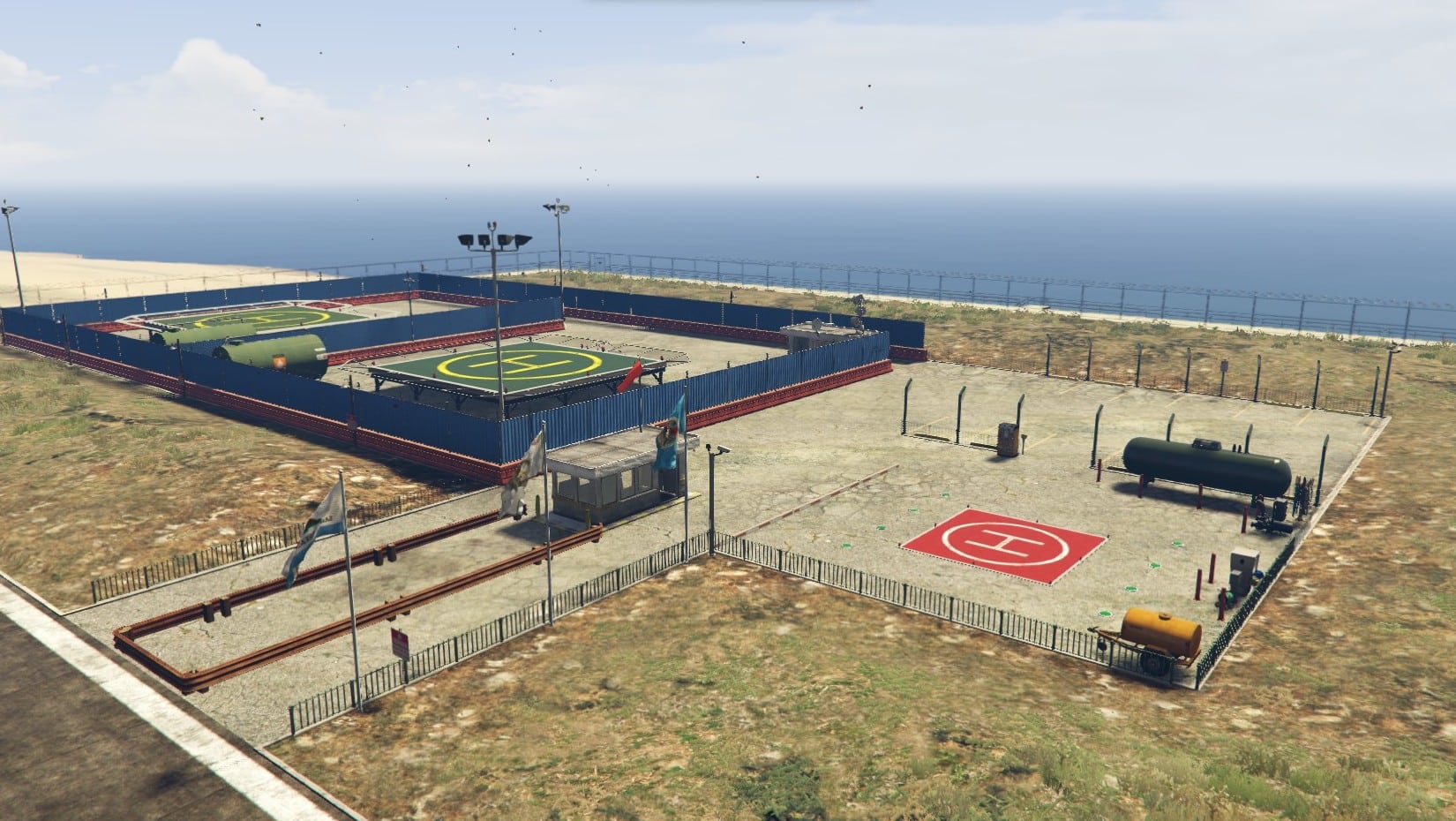
Set up LionsCity Studio’s AirOperation YMAP at LSIA. Check the correct FiveM folder, supplied map files, game-build requirement and separate gameplay scripts.
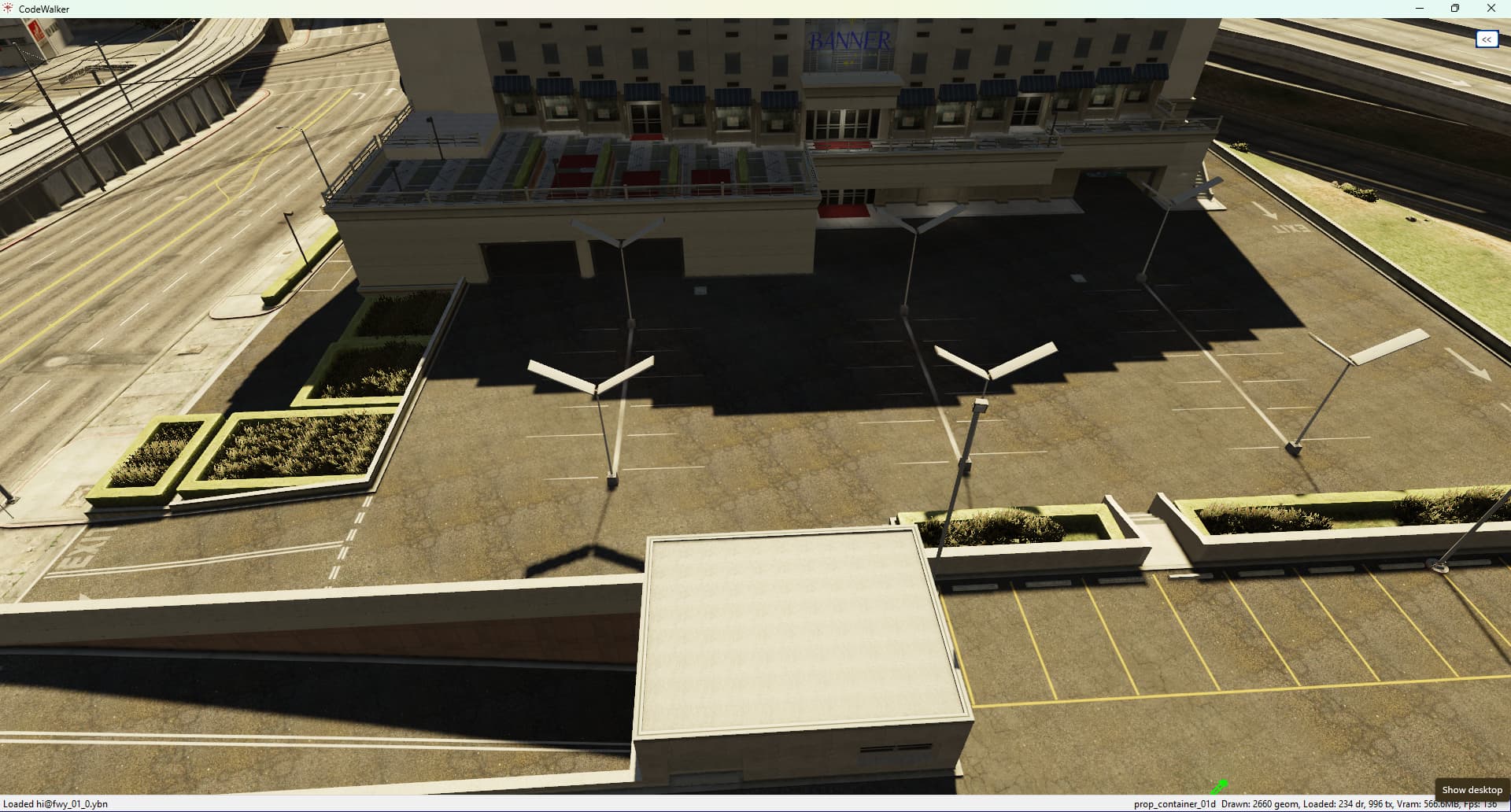
Identify the Alta Parking YMAP package, its resource folder and map conflicts. Keep the separate dock and broad barrier-removal script distinct.
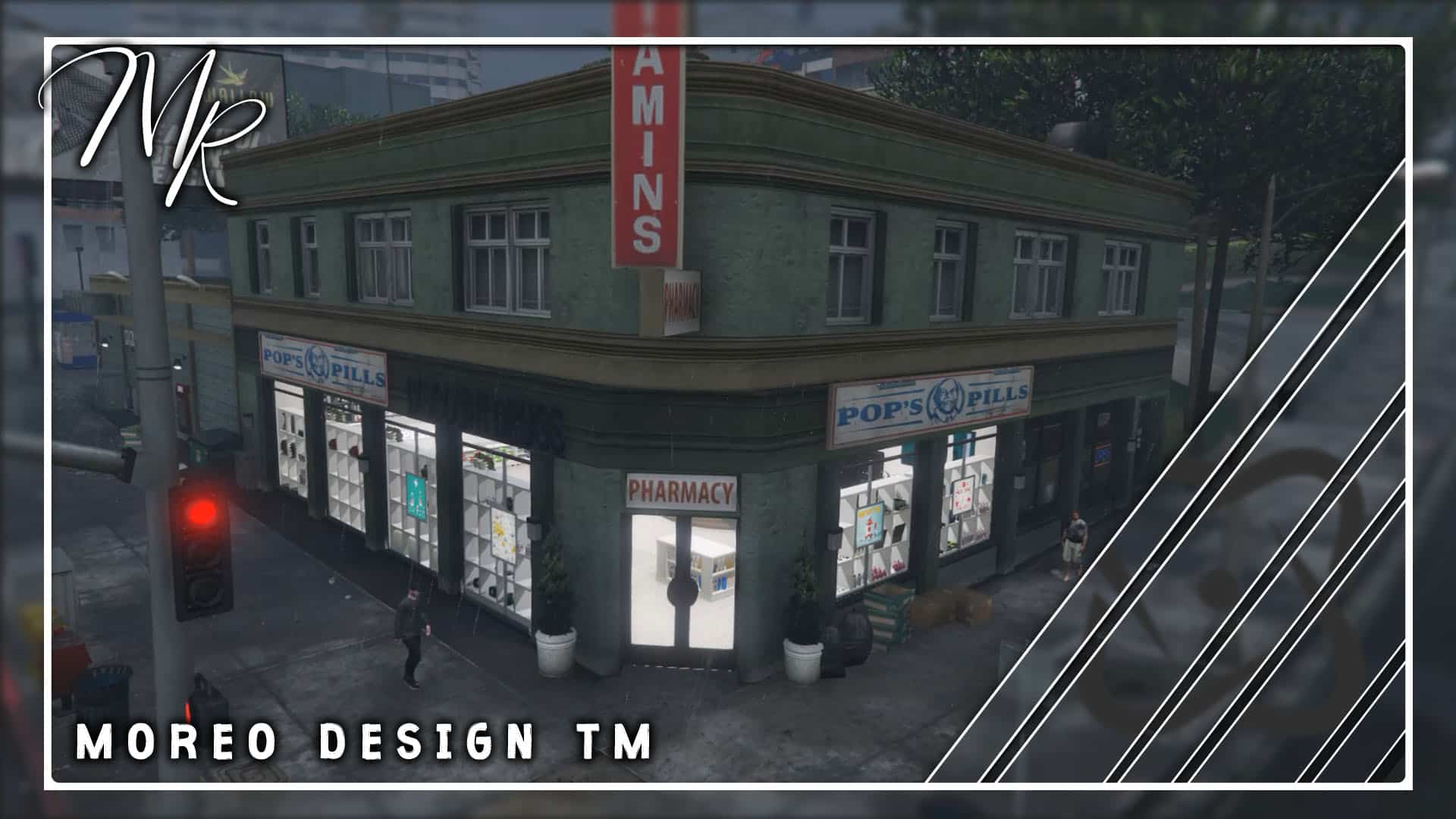
Install Moreo’s Pharmacy MLO at the supplied coordinates. Check the exact resource, duplicate model filenames and separate pharmacy gameplay requirements.
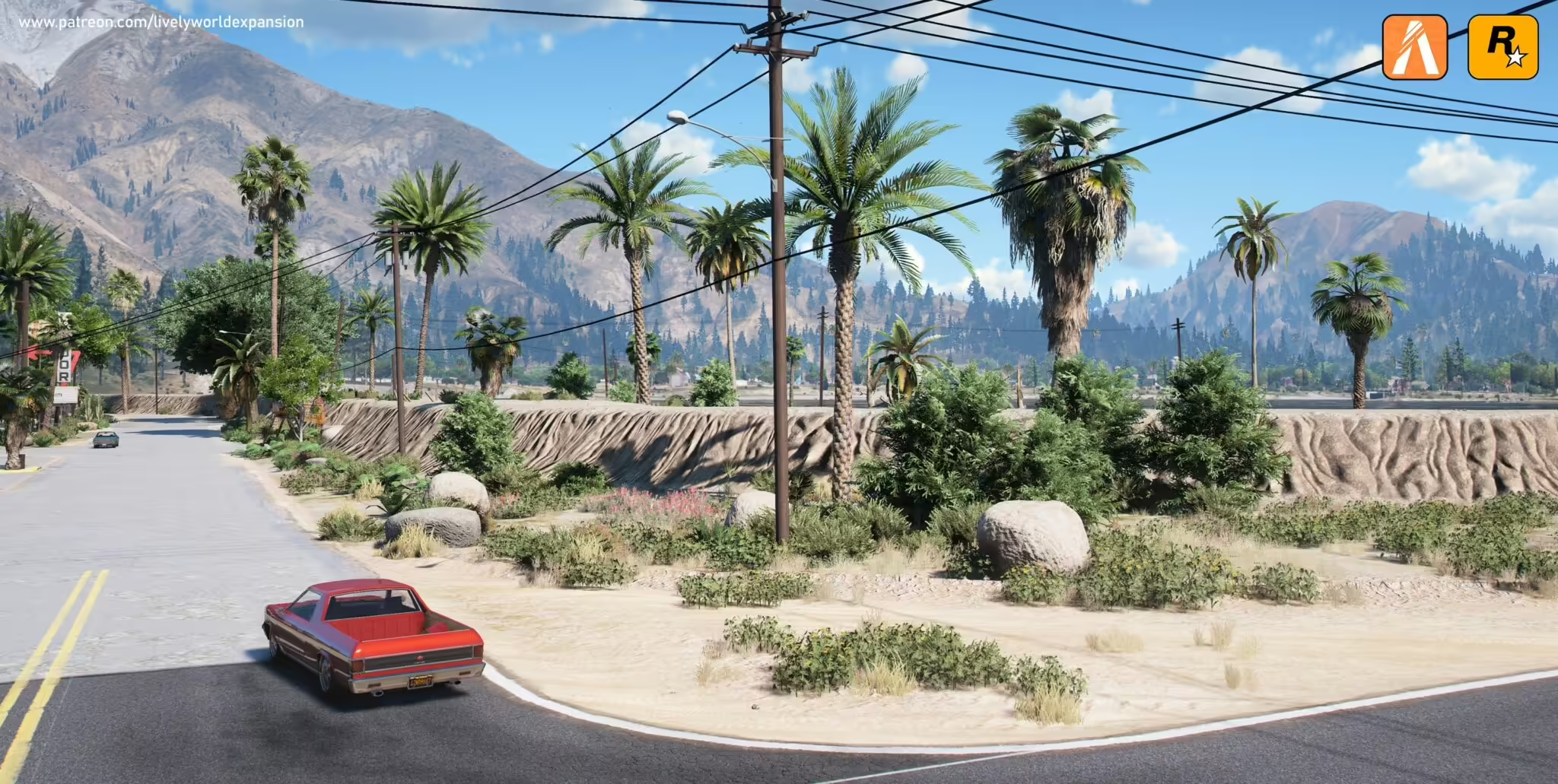
Choose LWE server resources by region and density, keep client and single-player installs separate, and test vegetation conflicts.
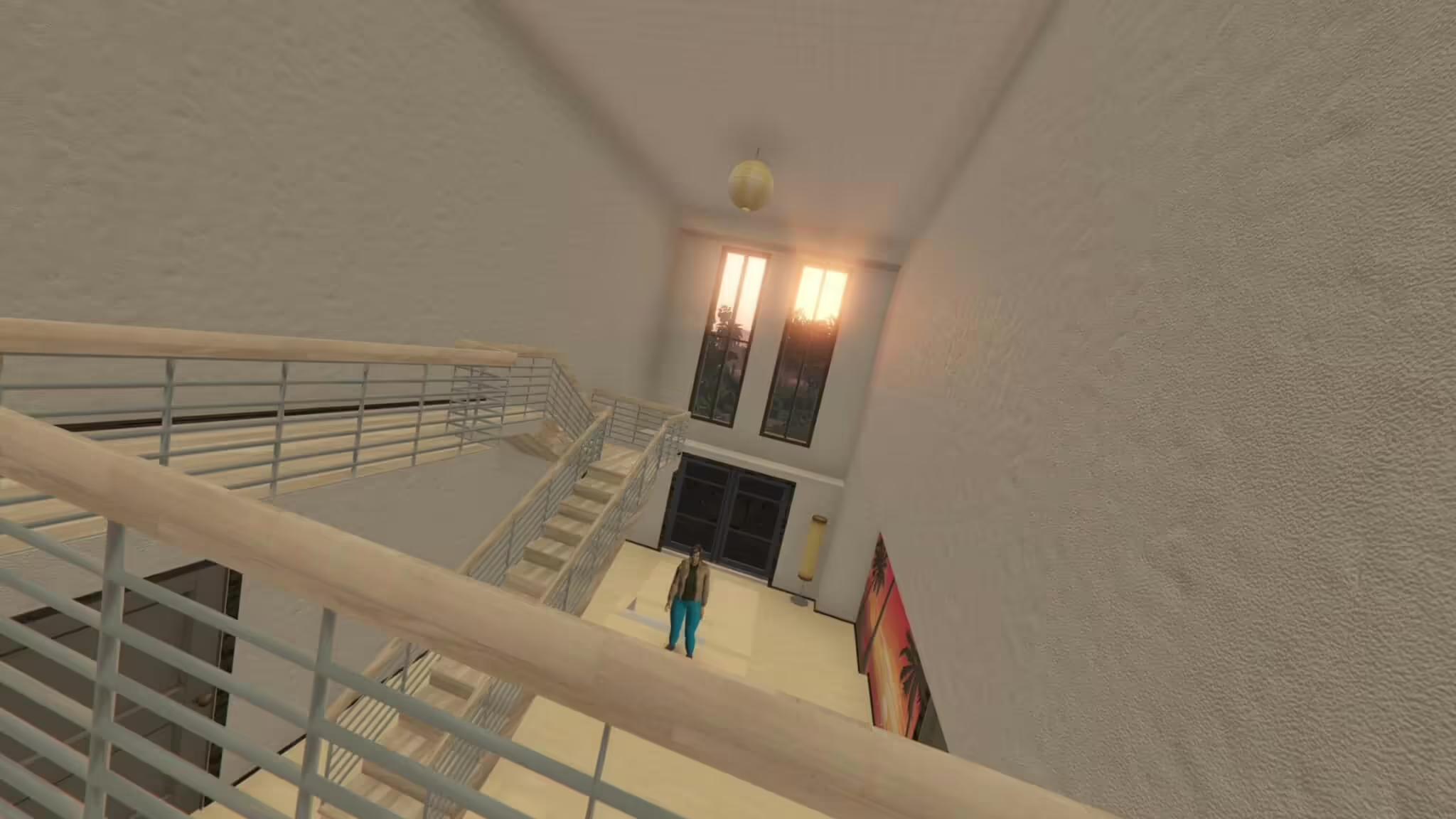
Choose GJ1996’s correct mansion package and check the documented radio limitation before installation.
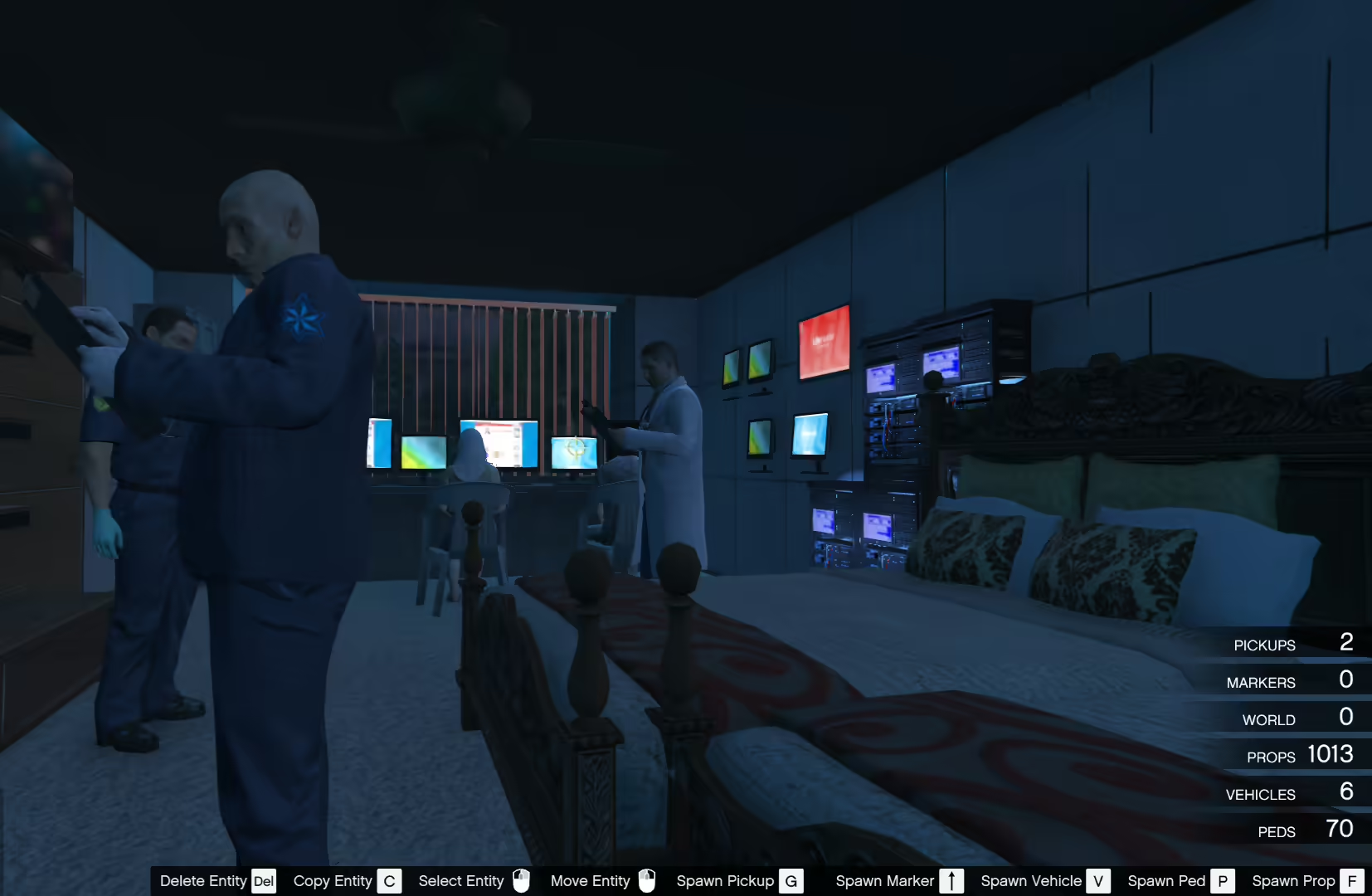
Load the actual Mansion.xml from River Mansion Base 3.0, review its missing DLC Unlocker dependency link and distinguish this single-player map from FiveM.
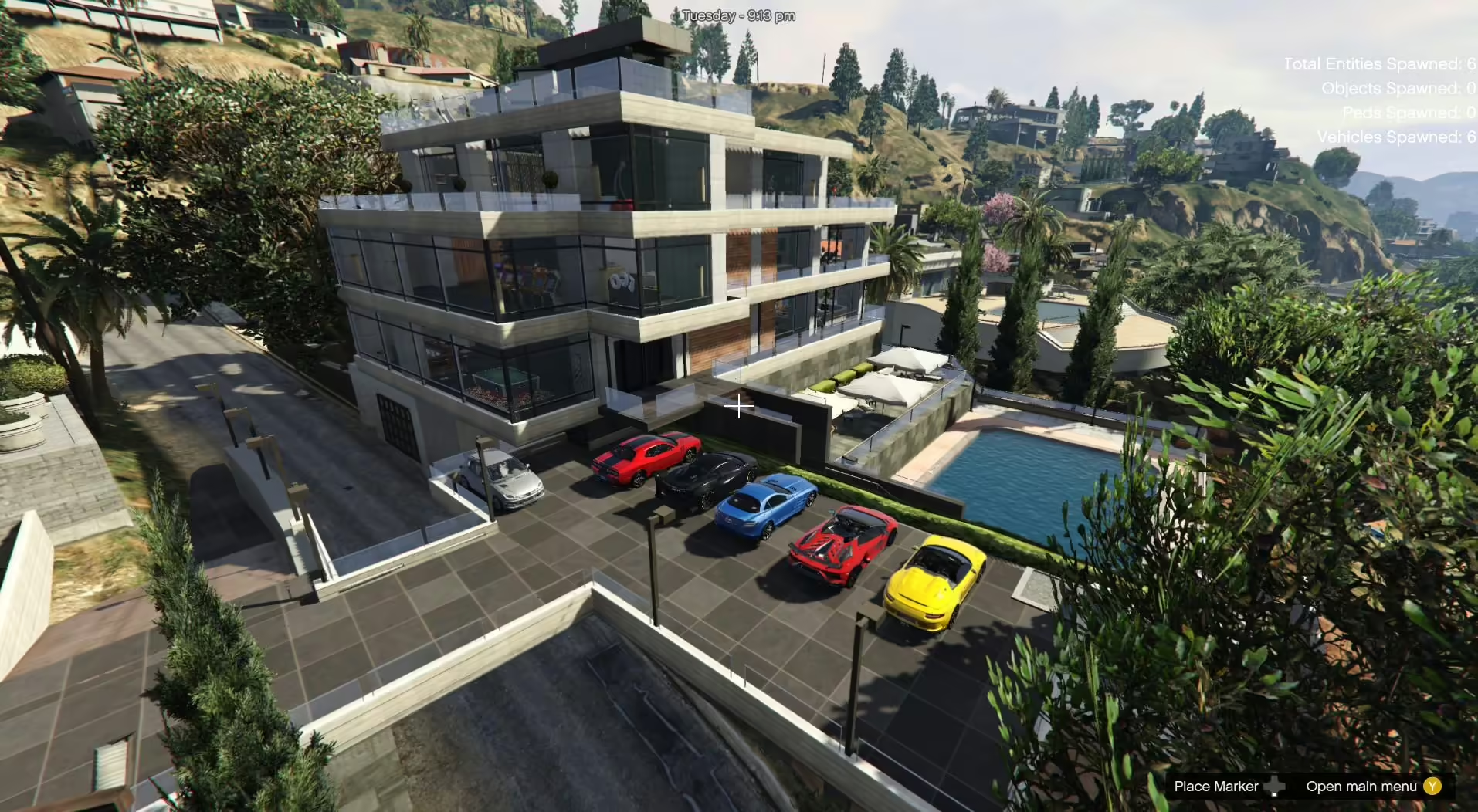
Install Beverly Hills Mansion 2.1 with the custom_maps DLC or Menyoo XML files. Check required props before considering a FiveM conversion.
An MLO is an interior workflow with archetype and room data; a YMAP commonly controls placements in the world. Some downloads include both. Check the package contents and read MLO vs YMAP before deciding what your server needs.
Confirm the supported GTA V game build, required dependencies, collision files, and whether the resource replaces an existing map in the same area. Framework compatibility matters only when a map also includes scripts such as doors, jobs, or interactions.
The CodeWalker guide explains how to load the GTA V path, open World View, organize a project, and inspect YMAP and YTYP work before an in-game test.
A free map can be suitable when its source, license, documentation, and maintenance history meet your needs. Compare paid FiveM MLOs when you need a different design, documented support, or a specific commercial license; price alone is not proof of quality.