





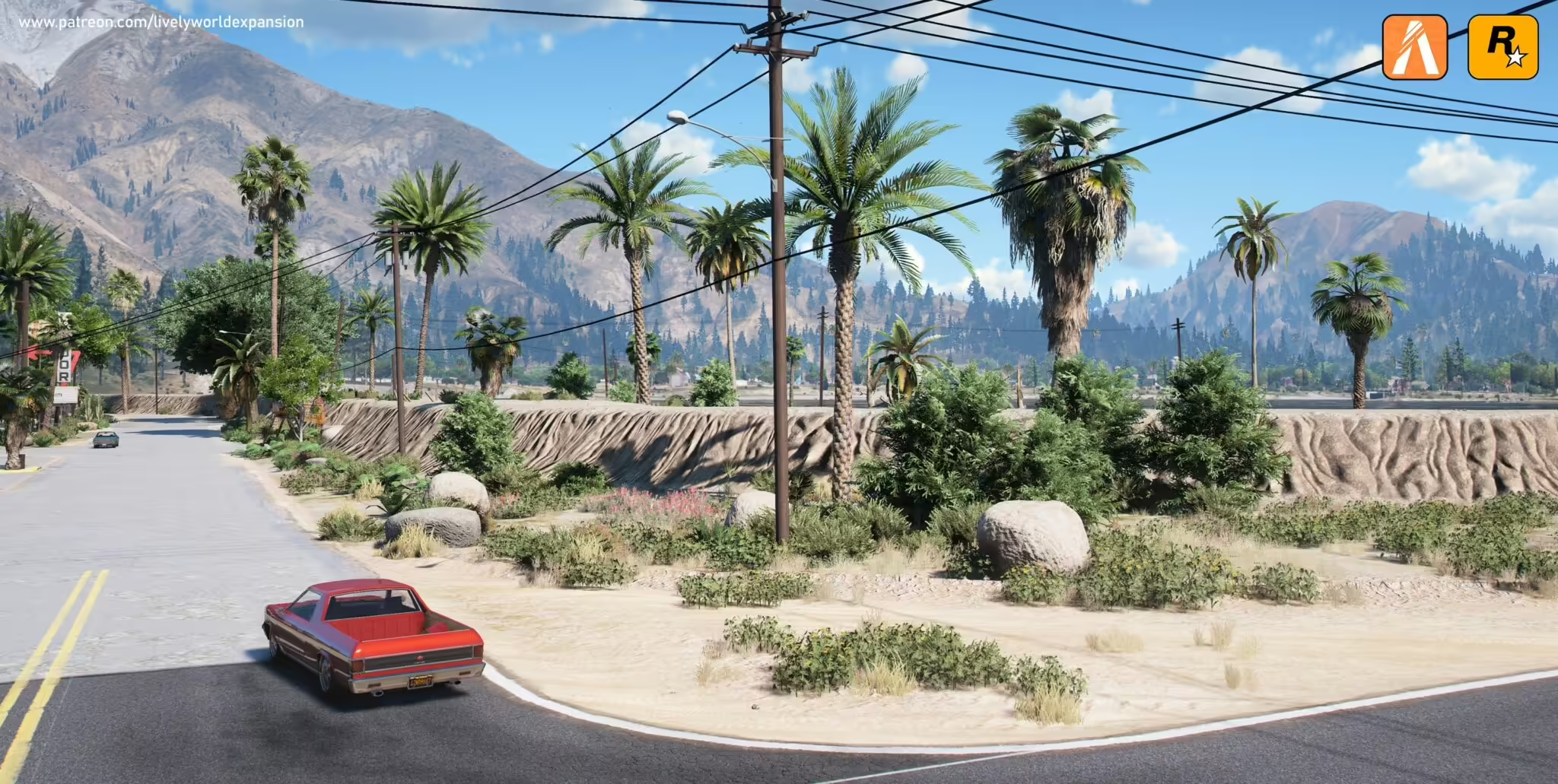
Lively World Expansion supplies different files for GTA V single-player, a FiveM client and a FiveM server. Use the official project and installation guide to select the edition you need. The previously linked legacy v2.3 mirror was not verified as the current release and is no longer recommended here.
Official Lively World Expansion project
Official installation instructions
Choose one density for each server region
The official FiveM server example separates city, desert, forest and mountain resources into high, medium and low density. Enable only the folders you actually received and selected. The high-density example includes LWECITYHIGH, LWEDESERTHIGH, LWEFORESTHIGH and LWEMOUNTAINSHIGH, with LWEPROPS as an additional resource. Do not run multiple density variants for the same region.
Measure the map combination you will use
Back up server.cfg and test the selected resources alongside your existing maps. Compare the same driving route, weather, time and graphics settings before and after installation. Look for blocked MLO entrances, duplicate vegetation, missing textures and frame-time spikes. Test optional props separately instead of treating a creator’s percentage estimate as your result.
A single-player .oiv installer and FiveM client .rpf files are not server resources. If you need to reverse the server test, remove only the LWE ensure lines and restore any replaced map configuration. The official guide was reviewed on 10 September 2026; no in-game benchmark is claimed.