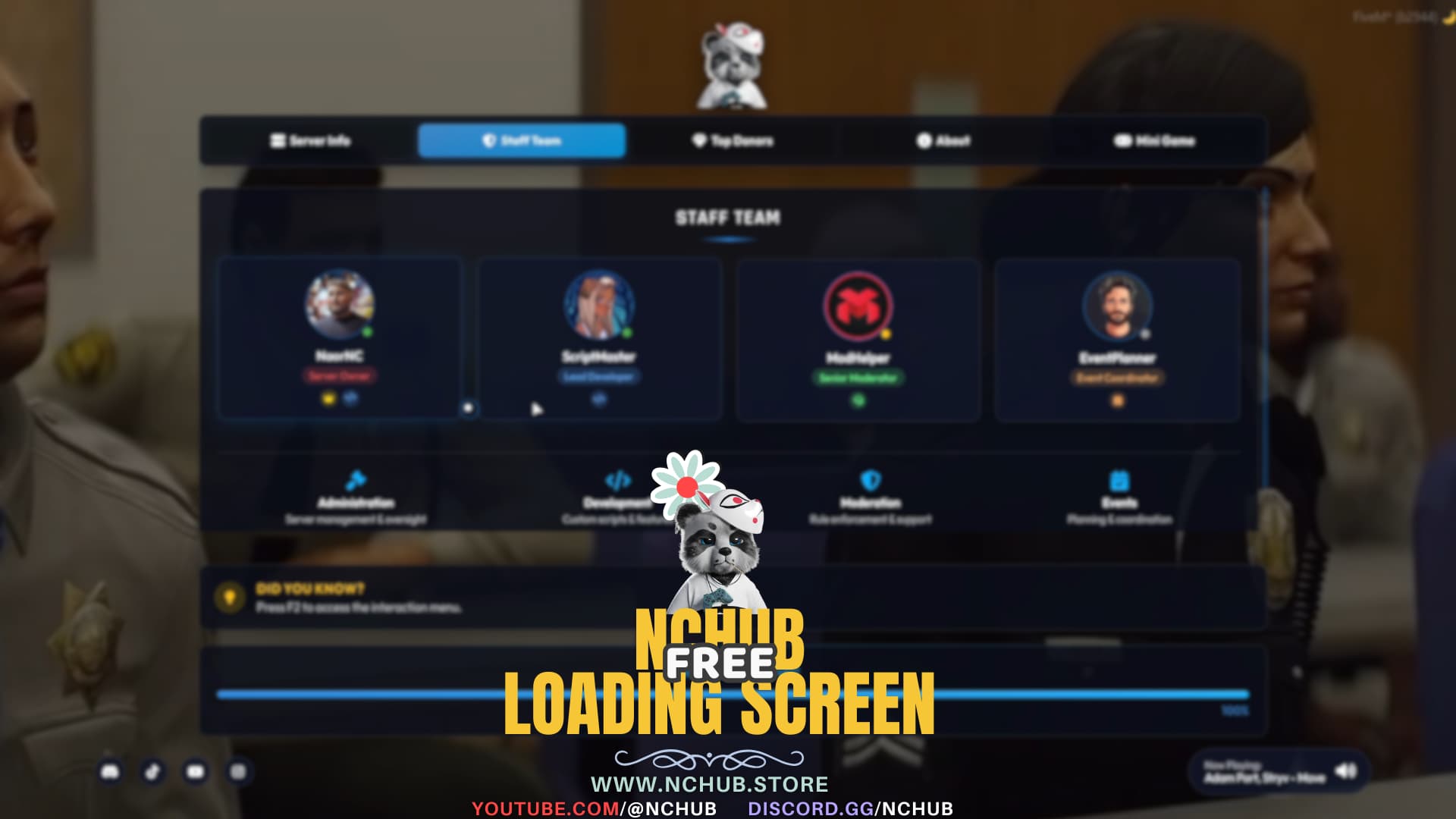
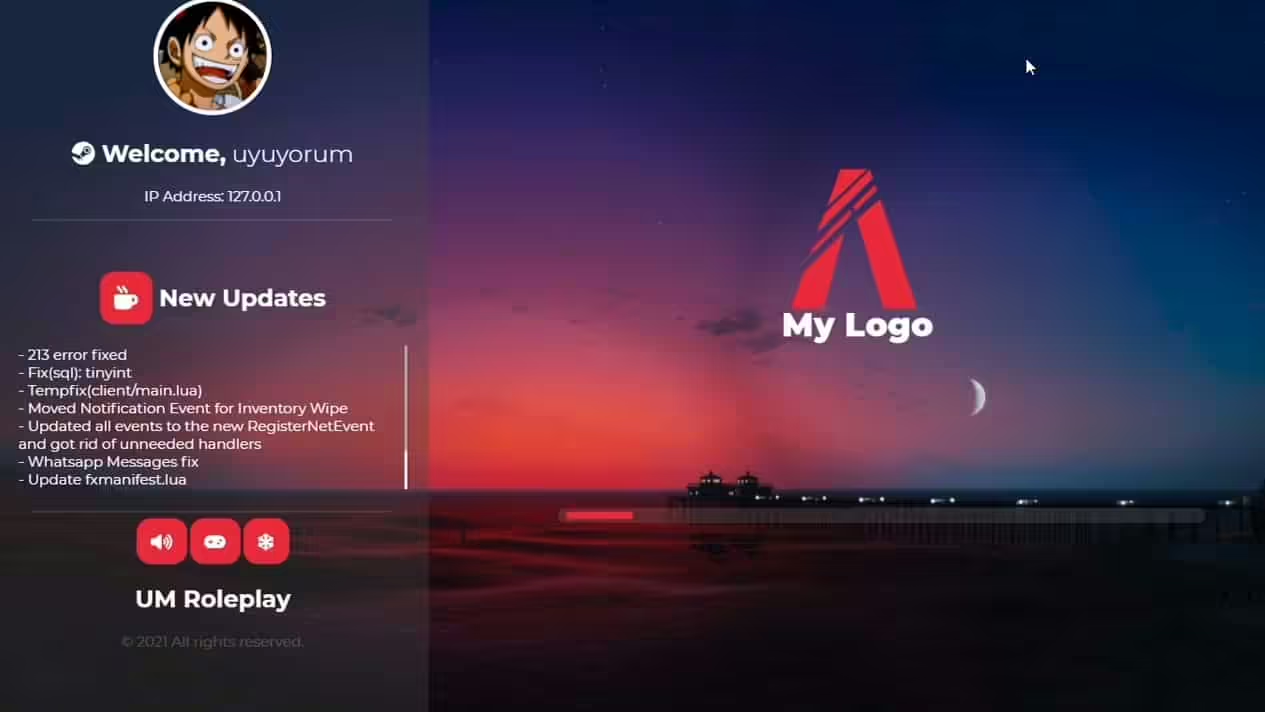
How to configure a FiveM loading screen
Check the resource structure
Keep the resource manifest at the package root and its HTML, CSS, JavaScript, fonts, images, and audio in the paths declared by that manifest. Avoid an extra nested folder after extracting the archive.
Configure without losing your rollback
Copy the original resource before editing server name, colors, links, progress messages, or media. Store custom values in the documented configuration when one exists instead of changing minified files blindly.
Handle audio and autoplay carefully
Browsers and embedded views may restrict autoplay, especially with sound. Provide a clear mute control, choose a conservative default volume, and ensure the screen still works when audio does not start. Use only audio you are licensed to distribute.
Protect load time
Compress background images, video, fonts, and audio; remove unused assets; and test on a cold cache and a slower connection. A large loading screen competes with the resources players need before joining.
Check accessibility and failure states
Use readable contrast, scalable text, visible focus states, reduced-motion behavior where practical, and meaningful status text that does not rely only on animation. Test missing media, blocked audio, reconnects, and different aspect ratios before production.