




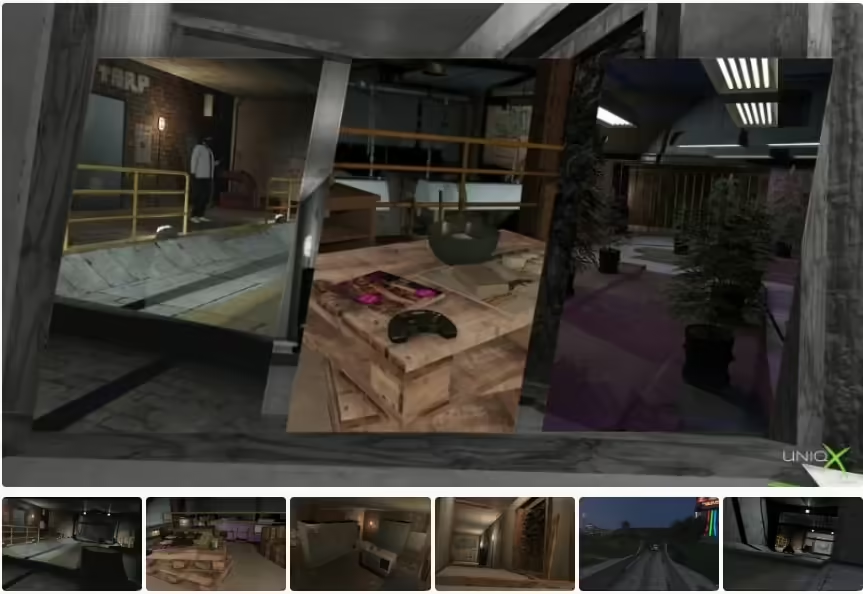
Install uNiqx’s X Labs Part Two from the creator source and choose the correct laboratory entity set.
 English
Free FiveM MLO and YMAP releases, collected from public author posts. An MLO replaces or adds a building interior; a YMAP places objects and props into the world. Both reach the client through a resource stream folder, so both are limited by your server’s streaming budget rather than by its framework.
Before a free map goes near a live server, check four things: the game build it was made for, whether collision and LOD files ship with it, which dependencies it names, and what the author’s licence actually permits. A free download is not automatically a free licence, and a map that loads on an empty test server can still cause texture loss once other resources compete for memory. Load it on staging first and watch the client console for missing-asset warnings.
Install uNiqx’s X Labs Part Two from the creator source and choose the correct laboratory entity set.
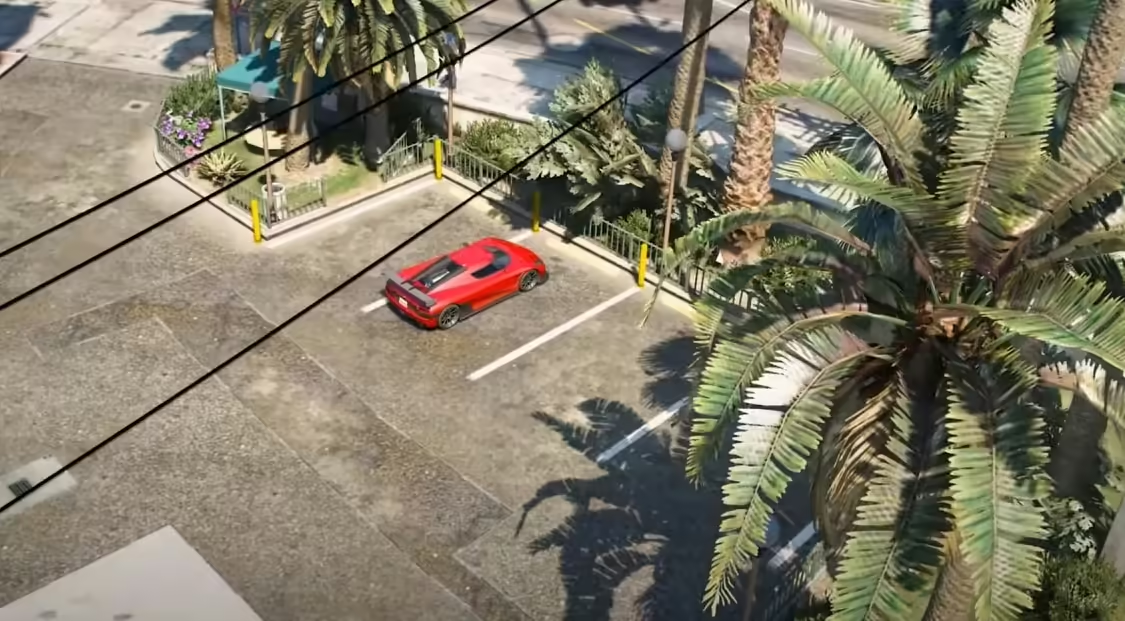
Download Nothin Studio’s original Shop Center YMAP and check the verified archive layout, resource name and overlapping map files.
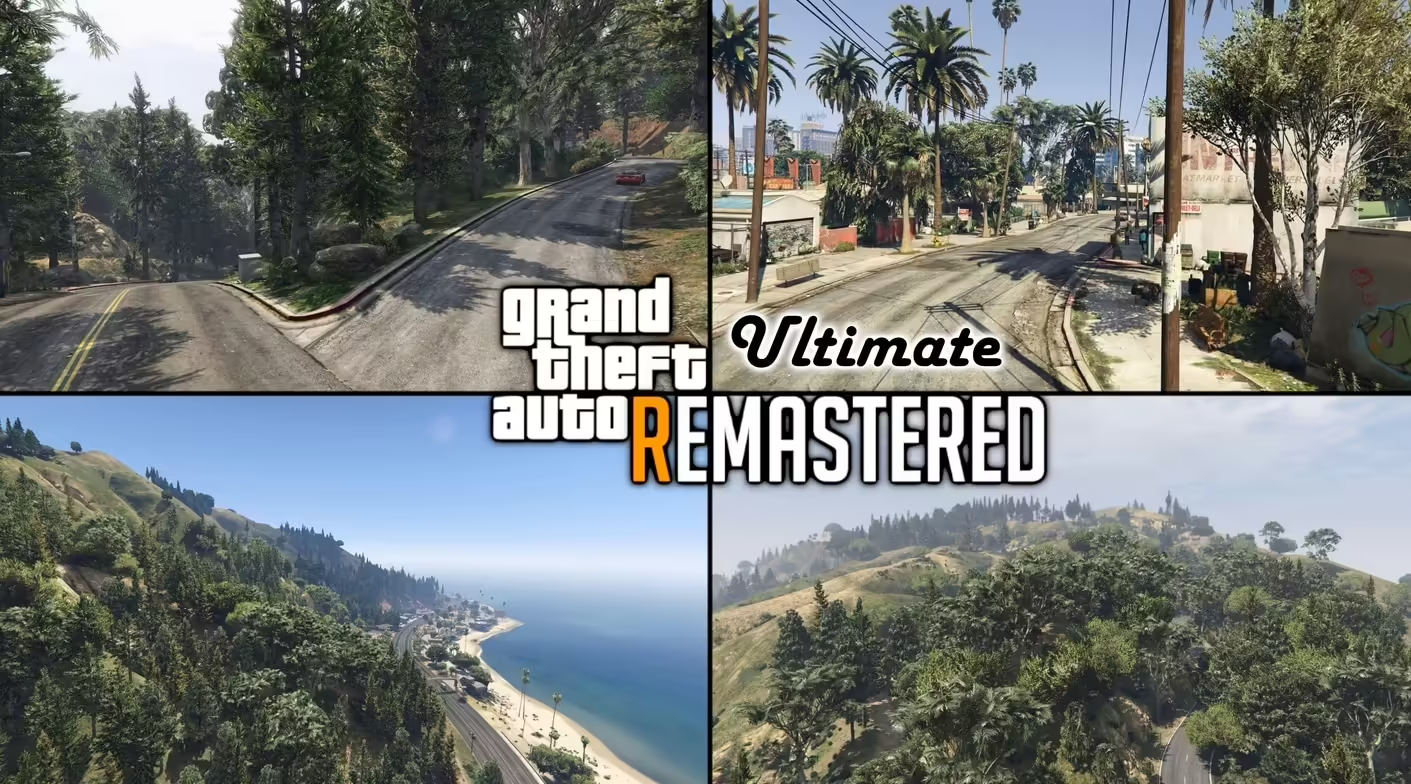
GTA V Remastered Ultimate by Larcius: creator access, distinction from free Enhanced, package compatibility and development status.
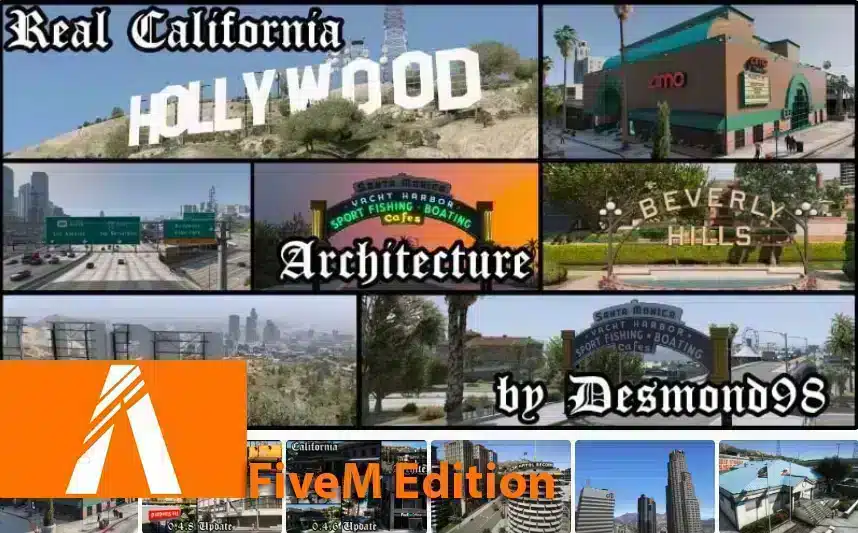
Find Vlad’s Real California Architecture release, distinguish its single-player installation from FiveM, and check billboard conflicts.

Find Gidoxy’s Rooftop House source and distinguish the FiveM edition from single-player files before installing.
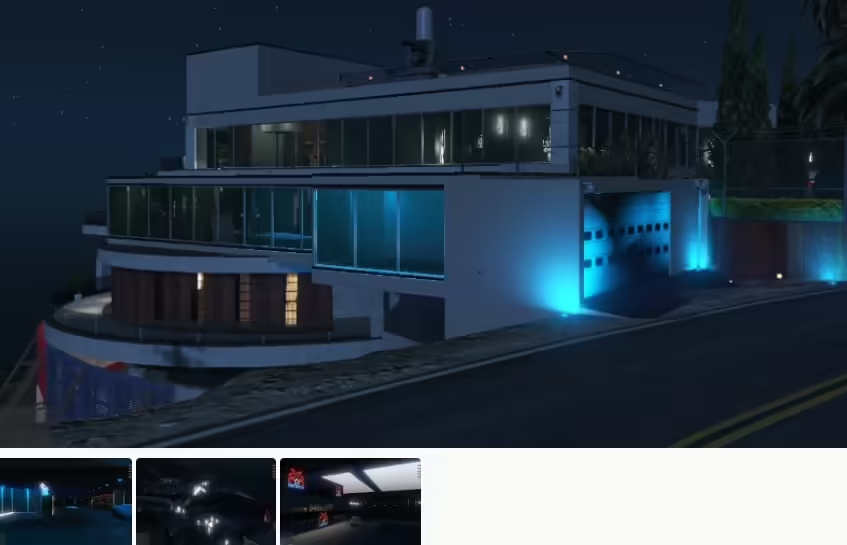
Identify MBRoberto’s Devin Weston conversion and distinguish its single-player instructions from FiveM packaging.
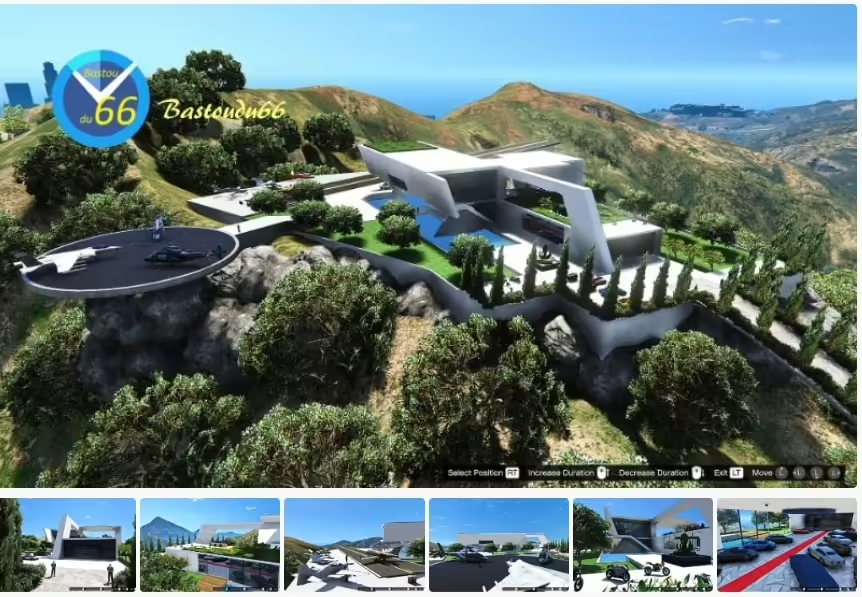
Choose the full or low Galileo Mansion XML set, check the water.xml encoding and follow the original Map Editor loading order for GTA V single-player.
Compare TheBearli’s European Roads releases, choose the correct FiveM package and test road textures alongside your existing maps.
An MLO is an interior workflow with archetype and room data; a YMAP commonly controls placements in the world. Some downloads include both. Check the package contents and read MLO vs YMAP before deciding what your server needs.
Confirm the supported GTA V game build, required dependencies, collision files, and whether the resource replaces an existing map in the same area. Framework compatibility matters only when a map also includes scripts such as doors, jobs, or interactions.
The CodeWalker guide explains how to load the GTA V path, open World View, organize a project, and inspect YMAP and YTYP work before an in-game test.
A free map can be suitable when its source, license, documentation, and maintenance history meet your needs. Compare paid FiveM MLOs when you need a different design, documented support, or a specific commercial license; price alone is not proof of quality.