




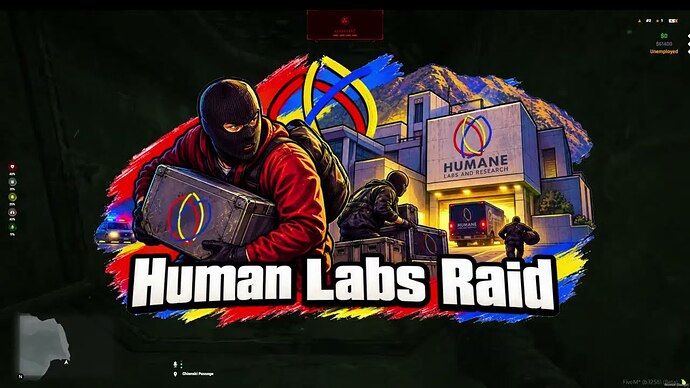
A free raid resource with lab permits, PX41 minigames and explicit inventory setup requirements.
 English
Free FiveM resources across every type we track: scripts, MLOs and YMAPs, vehicles, clothing, HUDs and loading screens. These are public releases by their original authors, not RPCrate products, so support and update cadence depend entirely on whoever published them.
Treat a free resource as a starting point that needs review. Read the licence before you ship it, because “free to download” and “free to use on a monetised server” are different permissions. Check which framework it targets and which dependencies it expects, since a script written for es_extended will not run unchanged on QBCore. Look at the release date against the FiveM build you run. And read the server-side code before installing: an unreviewed free resource is the most common way an event handler without a permission check reaches a live server.
A free raid resource with lab permits, PX41 minigames and explicit inventory setup requirements.
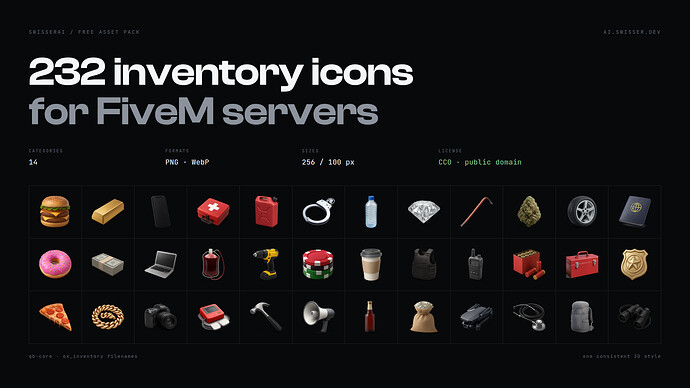
A consistent inventory icon pack with PNG and WebP files, item naming notes and direct creator downloads.
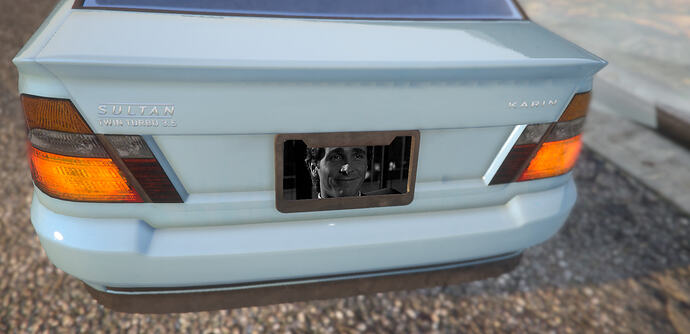
Rear-plate customization with database persistence and clear garage-integration limits.
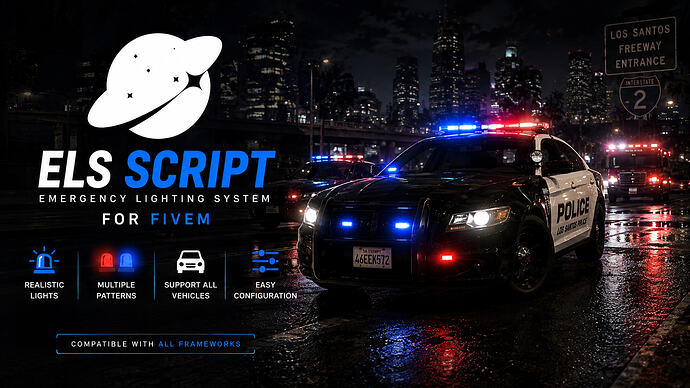
SpaceELS is a free, standalone ELS controller for FiveM, offering optimized performance and an intuitive in-game UI for emergency vehicles. SpaceELS provides an immersive experience with features like dynamic environmental lighting, creating realistic reflections on the ground and ambiently. Control your vehicle’s lights and sirens effortlessly through a clean, interactive in-game UI. Capabilities More script […]
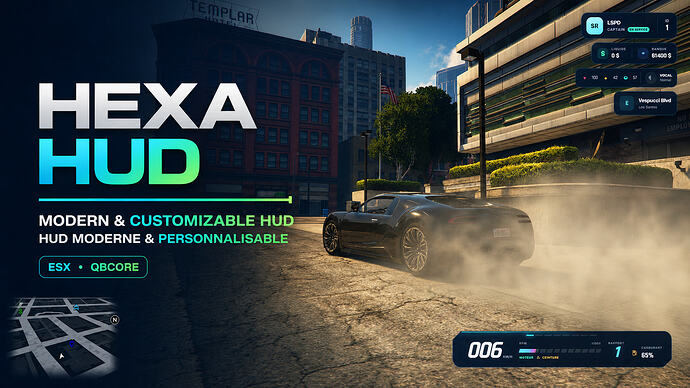
Find Hexa HUD’s creator package for FiveM, check ESX status and optional fuel integrations, and review customization controls.
![[ENHANCED] Cool Bean - Fiv3Devs](https://rpcrate.com/wp-content/uploads/2026/08/1bec909139590cc1e025733ddbc06c765e3bac2e_2_345x194.jpeg "Cool Bean MLO for FiveM Enhanced: Edition and Map Checks")
Find Fiv3Devs’ Cool Bean map for FiveM Enhanced and check edition, logo customization, collisions and separate café-job requirements.
Check DF Shops’ creator download, ox_lib and oxmysql requirements, editable integrations and practical shop-management and purchase tests.
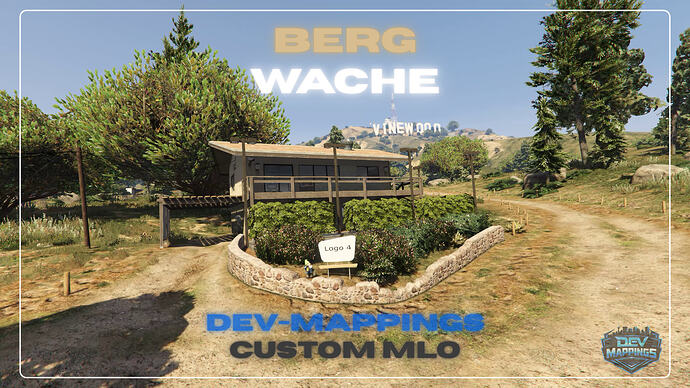
Find the DEV-Mappings rescue station for FiveM and check DLC requirements, texture access, map conflicts and staging checks before installation.
![[ENHANCED] Cockpit - Fiv3Devs](https://rpcrate.com/wp-content/uploads/2026/08/e195b70cce8469b97b83d779db146227adf5c5c2_2_345x194.jpeg "Fiv3Devs Cockpit: FiveM Enhanced Setup and Travel Checks")
Check the Enhanced-only Cockpit package, target integration and Cayo Perico travel requirements before enabling the aircraft interior.
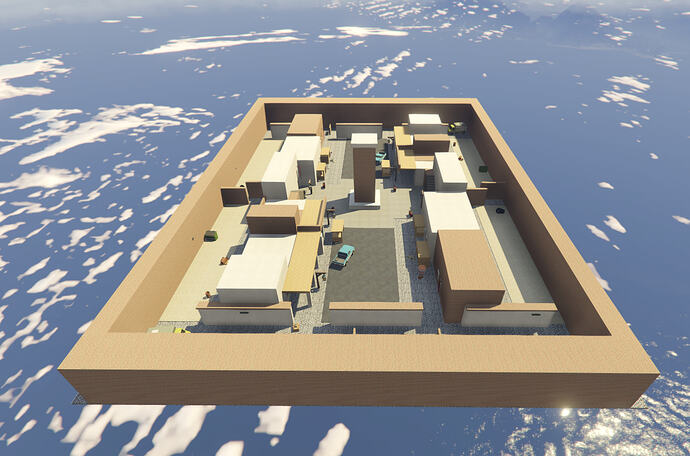
Find V3SC’s Bazaar arena, its documented coordinates and build requirement, and check its escrow and support limits.
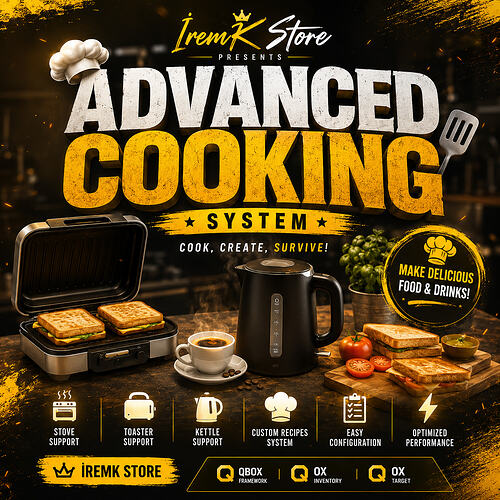
Check IremK Cooking dependencies, recipe items, editable configuration and multiplayer behavior before adding it to a QBCore or Qbox server.

Add Shop Fusion’s 24 nail-polish items using the matching inventory configuration, then connect and test your own cosmetic gameplay.
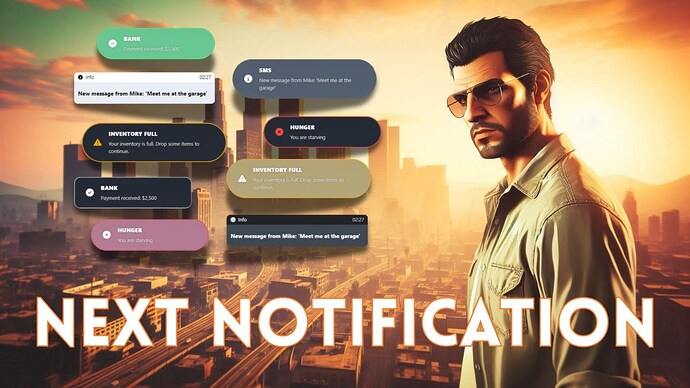
Connect Next Notification to your framework, customize its appearance in game and test which notification calls the integration actually replaces.
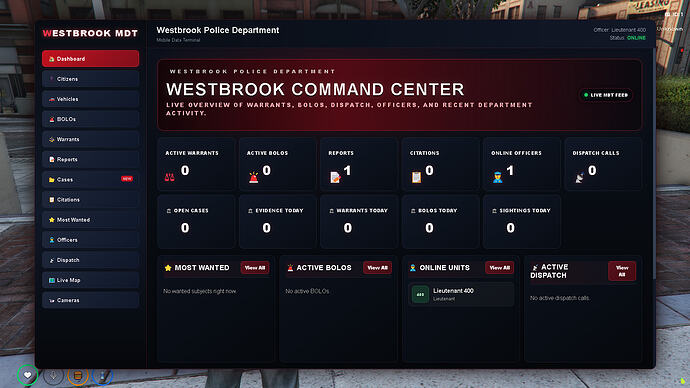
Review Westbrook MDT Pro’s QBCore requirements, dispatch integration and police access checks using the original creator release.
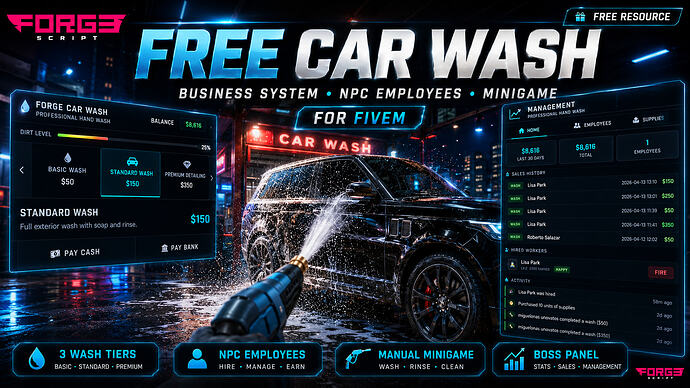
Find CodeForge’s current Car Wash listing, check ox_lib and database requirements, and test NPC workers, wash tiers and business payouts.

Install the creator’s Dynamic Sit resource, use /sit and /stand, and review unused settings, player-handle conversion and cleanup before public use.
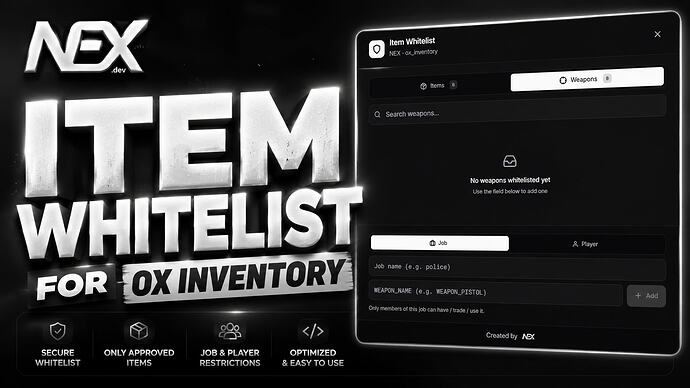
NEX Item Whitelist restricts ox_inventory items by job or player identifier. Its current documentation describes ESX, QBCore and Qbox support and an in-game administration menu. The creator’s release says the code is escrowed while configuration remains accessible; use the linked creator distribution and check its current terms.
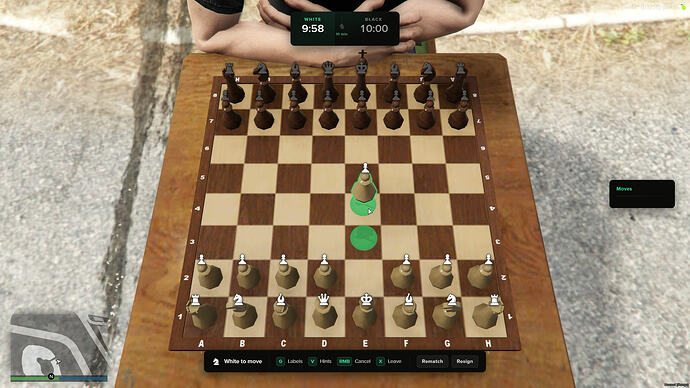
STG Chess V2 is a multiplayer chess resource offered free on the creator’s current store. The release names ox_lib and stg_lib as requirements and states that the code is not accessible. Obtain it through STG’s own store and follow the instructions supplied with that edition.
Free FiveM mods can be server scripts, map resources, vehicles, clothing, graphics, or client-side presets. Identify the resource type first because each has a different installation path and risk profile.
Read the creator’s documentation for ESX, QBCore, Qbox, or Standalone support. Confirm required libraries, database migrations, game builds, and load order before copying files. A framework label alone does not prove compatibility with your server version.
Prefer resources with a named maintainer, installation instructions, an understandable file tree, and a reversible setup. Treat claims such as “optimized,” “tested,” or “ready-to-install” as unverified unless the publisher provides concrete evidence.
New players should use the official FiveM download and installation guide. Server owners should read how to use FiveM mods safely before deploying a free resource.