




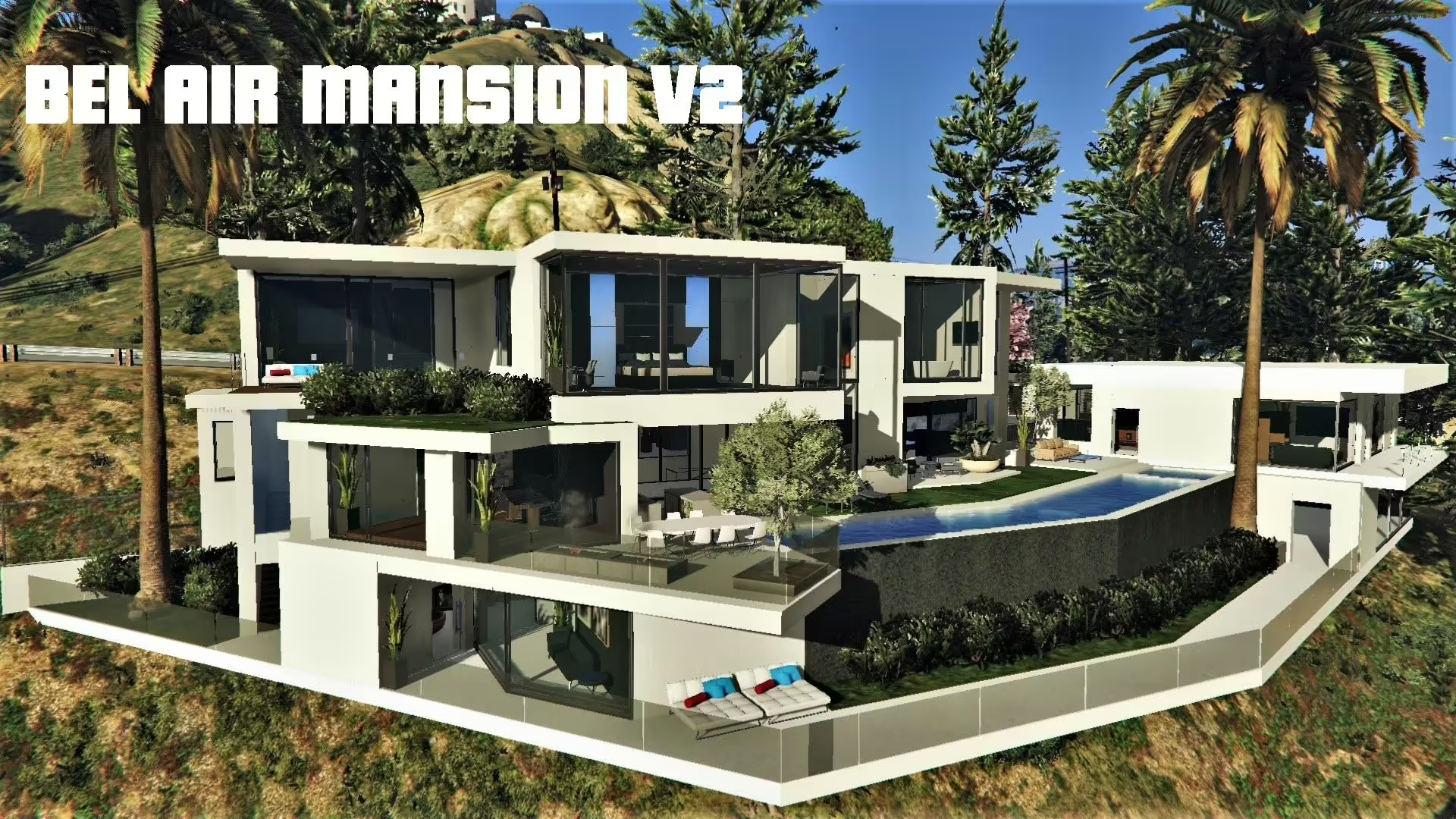
Check guelo000’s known object-rotation issues, Map Builder Pro dependency and single-player setup scope.
 English
Free FiveM MLO and YMAP releases, collected from public author posts. An MLO replaces or adds a building interior; a YMAP places objects and props into the world. Both reach the client through a resource stream folder, so both are limited by your server’s streaming budget rather than by its framework.
Before a free map goes near a live server, check four things: the game build it was made for, whether collision and LOD files ship with it, which dependencies it names, and what the author’s licence actually permits. A free download is not automatically a free licence, and a map that loads on an empty test server can still cause texture loss once other resources compete for memory. Load it on staging first and watch the client console for missing-asset warnings.
Check guelo000’s known object-rotation issues, Map Builder Pro dependency and single-player setup scope.
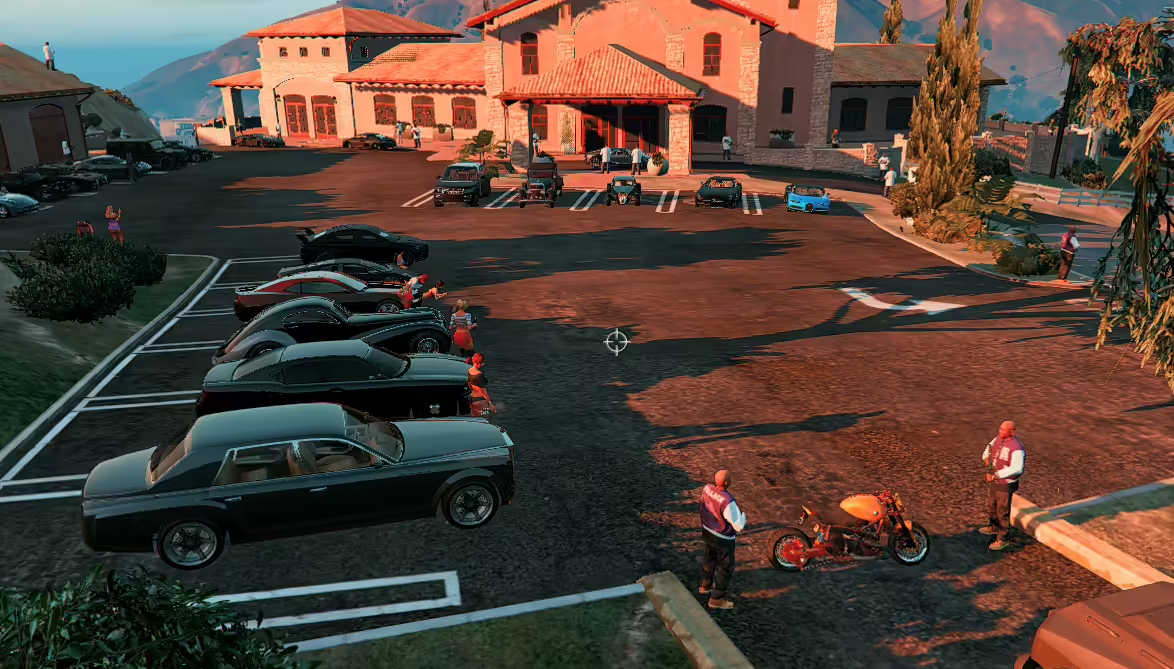
Find zxack’s original Mafia Boss Mansion scene, its Map Editor setup and the discontinued Savehouse dependency before using this legacy GTA V mod.
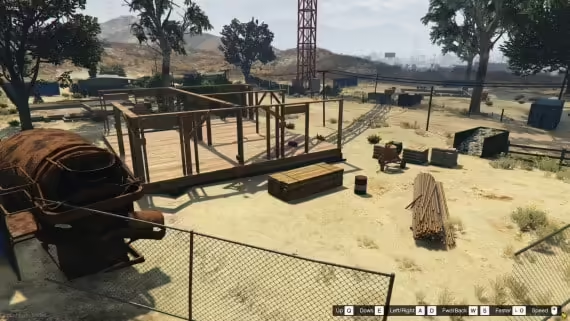
Install ShopFusion’s builder map resource in FiveM server data and check streaming, collisions and job integration before opening the site.
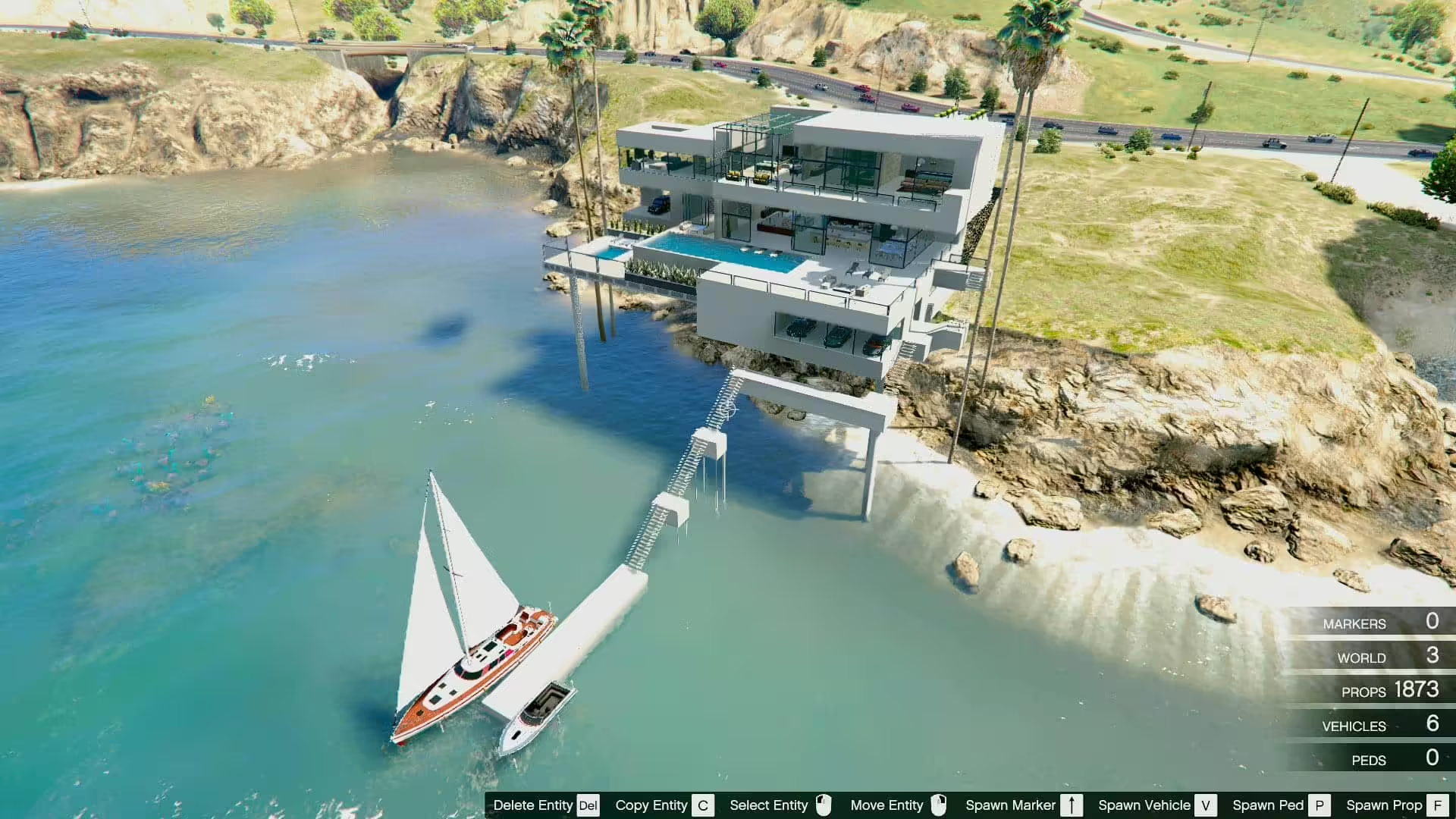
Find kristg’s original Sunset Coast Mansion, load its XML with Map Editor and distinguish the showcased cars from the map package.
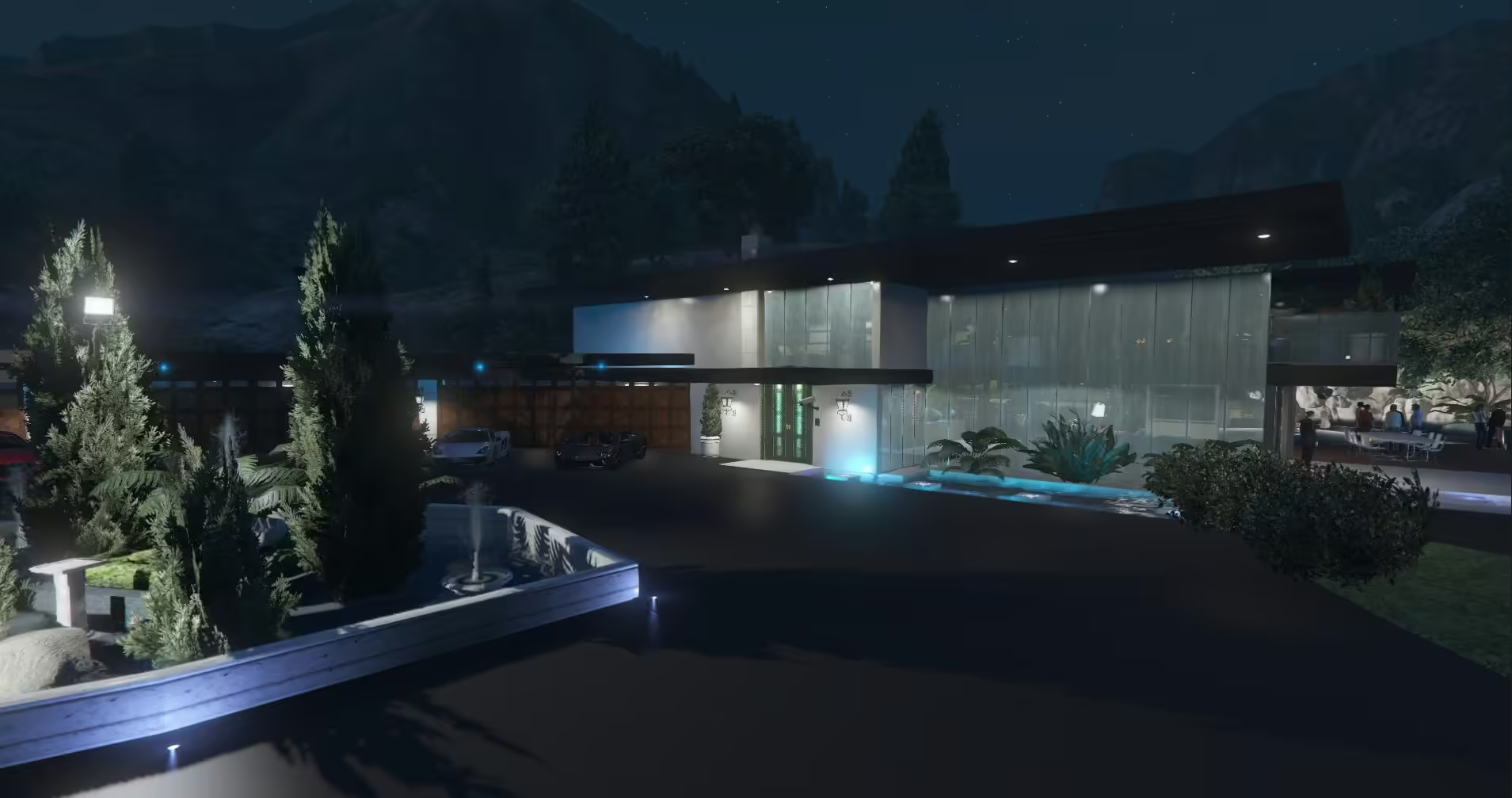
Load DarkStormer’s Luxury Party Mansion with the correct Map Editor XML variant. Follow the included loading-point image and check dynamic doors.
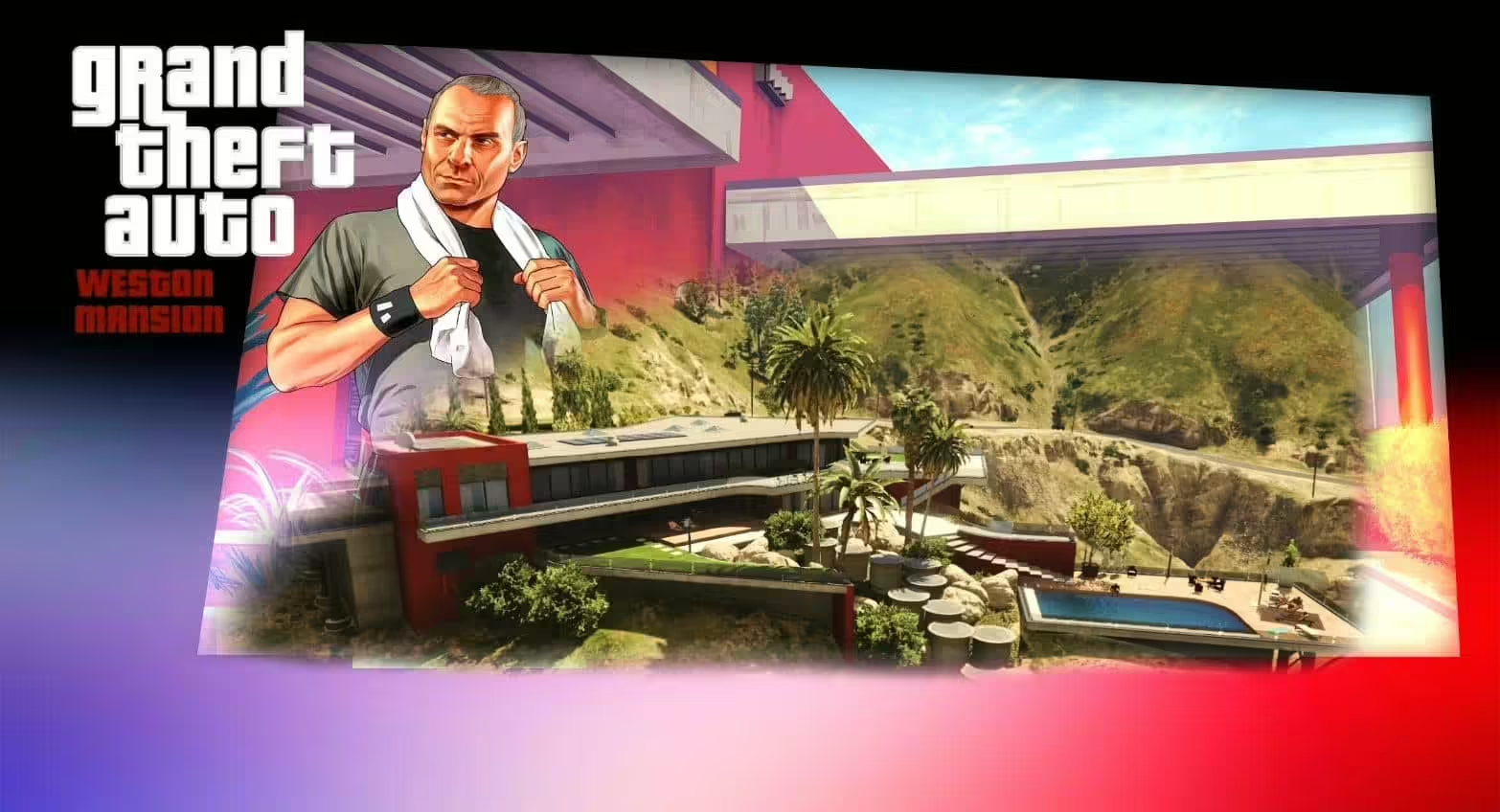
Review JP-Schindler’s single-player XML scene, exact required files and documented visual limitations.
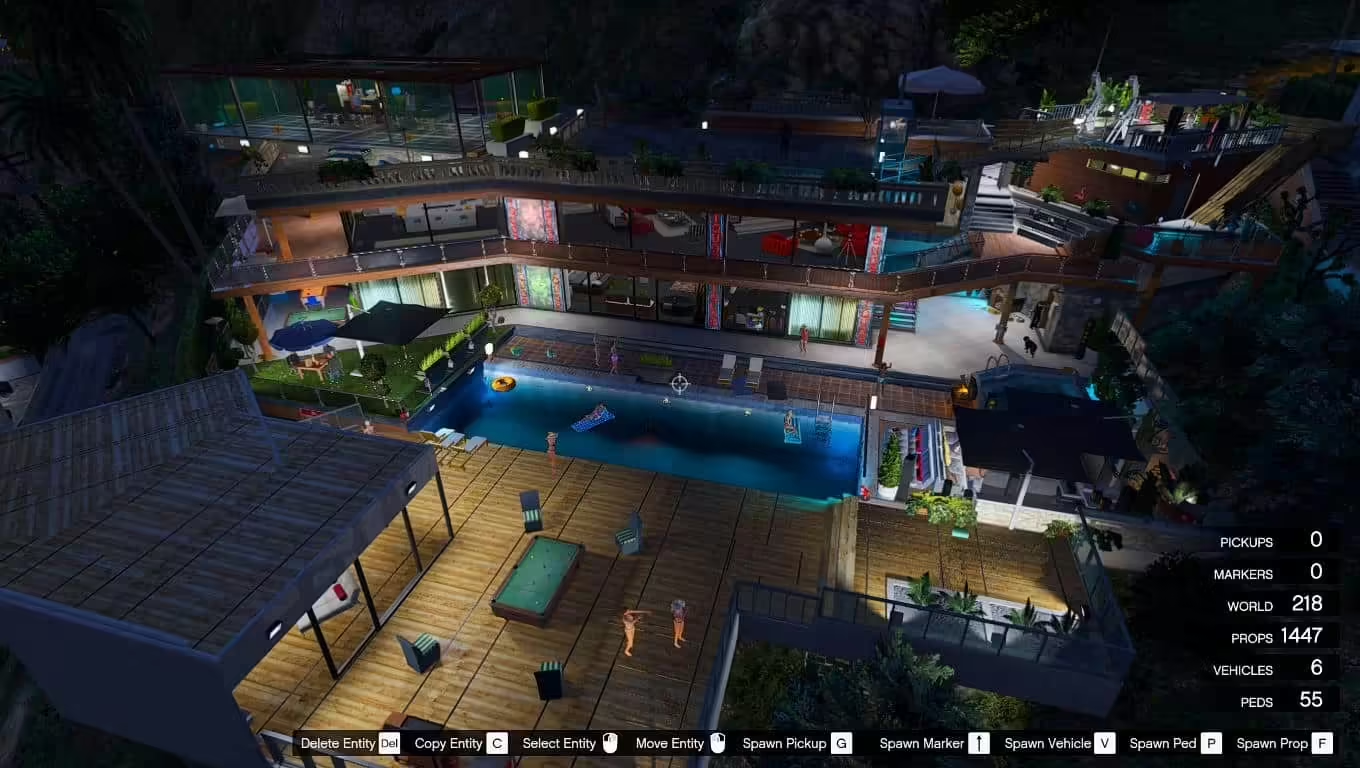
Identify the original Franklin’s Mansion House XML mod and its Map Editor requirements before confusing it with a ready-to-run FiveM MLO.
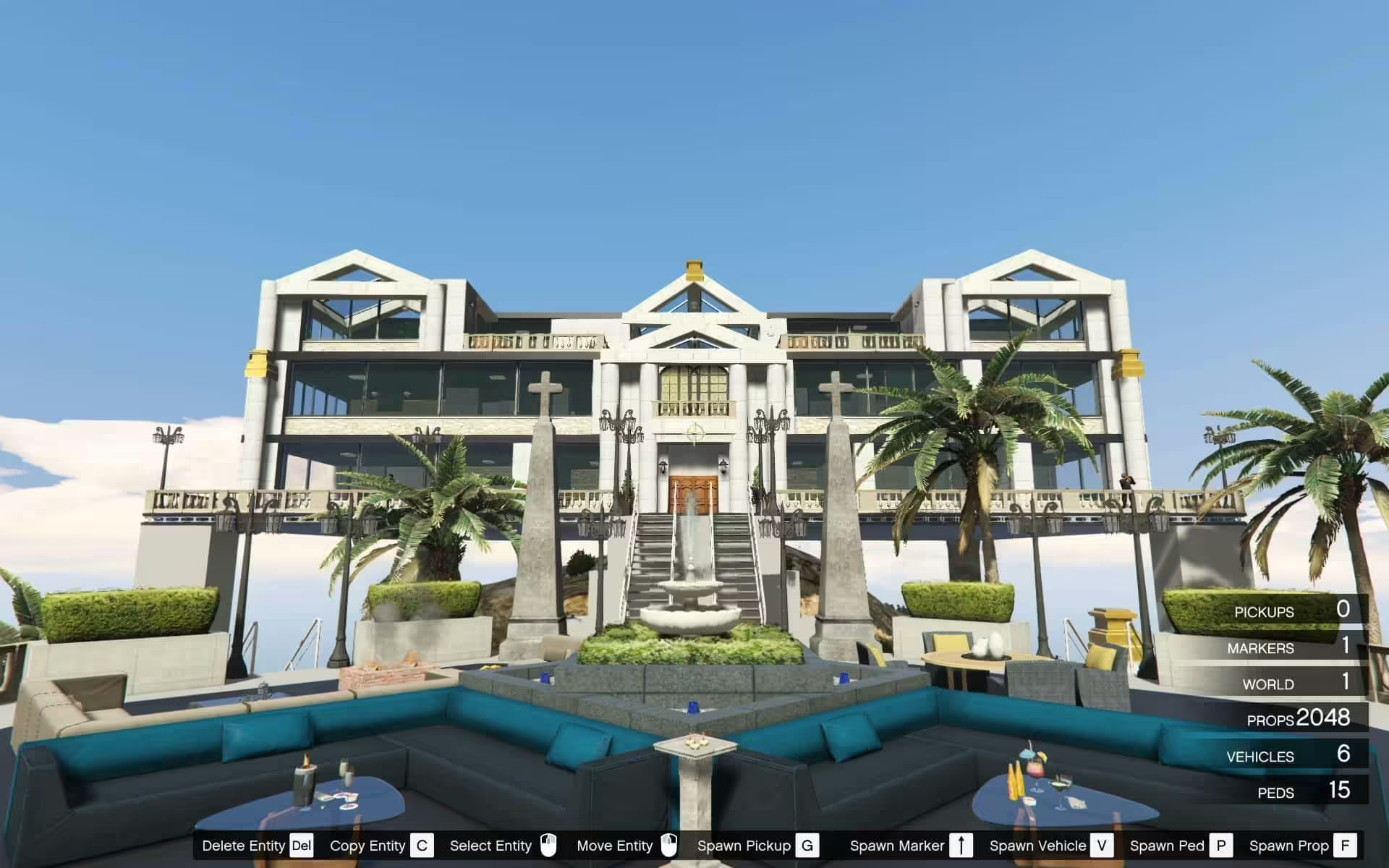
Understand Zoidberg’s mansion scene, object-list requirements and the limits of its documented FiveM support.
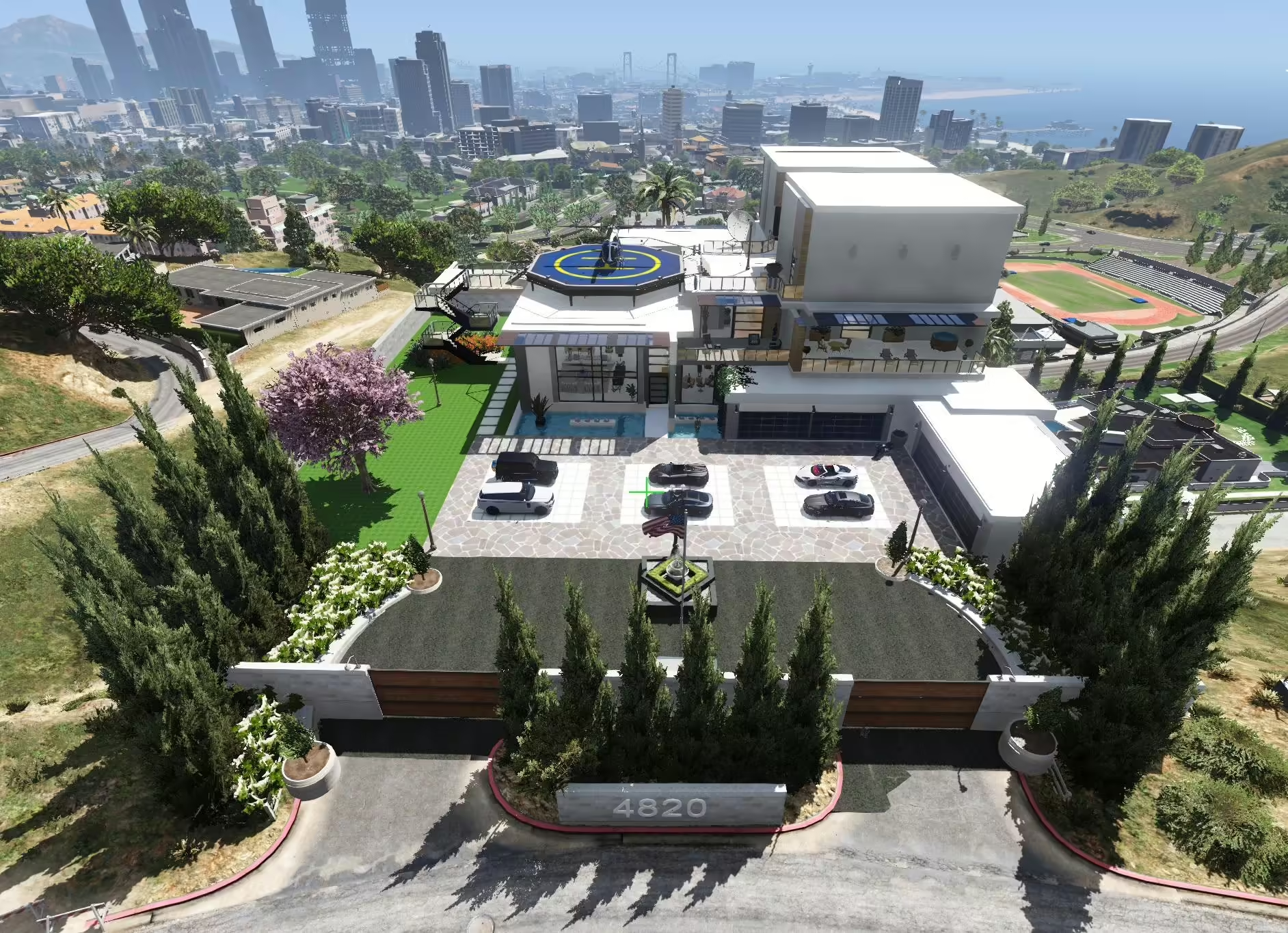
Compare KINGMAV’s separate Modern Mansion downloads, required files and version-specific setup before installing.
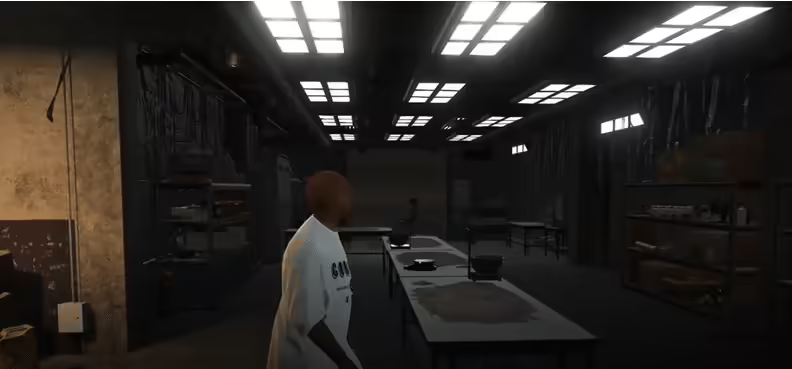
Sandy Cokelab is MrBrown1999’s MLO interior published in 2019. The original listing gives separate single-player and FiveM instructions. For FiveM it specifies the server resources folder and start cokelab in server.cfg; the dlclist.xml steps belong to single-player installation.
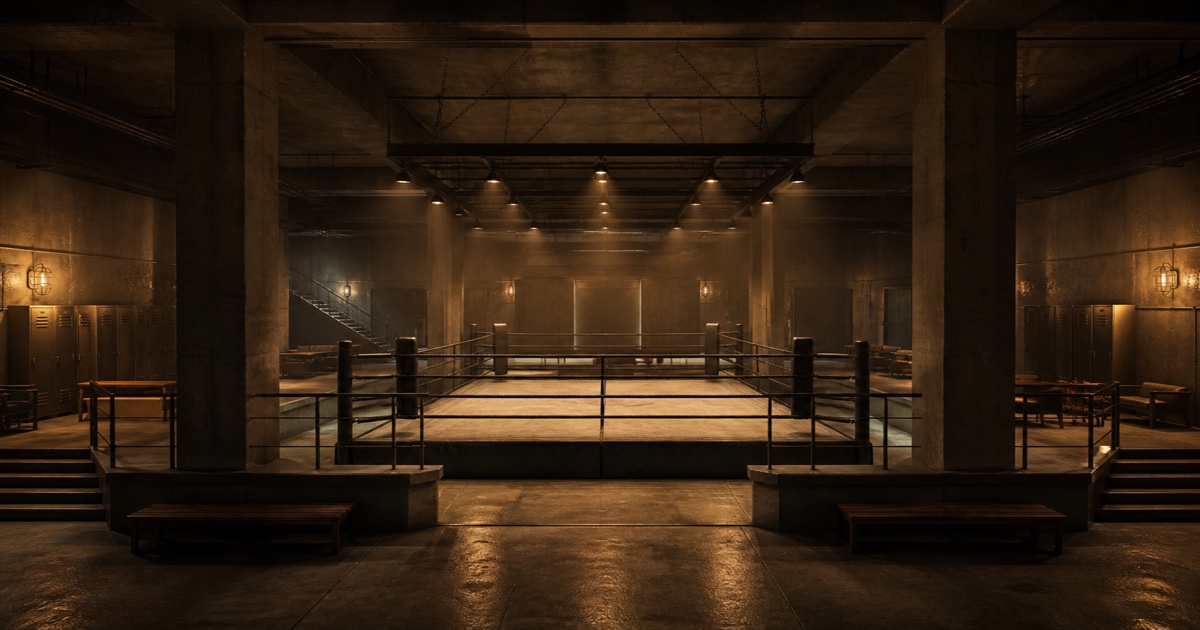
Install MrBrown1999’s Fight Club interior using its separate FiveM or SP folder, correct DLC-list path and creator coordinates. Review the legacy manifest.
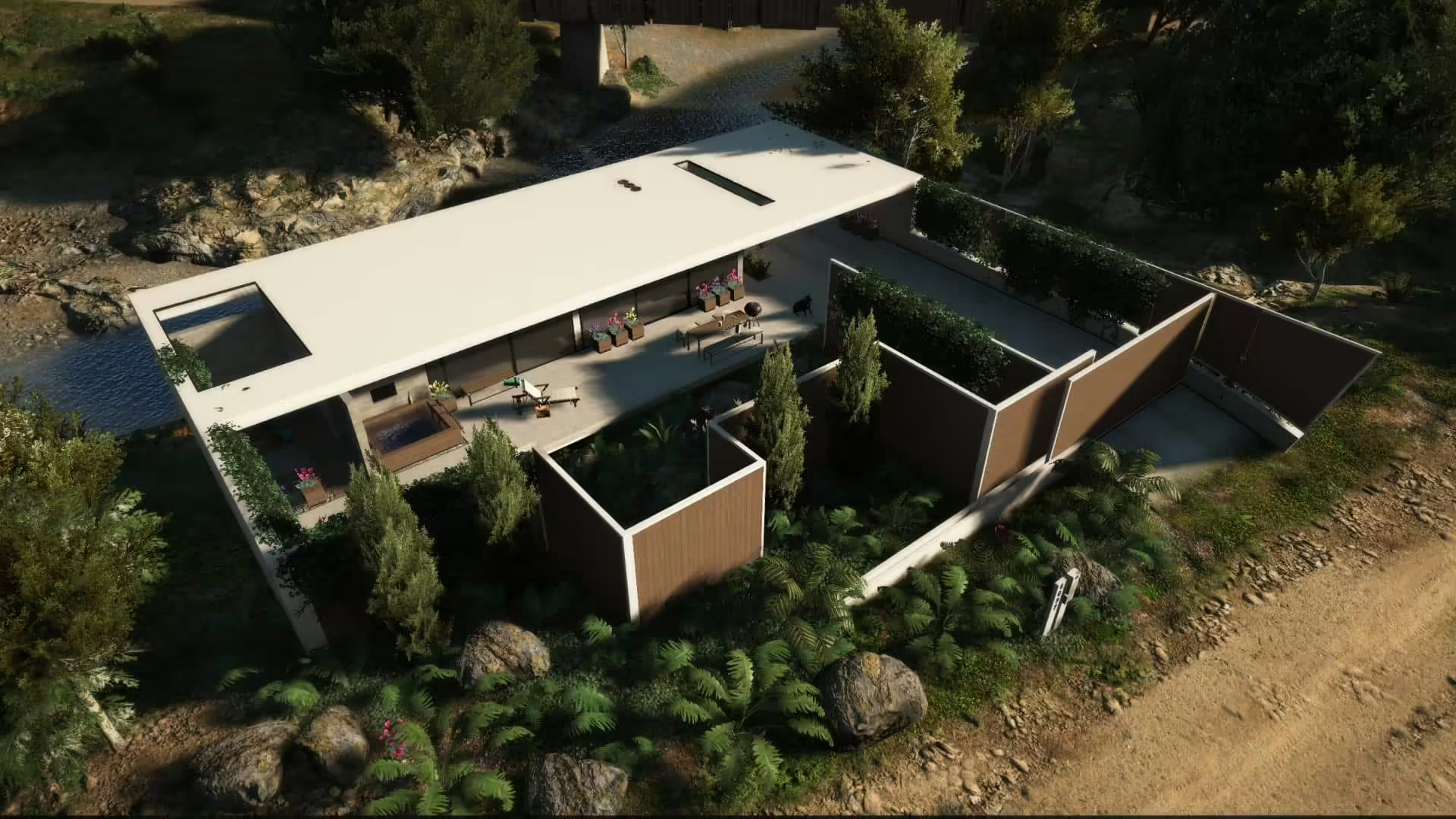
Find BigShaqNOKetchup’s original Nature Weekend House, follow the single-player package layout and check the creator’s server-use terms.
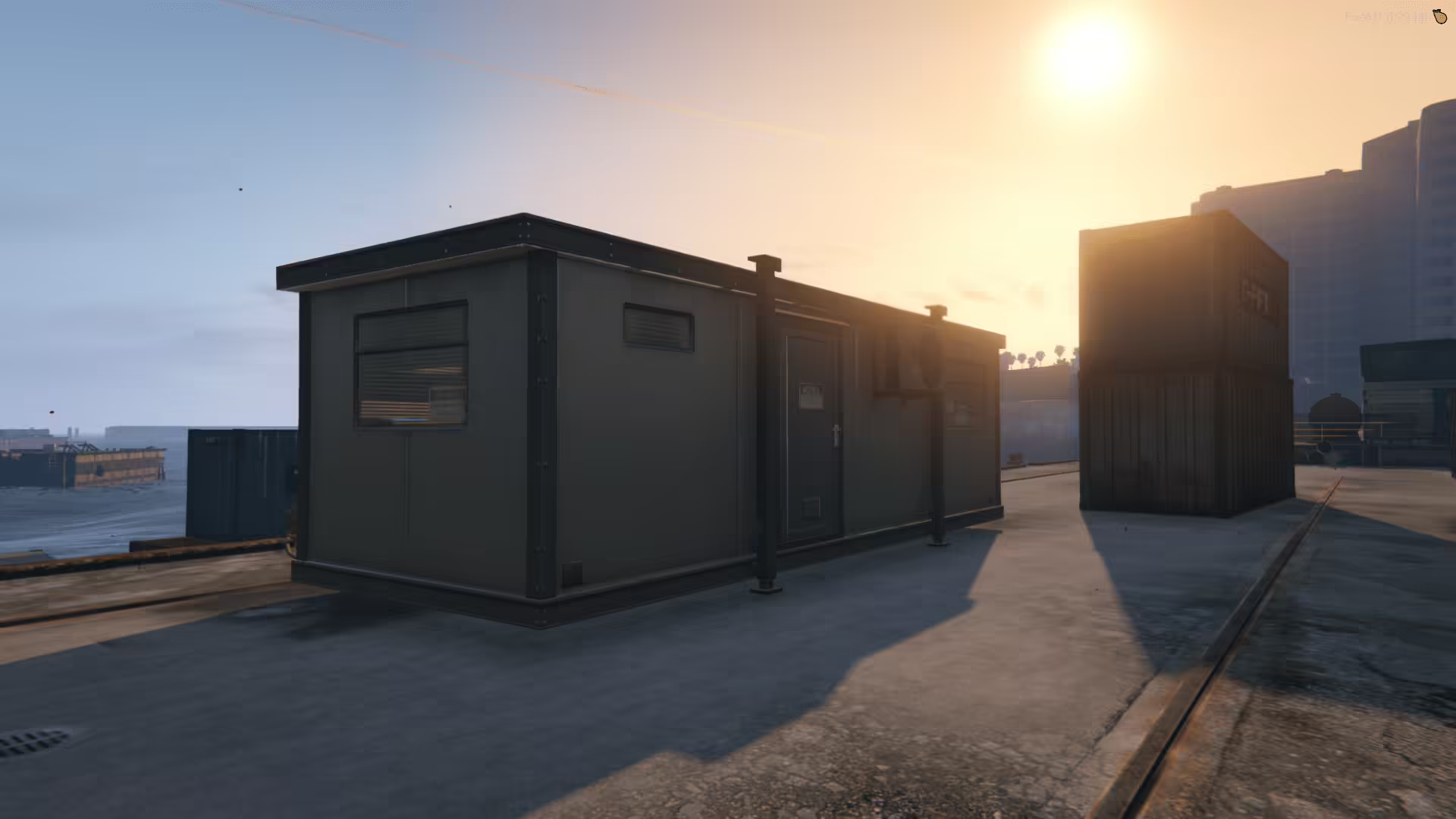
Install Changer’s container using the actual changer_container resource folder. Keep the FiveM map assets together and separate the single-player files.
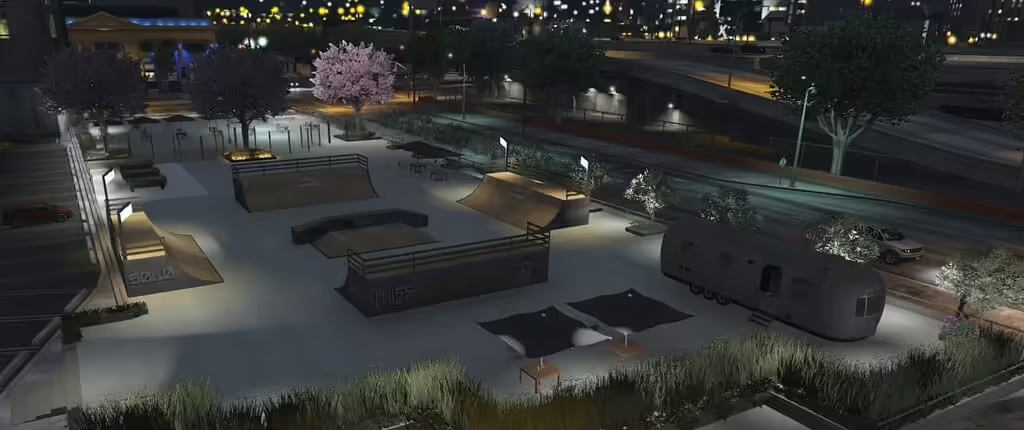
Identify turtle8675309’s Legion Square project, understand its optional YMAP layers and check the currently unavailable source link.
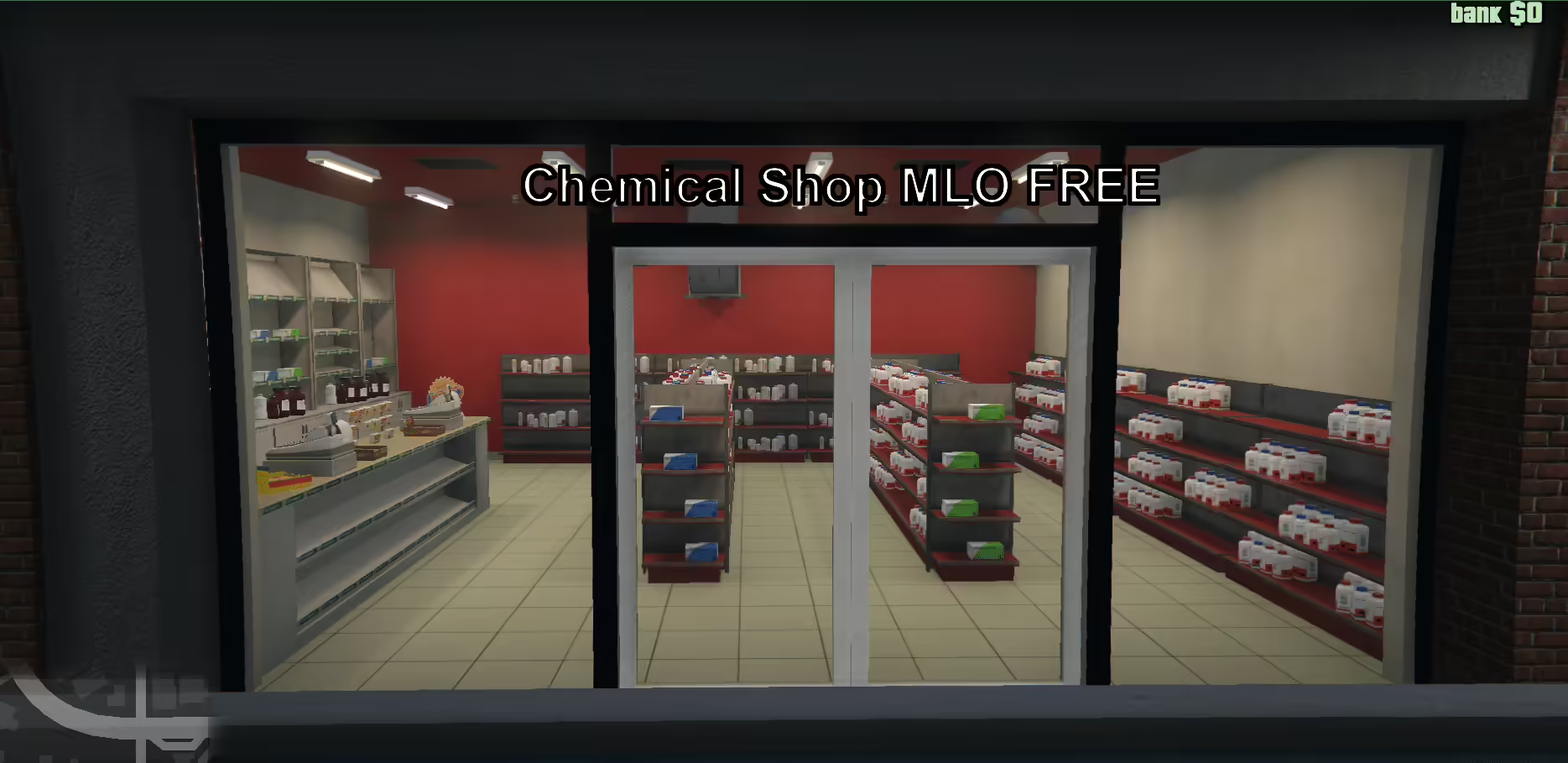
Find the original Chemical Shop V2, select the correct FiveM or SP folder and review the manifest reference to a missing peds.meta before installation.
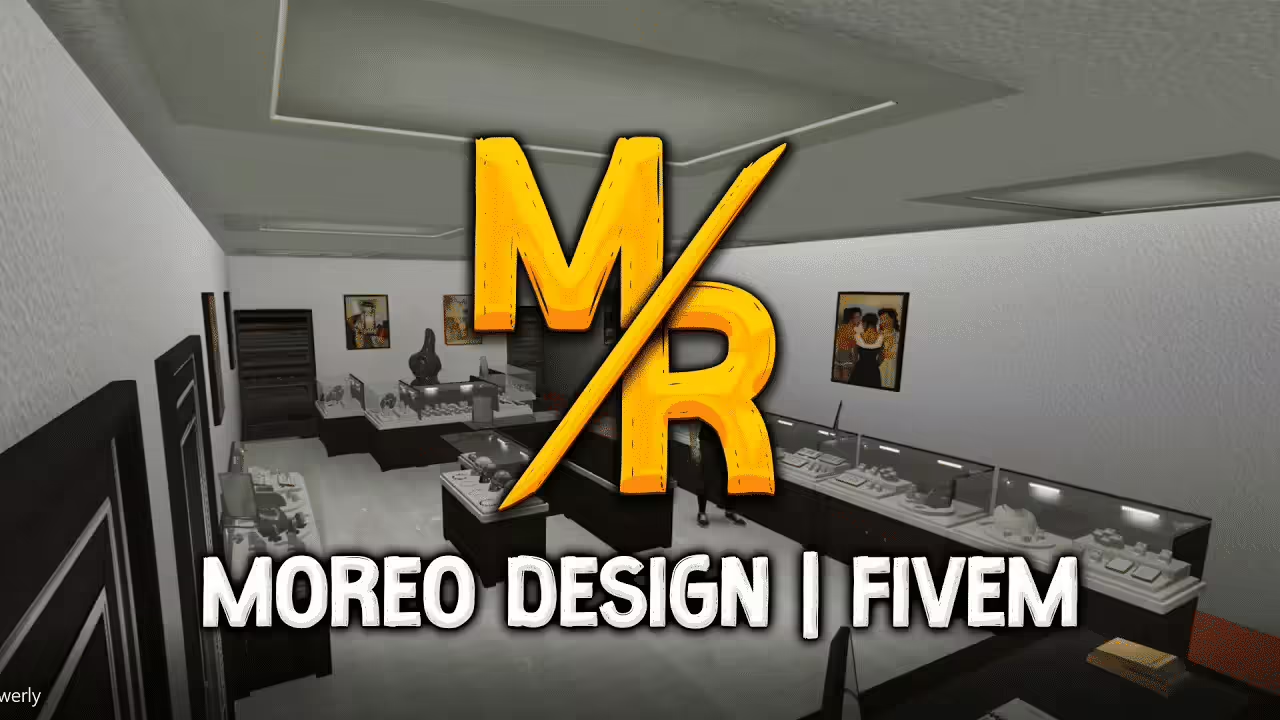
Install Moreo’s Jewelry with its actual legacy FiveM manifest or separate SP DLC. Check Legion Square collisions and reported single-player LOD issues.
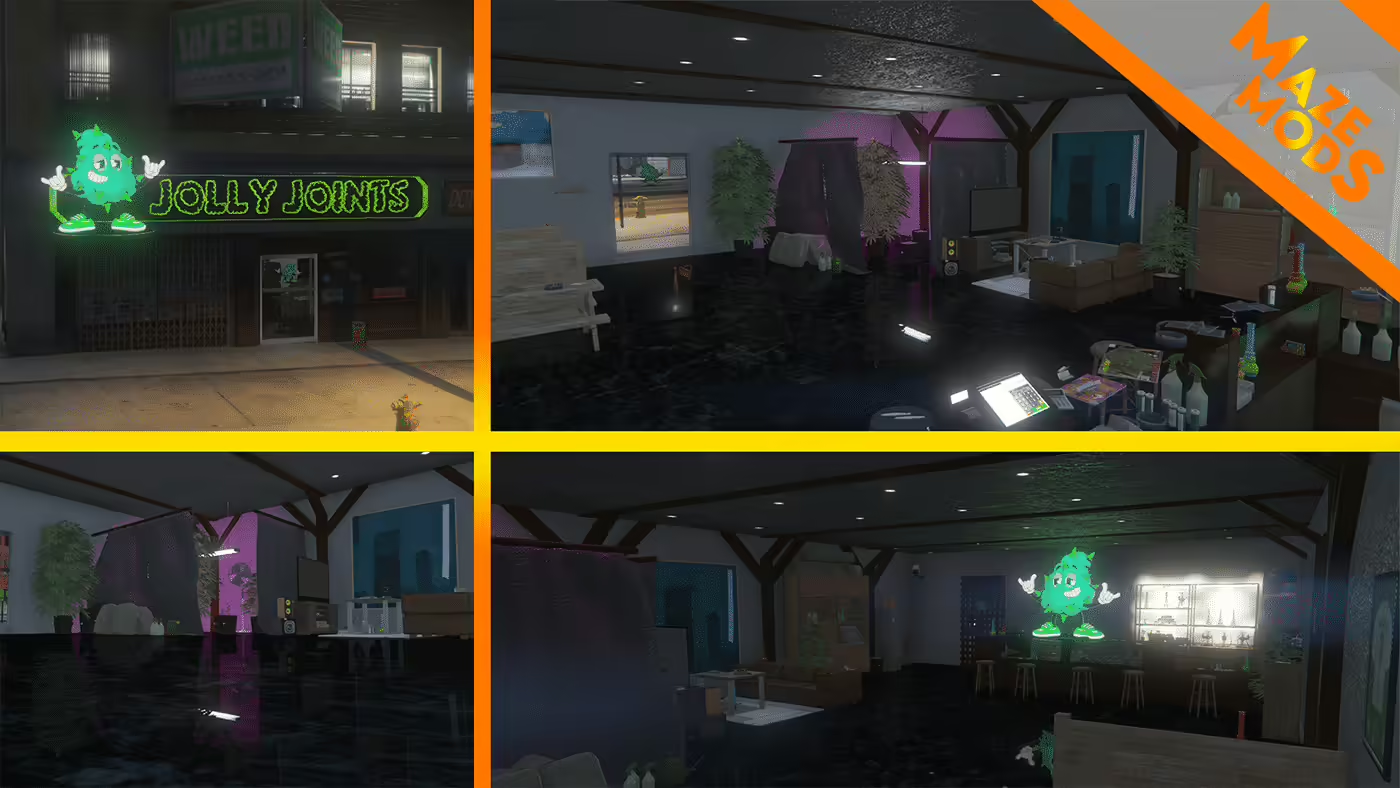
Find the original Jolly Joints map, install florek_weedshop for FiveM and check the creator’s dealership and Legion Square conflict warnings.
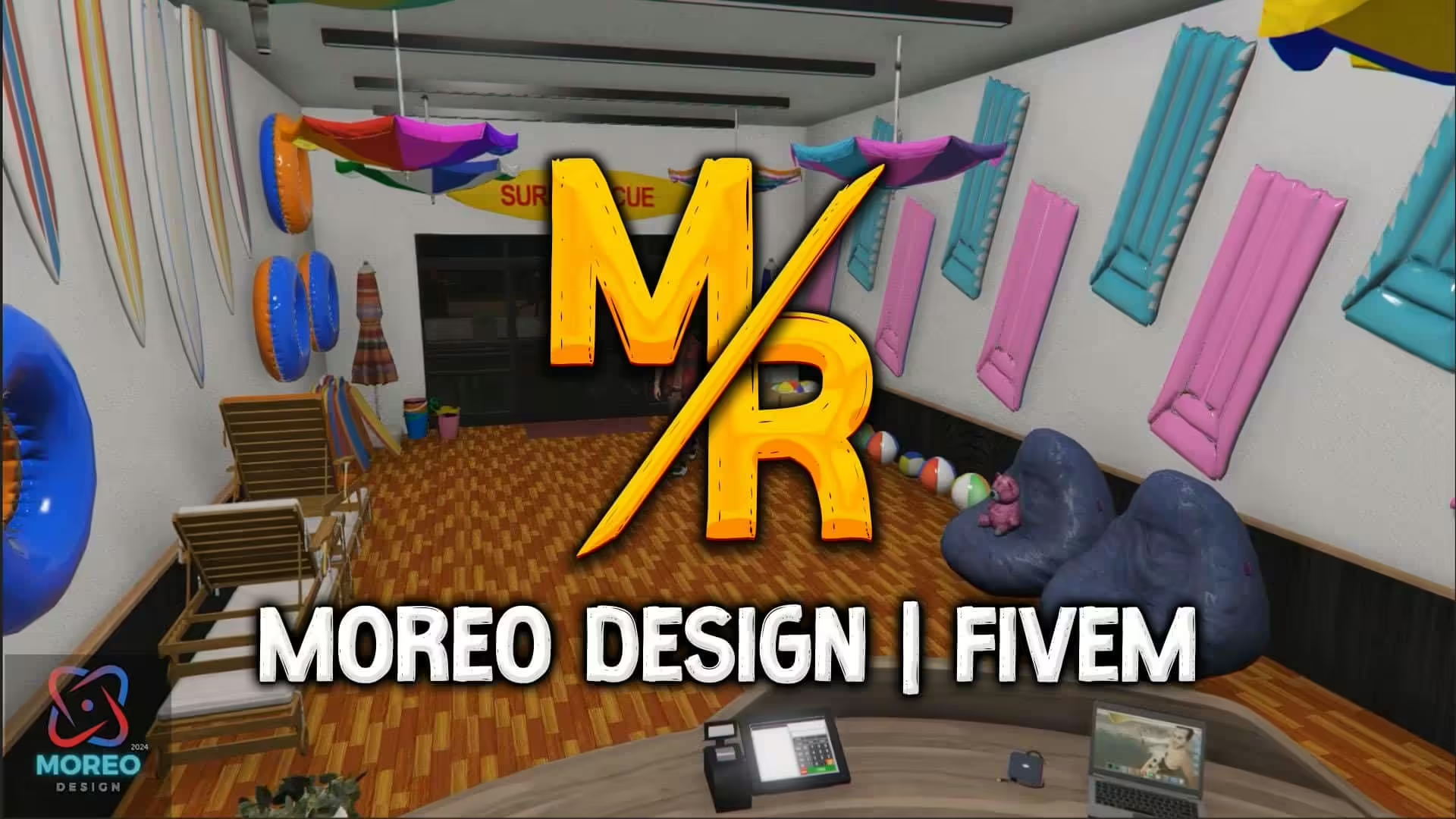
Set up Moreo Design’s SeaWorld Shop 1.0 with separate FiveM and single-player instructions and checks for graphics or map conflicts.
An MLO is an interior workflow with archetype and room data; a YMAP commonly controls placements in the world. Some downloads include both. Check the package contents and read MLO vs YMAP before deciding what your server needs.
Confirm the supported GTA V game build, required dependencies, collision files, and whether the resource replaces an existing map in the same area. Framework compatibility matters only when a map also includes scripts such as doors, jobs, or interactions.
The CodeWalker guide explains how to load the GTA V path, open World View, organize a project, and inspect YMAP and YTYP work before an in-game test.
A free map can be suitable when its source, license, documentation, and maintenance history meet your needs. Compare paid FiveM MLOs when you need a different design, documented support, or a specific commercial license; price alone is not proof of quality.