




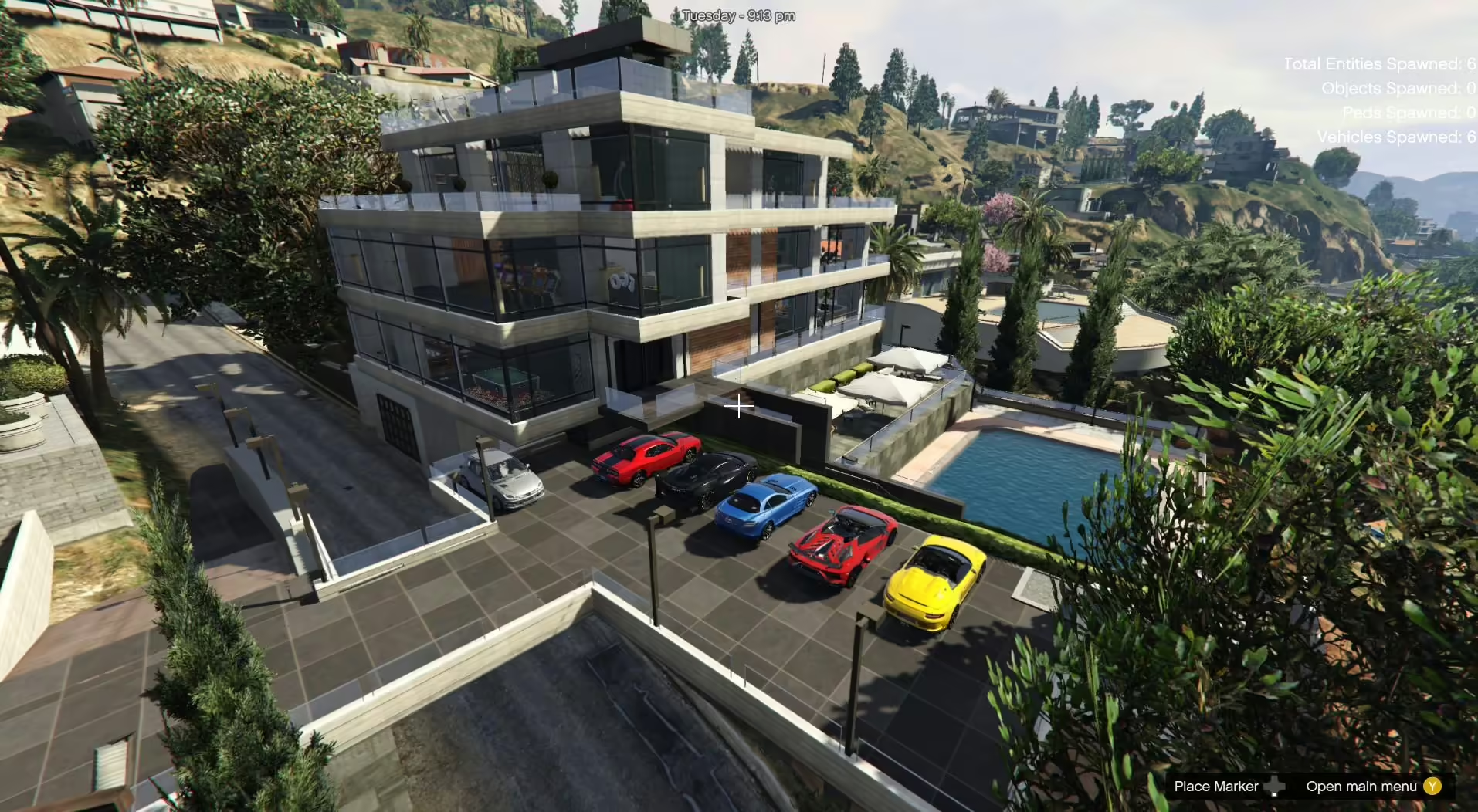
Install Beverly Hills Mansion 2.1 with the custom_maps DLC or Menyoo XML files. Check required props before considering a FiveM conversion.
 English
Free FiveM resources across every type we track: scripts, MLOs and YMAPs, vehicles, clothing, HUDs and loading screens. These are public releases by their original authors, not RPCrate products, so support and update cadence depend entirely on whoever published them.
Treat a free resource as a starting point that needs review. Read the licence before you ship it, because “free to download” and “free to use on a monetised server” are different permissions. Check which framework it targets and which dependencies it expects, since a script written for es_extended will not run unchanged on QBCore. Look at the release date against the FiveM build you run. And read the server-side code before installing: an unreviewed free resource is the most common way an event handler without a permission check reaches a live server.
Install Beverly Hills Mansion 2.1 with the custom_maps DLC or Menyoo XML files. Check required props before considering a FiveM conversion.
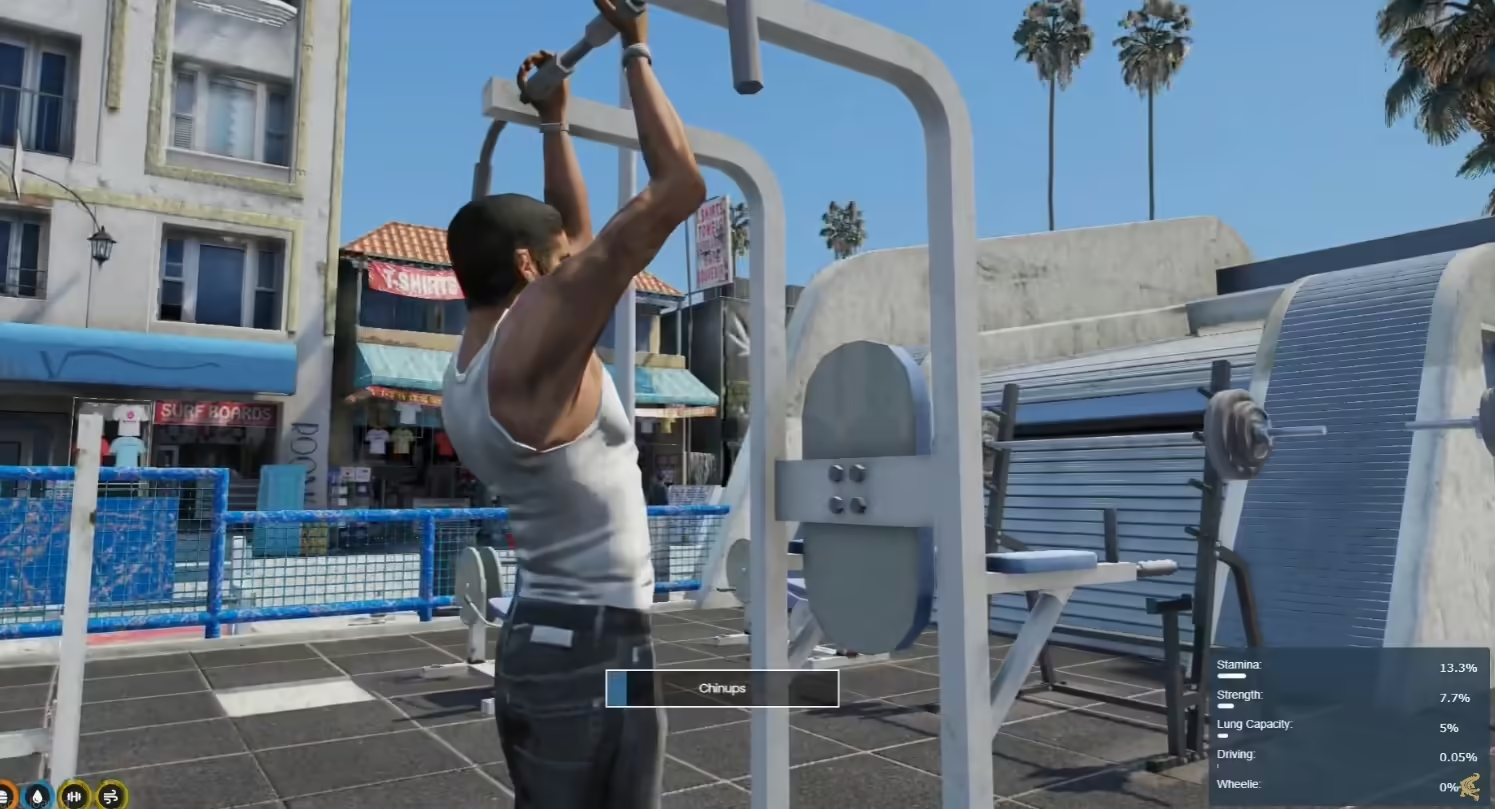
Set up rz-gym for QBCore with its bundled skill resource, buff dependencies and item hooks. Review progression and server validation.

Check guelo000’s known object-rotation issues, Map Builder Pro dependency and single-player setup scope.
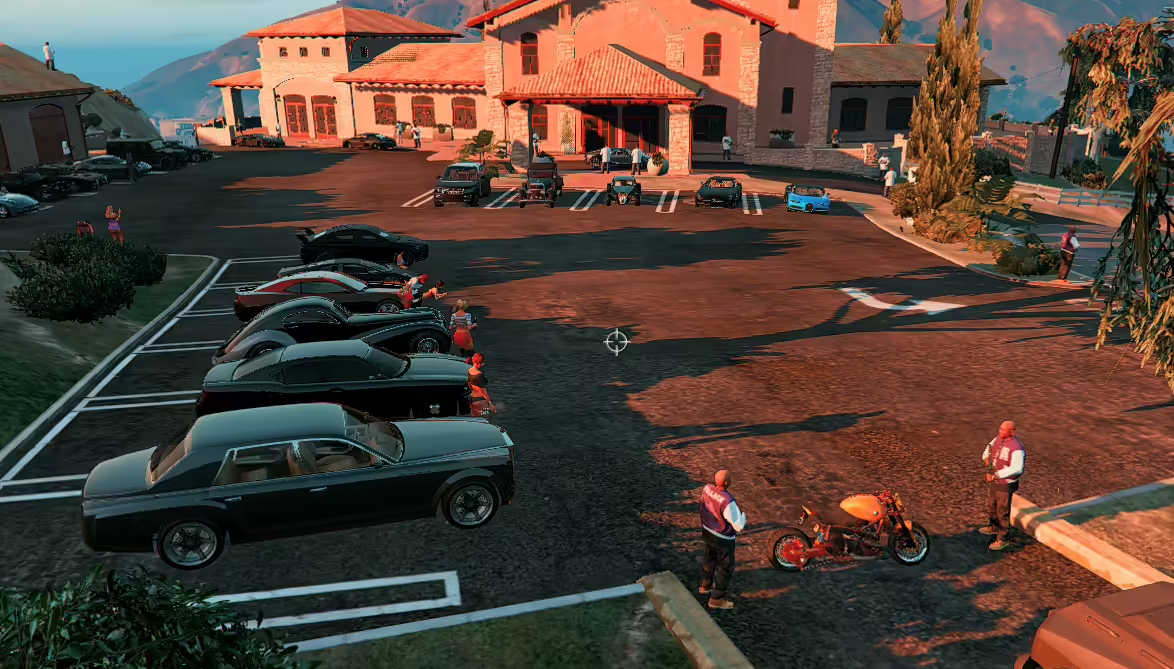
Find zxack’s original Mafia Boss Mansion scene, its Map Editor setup and the discontinued Savehouse dependency before using this legacy GTA V mod.
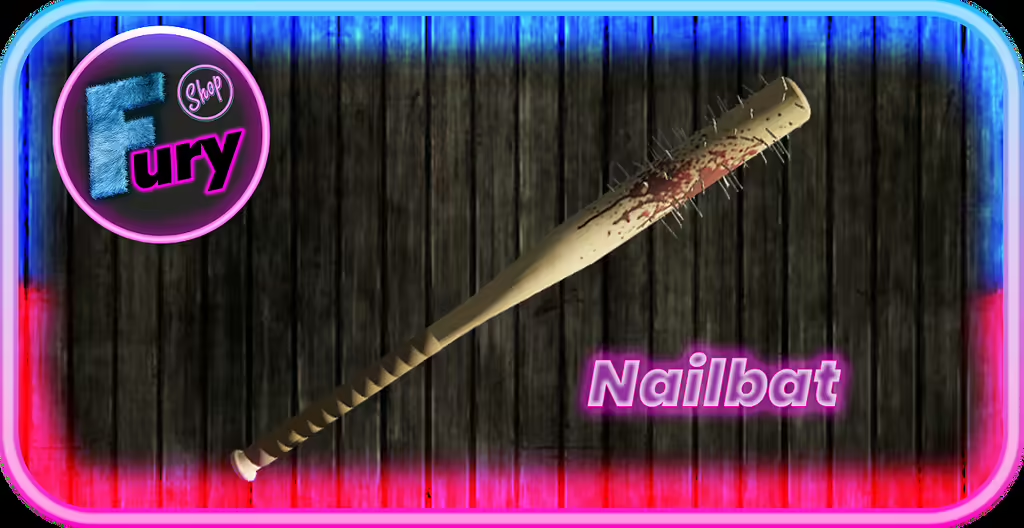
Install Fury Nailbat as a FiveM resource, register WEAPON_FURYNAILBAT in ox_inventory and check inventory delivery, labels and weapon behavior.
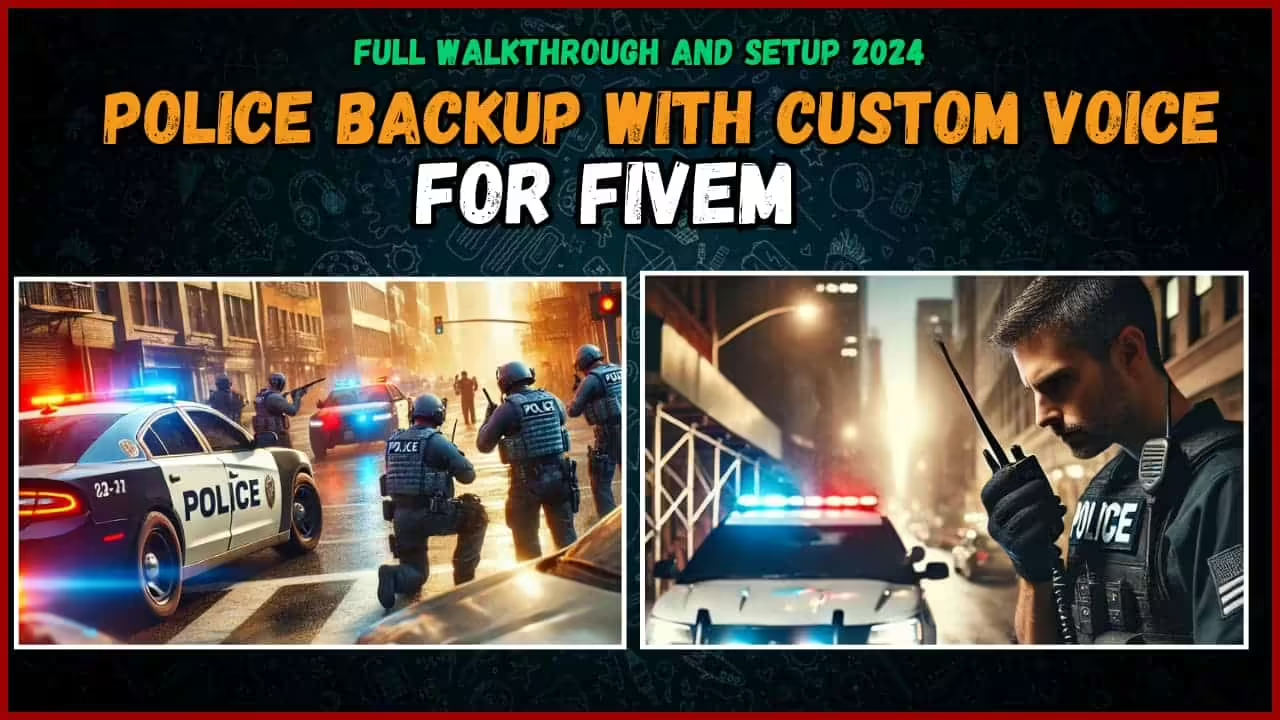
Set up Brave’s QBCore backup alerts, match the resource folder and InteractSound files, and review server-side permissions and cooldowns.
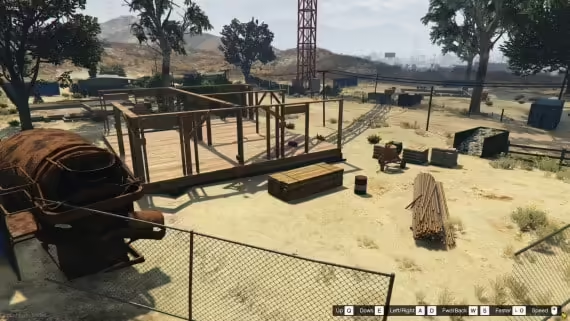
Install ShopFusion’s builder map resource in FiveM server data and check streaming, collisions and job integration before opening the site.

Review Suzuka’s current 1.5.2 vehicle DLC, required metadata edits and optional textures. Separate the supplied single-player setup from FiveM conversion.
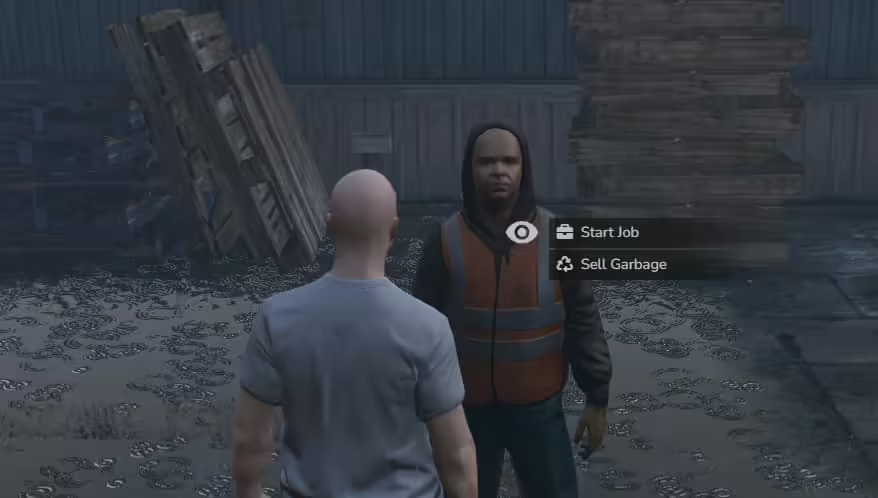
Install 1evolve-garbagejob with its actual ESX and ox dependencies. Review collection routing, prop handling and server reward validation.
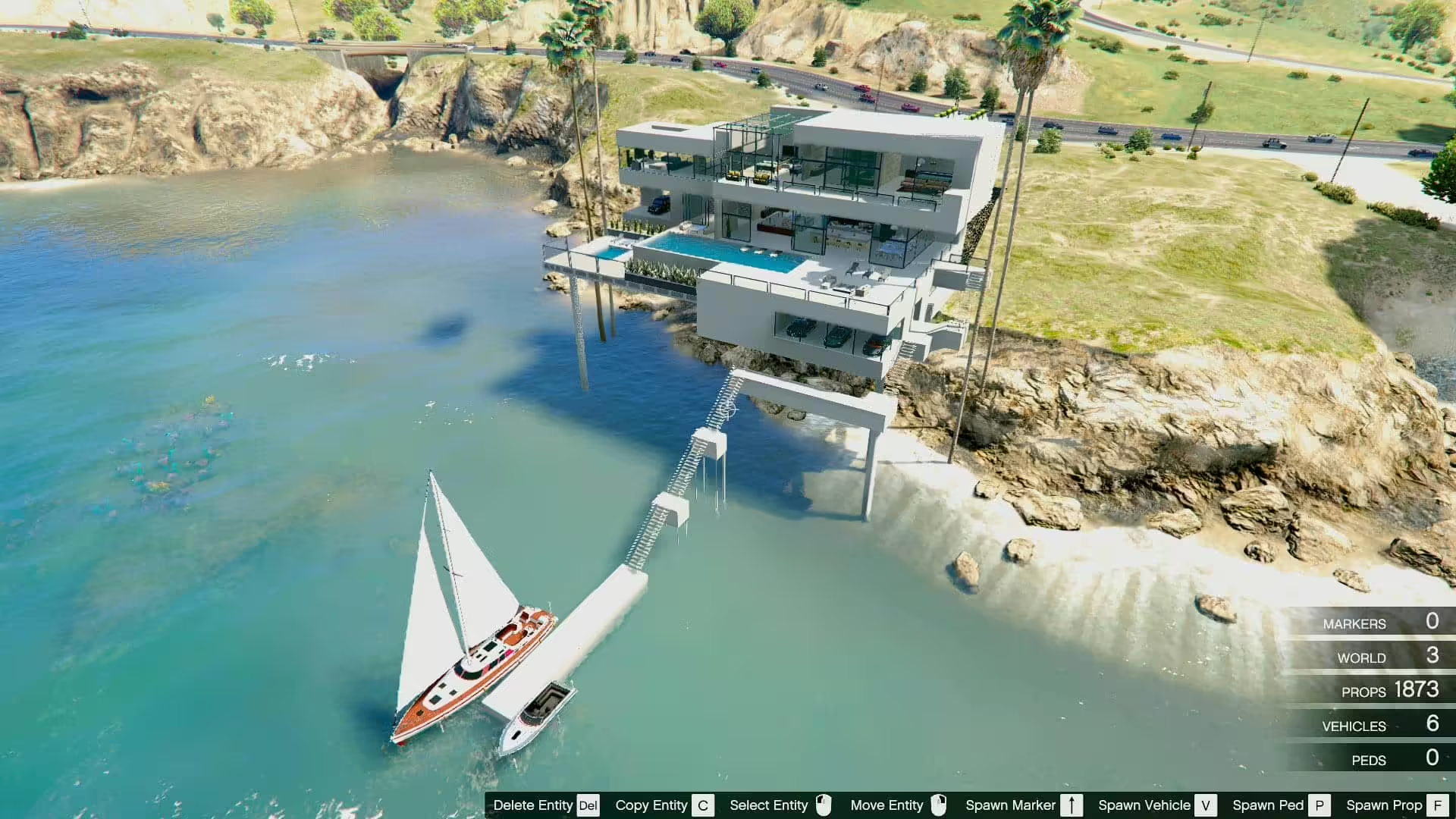
Find kristg’s original Sunset Coast Mansion, load its XML with Map Editor and distinguish the showcased cars from the map package.
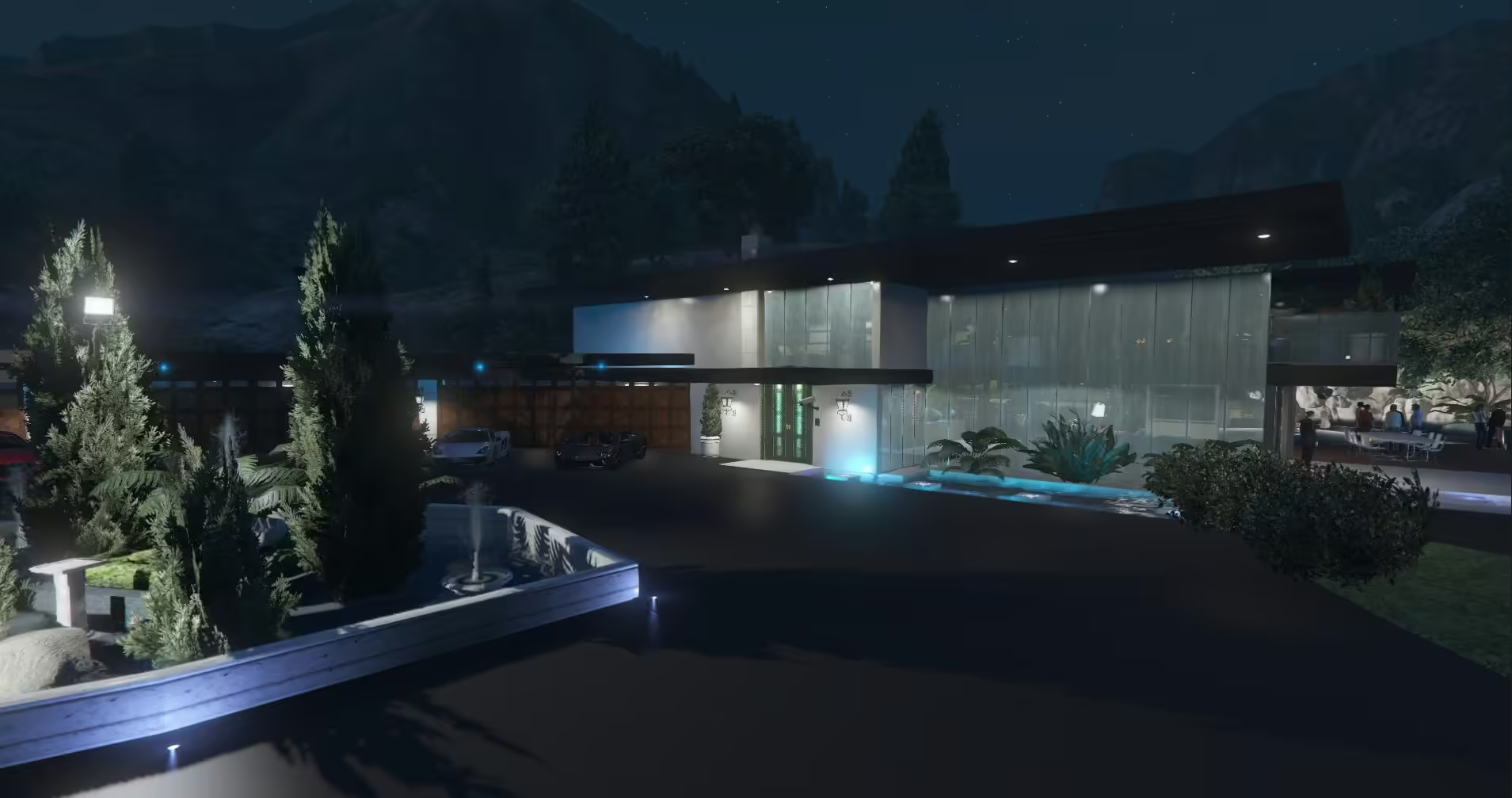
Load DarkStormer’s Luxury Party Mansion with the correct Map Editor XML variant. Follow the included loading-point image and check dynamic doors.

Set up ED Armor with ESX and ox resources. Check vest drawables, item consumption, monitoring gaps and the archived source before deployment.
Separate the txAdmin playtime importer from its in-game reader, check mysql-async and prevent stale or failed imports from misleading players.
Review JP-Schindler’s single-player XML scene, exact required files and documented visual limitations.
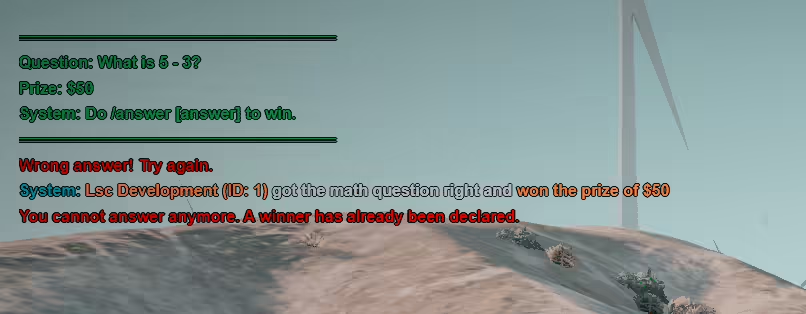
Set up mth-challenges, configure event timers and participation, and review score validation. This resource is not an LSC vehicle-prize system.
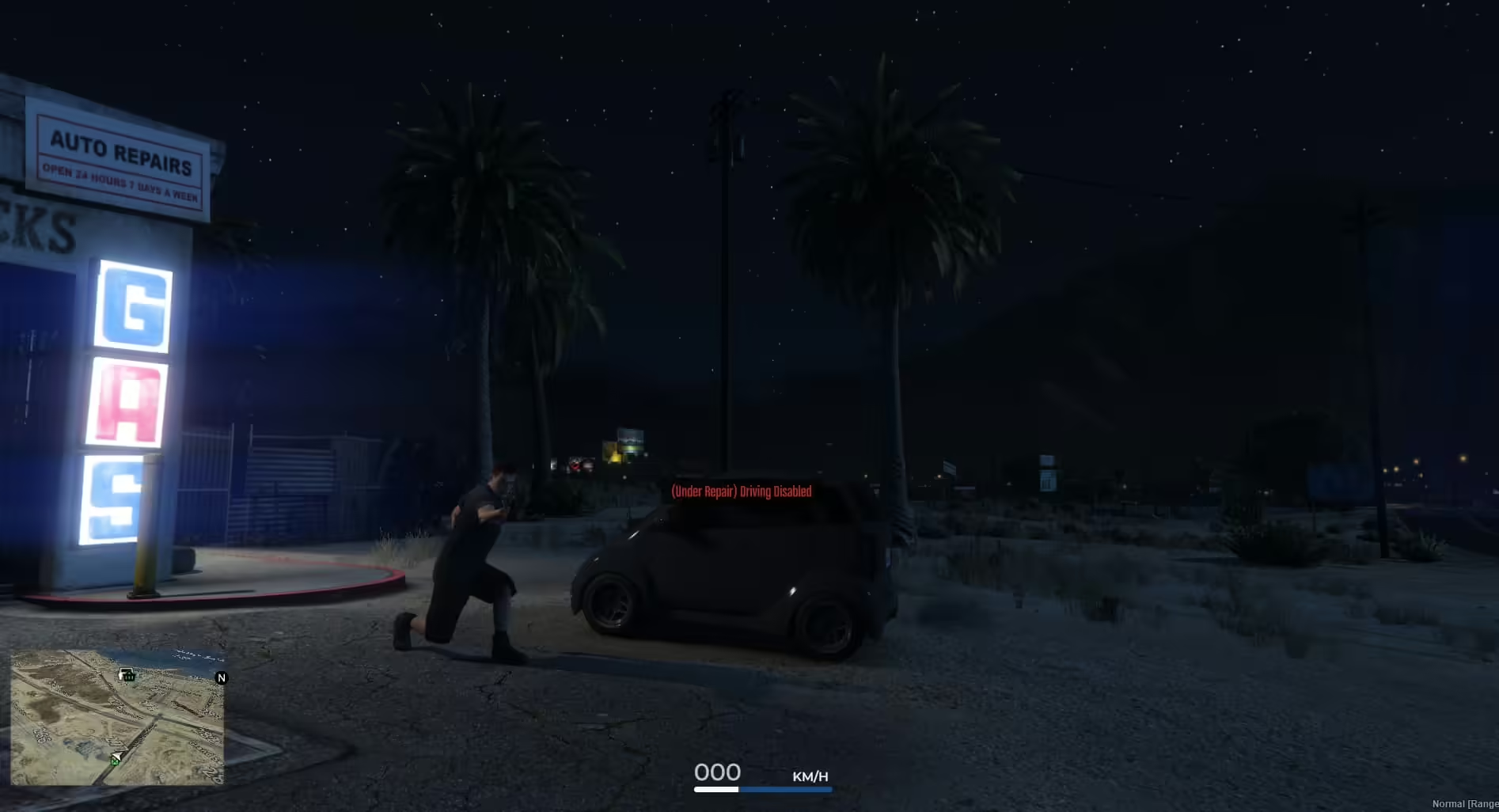
CSN Advanced Mechanic & Wash: original release context, unavailable historical download links and what to verify before installing a recovered copy.

Polish Sirens Mini Pack is MlodyPancerny’s GTA V sound pack. The author lists Elektra GES 110, Federal Signal Vama AS-422 6s PO and PW Gamet GAM-150R sounds, with installation instructions inside the archive. The original description does not document a ready-made FiveM server resource.
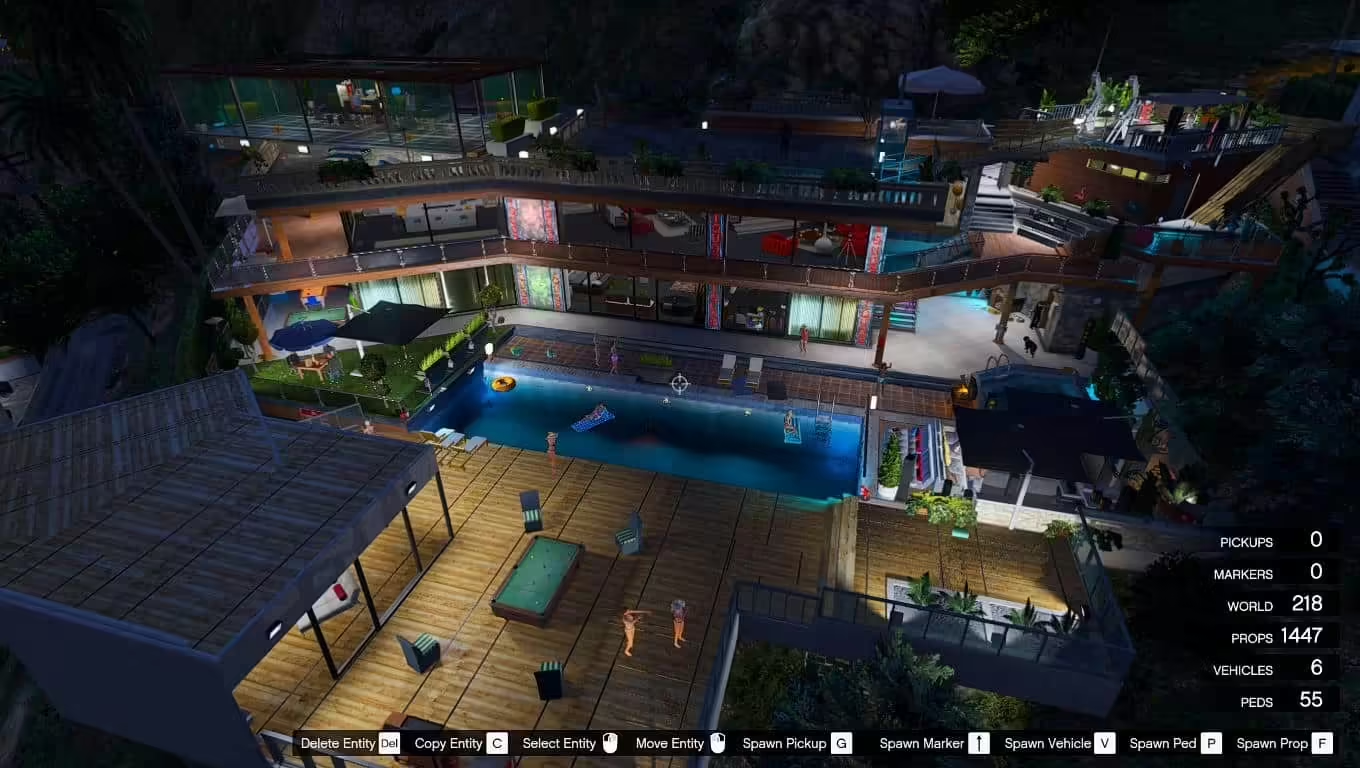
Identify the original Franklin’s Mansion House XML mod and its Map Editor requirements before confusing it with a ready-to-run FiveM MLO.
Free FiveM mods can be server scripts, map resources, vehicles, clothing, graphics, or client-side presets. Identify the resource type first because each has a different installation path and risk profile.
Read the creator’s documentation for ESX, QBCore, Qbox, or Standalone support. Confirm required libraries, database migrations, game builds, and load order before copying files. A framework label alone does not prove compatibility with your server version.
Prefer resources with a named maintainer, installation instructions, an understandable file tree, and a reversible setup. Treat claims such as “optimized,” “tested,” or “ready-to-install” as unverified unless the publisher provides concrete evidence.
New players should use the official FiveM download and installation guide. Server owners should read how to use FiveM mods safely before deploying a free resource.