




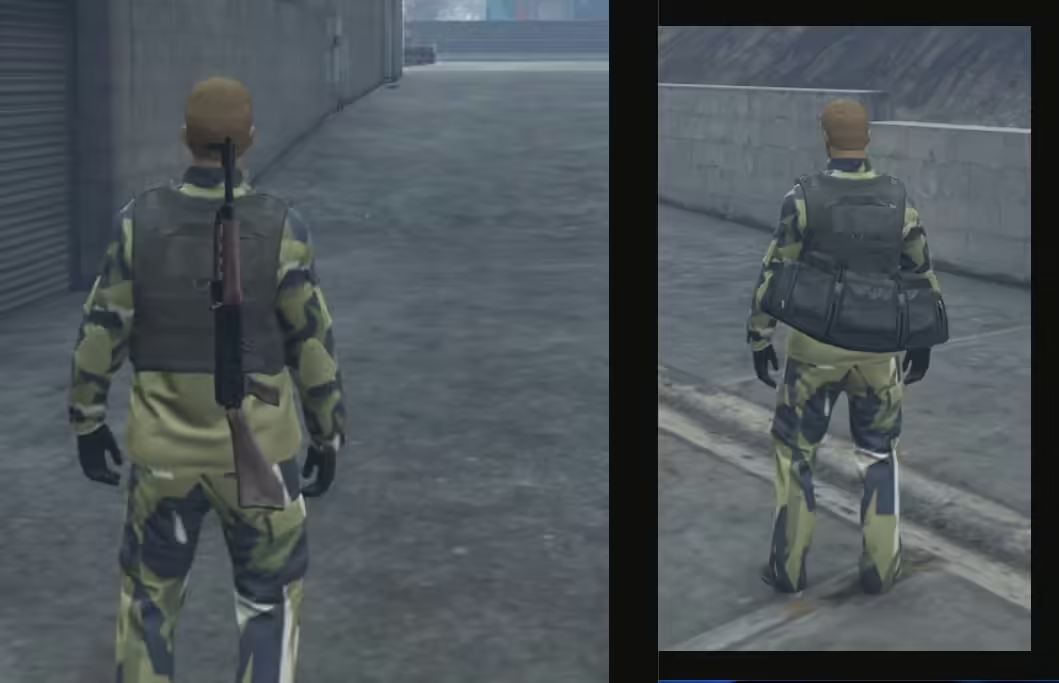
ef-weaponback for ESX: actual bag behaviour, legacy installation, clothing conflicts and weapon-inventory limitations.
 English
Free FiveM resources across every type we track: scripts, MLOs and YMAPs, vehicles, clothing, HUDs and loading screens. These are public releases by their original authors, not RPCrate products, so support and update cadence depend entirely on whoever published them.
Treat a free resource as a starting point that needs review. Read the licence before you ship it, because “free to download” and “free to use on a monetised server” are different permissions. Check which framework it targets and which dependencies it expects, since a script written for es_extended will not run unchanged on QBCore. Look at the release date against the FiveM build you run. And read the server-side code before installing: an unreviewed free resource is the most common way an event handler without a permission check reaches a live server.
ef-weaponback for ESX: actual bag behaviour, legacy installation, clothing conflicts and weapon-inventory limitations.
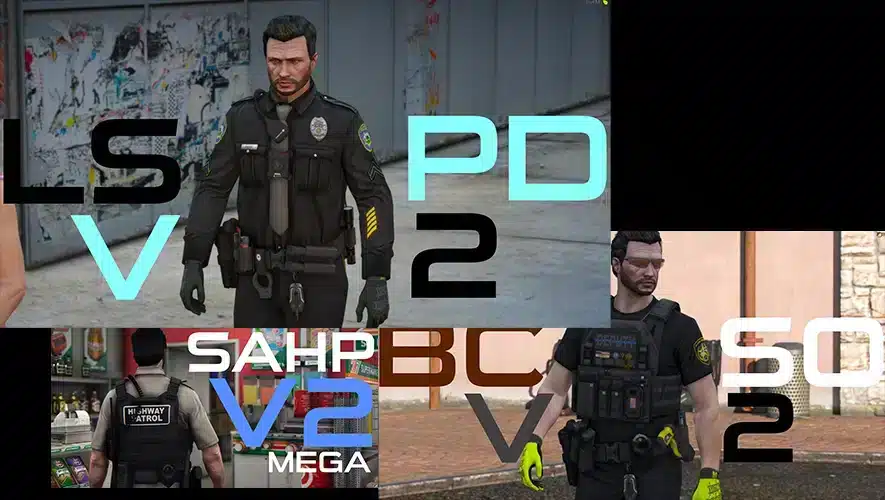
Compare the separate LSPD, BCSO and SAHP EUP editions and verify required models before changing server uniforms.
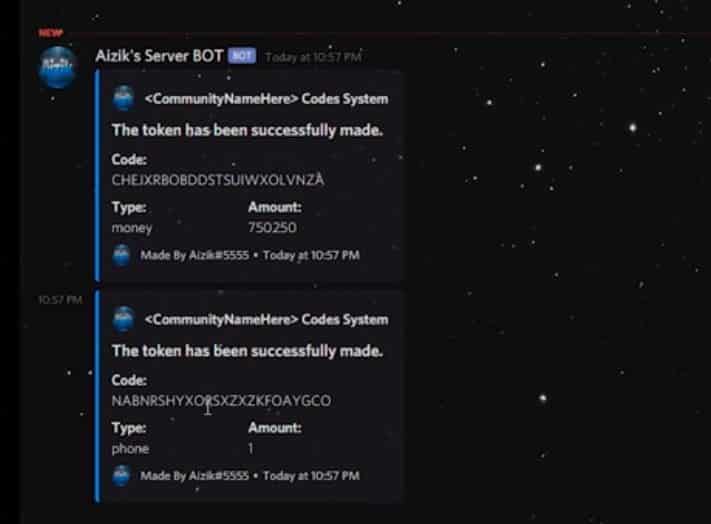
Aizik’s legacy FiveM redeem script uses ESX, mysql-async and a Discord bot. Review missing dependencies and redemption safeguards before deployment.
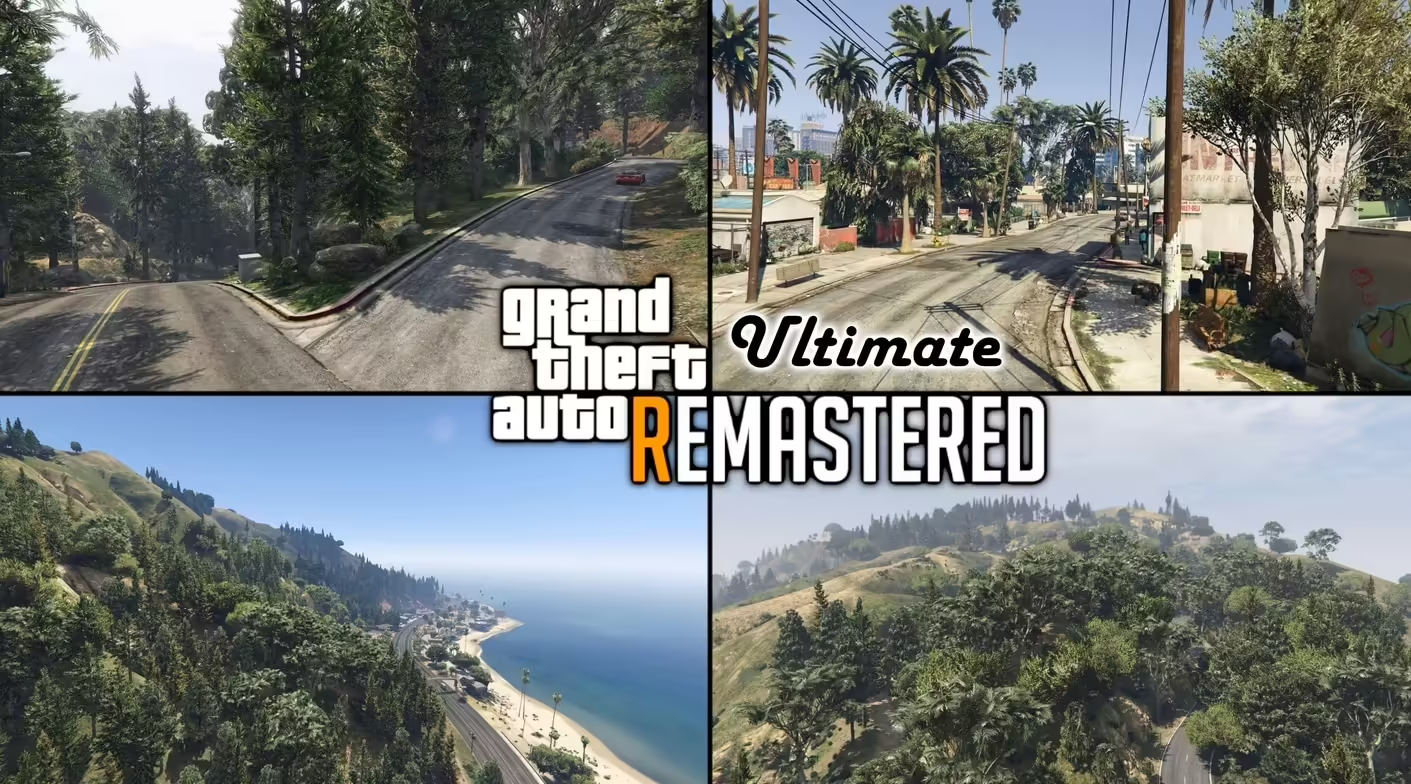
GTA V Remastered Ultimate by Larcius: creator access, distinction from free Enhanced, package compatibility and development status.

Find Vlad’s Real California Architecture release, distinguish its single-player installation from FiveM, and check billboard conflicts.

Find Gidoxy’s Rooftop House source and distinguish the FiveM edition from single-player files before installing.
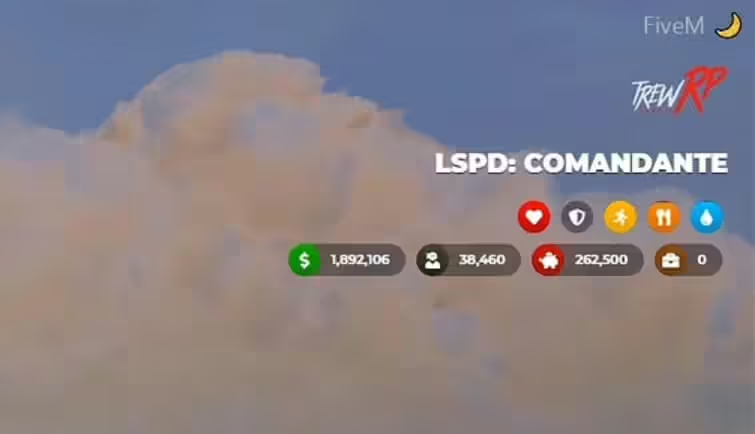
Find the original discontinued Trew HUD, choose its ESX or vRP folder and check dependencies, status exports and voice integration before use.
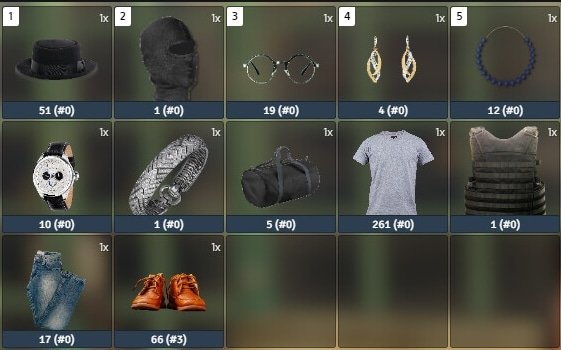
Review JotaDaTeta’s j_clothe source, inventory metadata, character-model bugs and server-side item checks before FiveM deployment.
Set up r_communityservice with ox_lib and r_bridge, configure task limits and verify permissions, item return and saved sentences.
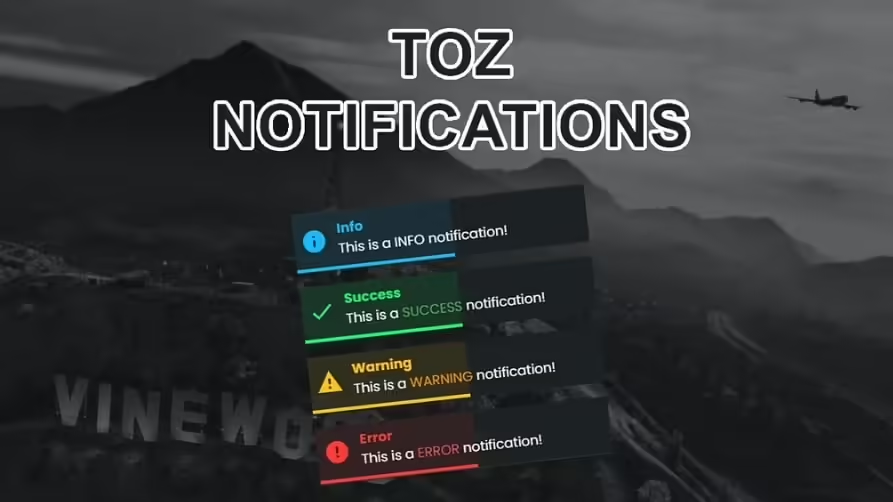
Integrate ToZ Notifications with client exports or server events. Check payloads, message HTML and framework adapters before replacing notifications.
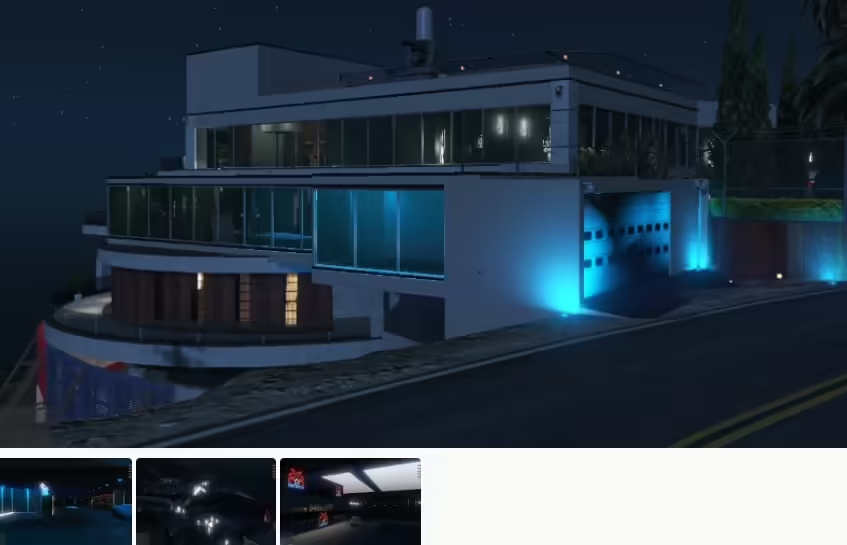
Identify MBRoberto’s Devin Weston conversion and distinguish its single-player instructions from FiveM packaging.

Choose the full or low Galileo Mansion XML set, check the water.xml encoding and follow the original Map Editor loading order for GTA V single-player.
Compare TheBearli’s European Roads releases, choose the correct FiveM package and test road textures alongside your existing maps.
Free FiveM mods can be server scripts, map resources, vehicles, clothing, graphics, or client-side presets. Identify the resource type first because each has a different installation path and risk profile.
Read the creator’s documentation for ESX, QBCore, Qbox, or Standalone support. Confirm required libraries, database migrations, game builds, and load order before copying files. A framework label alone does not prove compatibility with your server version.
Prefer resources with a named maintainer, installation instructions, an understandable file tree, and a reversible setup. Treat claims such as “optimized,” “tested,” or “ready-to-install” as unverified unless the publisher provides concrete evidence.
New players should use the official FiveM download and installation guide. Server owners should read how to use FiveM mods safely before deploying a free resource.