




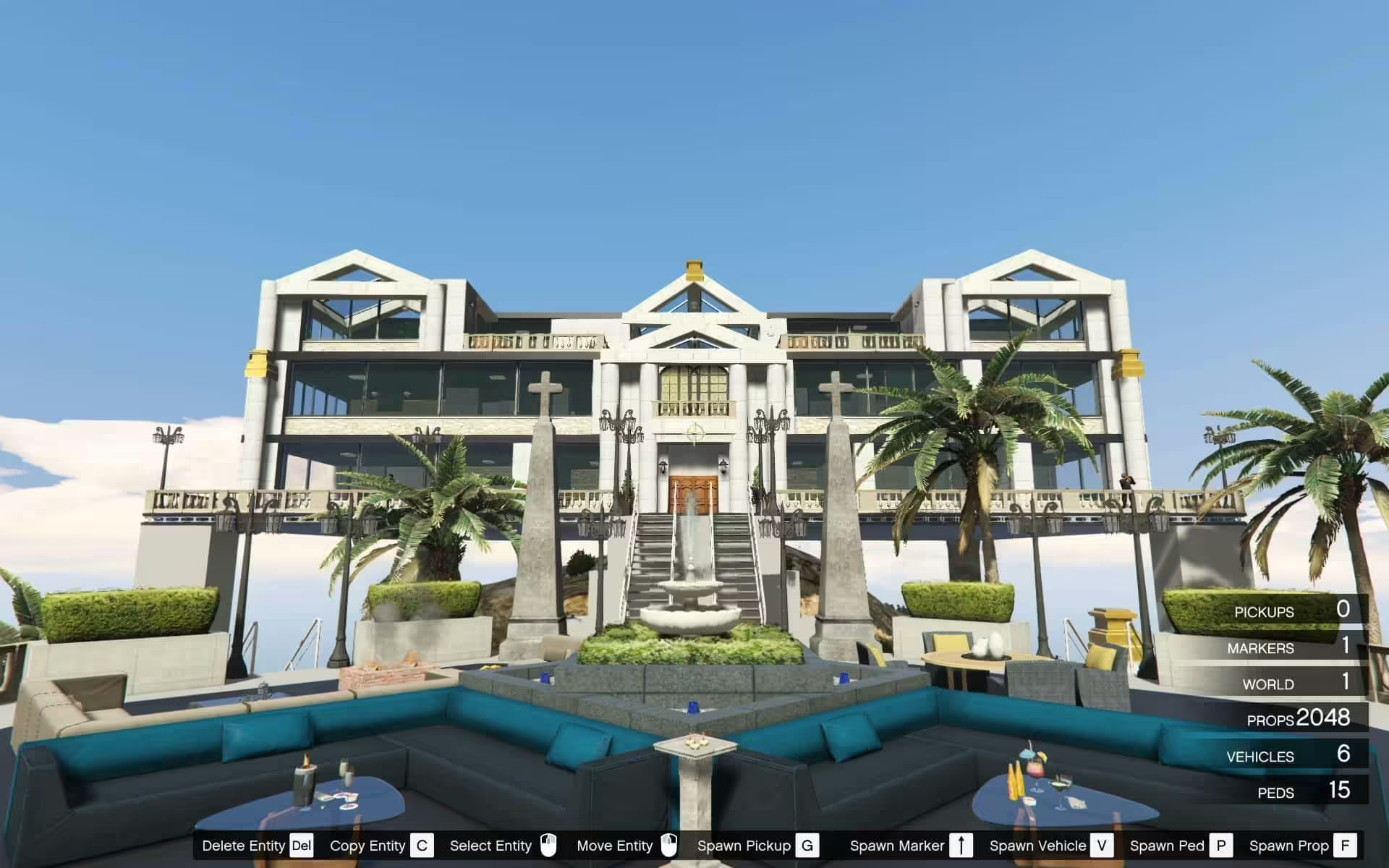
Understand Zoidberg’s mansion scene, object-list requirements and the limits of its documented FiveM support.
 English
Free FiveM resources across every type we track: scripts, MLOs and YMAPs, vehicles, clothing, HUDs and loading screens. These are public releases by their original authors, not RPCrate products, so support and update cadence depend entirely on whoever published them.
Treat a free resource as a starting point that needs review. Read the licence before you ship it, because “free to download” and “free to use on a monetised server” are different permissions. Check which framework it targets and which dependencies it expects, since a script written for es_extended will not run unchanged on QBCore. Look at the release date against the FiveM build you run. And read the server-side code before installing: an unreviewed free resource is the most common way an event handler without a permission check reaches a live server.
Understand Zoidberg’s mansion scene, object-list requirements and the limits of its documented FiveM support.

Compare KINGMAV’s separate Modern Mansion downloads, required files and version-specific setup before installing.
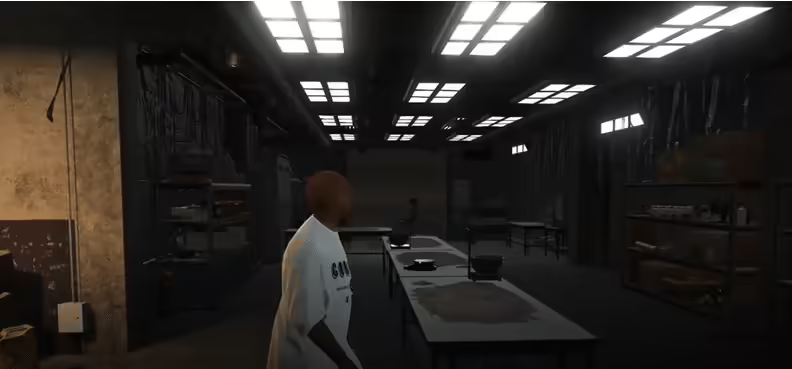
Sandy Cokelab is MrBrown1999’s MLO interior published in 2019. The original listing gives separate single-player and FiveM instructions. For FiveM it specifies the server resources folder and start cokelab in server.cfg; the dlclist.xml steps belong to single-player installation.

Find TuneWorx’s BMW X6M release, distinguish published updates from planned V3 features and follow the correct GTA V add-on workflow.

Install MrBrown1999’s Fight Club interior using its separate FiveM or SP folder, correct DLC-list path and creator coordinates. Review the legacy manifest.
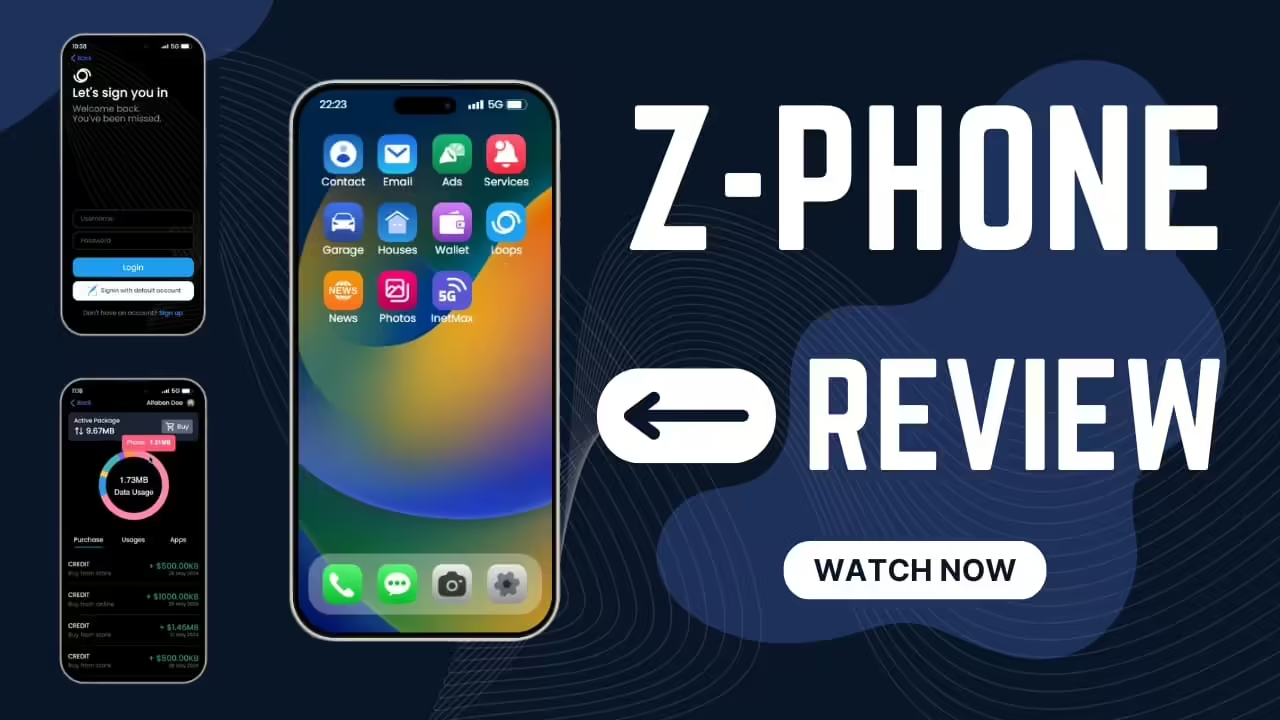
Z-Phone for FiveM: framework settings, phone dependencies, destructive SQL import and banking issues in the reviewed source.
Find the original NProbleM Admin Tag release and understand its unavailable download. Review permissions before choosing a replacement admin tool.
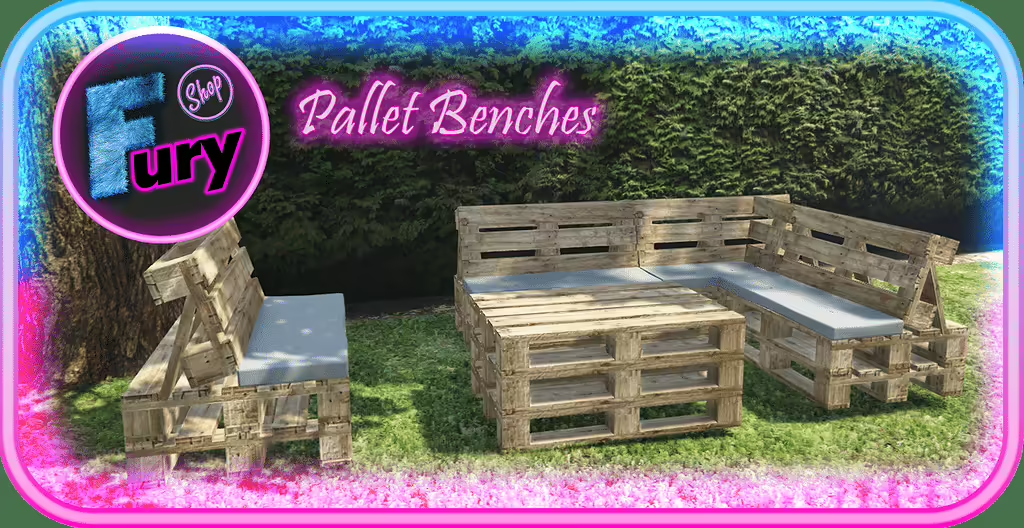
Install Fury Shop’s pallet props for FiveM: exact resource folder, three model names, placement requirements and source attribution.

Find BigShaqNOKetchup’s original Nature Weekend House, follow the single-player package layout and check the creator’s server-use terms.
Review HideInTrash installation, the E interaction and /resetTrash, including collision recovery and client-only occupancy limitations.
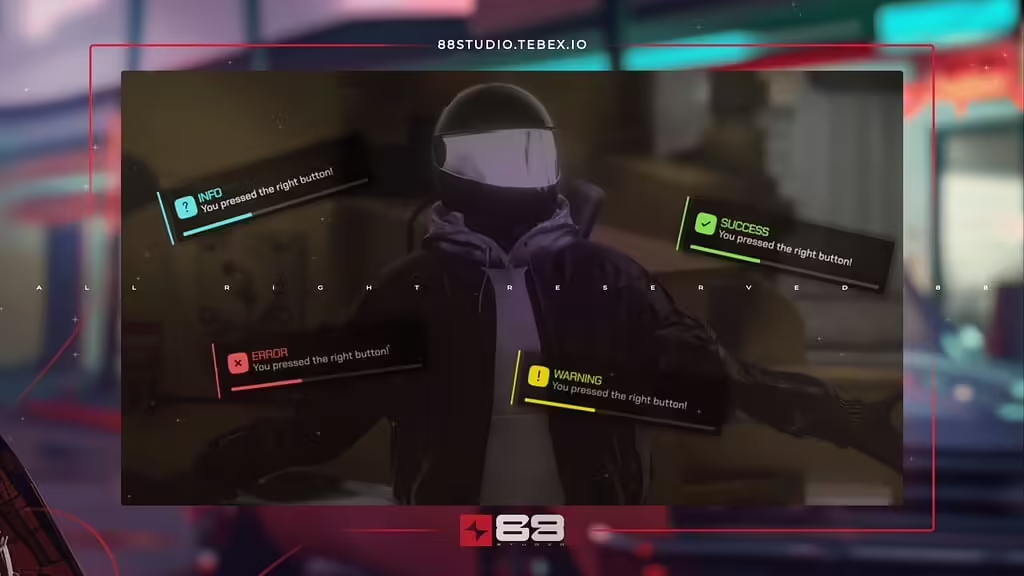
Check the original 88 Studio notification release, current availability and client-side integration before replacing framework notifications.
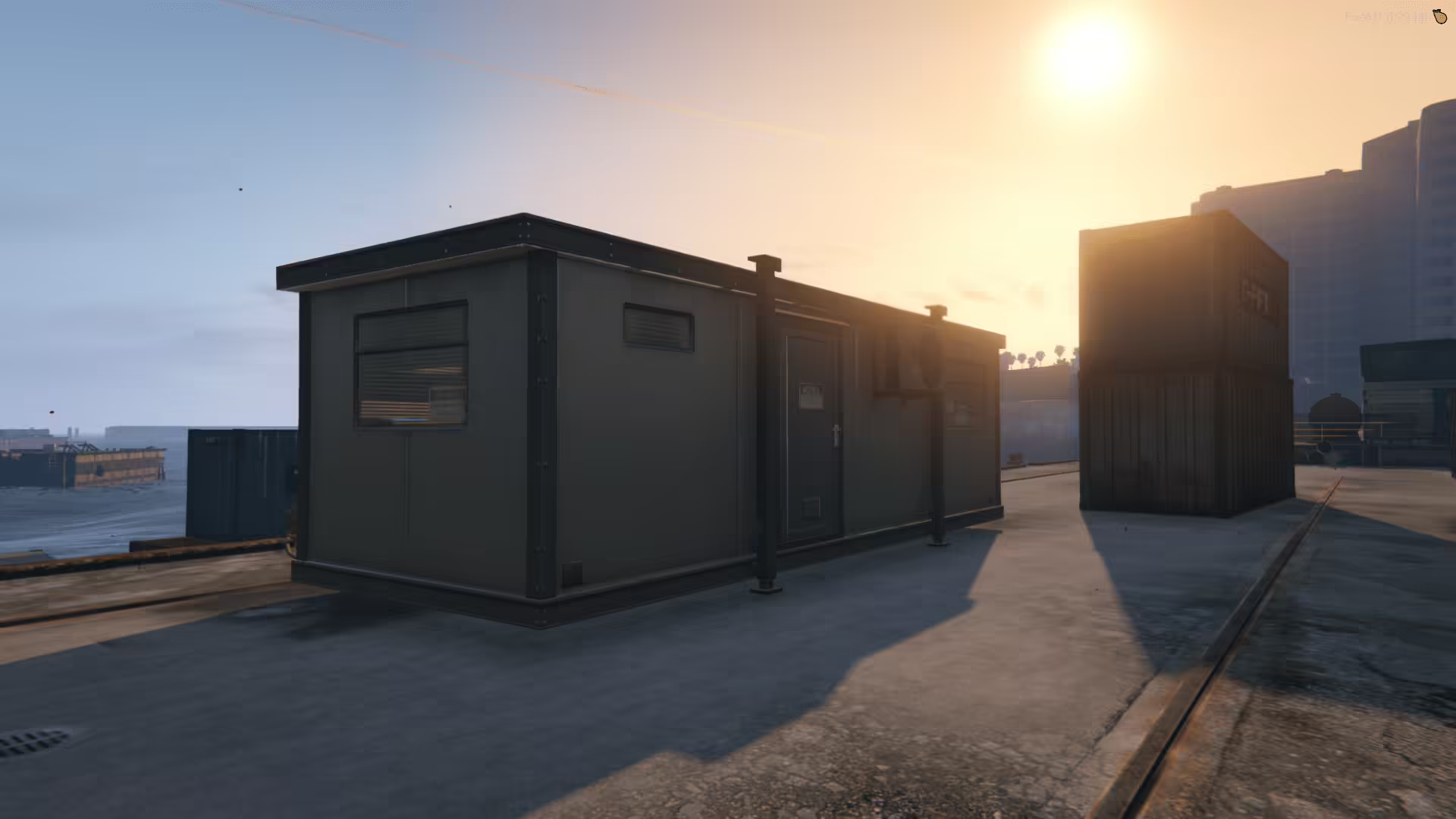
Install Changer’s container using the actual changer_container resource folder. Keep the FiveM map assets together and separate the single-player files.

Identify turtle8675309’s Legion Square project, understand its optional YMAP layers and check the currently unavailable source link.
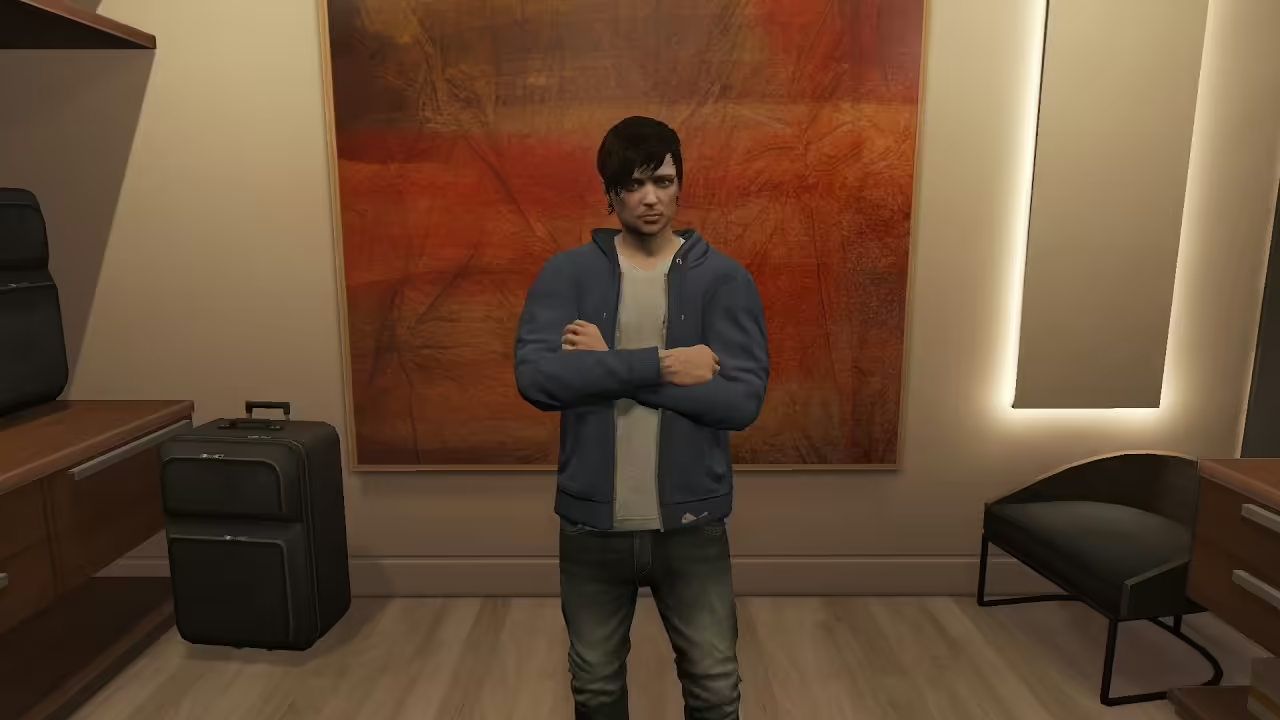
Review the idle animation replacement: original creator credit, nested FiveM resource folder and missing idle/model checks in its client loop.
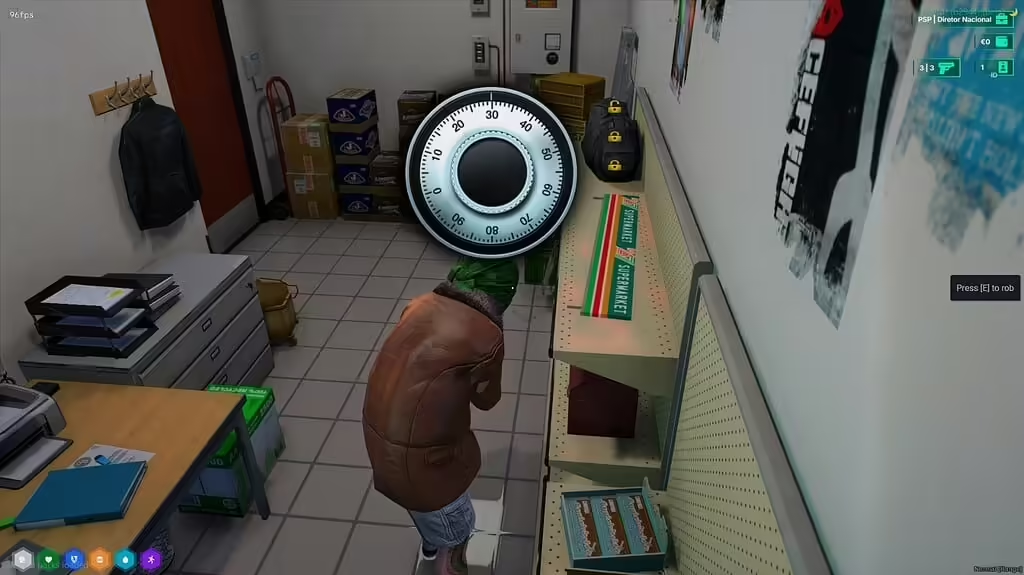
Review assaltos_247 1.0.1, its ESX and inventory dependencies, safe minigame, reward configuration and server checks before deployment.
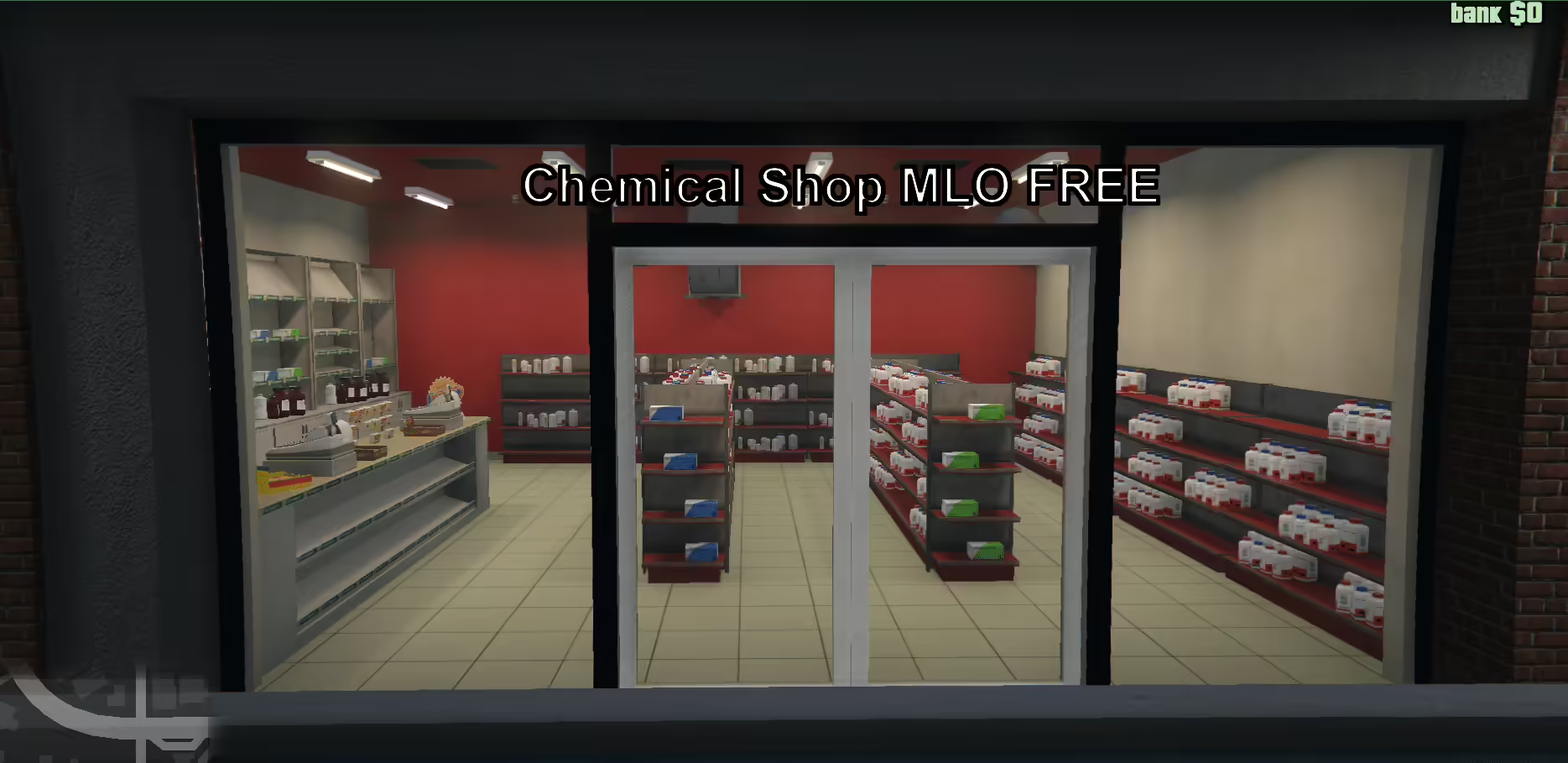
Find the original Chemical Shop V2, select the correct FiveM or SP folder and review the manifest reference to a missing peds.meta before installation.
Install Moreo’s Jewelry with its actual legacy FiveM manifest or separate SP DLC. Check Legion Square collisions and reported single-player LOD issues.
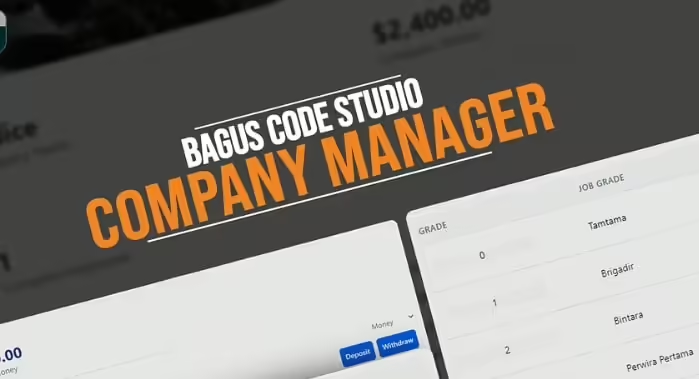
Set up km-empresas for QBCore with its ownership table, purchase prices and job grades. Check charging, concurrent purchases and missing resale.
Free FiveM mods can be server scripts, map resources, vehicles, clothing, graphics, or client-side presets. Identify the resource type first because each has a different installation path and risk profile.
Read the creator’s documentation for ESX, QBCore, Qbox, or Standalone support. Confirm required libraries, database migrations, game builds, and load order before copying files. A framework label alone does not prove compatibility with your server version.
Prefer resources with a named maintainer, installation instructions, an understandable file tree, and a reversible setup. Treat claims such as “optimized,” “tested,” or “ready-to-install” as unverified unless the publisher provides concrete evidence.
New players should use the official FiveM download and installation guide. Server owners should read how to use FiveM mods safely before deploying a free resource.