




Install kq_club_heist with its mandatory loot dependency and distinguish free lasers from optional paid security features.
 English
Free FiveM resources across every type we track: scripts, MLOs and YMAPs, vehicles, clothing, HUDs and loading screens. These are public releases by their original authors, not RPCrate products, so support and update cadence depend entirely on whoever published them.
Treat a free resource as a starting point that needs review. Read the licence before you ship it, because “free to download” and “free to use on a monetised server” are different permissions. Check which framework it targets and which dependencies it expects, since a script written for es_extended will not run unchanged on QBCore. Look at the release date against the FiveM build you run. And read the server-side code before installing: an unreviewed free resource is the most common way an event handler without a permission check reaches a live server.
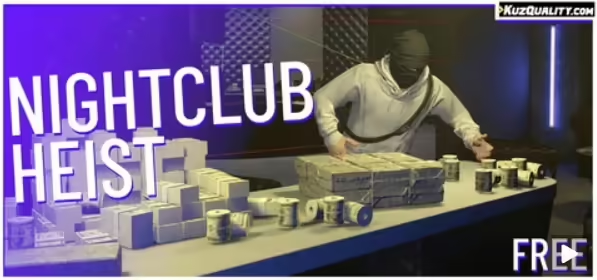
Install kq_club_heist with its mandatory loot dependency and distinguish free lasers from optional paid security features.
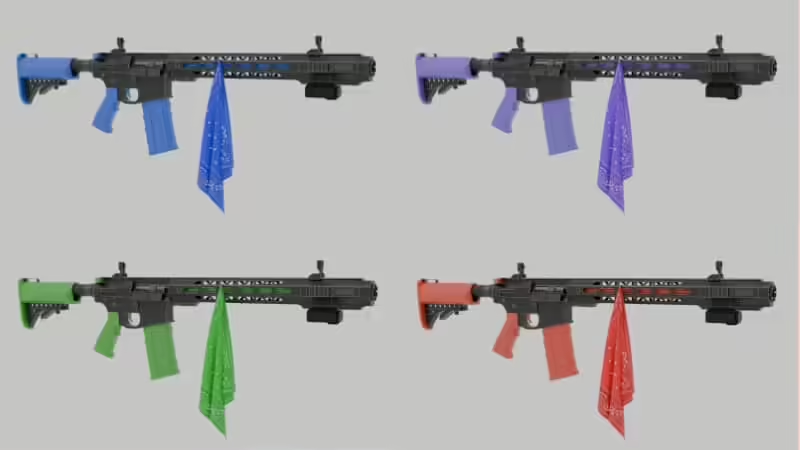
Identify Bunny’s original gangweapons archive, its eight color variants and inventory snippets, including QBCore labels that need correction.
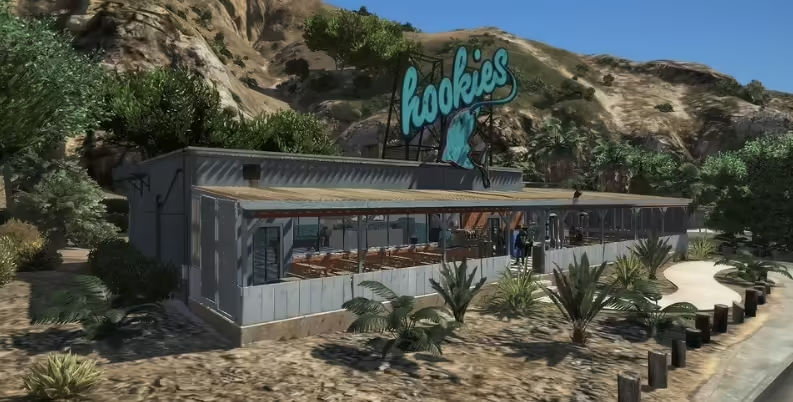
Find the Hookies release matching the original screenshots and check the supplied resource before installing.
Check vhs-recycle’s real dependencies, framework bridge and reward validation before using the reviewed release.
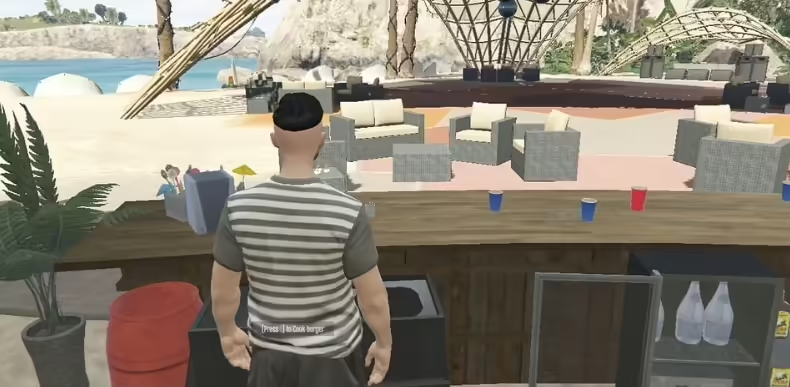
Install Wxyz Snack Shack from the original source. Check the resource name, recipes, inventory items and job permissions before going live.

QBCore Army Job: original resource, rank configuration, actual commands, missing dependencies and server access checks.
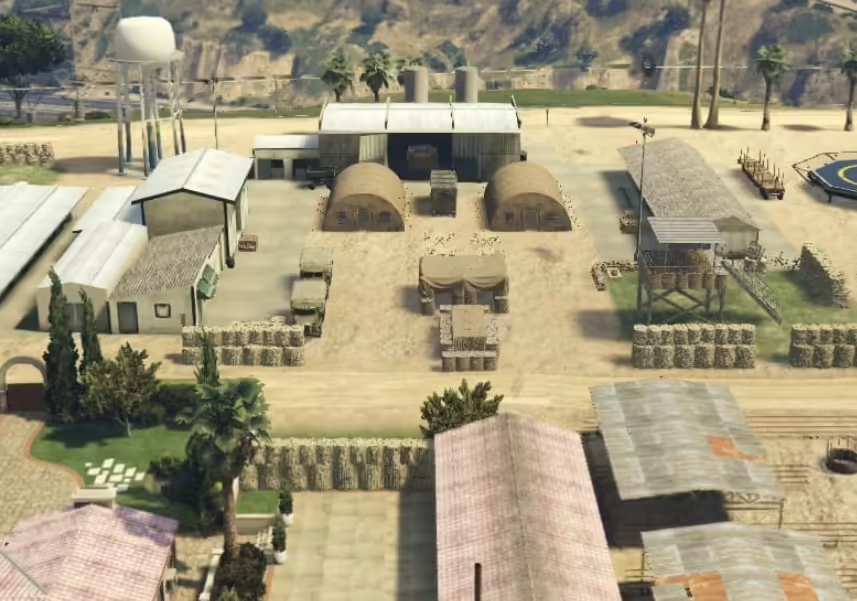
Identify Fortress Paulo’s credited creator and verify the supplied map package before adding it to a FiveM server.

Use the Hypnonema project behind the original cinema demo, with release installation, ACE permissions and playback checks.
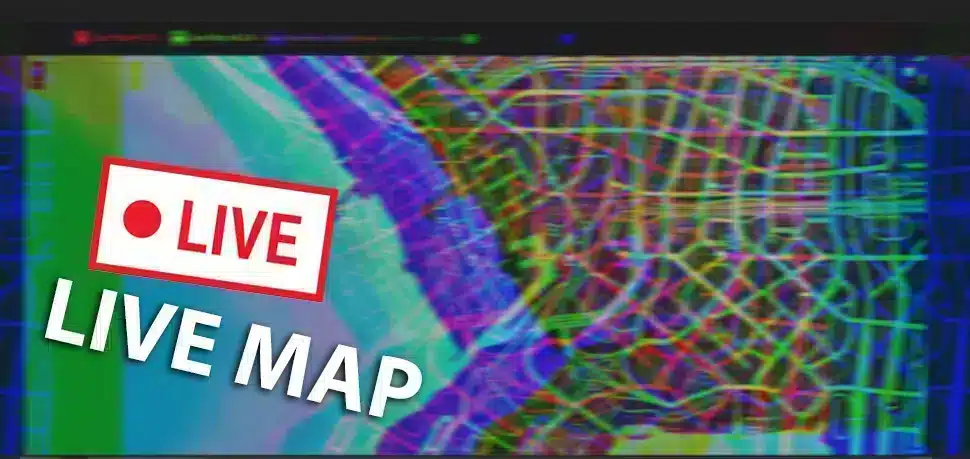
Set up TGRHavoc’s archived LiveMap resource and interface, distinguish origin checks from viewer authorization and check exposed player data.

Identify the UT Modz restaurant preview and verify the current creator package instead of following an unsupported free-download claim.

Identify the pictured NE NOORE CP Bridge V1, use its original paid listing and check build, map conflicts and minimap setup before installation.
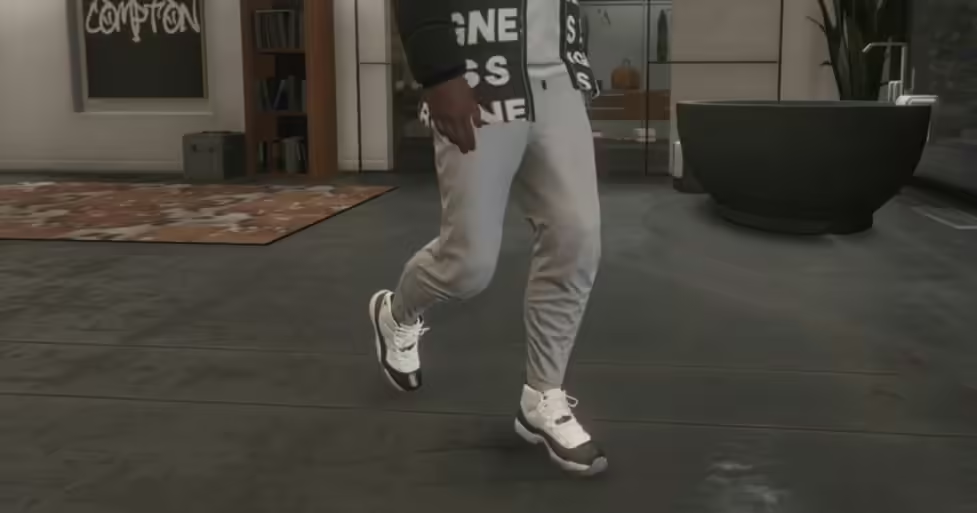
Find Official J Dixon’s original shoe pack and distinguish its OpenIV replacement instructions from a ready-made FiveM resource.
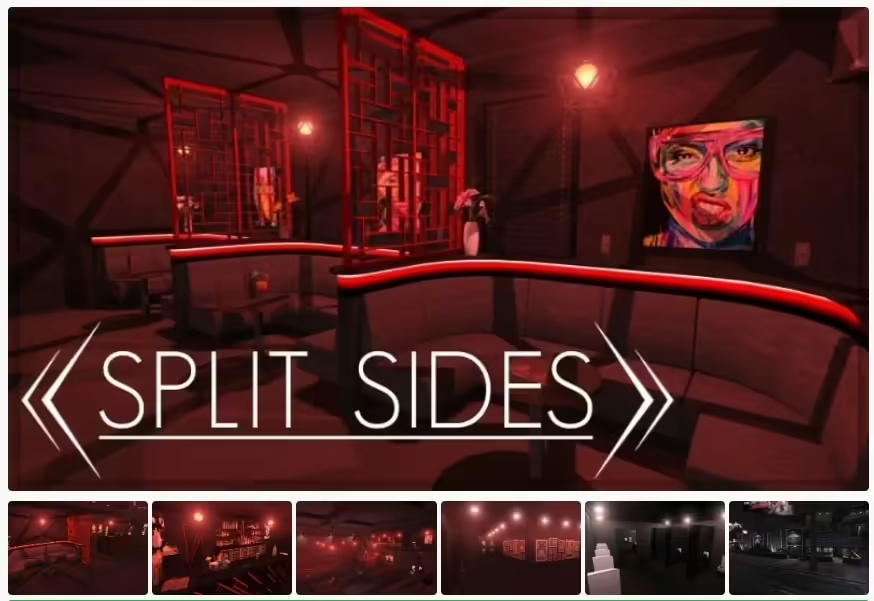
Use GTA5 Interiors’ Split Sides West release, its actual resource name and targeted collision checks for your FiveM server.
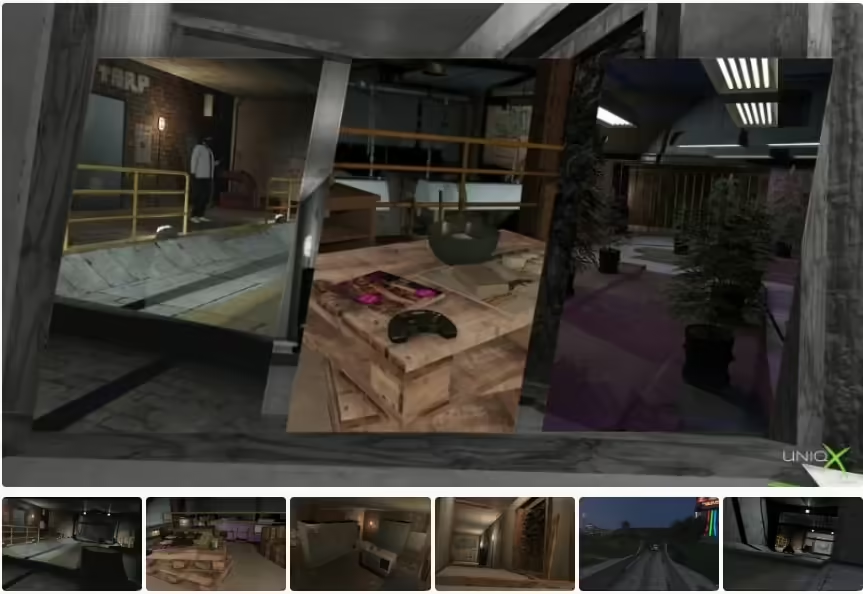
Install uNiqx’s X Labs Part Two from the creator source and choose the correct laboratory entity set.
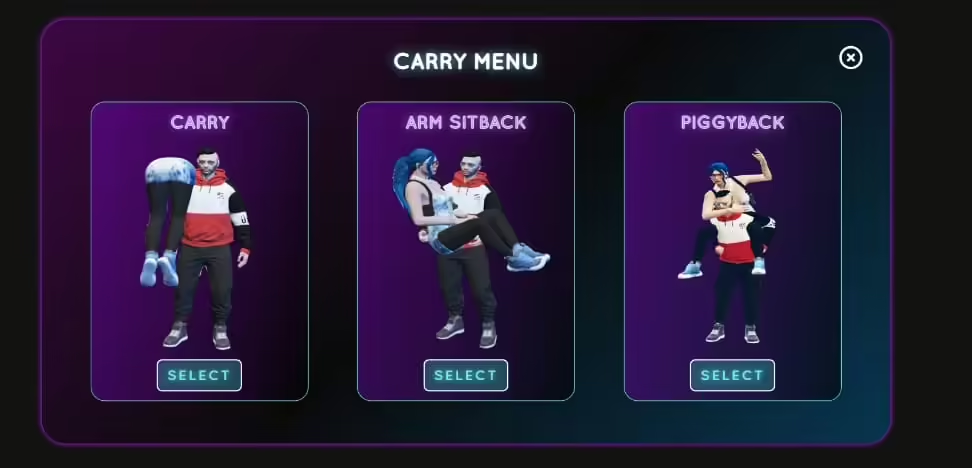
The original preview shows RTX Carry. Check its paid standalone release and avoid mixing it with unrelated free ESX or QBCore downloads.
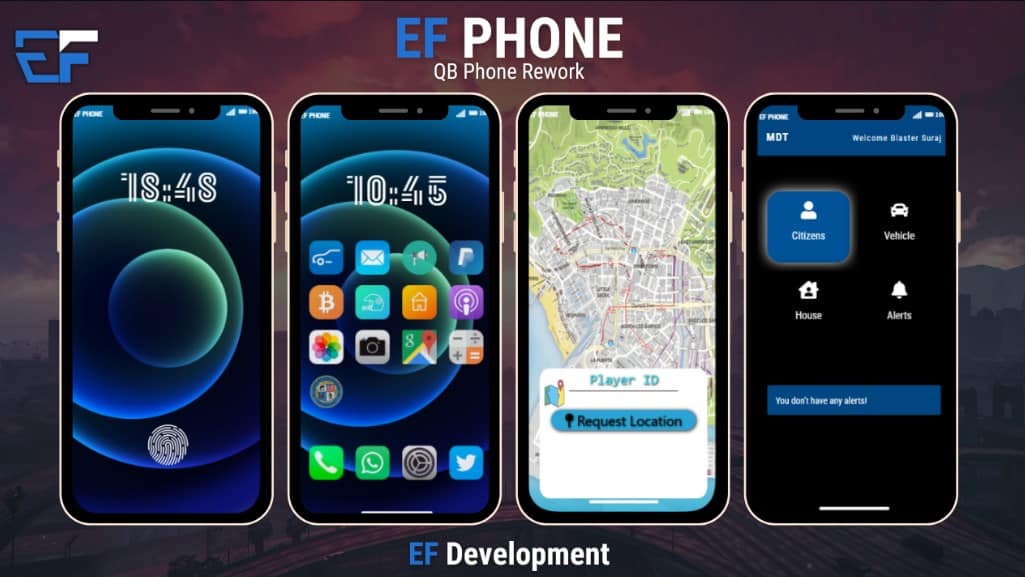
Find EF Development’s phone source, review its older-version warning and verify QBCore, qb-apartments and oxmysql before installation.
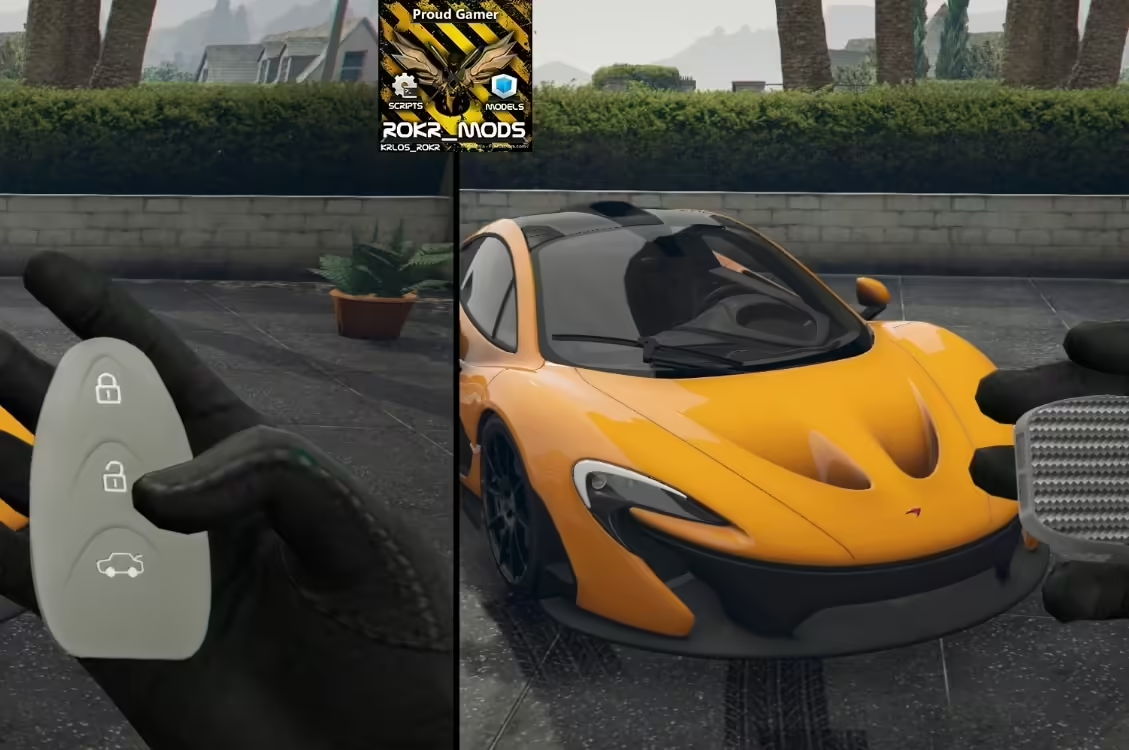
Review mm_carkeys dependencies, incomplete Qbox bridging and server authorization gaps before deploying version 1.0.8.
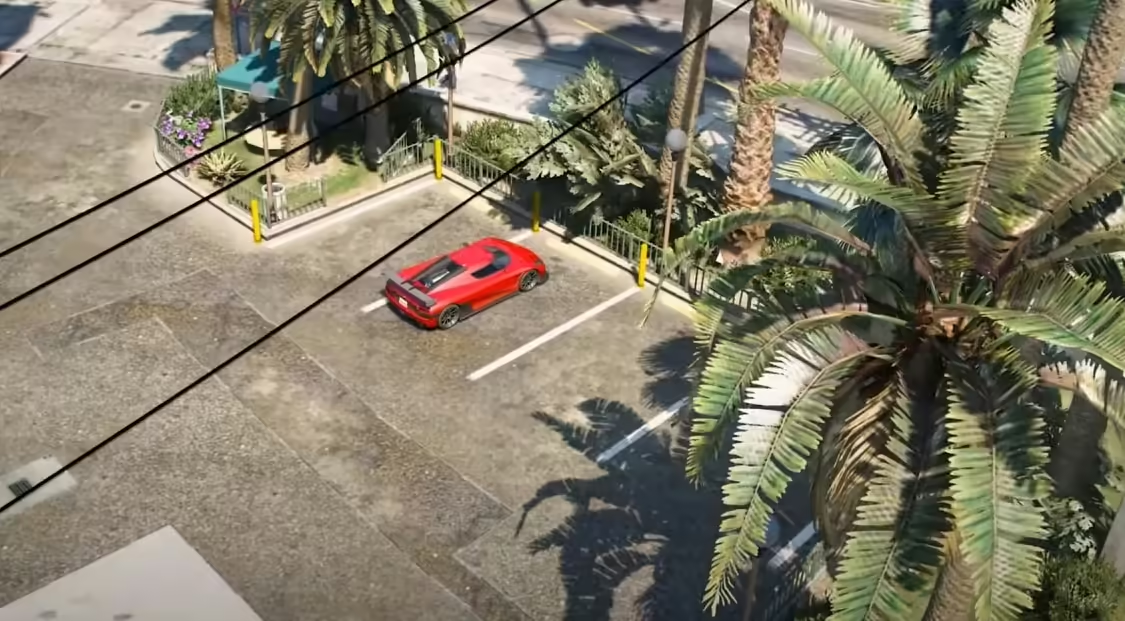
Download Nothin Studio’s original Shop Center YMAP and check the verified archive layout, resource name and overlapping map files.
Free FiveM mods can be server scripts, map resources, vehicles, clothing, graphics, or client-side presets. Identify the resource type first because each has a different installation path and risk profile.
Read the creator’s documentation for ESX, QBCore, Qbox, or Standalone support. Confirm required libraries, database migrations, game builds, and load order before copying files. A framework label alone does not prove compatibility with your server version.
Prefer resources with a named maintainer, installation instructions, an understandable file tree, and a reversible setup. Treat claims such as “optimized,” “tested,” or “ready-to-install” as unverified unless the publisher provides concrete evidence.
New players should use the official FiveM download and installation guide. Server owners should read how to use FiveM mods safely before deploying a free resource.