





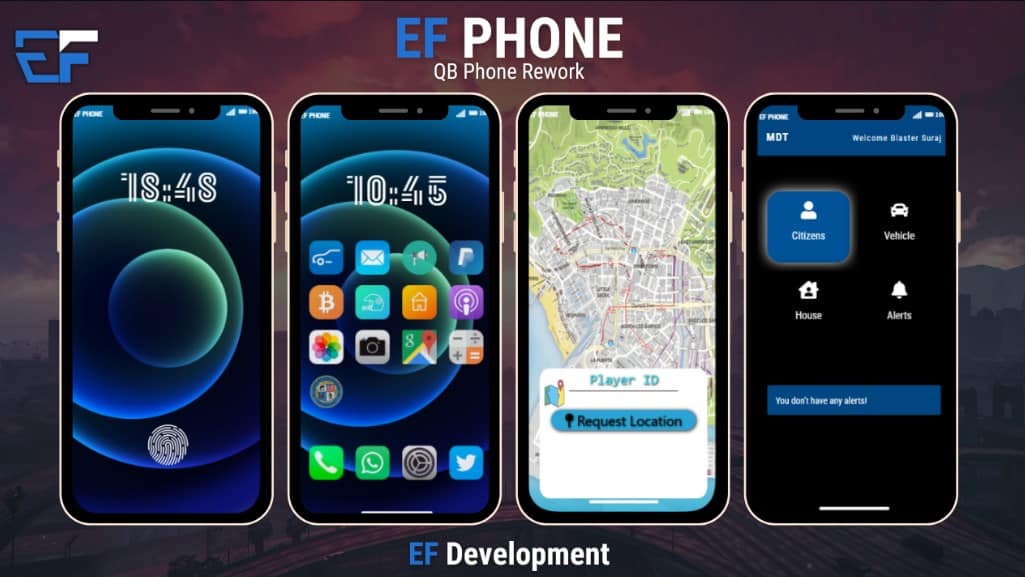
EF Phone is a QBCore phone resource from EF Development. Its creator’s repository describes calls, messaging, navigation, garage access and in-game payments. The available apps and integrations depend on the version you install.
Download from the creator
The EF Phone repository links to the creator’s distribution and documentation. Its README also identifies the repository as an older version. Check the release you receive rather than assuming an old archive is the latest package.
Dependencies and installation
The repository’s resource manifest loads config.lua, @qb-apartments/config.lua and @oxmysql/lib/MySQL.lua. Check those components before starting the phone.
- Back up the phone configuration and database. Test the new phone separately before replacing a working installation.
- Use the creator’s documented
ef-phonefolder name and confirm the manifest, HTML interface and Lua files are present. - Compare the supplied SQL with your existing schema. Review the migration before importing it; do not delete existing phone tables merely to follow an old troubleshooting tip.
- Configure the integrations for your actual garage, housing and framework versions. Keep webhook secrets out of screenshots and public repositories.
- Start the required dependencies before
ensure ef-phone, then inspect both consoles.
Test the player workflow
Use two test players to check calls, messages and in-game transfers. Verify garage entries, navigation, reconnects and saved data. Confirm that players cannot access another character’s private records. A graphical lock screen alone does not establish data security.