






TGRHavoc’s LiveMap uses a FiveM server resource and a separate browser interface. Both creator repositories were archived on 16 April 2025; their source remains available. Install matching components and review the connection boundary before exposing live player information.
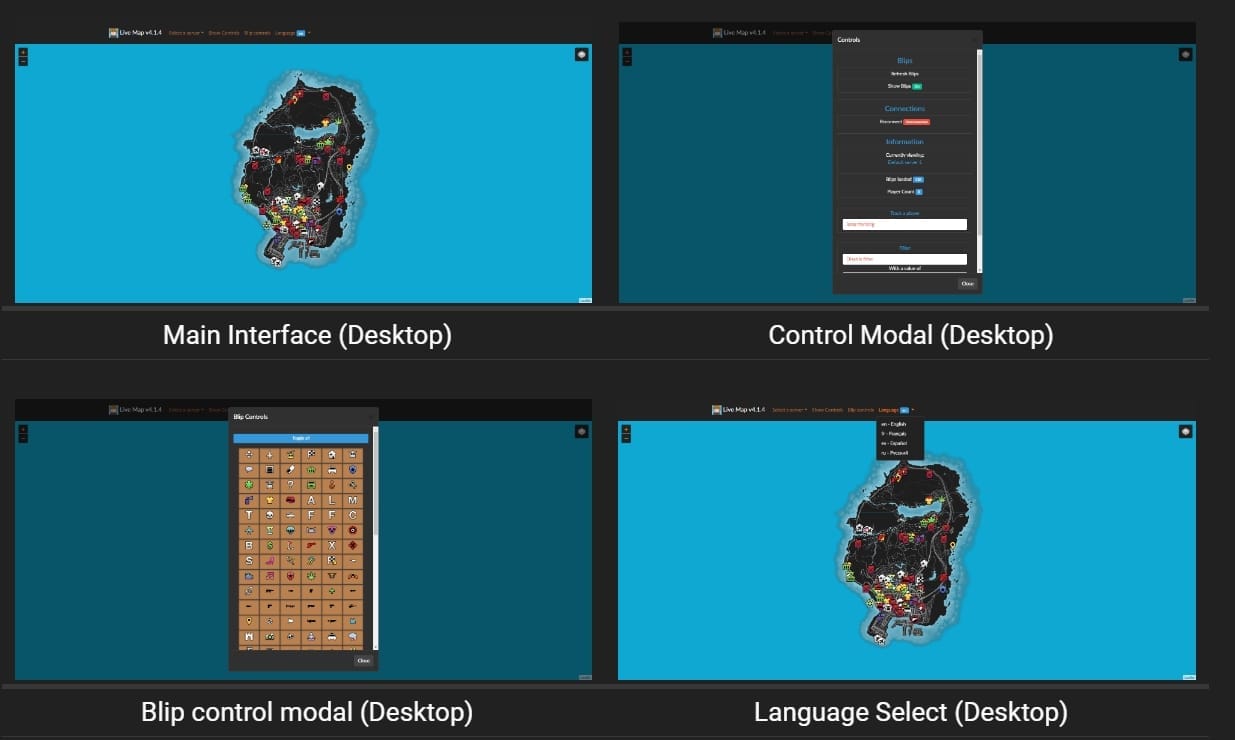
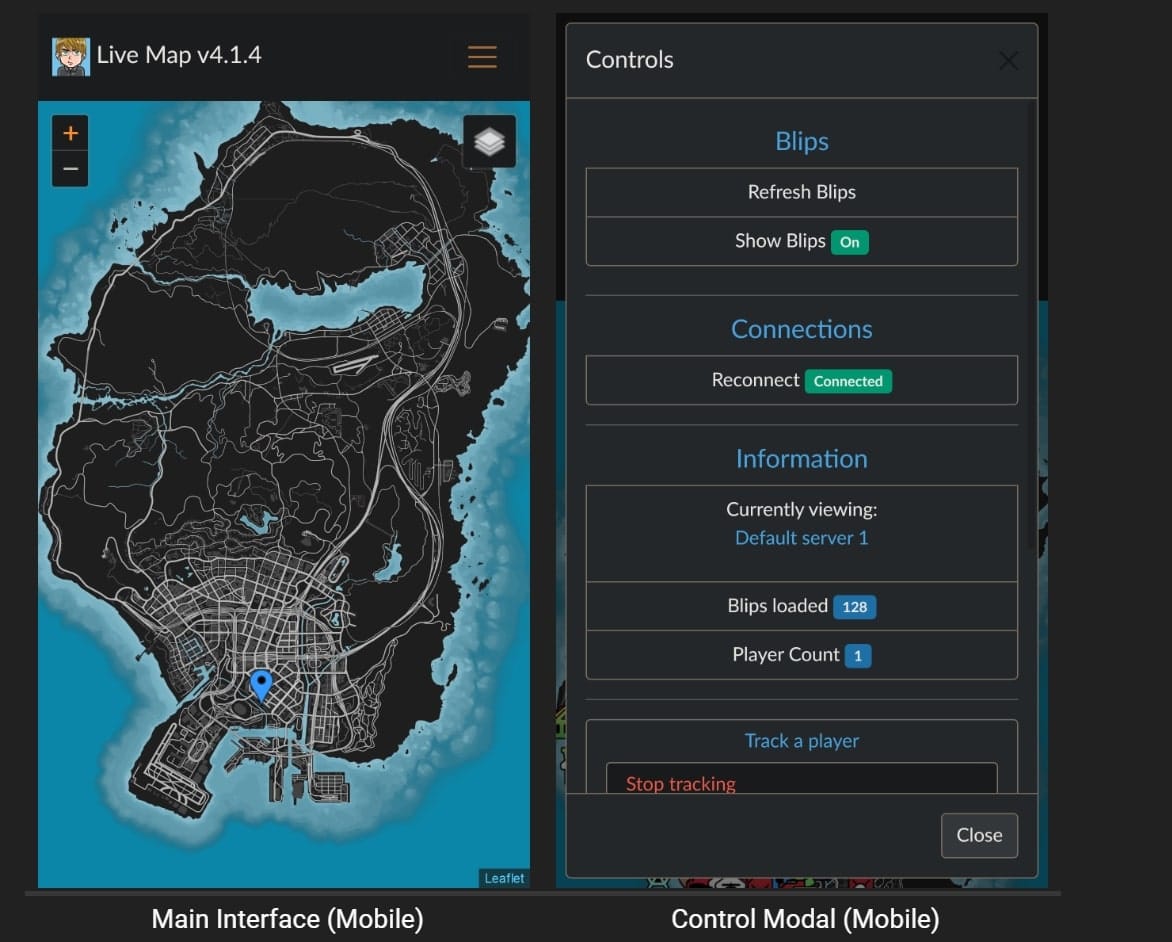
Prepare and verify both components
Back up the server configuration and existing interface. Follow the resource manifest and the interface’s supplied configuration, keeping their socket settings consistent. On a separate test setup, confirm that markers update after player reconnects and resource restarts. Check browser network errors and both server logs. Retain the previous configuration for rollback.
Protect the data connection
The inspected server source listens on 127.0.0.1 and defaults socket_port to 30121. Its livemap_access_control setting checks the connection’s Origin header; the default * accepts all origins. This is not a player or staff login. Enforce viewer authorization at the connection boundary, including WebSocket access, before publishing private player locations.
The wrapper adds player identifiers and names to the broadcast data. Setting showIdentifiers to false in the interface hides a display field; it does not remove identifiers from the network payload. Check what an unauthorized browser can receive, not only what the map displays. Review the legacy Nucleus proxy path separately instead of assuming its availability or access policy.