




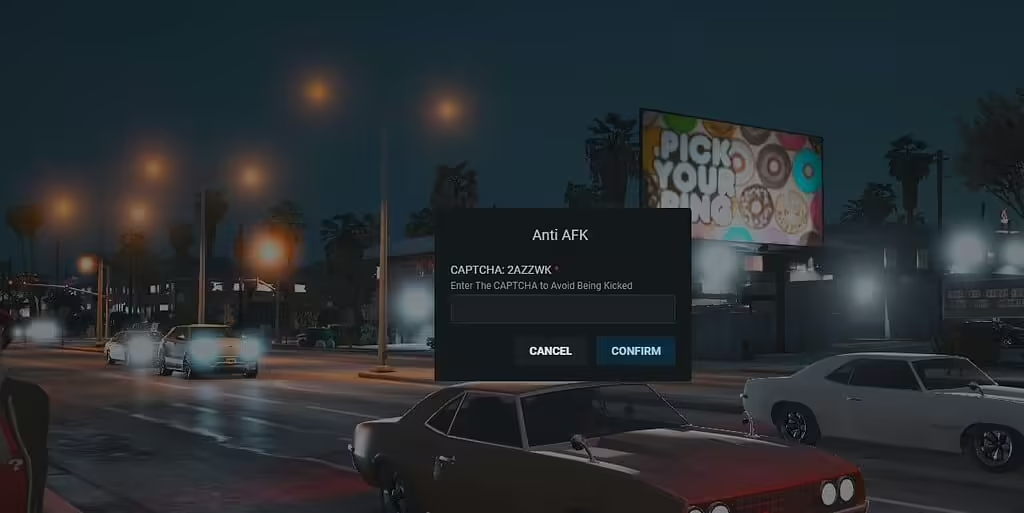
Review the RK Anti-AFK CAPTCHA release and Hajdenko rewrite, its ox_lib requirement and retry/zone cleanup problems before enabling player kicks.
 English
Free FiveM resources across every type we track: scripts, MLOs and YMAPs, vehicles, clothing, HUDs and loading screens. These are public releases by their original authors, not RPCrate products, so support and update cadence depend entirely on whoever published them.
Treat a free resource as a starting point that needs review. Read the licence before you ship it, because “free to download” and “free to use on a monetised server” are different permissions. Check which framework it targets and which dependencies it expects, since a script written for es_extended will not run unchanged on QBCore. Look at the release date against the FiveM build you run. And read the server-side code before installing: an unreviewed free resource is the most common way an event handler without a permission check reaches a live server.
Review the RK Anti-AFK CAPTCHA release and Hajdenko rewrite, its ox_lib requirement and retry/zone cleanup problems before enabling player kicks.
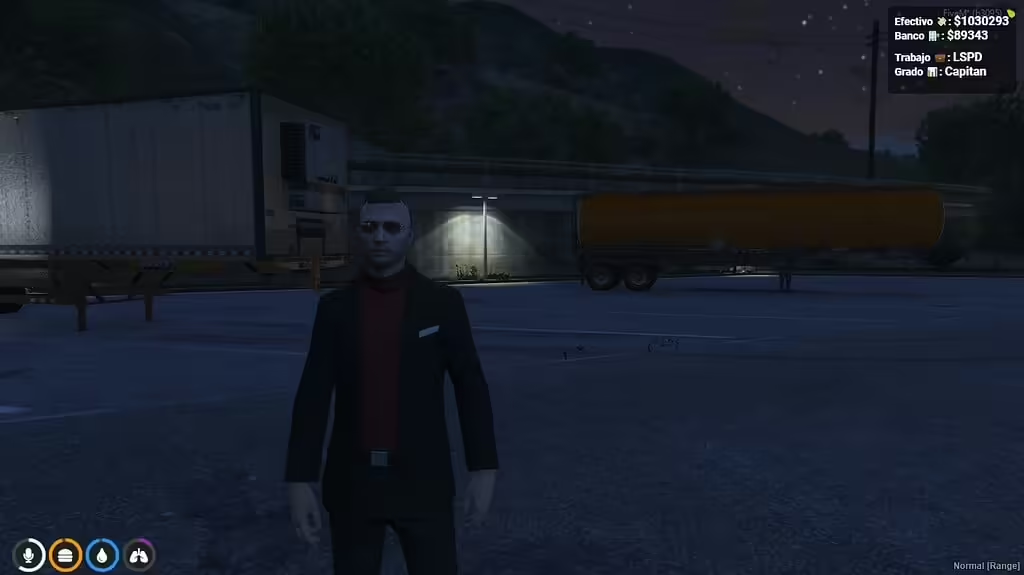
KM-HUD is a QBCore resource in the Angelinn142/km-hud repository. Its manifest requires qb-core and loads html/ui.html; the client code displays cash, bank balance, job and job grade. The HUD toggle command is /zshud.

Set up primeWeaponshop for ESX with NativeUI Reloaded, shop locations and real inventory items. Review purchase validation and payment failures.
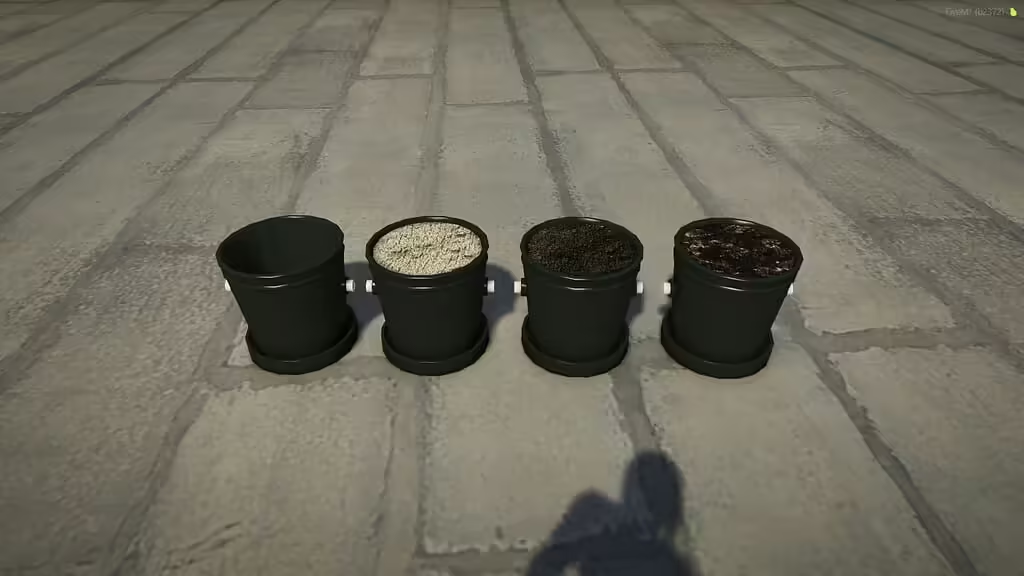
Install the verified bzzz_pot resource, find its four prop model names and inventory images, and connect it to your own placement or growing script.
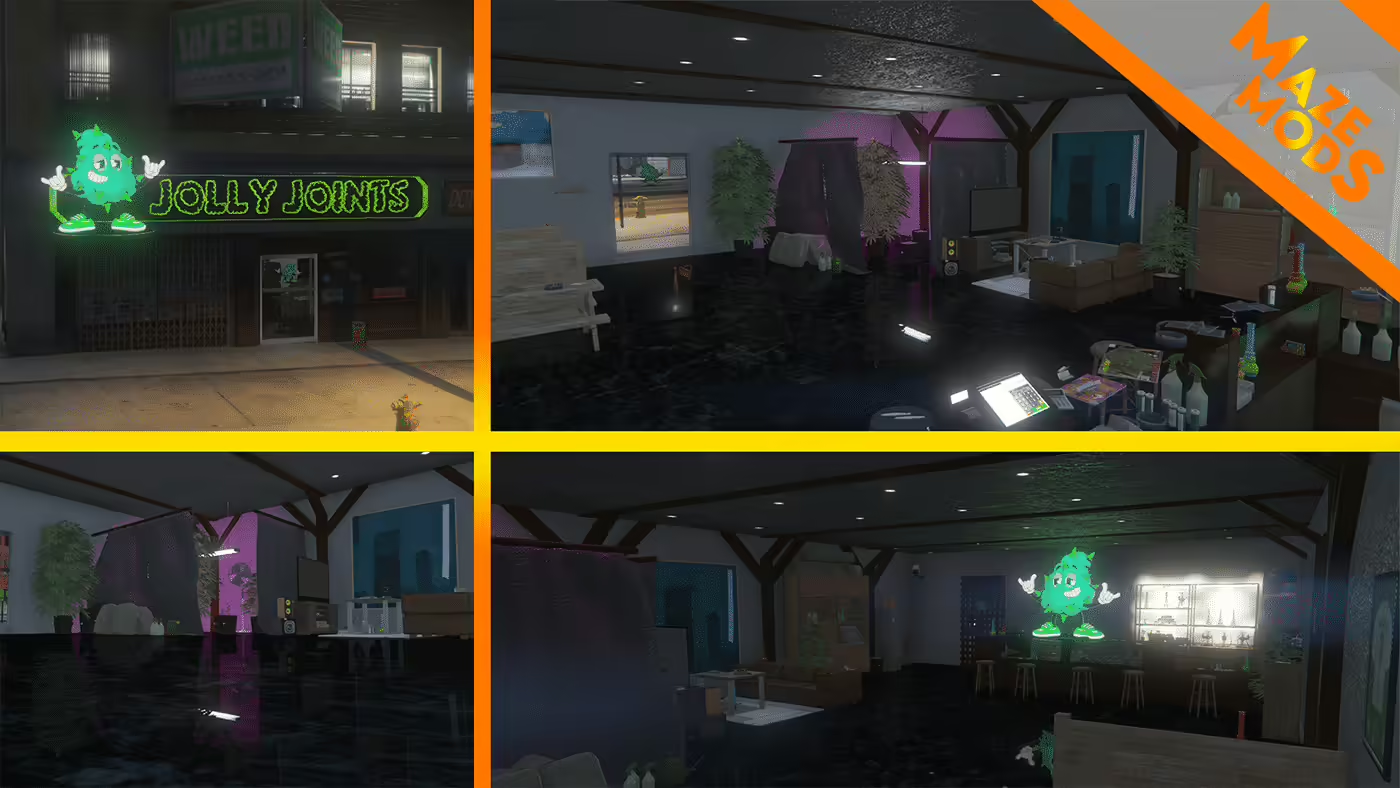
Find the original Jolly Joints map, install florek_weedshop for FiveM and check the creator’s dealership and Legion Square conflict warnings.
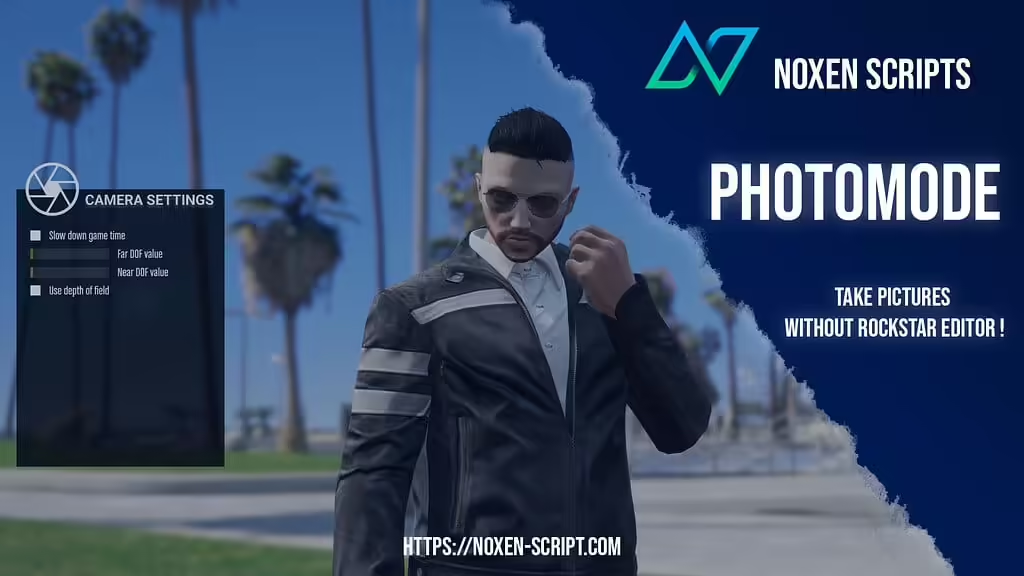
Install noxen_photomode in server resources, use /photomode and review default access, camera controls and cleanup requirements.
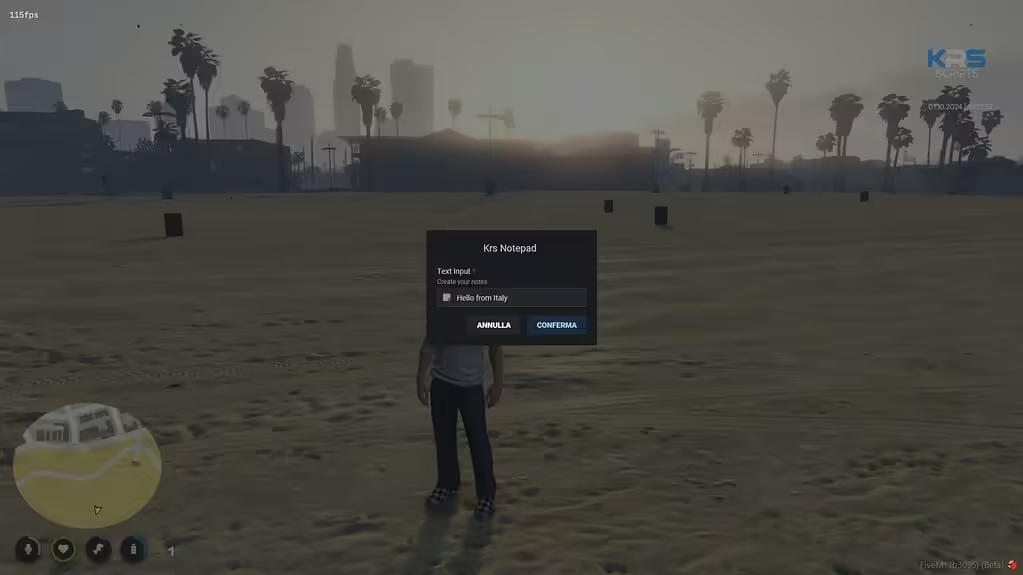
Review Krs Notepad’s ESX and ox_inventory setup and the missing server checks before allowing players to create saved notes.
ReShade applies post-processing on the game client. Install it only when the server permits it and the ReShade release supports your client’s renderer. Do not select FXServer.exe: that is the dedicated server, not the process drawing your game.

NoPixel 4.0 visuals: official creator access, separate graphics/vegetation/vehicle packs and historical compatibility guidance.
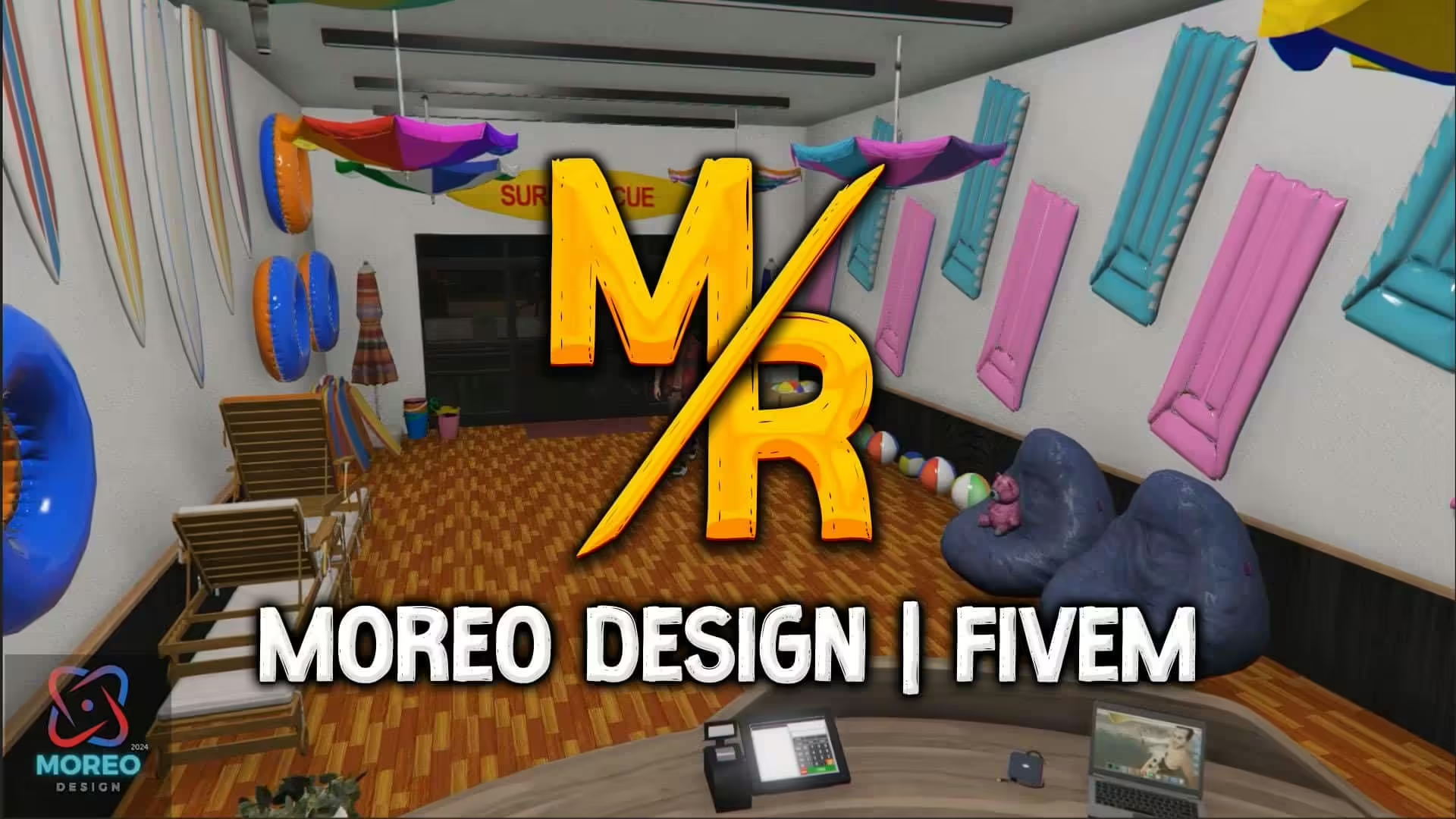
Set up Moreo Design’s SeaWorld Shop 1.0 with separate FiveM and single-player instructions and checks for graphics or map conflicts.

Check KING_SYKO’s Vespucci Beach House 1.0.0, its included installation README and creator-confirmed map overlaps before installing.

Install DPCmod’s Xiaomi SU7 single-player DLC with the correct folder and spawn identifier. FiveM and OneSync compatibility have not been verified.
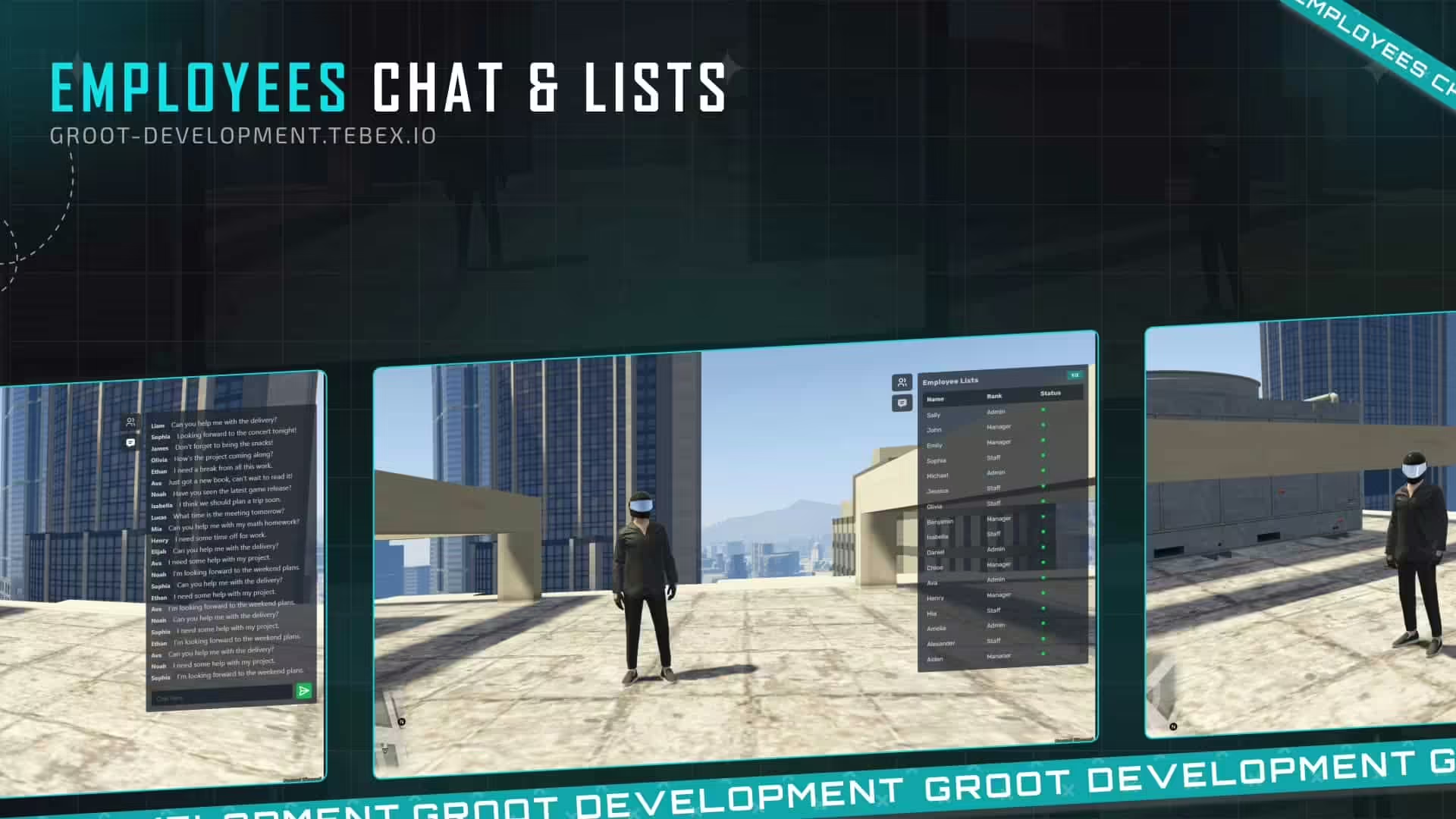
Review g-employee-chatandlist setup, framework bridges, employee counts and access checks before enabling job chat on a FiveM server.

Install the correct persistent-plane-steer resource and understand its local-player scope, ground steering and respawn test requirements.
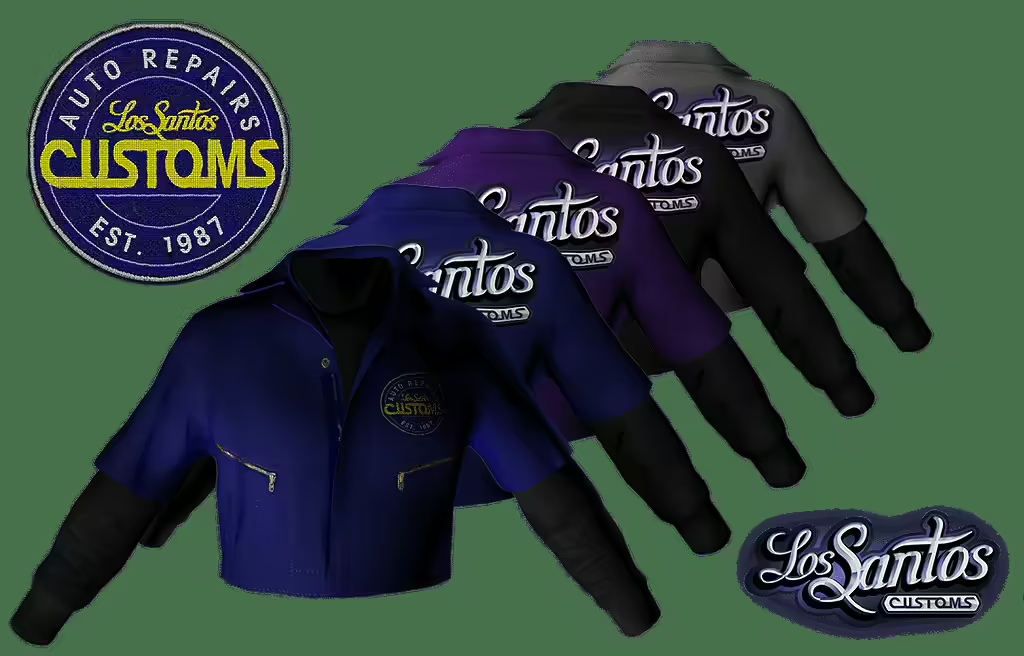
Install lsc_uniform_4c as male freemode clothing for FiveM. Check the resource folder, upper/lower textures and appearance-menu integration.

Review the archived Gardening 1.0.1 job for QBCore: fuel, vehicle keys, route settings and server payout checks before live use.

Find Soul Mods Design’s Hongqi S9 release, understand its model-lock limitation and distinguish the Story Mode install from a FiveM resource.

Check the withdrawn Vigero ZX creator listing and the verified layout of the older Speed Unit 1.2 package, including FiveM/SP folders and siren references.
Free FiveM mods can be server scripts, map resources, vehicles, clothing, graphics, or client-side presets. Identify the resource type first because each has a different installation path and risk profile.
Read the creator’s documentation for ESX, QBCore, Qbox, or Standalone support. Confirm required libraries, database migrations, game builds, and load order before copying files. A framework label alone does not prove compatibility with your server version.
Prefer resources with a named maintainer, installation instructions, an understandable file tree, and a reversible setup. Treat claims such as “optimized,” “tested,” or “ready-to-install” as unverified unless the publisher provides concrete evidence.
New players should use the official FiveM download and installation guide. Server owners should read how to use FiveM mods safely before deploying a free resource.