




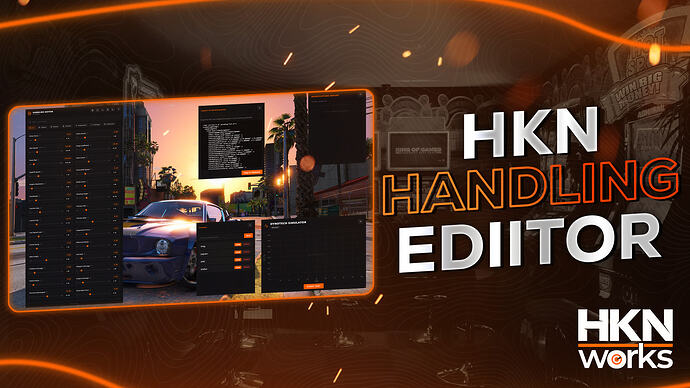
Compare HKN Handling Editor’s free escrow and paid source editions, check handling.meta export and validate saved tuning before live use.
 English
Free FiveM resources across every type we track: scripts, MLOs and YMAPs, vehicles, clothing, HUDs and loading screens. These are public releases by their original authors, not RPCrate products, so support and update cadence depend entirely on whoever published them.
Treat a free resource as a starting point that needs review. Read the licence before you ship it, because “free to download” and “free to use on a monetised server” are different permissions. Check which framework it targets and which dependencies it expects, since a script written for es_extended will not run unchanged on QBCore. Look at the release date against the FiveM build you run. And read the server-side code before installing: an unreviewed free resource is the most common way an event handler without a permission check reaches a live server.
Compare HKN Handling Editor’s free escrow and paid source editions, check handling.meta export and validate saved tuning before live use.
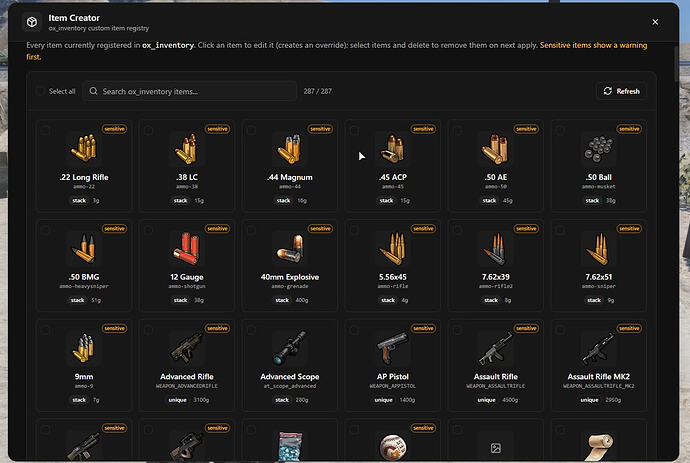
Set up spoodyItemCreator with its required inventory bridge, restrict admin access and protect item definitions and images before using live updates.
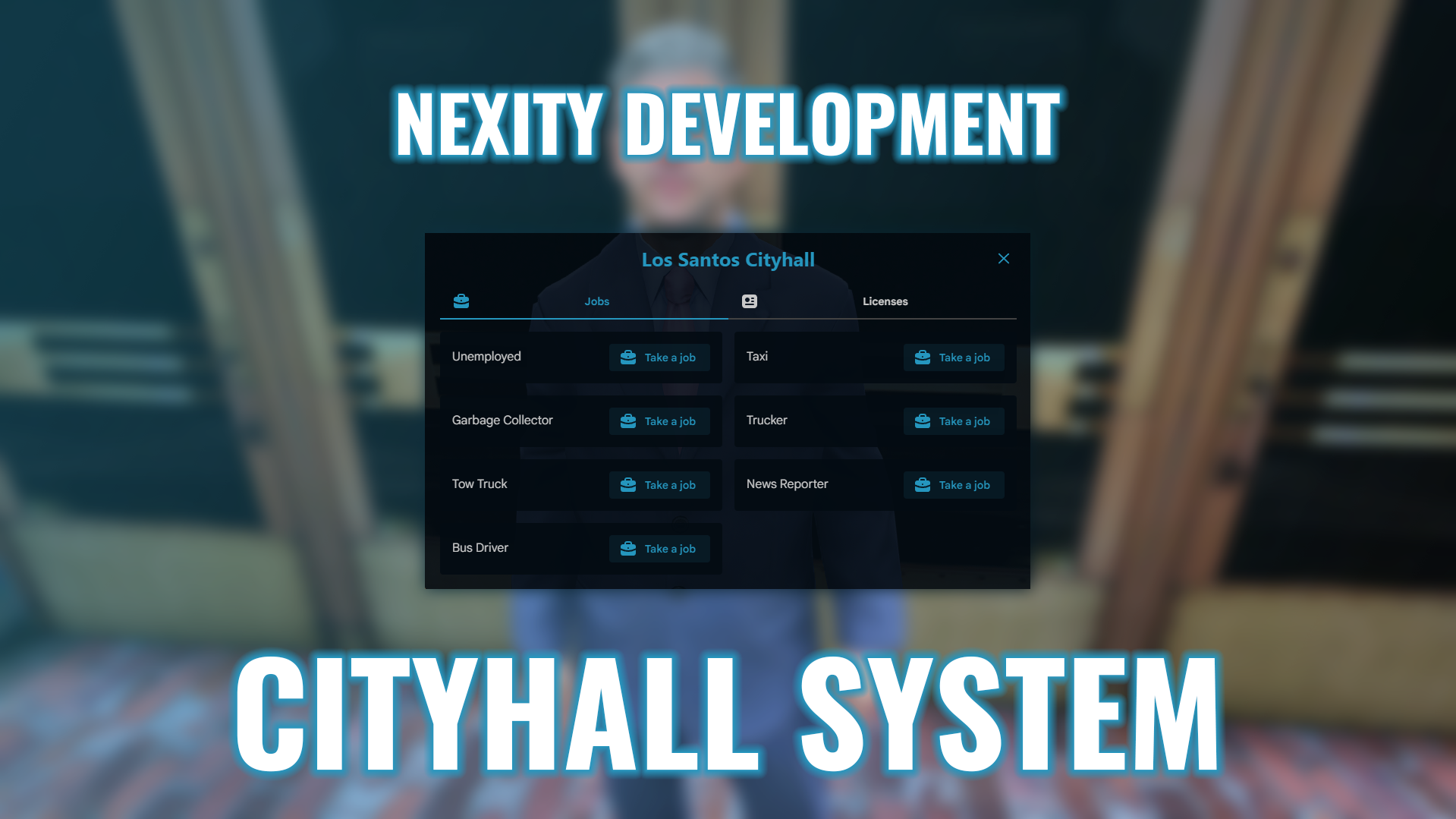
Review nx_cityhall dependencies, framework-specific inventory and target integrations, and server-side license validation before installing it publicly.
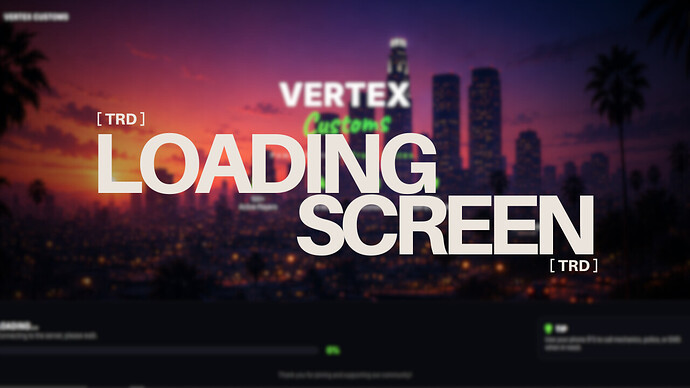
TRD Loading Screen v3 is the release published by Rwix. The original post links to its Tebex distribution and describes config.js settings for server name/tag, music, background video or image and default volume. Follow that source to confirm the current package and terms.
![🛡️ [FREE] NXM Aduty The admin-duty script you’ll actually enjoy using](https://rpcrate.com/wp-content/uploads/2026/06/maxresdefault-6.jpg "NXM Aduty: ESX Dependencies and Staff Permission Checks")
Review NXM Aduty’s documented database, clothing and ACE requirements before enabling staff-duty powers.
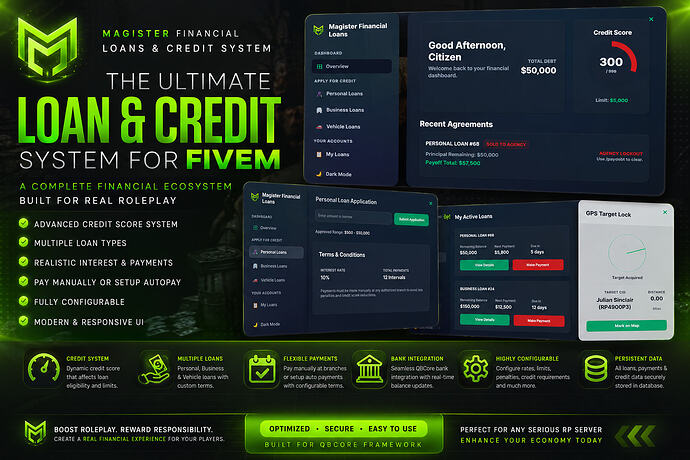
Check Magister Loans’ QBCore banking, qb-management and ox_inventory integrations, understand the free escrow edition and test debt workflows.
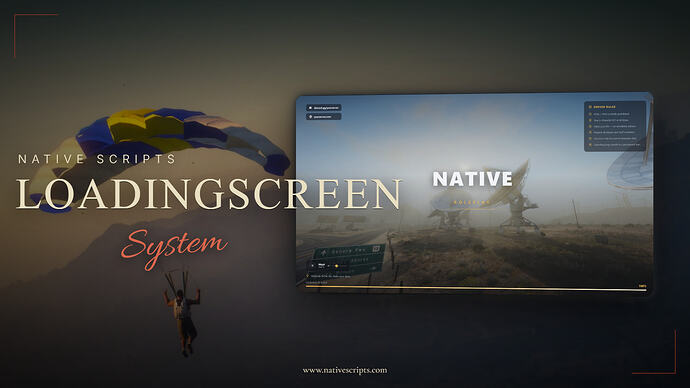
Native Scripts publishes ns-loadingscreen as a standalone resource. Its release instructions use the folder ns-loadingscreen-fivem, ensure ns-loadingscreen-fivem and html/config.js. Configure your server name, logo, links, rules, tips and music there. Use the creator’s download route linked in the original release.
![Carmarket [FREE]](https://rpcrate.com/wp-content/uploads/2026/06/57e235a321413c5a2a1a01580e071a7939a4002a_2_690x388.jpeg "Koja CarMarket for FiveM: Creator Download, Setup and Trade Tests")
Find Koja’s free Car Market listing, check ESX/QBCore dependencies and conflicting ox_lib guidance, then test auctions, ownership and payments.

Install Var Chess with its bzzz_chess asset dependency and verify permissions, wagers and reconnect behavior.
![[PROP] Food Props | Free - Ultra Low Poly](https://rpcrate.com/wp-content/uploads/2026/06/4993816af0642cf620d19dad097eafdb5d42471b_2_690x388.jpeg "Cartty Food Props: Inventory Images and Spawn Integration")
Use Cartty’s food-prop release with the correct inventory images, item configuration and prop cleanup checks.
![Airdrops ( Zones, Graffity, Decay, In-Game Creator & Configurator & Much More) [ESX][QB-CORE][QBOX]](https://rpcrate.com/wp-content/uploads/2026/06/3153d87d1df35dbaba34bf486db4b7804a978d75_2_690x388.jpeg "IC3D Airdrops for FiveM: Free Release, Dependencies and Loot Checks")
Find the original IC3D Airdrops release and check framework, inventory, loot settings, alerts and admin permissions before FiveM deployment.
![[MLO] Marines Table Restaurant](https://rpcrate.com/wp-content/uploads/2026/06/maxresdefault-2.jpg "Marines Table Restaurant MLO: Location and Resource Setup")
Find Vertex Group’s restaurant release, its documented resource name and the entrance checks to make before adding a job.
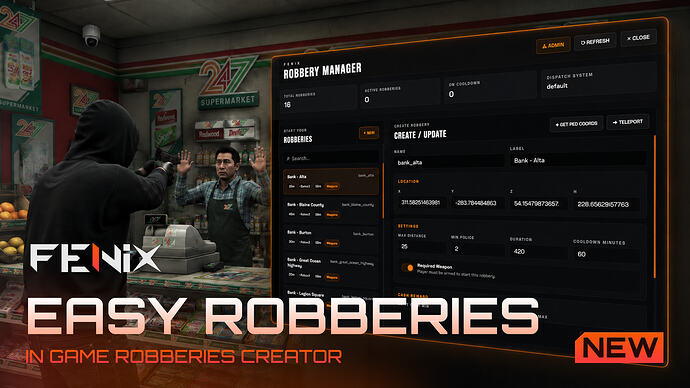
Configure FNX Easy Robberies using its documented bridge, config files, staff permission and saved robbery data.
Review Red40 Clothing Packer, its YMT workflow and outfit-code changes. Back up clothing assets and test the output before FiveM migration.
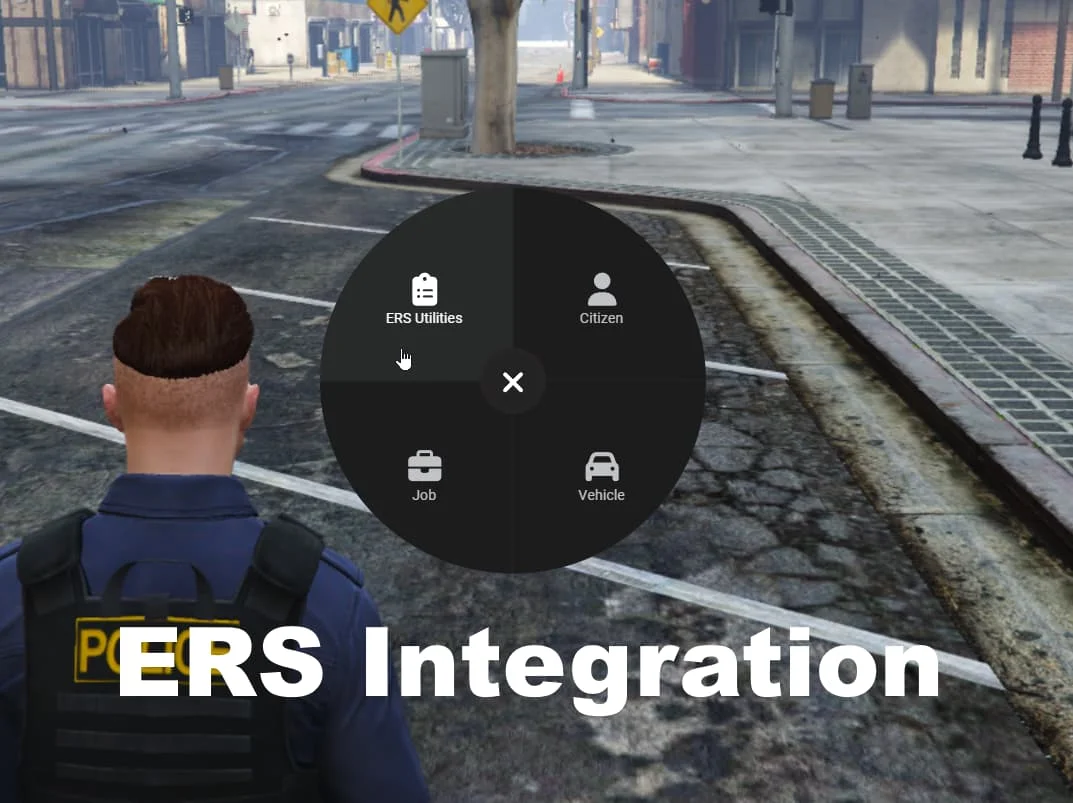
Review ERS Integration’s reward switches, tablet job access and database changes before enabling them on a QBCore or Qbox server.
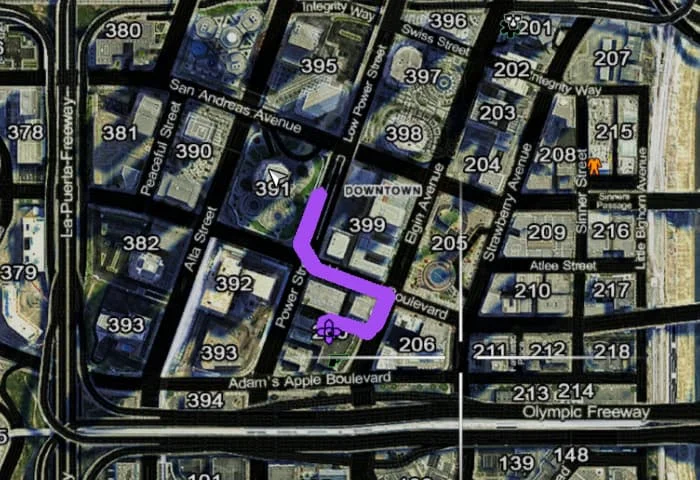
Set up mnr_postals: required folder name, ox_lib, postal data selection, the /gps command and optional nearest-postal HUD export.
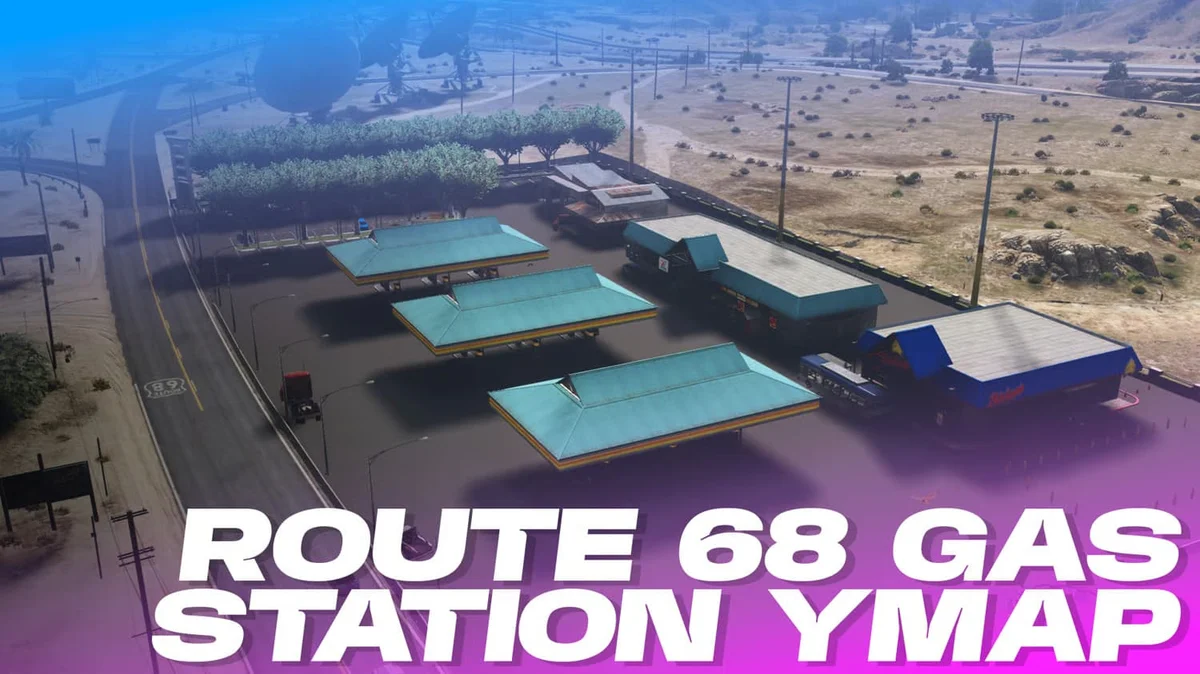
Review Hunz and ChapterDonut’s Route 68 map, actual resource files, documented vegetation conflicts and unresolved pedestrian-scenario setup.
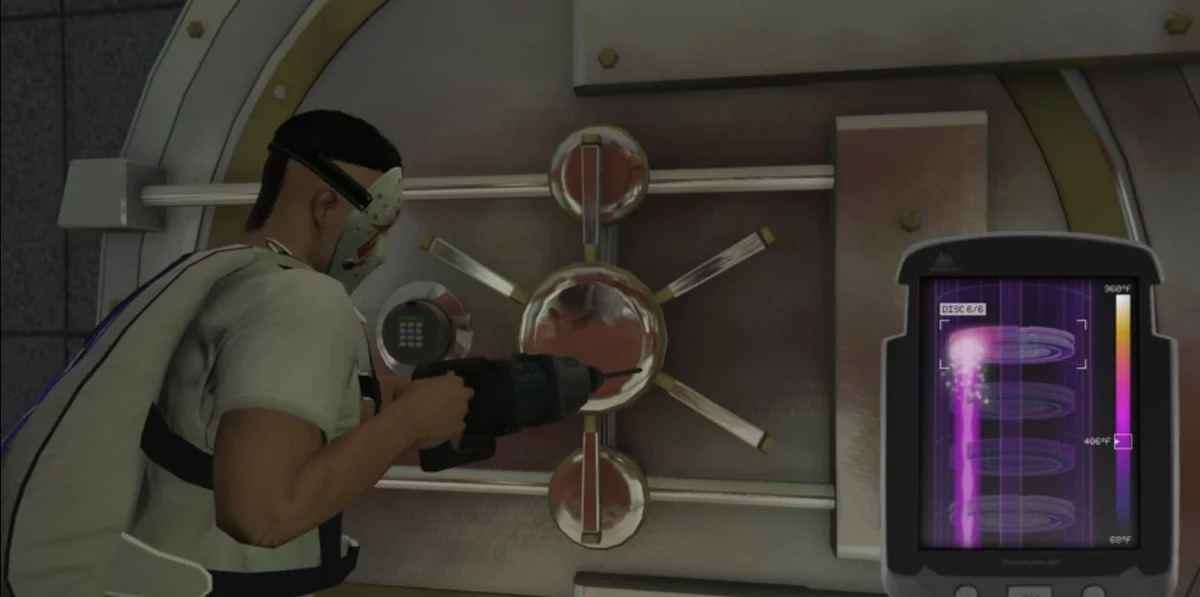
Set up sq-bankrobbery 1.2.1 with the right dependencies and item. Check per-player cooldown behavior, framework support and server payout safeguards.
Free FiveM mods can be server scripts, map resources, vehicles, clothing, graphics, or client-side presets. Identify the resource type first because each has a different installation path and risk profile.
Read the creator’s documentation for ESX, QBCore, Qbox, or Standalone support. Confirm required libraries, database migrations, game builds, and load order before copying files. A framework label alone does not prove compatibility with your server version.
Prefer resources with a named maintainer, installation instructions, an understandable file tree, and a reversible setup. Treat claims such as “optimized,” “tested,” or “ready-to-install” as unverified unless the publisher provides concrete evidence.
New players should use the official FiveM download and installation guide. Server owners should read how to use FiveM mods safely before deploying a free resource.