





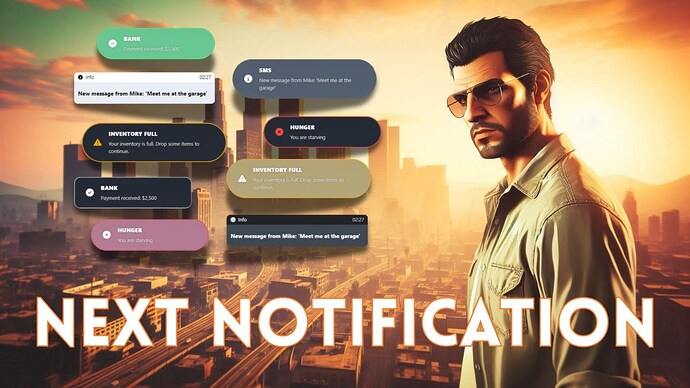
Next Notification by NextCore Studio provides an in-game editor for notification themes, position and sounds. The creator offers it free, with protected source code and no subscription.
Original NextCore release and download
Connect the notification interface first
The release lists native GTA, ESX, QBCore, Qbox and ox_lib notification integration. Installation requires inserting the supplied bridge code into the relevant notification system; styling the interface alone does not connect existing resources.
Back up the file you change and use the tutorials folder supplied with your release. Follow the instructions for the exact framework and version you run. A resource that draws its own interface may need separate integration.
Verify coverage and readability
On a test server, trigger success, information and error messages through each interface your resources use. Check that messages appear once and retain their duration, text and meaning. Test long localized messages, rapid events and positioning beside your HUD.
Save a style, reconnect and restart the resource to check persistence. Confirm who can access the styling editor. Keep the original notification bridge for rollback and review that small change again when updating the framework.