





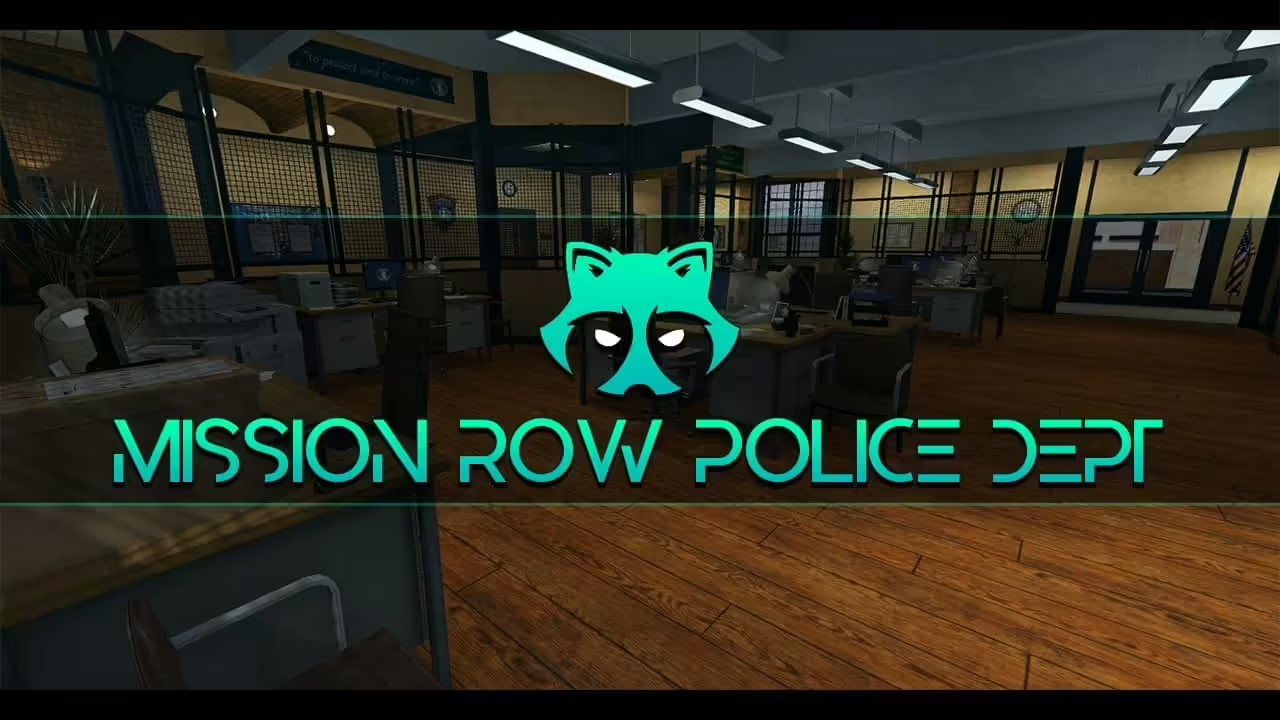
Gabz Mission Row Police Department is a paid creator product. Use the official Gabz MRPD offer for current pricing, media and access. RPCrate has removed the unverified legacy mirror and does not offer this map as a free download.
Identify the map before replacing an interior
Gabz lists a showcase server at showcase.gabzv.com. Use the creator’s current media and showcase to inspect public access, staff areas, custody routes and vehicle access before replacing an interior. Confirm the layout in the package you obtain; this guide does not certify a floor count or compatibility with your police scripts.
Prepare your integrations
Back up the current map and the coordinates used by doors, evidence, armory, garages, elevators and dispatch. Use the documentation supplied with your legitimate entitlement; do not guess a resource name from an old mirror.
- On staging, start the map and check console errors before enabling dependent scripts.
- Walk the entrances, stairs, cells and vehicle routes. Check collision and door permissions with both police and civilian roles.
- Enable police integrations one at a time and confirm that their target zones match this layout.
- Test a resource restart and a full server restart before moving the configuration live.
Starting the map successfully does not prove your police scripts work with it. If an integration fails, restore the previous map and coordinate configuration together.