




dp-evidencebag v4 setup: ox/qb inventory selection, non-stackable bag items, metadata and server access checks.
 English
Free FiveM resources across every type we track: scripts, MLOs and YMAPs, vehicles, clothing, HUDs and loading screens. These are public releases by their original authors, not RPCrate products, so support and update cadence depend entirely on whoever published them.
Treat a free resource as a starting point that needs review. Read the licence before you ship it, because “free to download” and “free to use on a monetised server” are different permissions. Check which framework it targets and which dependencies it expects, since a script written for es_extended will not run unchanged on QBCore. Look at the release date against the FiveM build you run. And read the server-side code before installing: an unreviewed free resource is the most common way an event handler without a permission check reaches a live server.
dp-evidencebag v4 setup: ox/qb inventory selection, non-stackable bag items, metadata and server access checks.
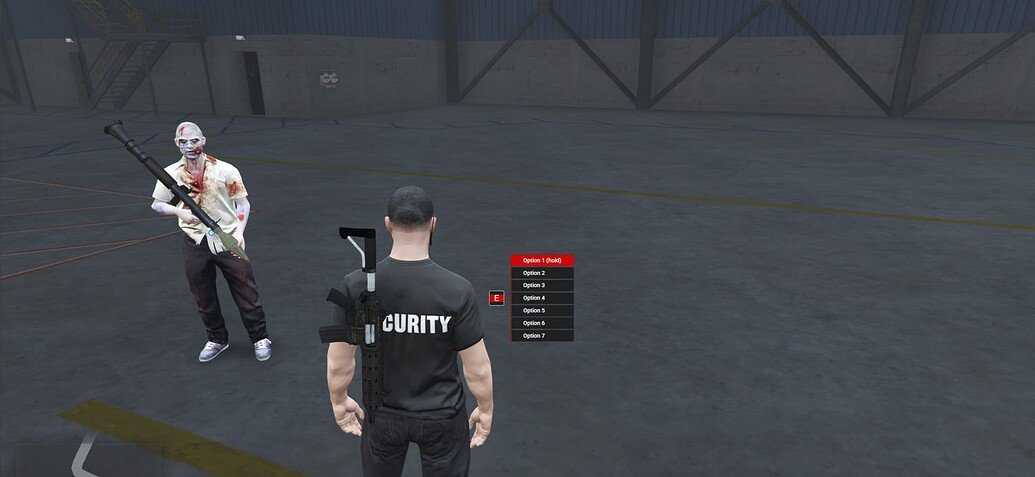
Set up sleepless_interact with ox_lib. Review target compatibility limits, framework item adapters and server validation before migrating.
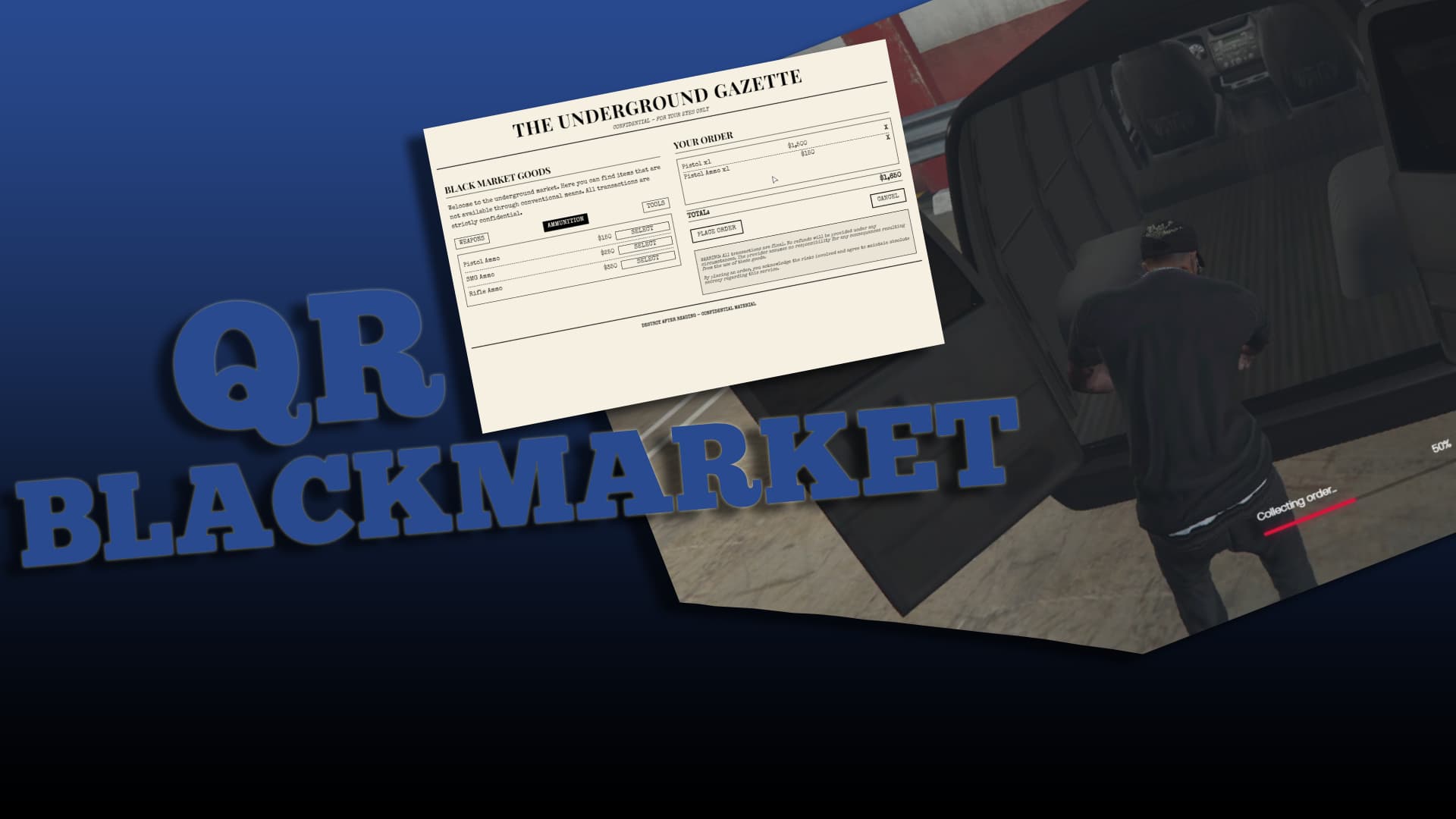
QR Blackmarket is a QBCore resource using the blackpaper inventory item to open a newspaper-style market. Its README lists qb-phone notifications and qb-target or ox_target. Installation uses the qr-blackmarket folder and ensure qr-blackmarket; add blackpaper to the QBCore shared items first.
uniq_garage: archived original setup, framework detection, vehicle database preservation and configuration limits.

Download Coffee Cute V2 from Moreo’s release, use the correct resource layout and coordinates, and check DLC requirements and shared occlusion files.
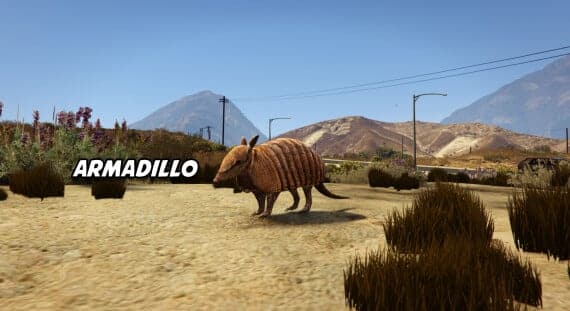
The armadillo is one animal in the Popcorn RP Pets collection. The creator lists it as a community-made add-on ped. The collection’s manifest registers nested peds.meta files through PED_METADATA_FILE; the collection is not itself a complete pet interaction system.
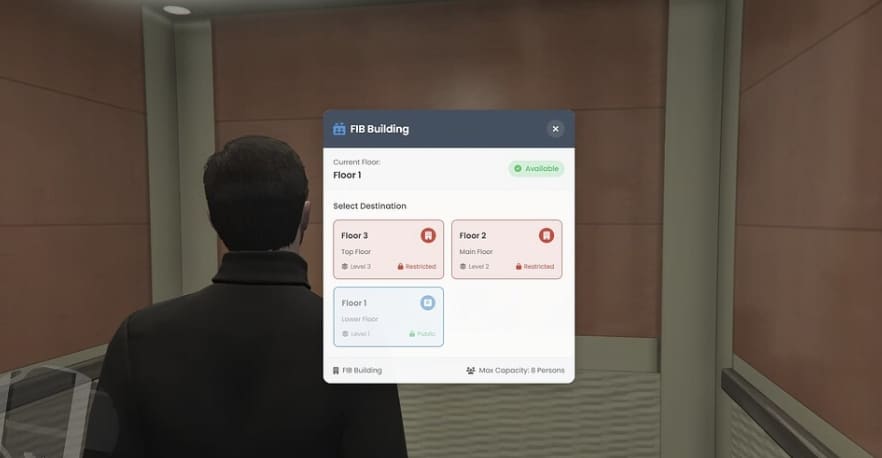
kedi_elevator: creator-documented requirements, unavailable original repositories and limits of the old installation claims.
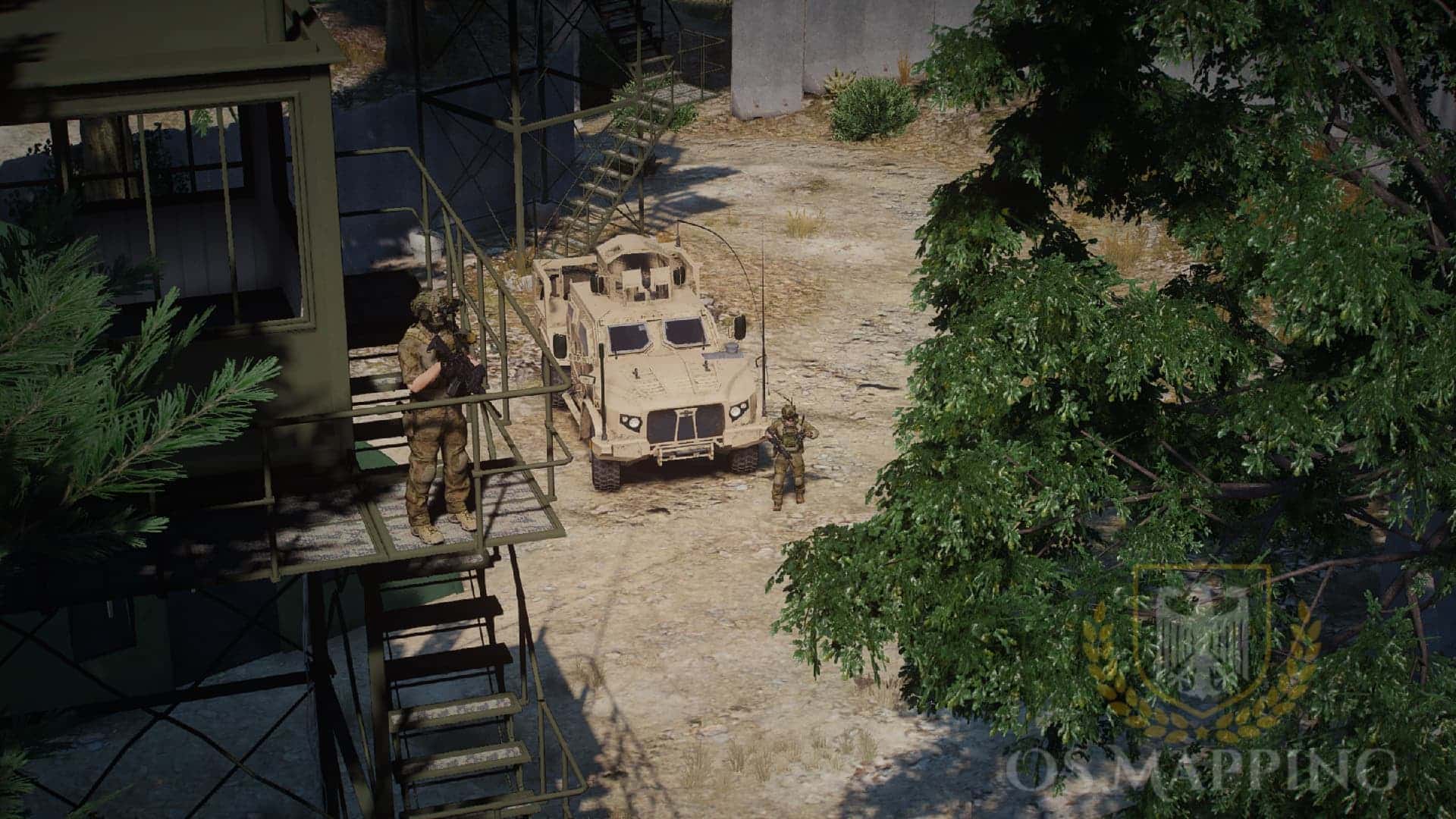
Find the original FOB Foxtrot map, select its actual MP resource and review manifest path, filename and asset-registration mismatches before installation.

Install ScubeScripts sc_textUI with its actual client exports and server events, then test prompt cleanup and translated text.
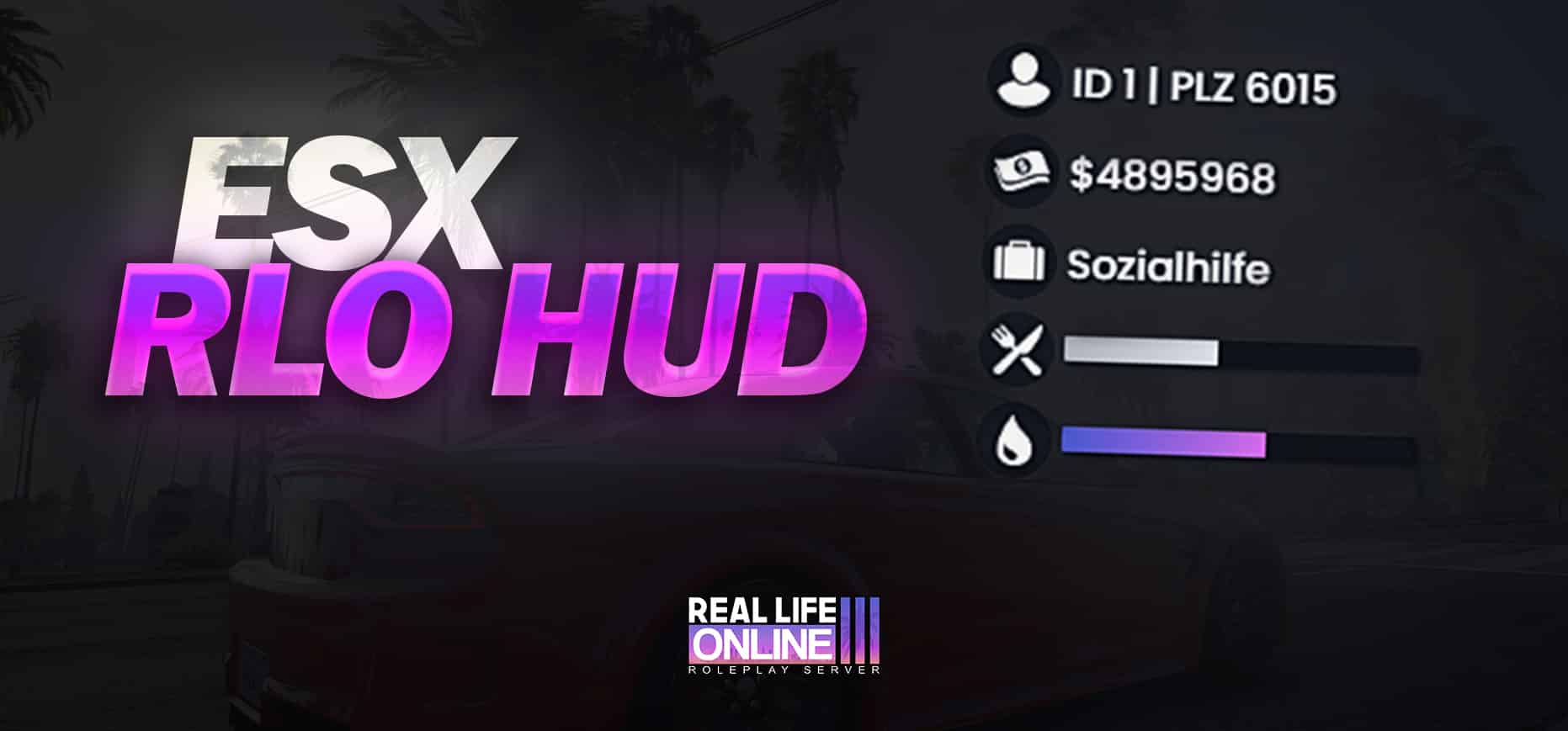
Set up CSYON’s RLO HUD with ESX Legacy and esx_status. Check the required status event, job icons, postal routing and known initialization limits.
SM Hunting is a QBCore hunting resource. The original instructions use the sm_hunting folder and ensure sm_hunting, and require adding the supplied reward items to qb-core/shared/items.lua. The README describes configurable hunting areas, animal spawning, rewards and a weapon-license check.
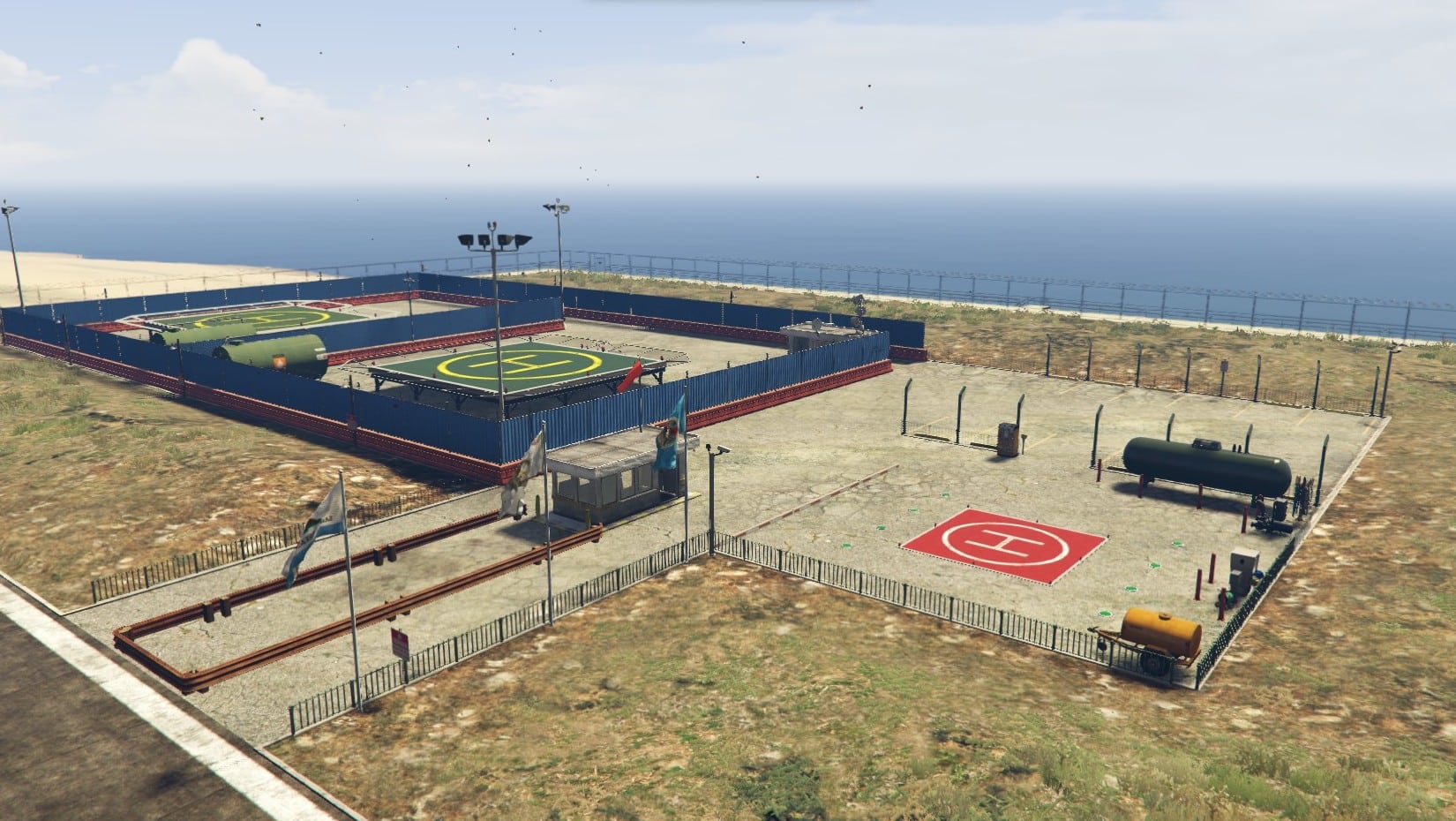
Set up LionsCity Studio’s AirOperation YMAP at LSIA. Check the correct FiveM folder, supplied map files, game-build requirement and separate gameplay scripts.
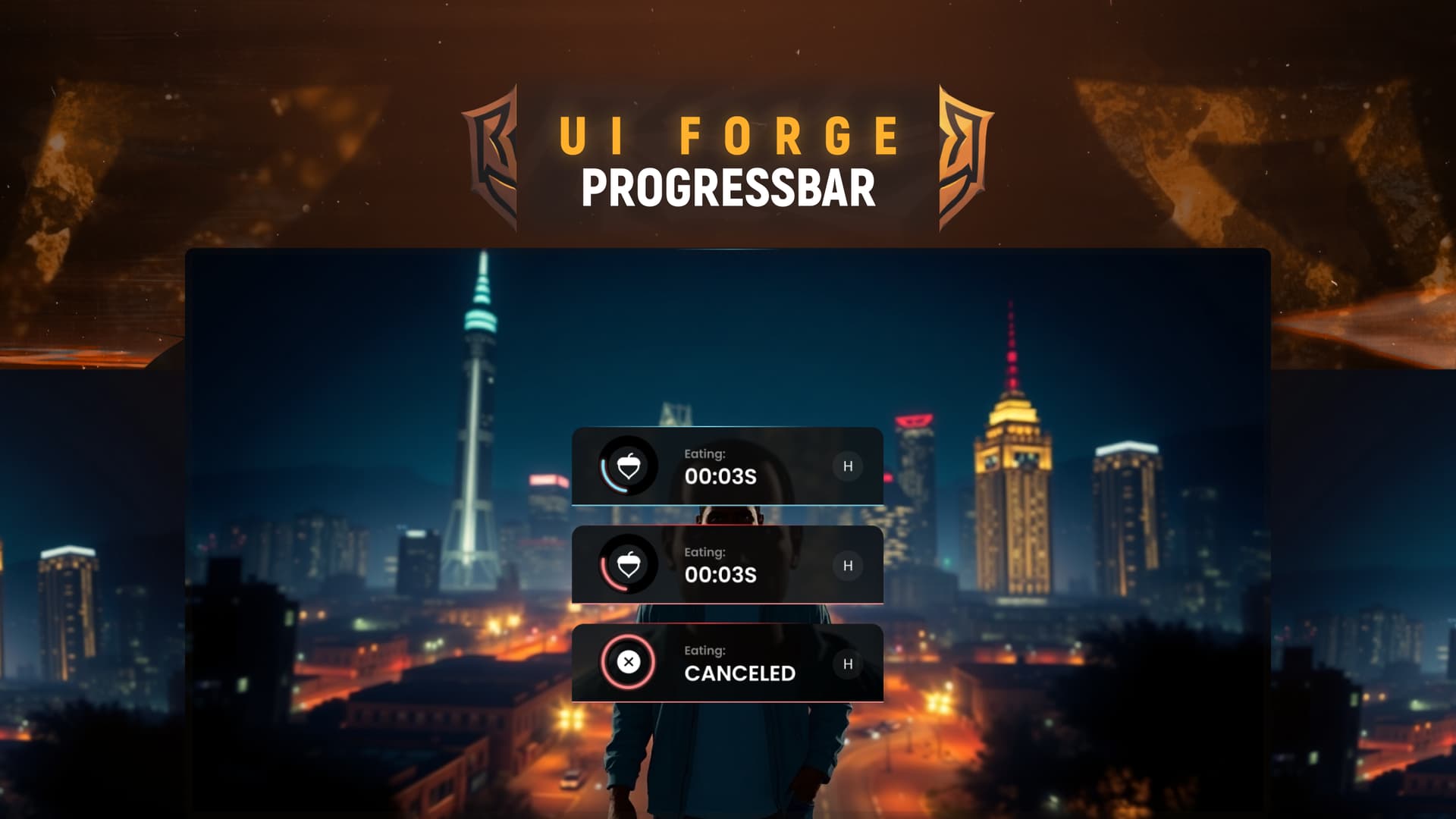
UIForge Progressbar is a FiveM progress interface with client-side control, animation and prop handling. Its client code distinguishes movement, vehicle movement, mouse and combat restrictions. Read the actual exported functions in client/main.lua before integrating it into an existing action.
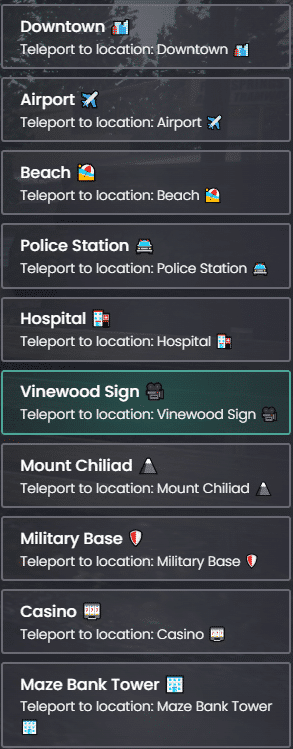
Review Durexio’s teleport menu before installation: actual QBCore dependencies, incomplete ESX support, disabled access checks and shared webhook configuration.
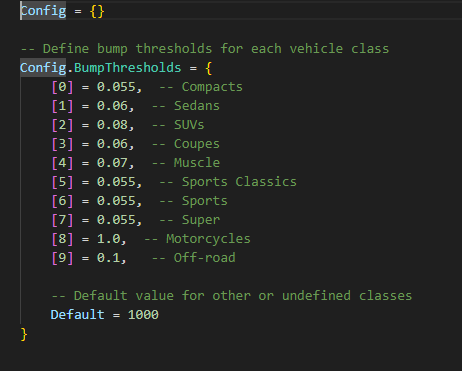
Review GM-AntiBump: vehicle-class thresholds, suspension sampling, speed-limit changes and checks for conflicts with handling scripts.
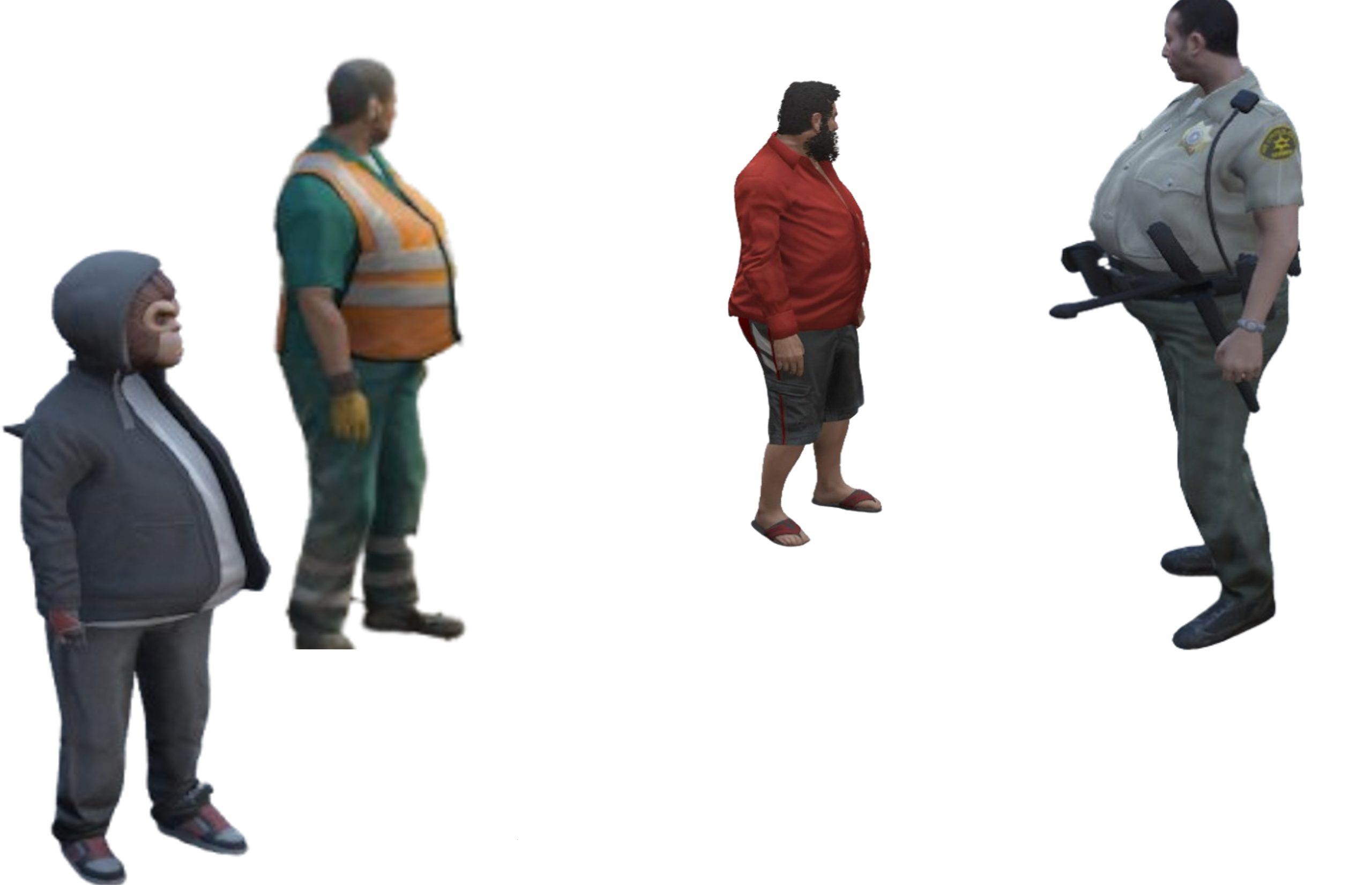
Identify the four original replacement peds, their actual model names and the checks needed before changing character resources.
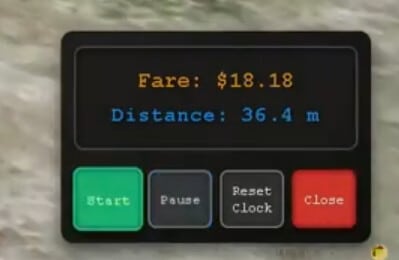
Review n1nja’s FiveM taximeter: fare calculation, display controls, temporary ride history, missing billing and server validation limits.
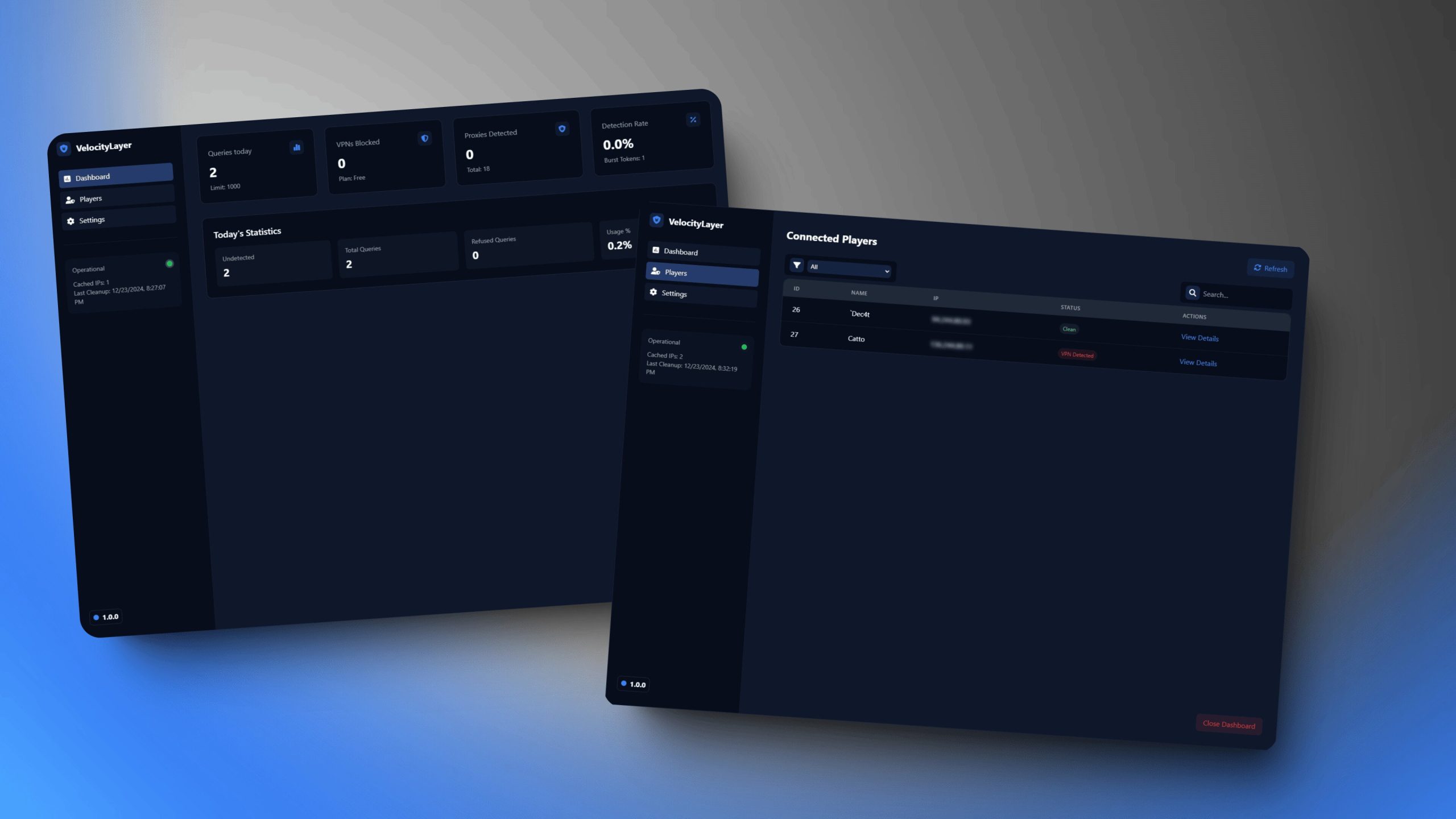
Review VelocityLayer 2.0r setup, external Proxycheck API usage, admin access and inconsistent cache/toggle behavior before enabling connection filtering.
Free FiveM mods can be server scripts, map resources, vehicles, clothing, graphics, or client-side presets. Identify the resource type first because each has a different installation path and risk profile.
Read the creator’s documentation for ESX, QBCore, Qbox, or Standalone support. Confirm required libraries, database migrations, game builds, and load order before copying files. A framework label alone does not prove compatibility with your server version.
Prefer resources with a named maintainer, installation instructions, an understandable file tree, and a reversible setup. Treat claims such as “optimized,” “tested,” or “ready-to-install” as unverified unless the publisher provides concrete evidence.
New players should use the official FiveM download and installation guide. Server owners should read how to use FiveM mods safely before deploying a free resource.