




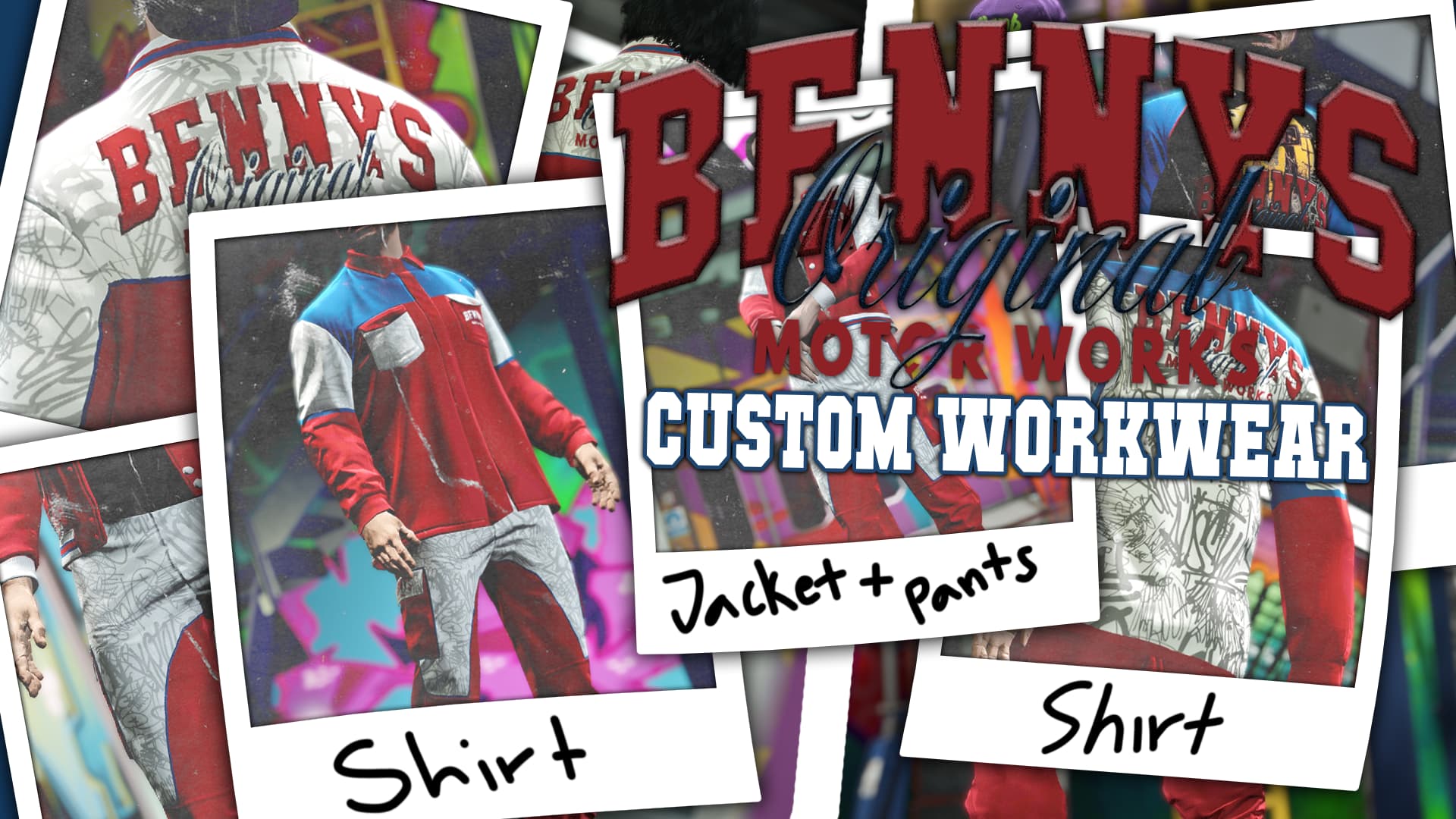
Inspect L1L’s male and female clothing assets, match each collection and resolve duplicate filename suffixes before integrating Benny’s Workwear.
 English
Free FiveM resources across every type we track: scripts, MLOs and YMAPs, vehicles, clothing, HUDs and loading screens. These are public releases by their original authors, not RPCrate products, so support and update cadence depend entirely on whoever published them.
Treat a free resource as a starting point that needs review. Read the licence before you ship it, because “free to download” and “free to use on a monetised server” are different permissions. Check which framework it targets and which dependencies it expects, since a script written for es_extended will not run unchanged on QBCore. Look at the release date against the FiveM build you run. And read the server-side code before installing: an unreviewed free resource is the most common way an event handler without a permission check reaches a live server.
Inspect L1L’s male and female clothing assets, match each collection and resolve duplicate filename suffixes before integrating Benny’s Workwear.
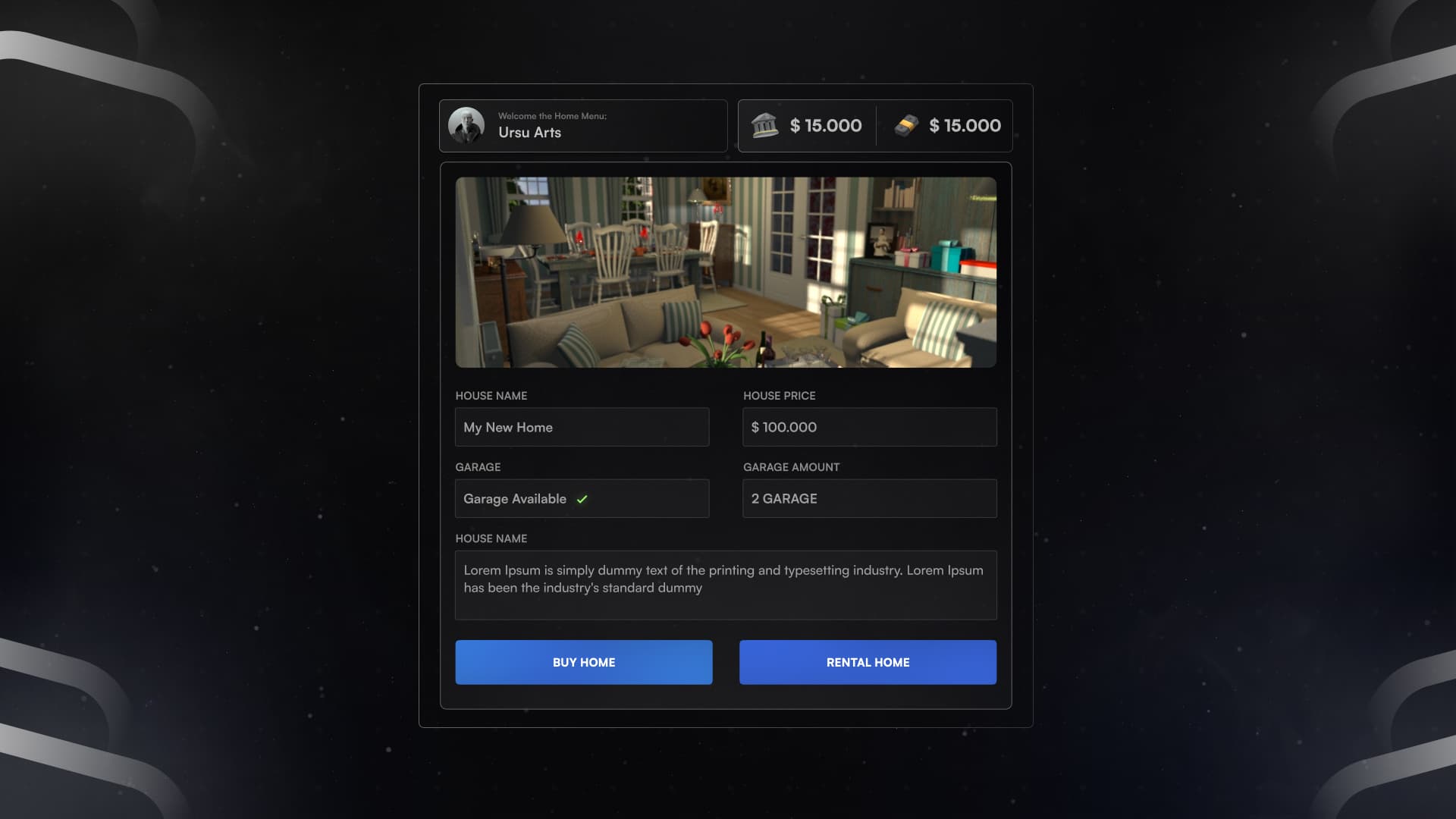
Identify the original real-house resource and review framework settings, database setup, rent-price defects and missing door authorization.
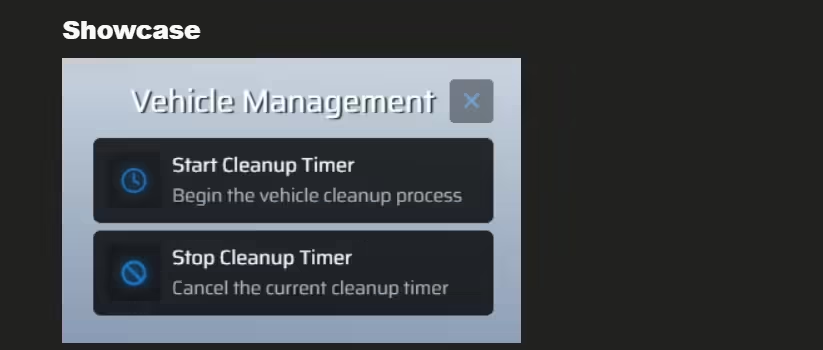
Review hajden_delvehicles for FiveM: ox_lib dependency, cleanup timers, framework permission limits and vehicle-protection checks.
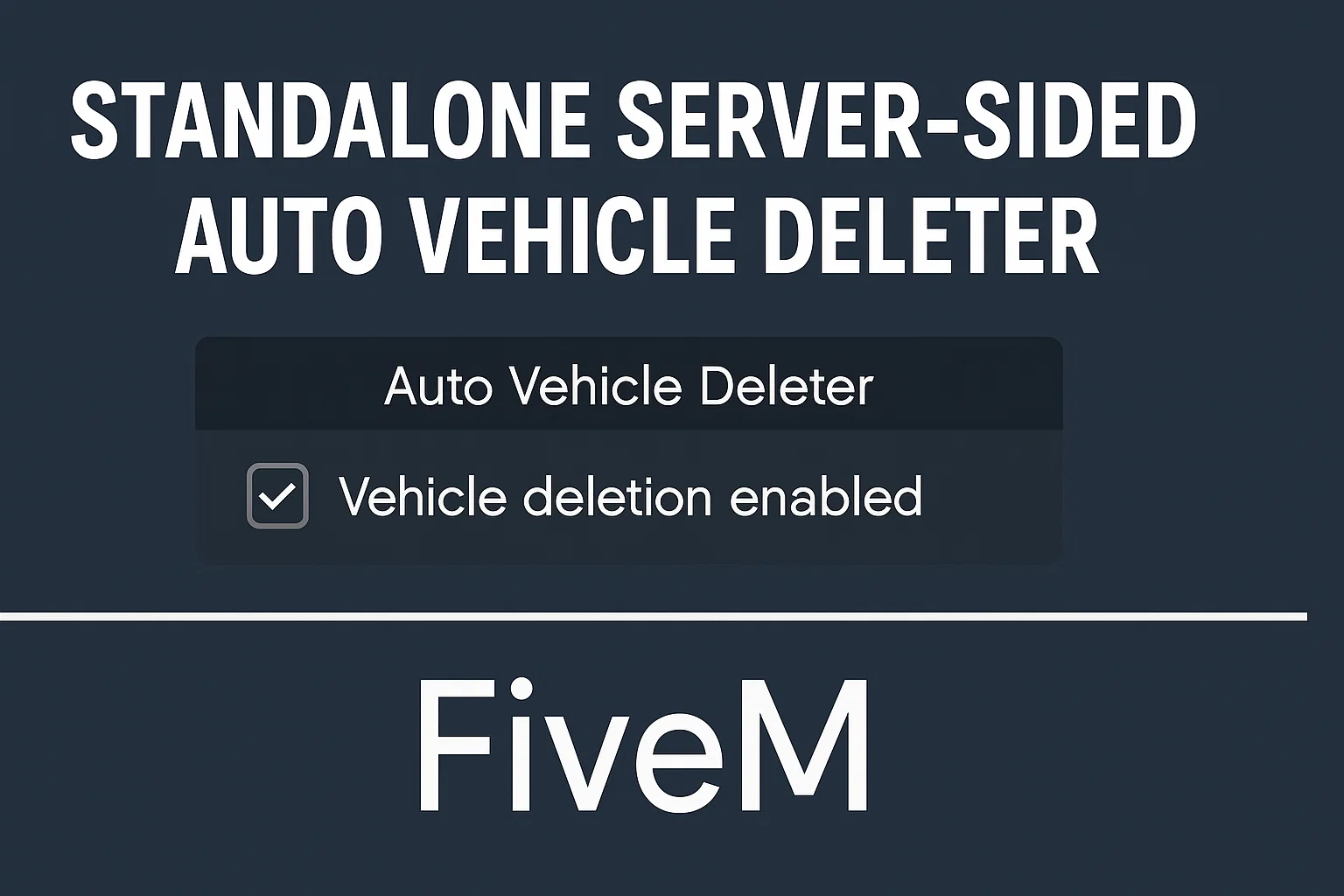
Configure Auto Vehicle Deleter with actual ped-distance rules, identifier access and warning timing. Protect owned and mission vehicles explicitly.
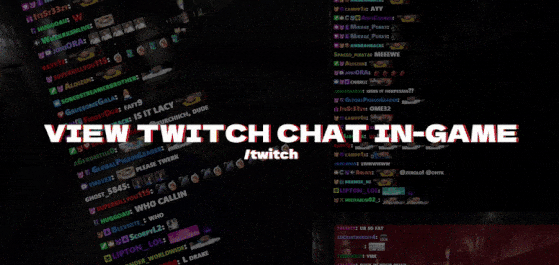
ApolloStudios-TwitchIntegration provides an in-game browser interface for Twitch integration. In its client code, the twitch command gives the interface mouse and keyboard focus and sends ShowEverything. The stopUIControl callback releases focus. Those paths are the starting point for checking how players open and close the interface.
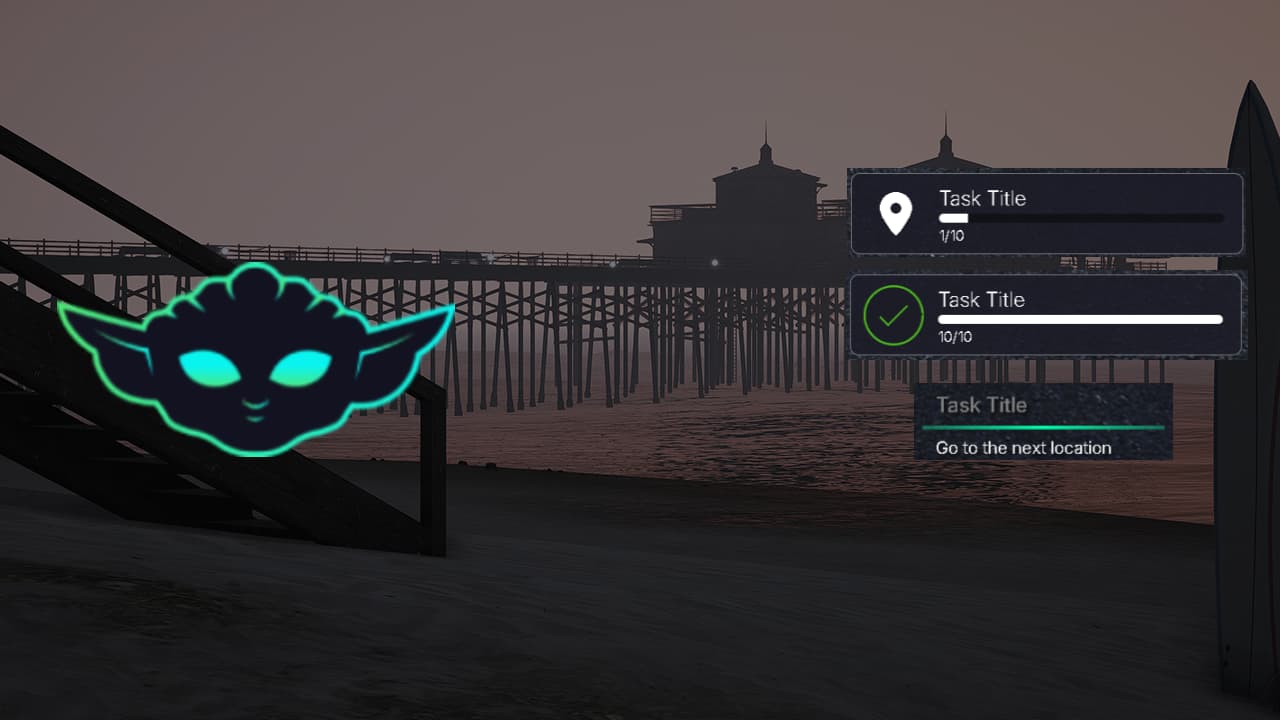
Review Yoda Tasks for FiveM: progress display exports, one-task state, simple-task API mismatches and input checks needed before integration.
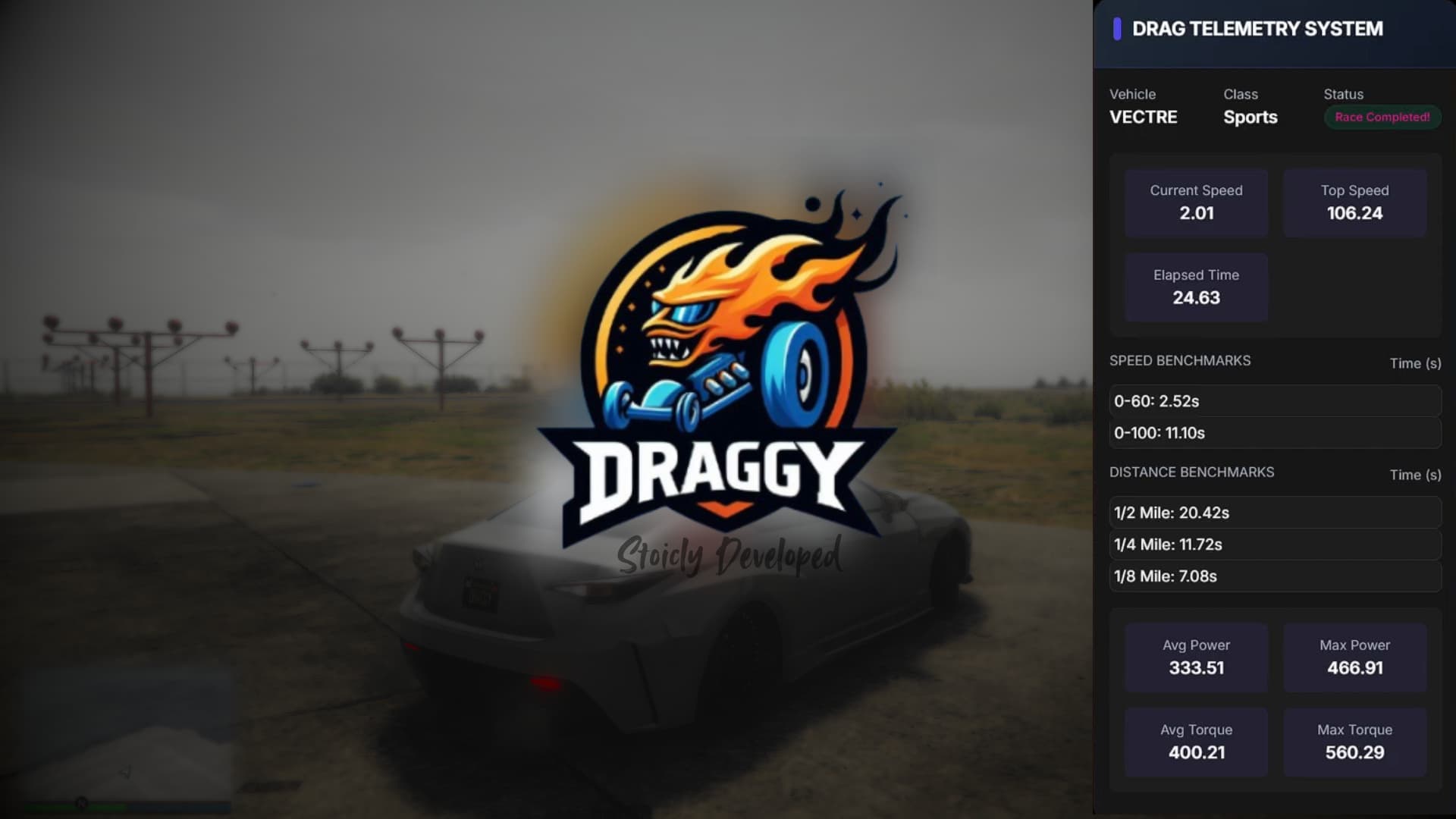
Set up Draggy for QBCore and understand its item checks, speed timing, distance calculation and uncalibrated power estimates.
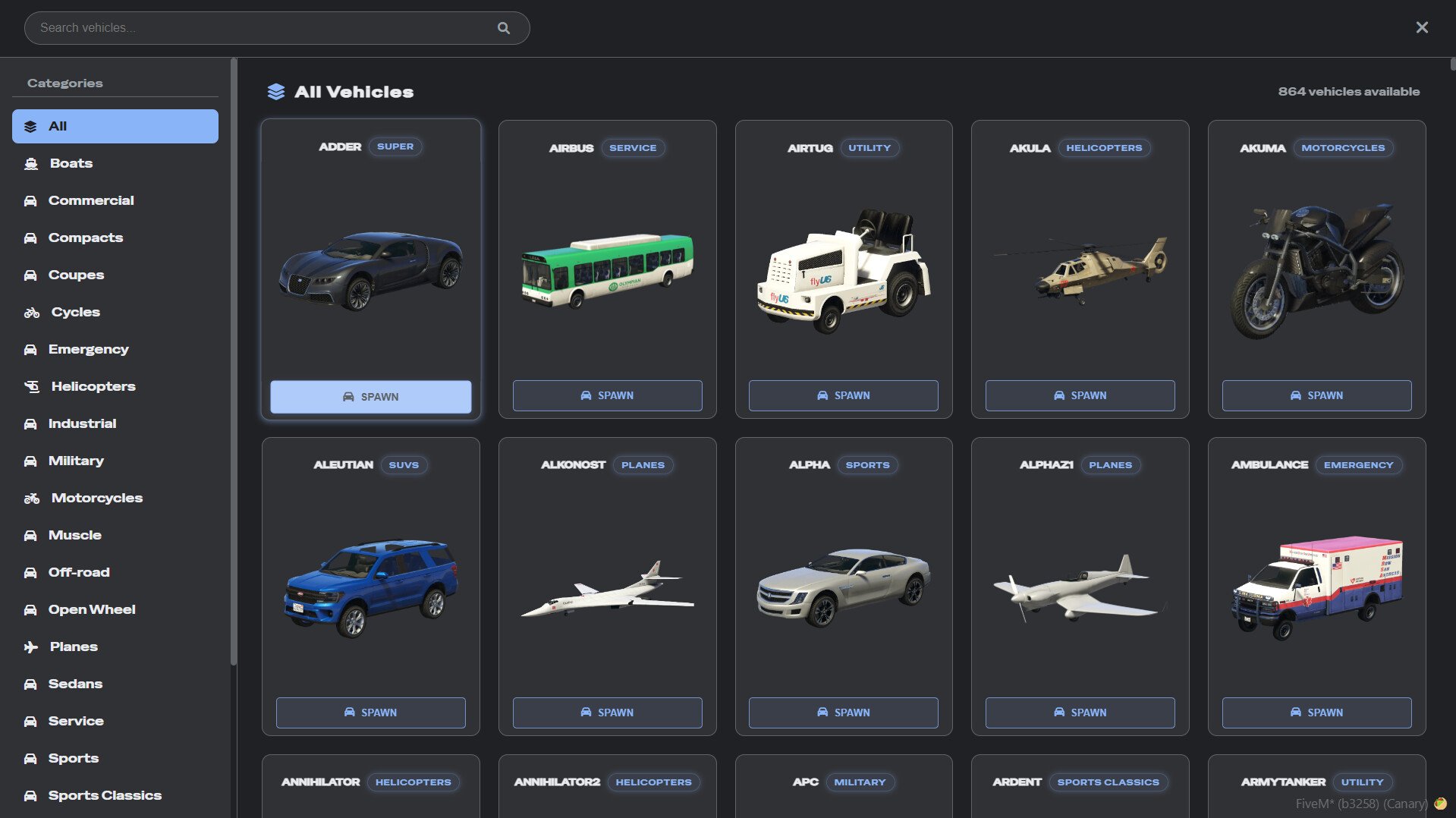
Configure RUP Vehicle Spawner 1.0.3 using its actual command, ACE groups, fuel and key integrations.
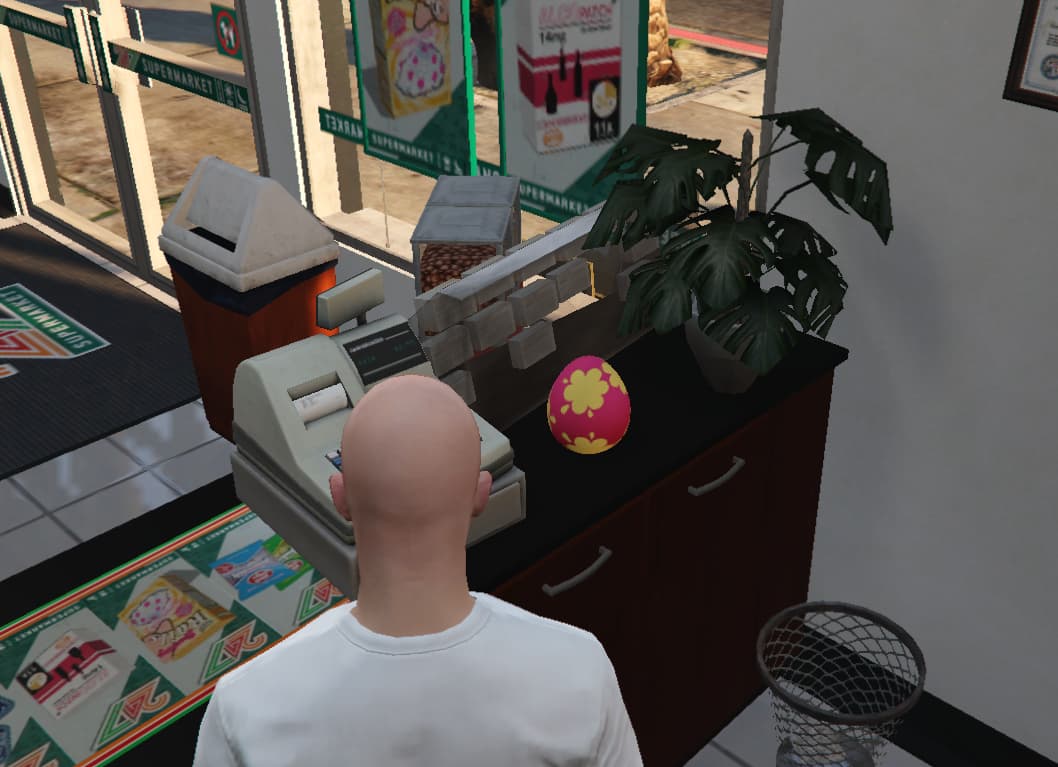
Review ss_easter for Qbox: ox dependencies, separate egg models, character persistence, inventory failure handling and reward checks.
Identify d-jobcreator, its actual dependencies and locale setup, and review server-side job-editing permissions before deployment.
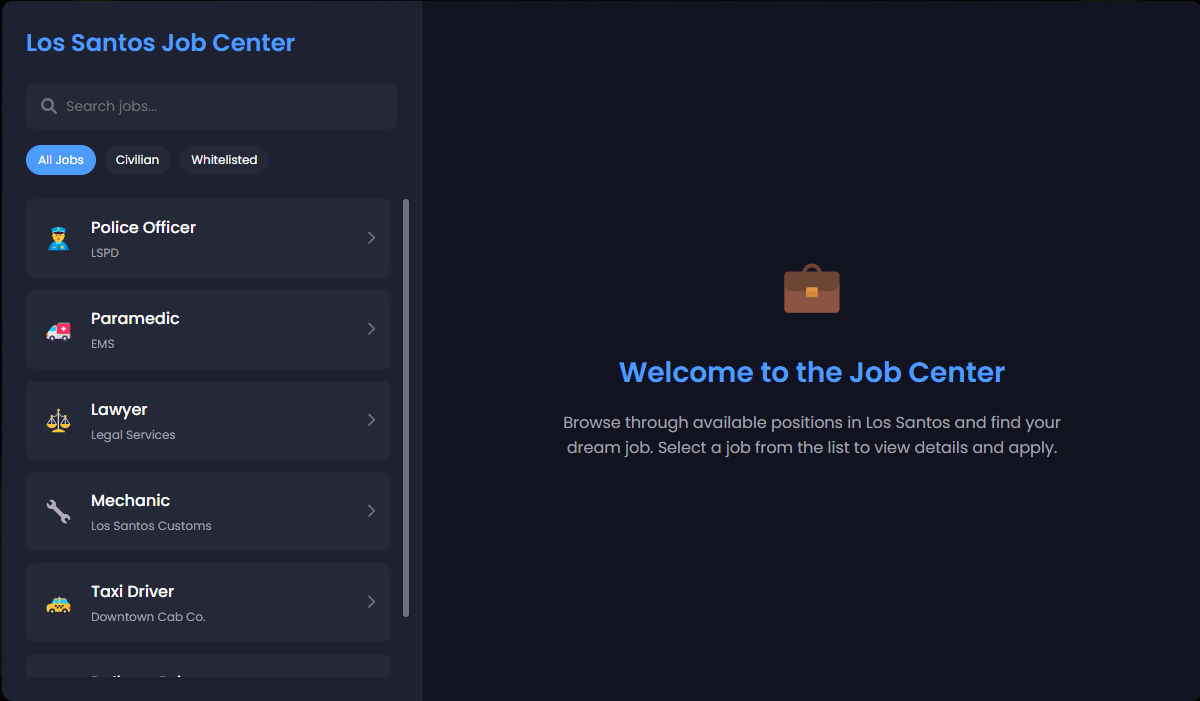
Configure DW Job Center for QBCore: database setup, civilian and reviewed jobs, reviewer access and offline hiring limitations.
Check the Aspex icon archive: 475 PNG files, 250×250 dimensions and 470 distinct file hashes, with installation and attribution notes.
Informative Loading Screen’s manifest credits OnlyScripts / veryappropriatename and original creator Ledun1. It declares index.html as the loading screen and includes style.css, script.js and music/song.mp3. These are the concrete files to inspect before changing the screen’s text, appearance or music.
F1 Loading Screen V4 uses the f1-loading-screen-v4 resource folder and ensure f1-loading-screen-v4 in the original README. Its manifest points to index.html and includes js/config.js, js/main.js, CSS, images and audio files. Keep those paths intact when customizing the package.
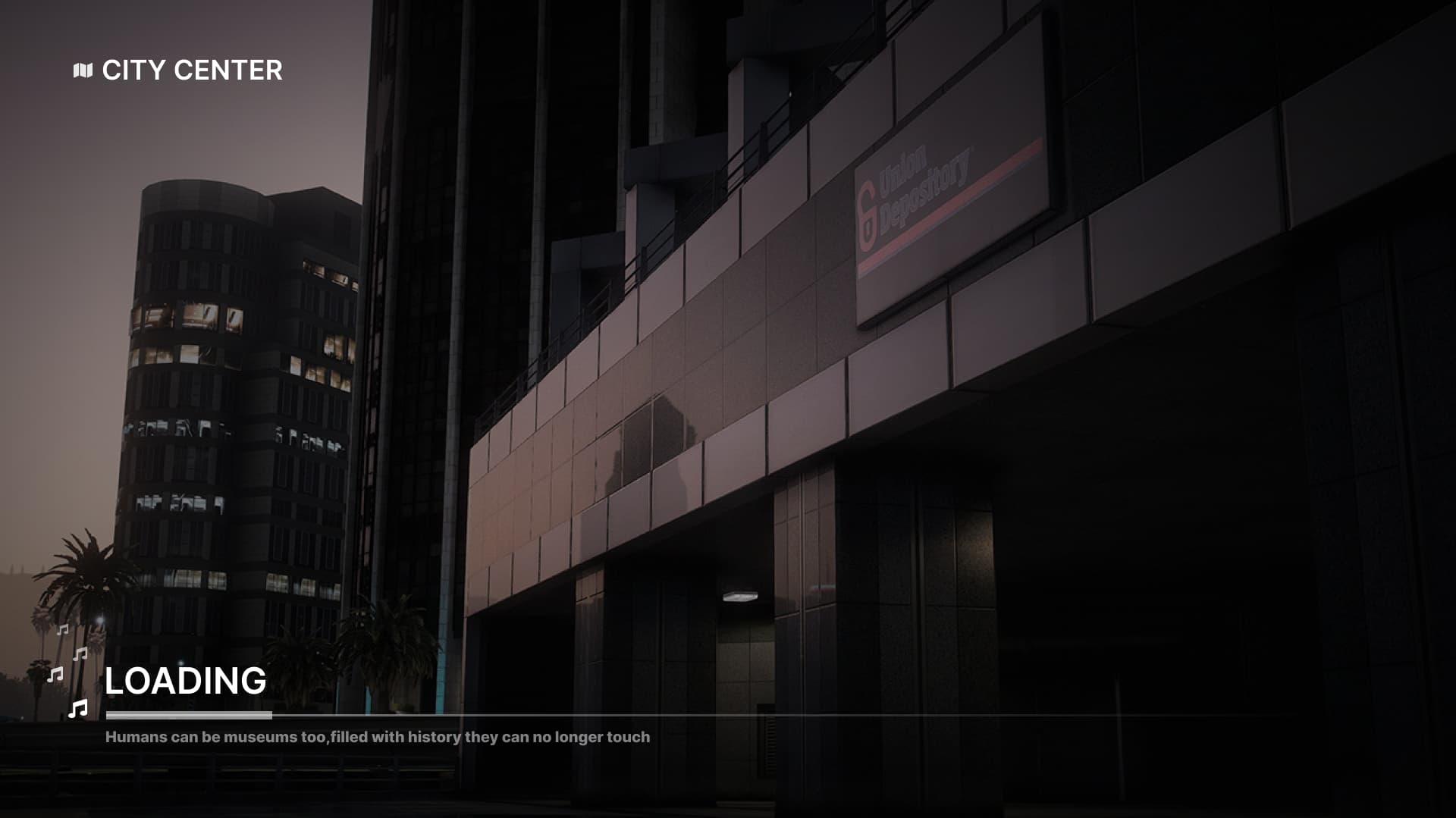
Afterlife IV Loading uses a React interface with SCSS styling. Its FiveM manifest points to ui/dist/index.html and lists built CSS/JavaScript, PNG images and MP3 music. A source checkout without the expected built files is not enough to display the loading screen.
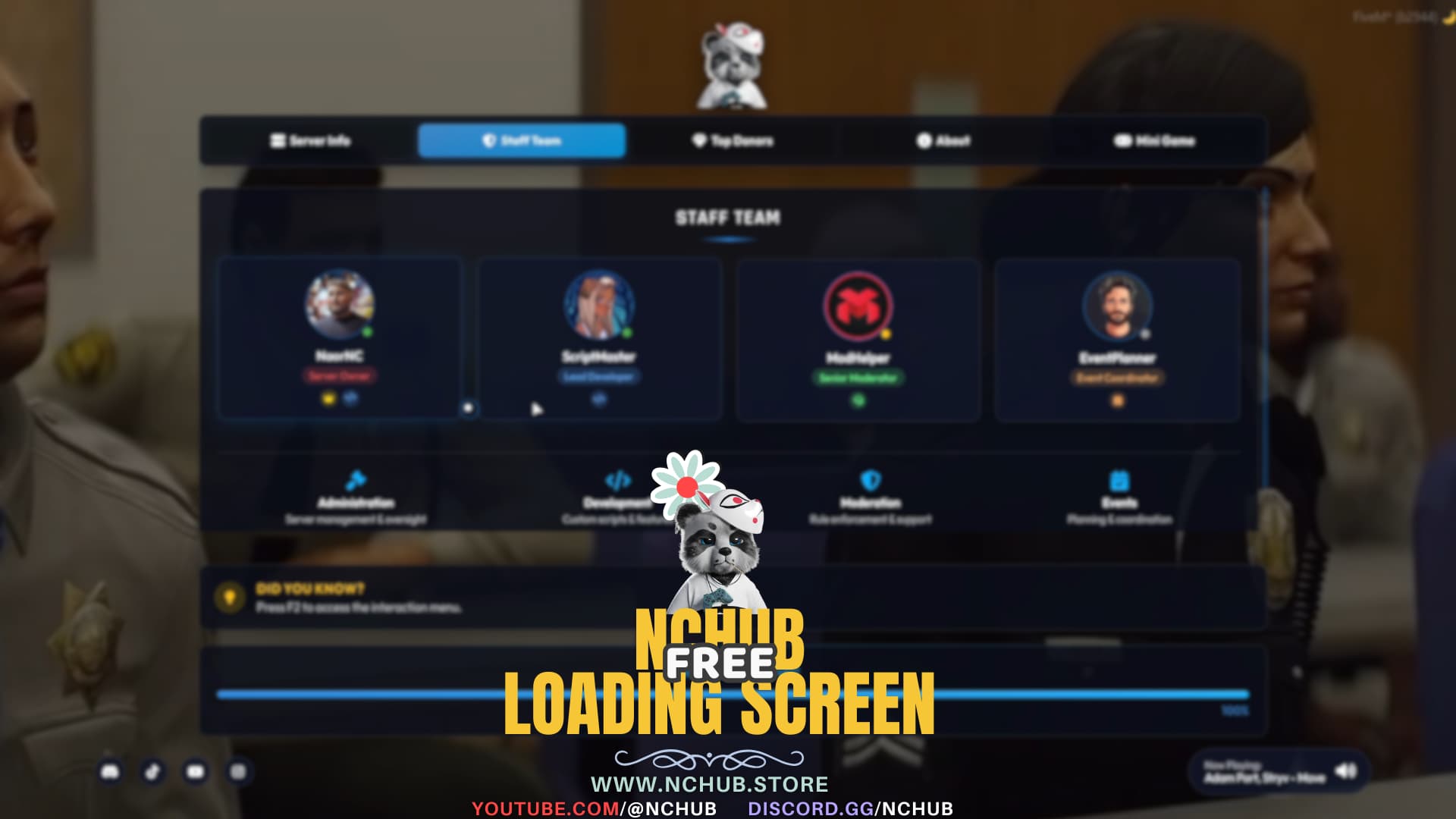
This loading screen is NC-LoadingScreenV4 by NaorNC. The creator’s installation uses ensure nc-loadingscreenv4 and html/js/config.js. That file controls branding, background media, links, staff entries, tips and audio; html/img/logo.png is the documented logo path.

Randolio Skydiving is a solo skydiving activity, not a group jump system. The current README documents ESX, QB and ND bridges, requires ox_lib, and supports qb/ox target or the linked interact resource. Jump locations and prices belong to the server configuration.
Get aS_Aries’s 360 Gap Cam from aSTextures. Check spawning requirements, static collision behavior and the restriction on paid-script use.
Free FiveM mods can be server scripts, map resources, vehicles, clothing, graphics, or client-side presets. Identify the resource type first because each has a different installation path and risk profile.
Read the creator’s documentation for ESX, QBCore, Qbox, or Standalone support. Confirm required libraries, database migrations, game builds, and load order before copying files. A framework label alone does not prove compatibility with your server version.
Prefer resources with a named maintainer, installation instructions, an understandable file tree, and a reversible setup. Treat claims such as “optimized,” “tested,” or “ready-to-install” as unverified unless the publisher provides concrete evidence.
New players should use the official FiveM download and installation guide. Server owners should read how to use FiveM mods safely before deploying a free resource.