




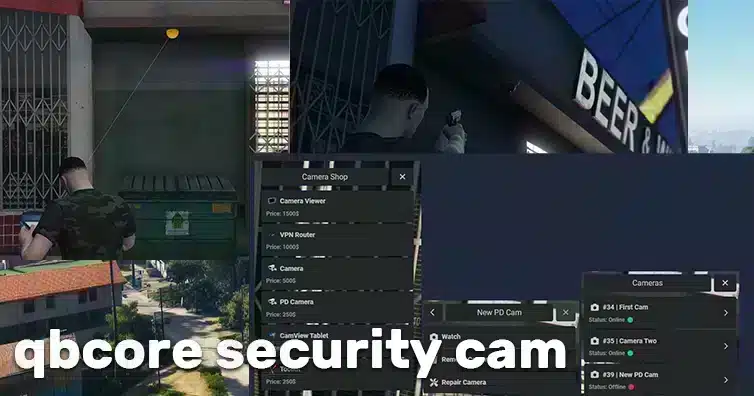
Review sf_camerasecurity setup for QBCore or ESX, inventory integration and server-side permission issues before deployment.
 English
Free FiveM resources across every type we track: scripts, MLOs and YMAPs, vehicles, clothing, HUDs and loading screens. These are public releases by their original authors, not RPCrate products, so support and update cadence depend entirely on whoever published them.
Treat a free resource as a starting point that needs review. Read the licence before you ship it, because “free to download” and “free to use on a monetised server” are different permissions. Check which framework it targets and which dependencies it expects, since a script written for es_extended will not run unchanged on QBCore. Look at the release date against the FiveM build you run. And read the server-side code before installing: an unreviewed free resource is the most common way an event handler without a permission check reaches a live server.
Review sf_camerasecurity setup for QBCore or ESX, inventory integration and server-side permission issues before deployment.
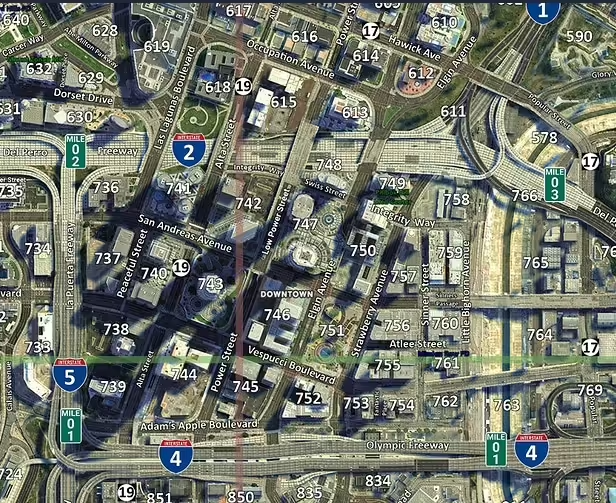
Install the identified oulsen_satmap resource and keep its displayed postal codes aligned with a separate nearest-postal script.
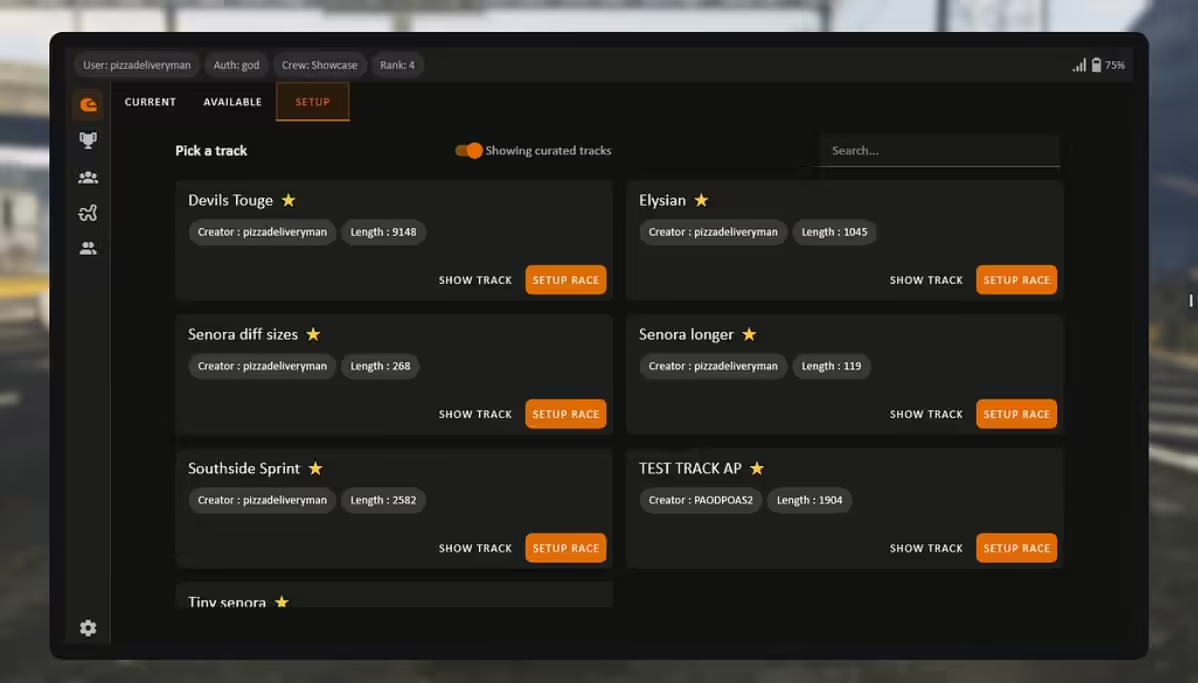
Get CW Racing App from its creators and review dependencies, database updates, framework integration, race fees and payout checks.

Configure ts_Rappel’s helicopter and seat allowlist, height and speed limits, then test GTA-native rappelling support on your server.

Understand Adnr Studio’s 5Real project, supporter access and the distinction between single-player installation and FiveM components.
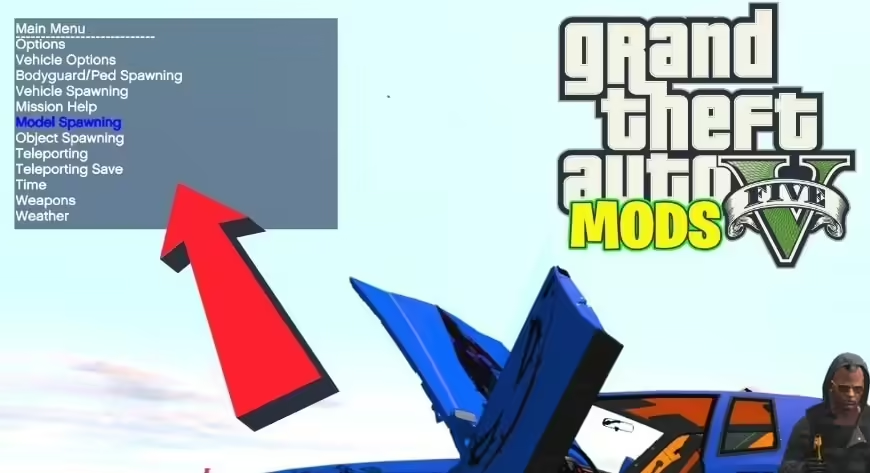
Find the original Lambda Menu release and distinguish its historical client installation from a server administration resource.
Choose paired emotes for FiveM, configure RPEmotes Reborn and test invitations, cancellation and clothing fit. Keep marriage data separate from animations.
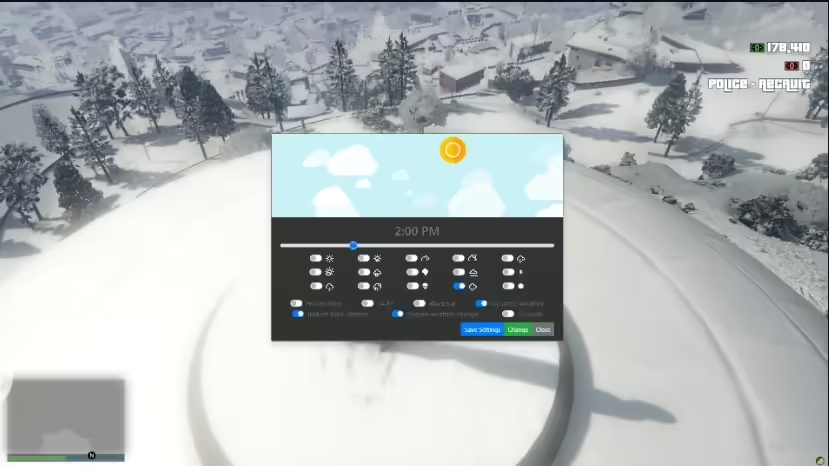
Install cd_easytime with the correct folder name, framework order and permissions. Review synchronization conflicts, saved settings and real-weather setup.

Find the original Coffee Cute map, select its FiveM download and check nearby map conflicts before installation.

Find Moreo’s Beach Apartment releases and resolve the beachhouse versus beach_house installation difference.
Inspect FS-ServerSideGraphics requirements, its missing data path and visual-setting changes before testing this FiveM graphics resource.
Use Envi’s six furnished and empty housing shells with the correct model names, door offsets and an existing housing system.

Before adding a Liberty City map to FiveM, verify the provenance and permission for the exact package, then test its technical fit. A seller’s download link or a claim that a port “works on FiveM” does not establish permission to redistribute the underlying game assets.
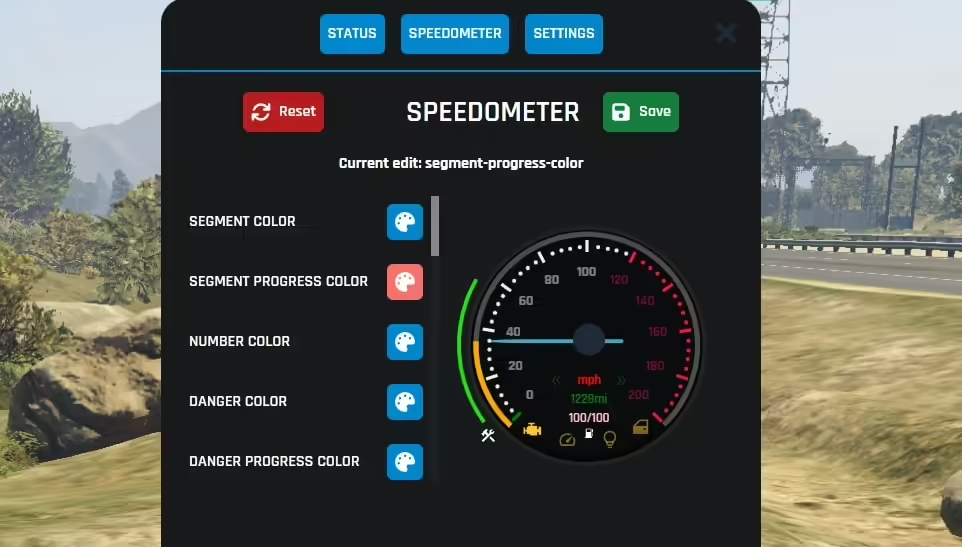
Install the identified ESX HUD fork with its actual dependencies, fuel integrations and web build requirements.
Review Pawal’s original ESX blackout mission, its resource folder, minigames and database dependencies before installing it on your server.
Find the original Kozii house-robbery script, its required ox_target integration and the server-side reward and cooldown checks that need correction.
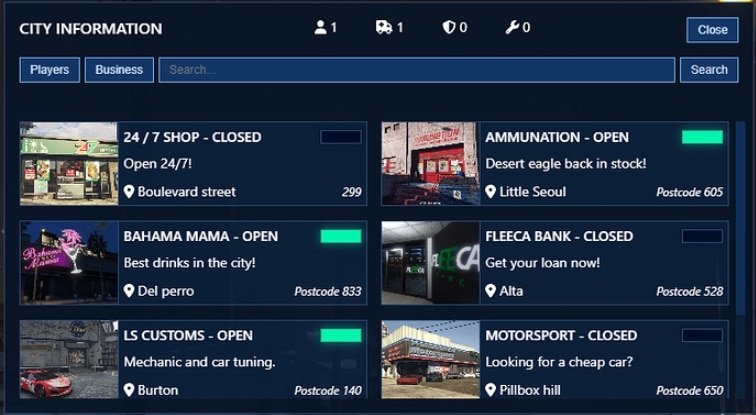
Install the identified sf-scoreboard resource with its SQL schema, identifier configuration and business-permission checks.
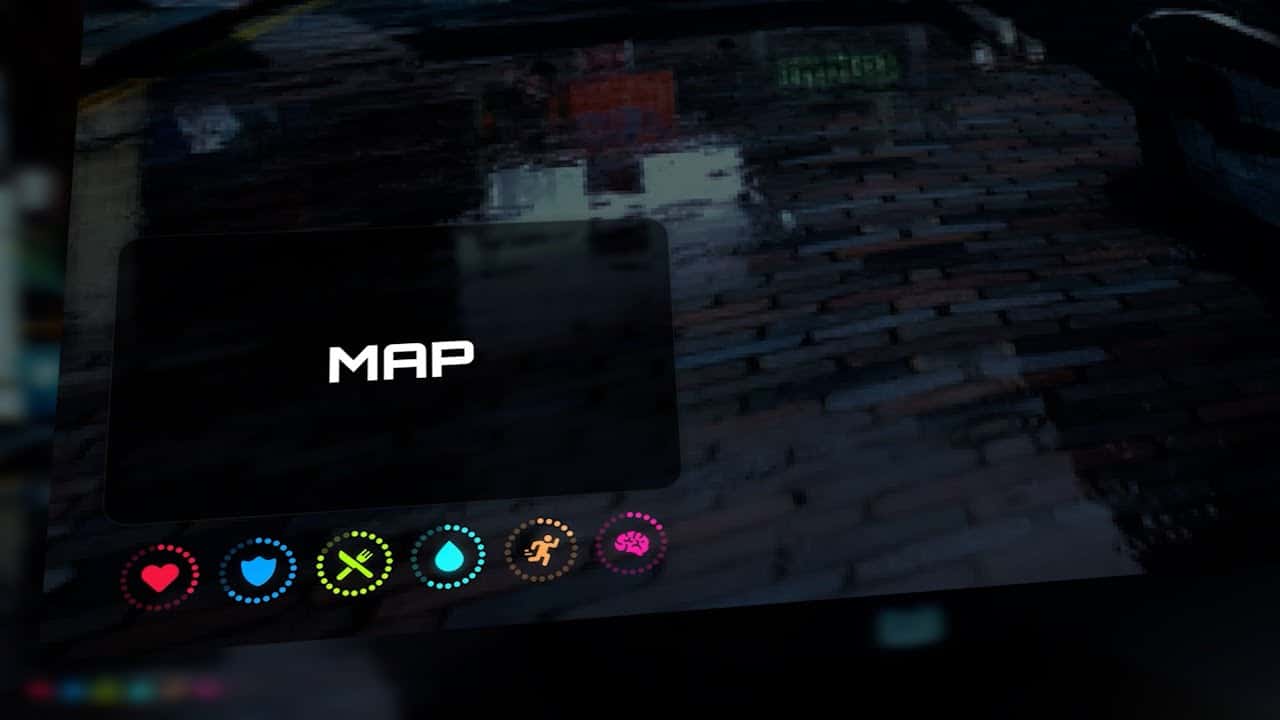
Get UZ Scripts’ Pure HUD from its creator and check framework selection, interface files, fuel display and player-state values before launch.
Free FiveM mods can be server scripts, map resources, vehicles, clothing, graphics, or client-side presets. Identify the resource type first because each has a different installation path and risk profile.
Read the creator’s documentation for ESX, QBCore, Qbox, or Standalone support. Confirm required libraries, database migrations, game builds, and load order before copying files. A framework label alone does not prove compatibility with your server version.
Prefer resources with a named maintainer, installation instructions, an understandable file tree, and a reversible setup. Treat claims such as “optimized,” “tested,” or “ready-to-install” as unverified unless the publisher provides concrete evidence.
New players should use the official FiveM download and installation guide. Server owners should read how to use FiveM mods safely before deploying a free resource.