





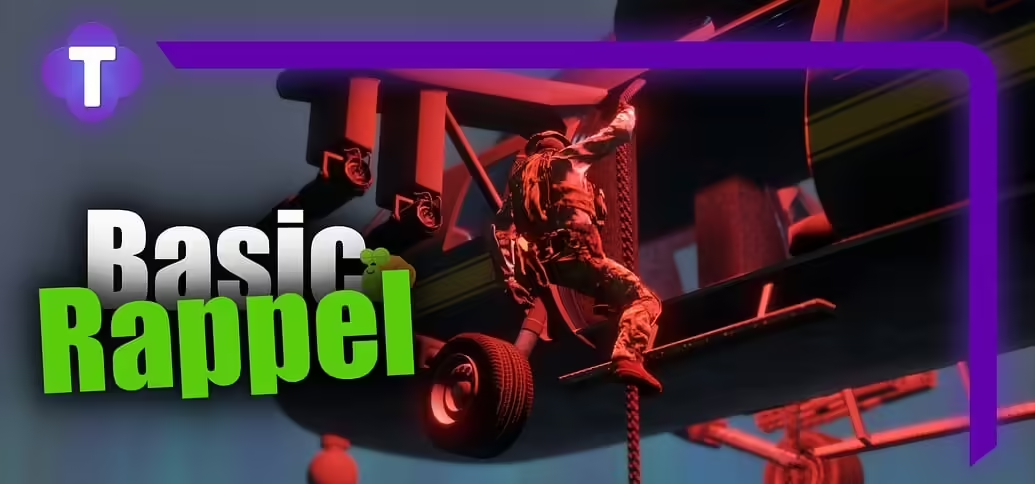
Trusted Studios’ Basic Rappel uses GTA’s helicopter rappelling behavior and a configurable allowlist. We inspected commit 3c24b99; the manifest declares version 1.0.0 and loads config.lua plus client/main.lua. It has no framework import or server-side script. Rappelling support must already exist in the vehicle model.
Install and choose eligible seats
Place the resource in its own folder and add ensure followed by that exact folder name to server.cfg. In Config.WhitelistedHelis, configure both the model hash and eligible seat indices. The default entry is annihilator with seats 1 through 5. Adding a helicopter to this list does not create missing native rappelling capability or validate every seat on a custom model.
Set height and speed limits
The reviewed defaults are Config.MinHeightToRappel = 20.0, Config.MaxHeightToRappel = 80.0 and Config.MaxSpeedToRappel = 4.0. Height is measured above ground; speed is compared directly with GetEntitySpeed, so the value is not an MPH setting. Test boundaries with the actual vehicle rather than copying values from an unrelated flight script.
Use the prompt and test rejected cases
The client checks helicopter class, allowed model, allowed seat, height and speed before showing the interaction prompt. It uses control 38 to call TaskRappelFromHeli. Test a supported passenger seat, a disallowed seat, an unlisted model, insufficient height and excessive speed. Check that your other vehicle controls do not intercept the interaction.
These are client-side interaction rules, not a server-authoritative job or permission system. If rappelling must be limited to a role, add the appropriate access design separately. Keep the previous resource and configuration for rollback and repeat tests after updates. This article verifies source behavior; no universal vehicle support or completed in-game test is claimed.