Use Coupon WELCOME to save 20%

$ USD
  • $ USD
  • € EUR
  • £ GBP
  • $ AUD
  • R$ BRL
  • CHF CHF
  • ¥ JPY
FiveM Graphics Mods

Compare GTA V Graphics Mods for Your Setup

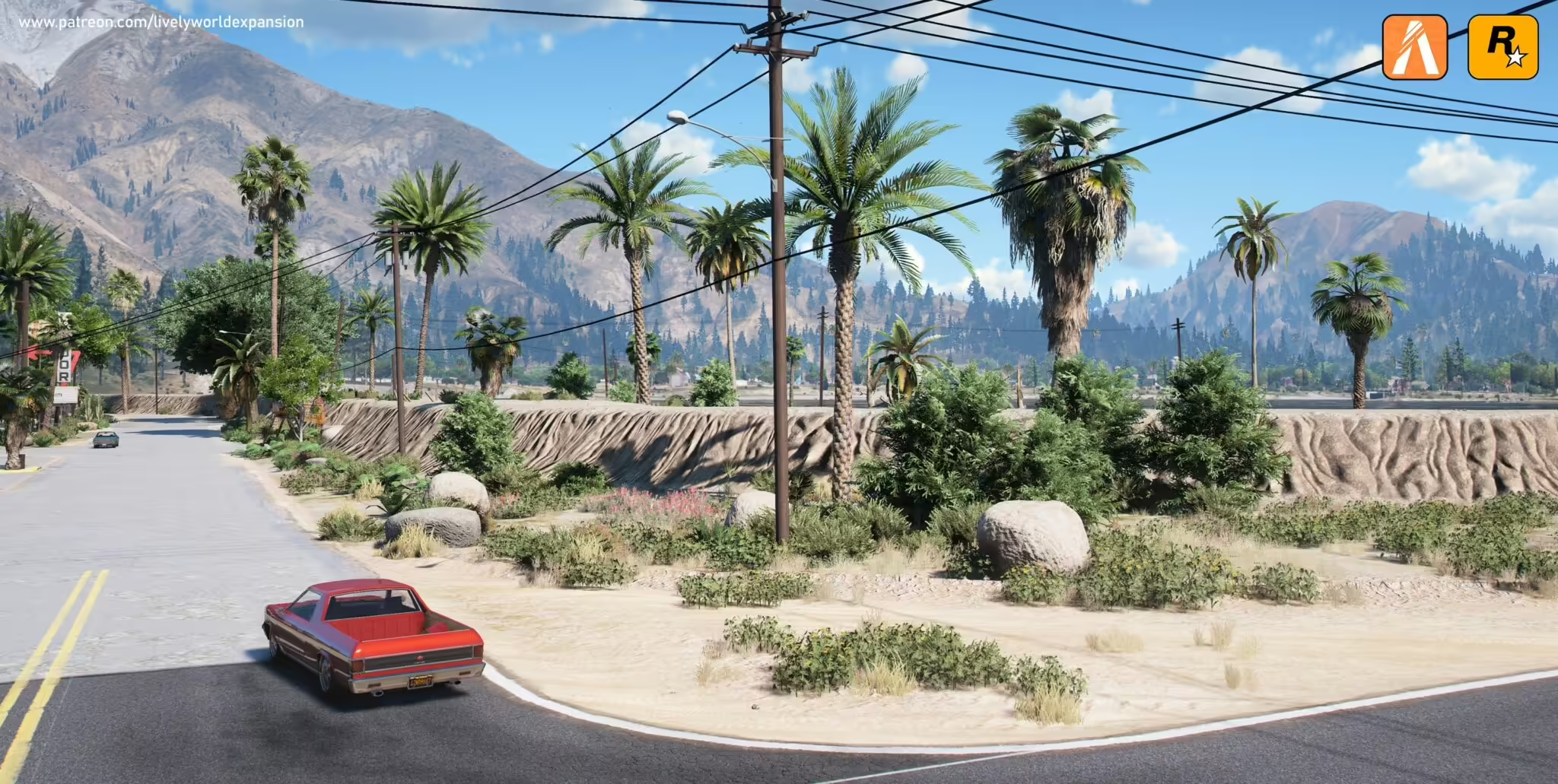
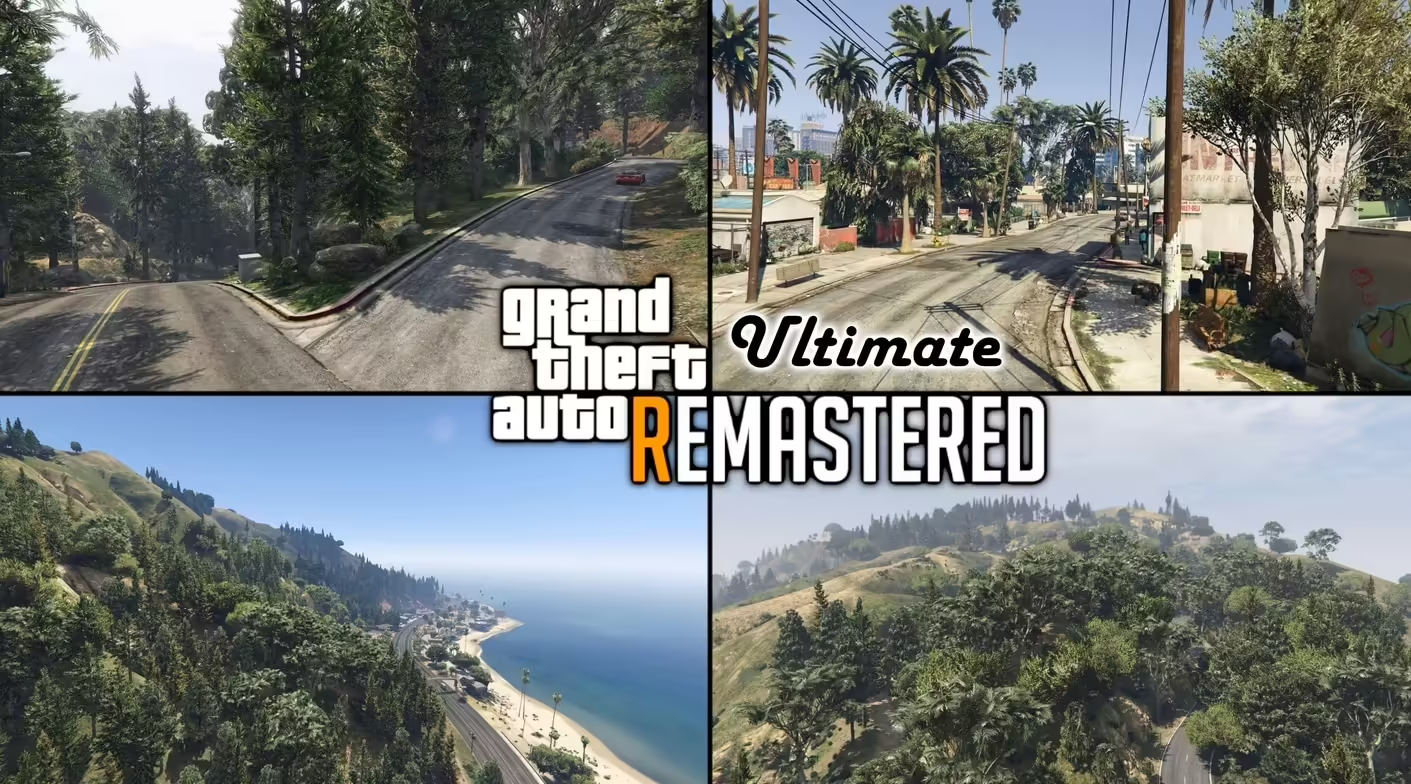
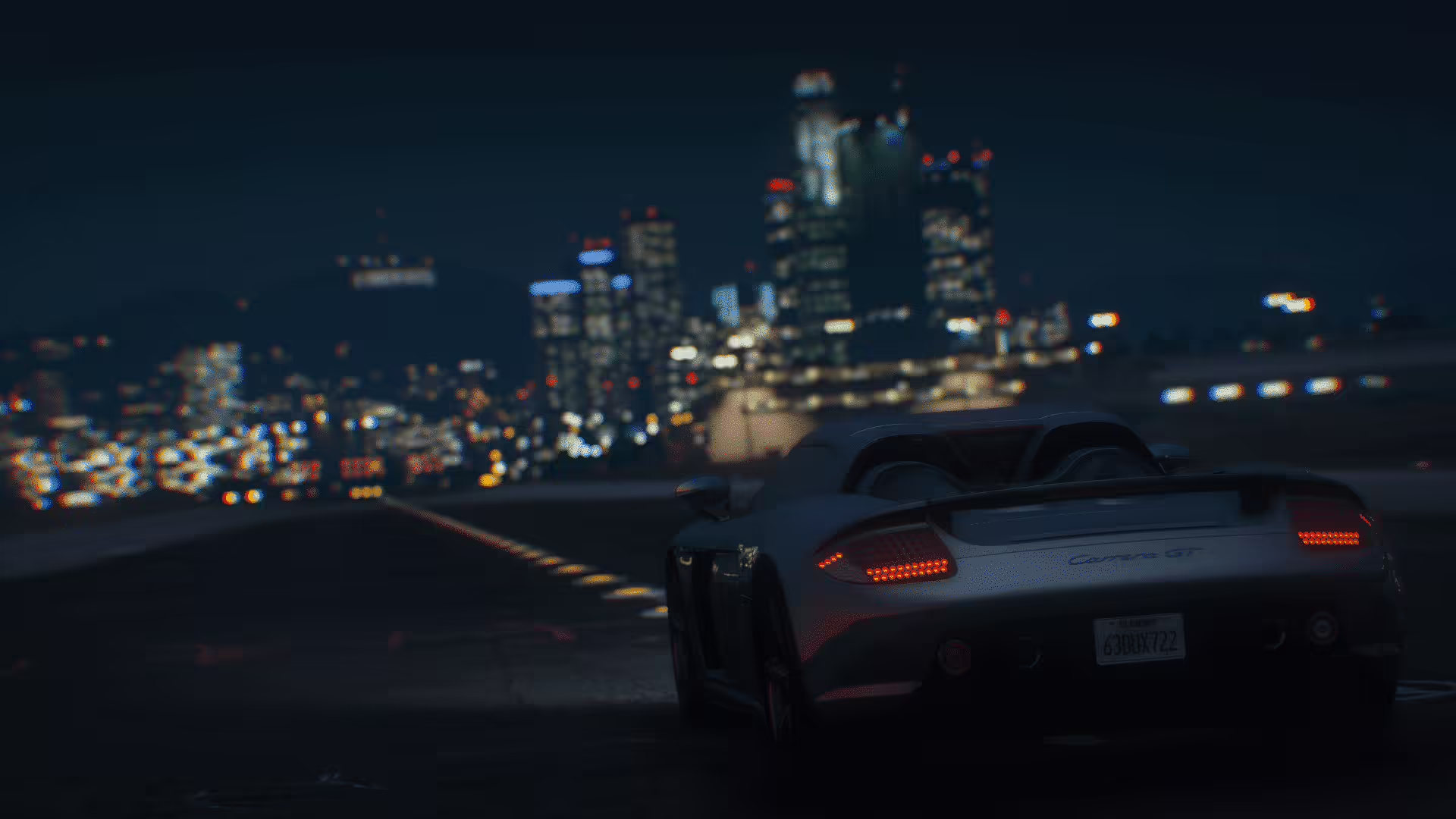
The best GTA V graphics mod is the one that meets your visual goal while preserving stable frame time on your hardware. Large overhauls can change weather, lighting, textures and vegetation; ReShade presets mainly change the final image. Compare them with the same route, weather, time of day and graphics settings.
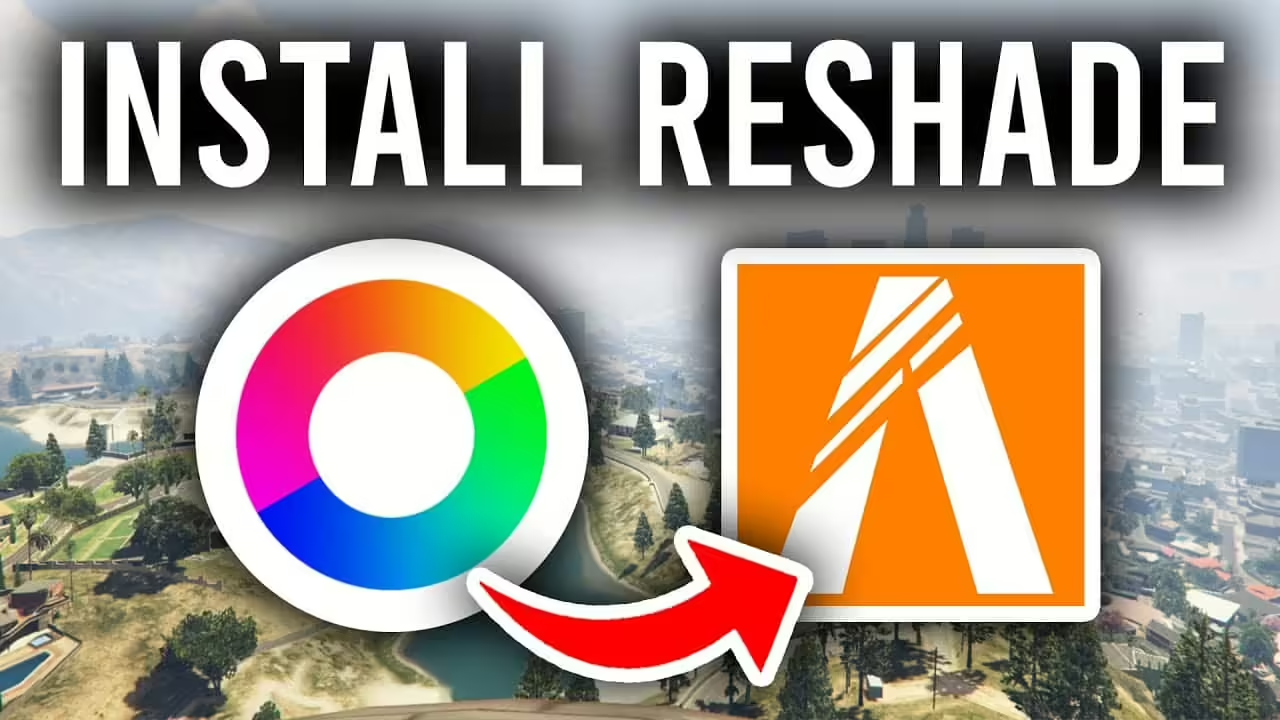
How to Install ReShade on FiveM

How to Install and Check ReShade for FiveM

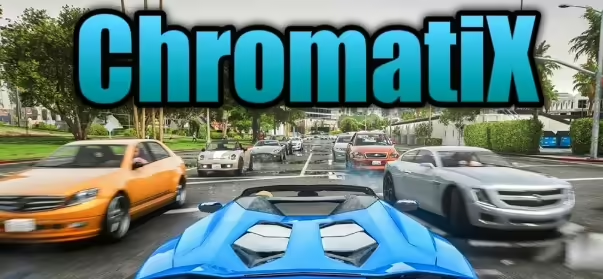
ReShade applies post-processing on the game client. Install it only when the server permits it and the ReShade release supports your client’s renderer. Do not select FXServer.exe: that is the dedicated server, not the process drawing your game.

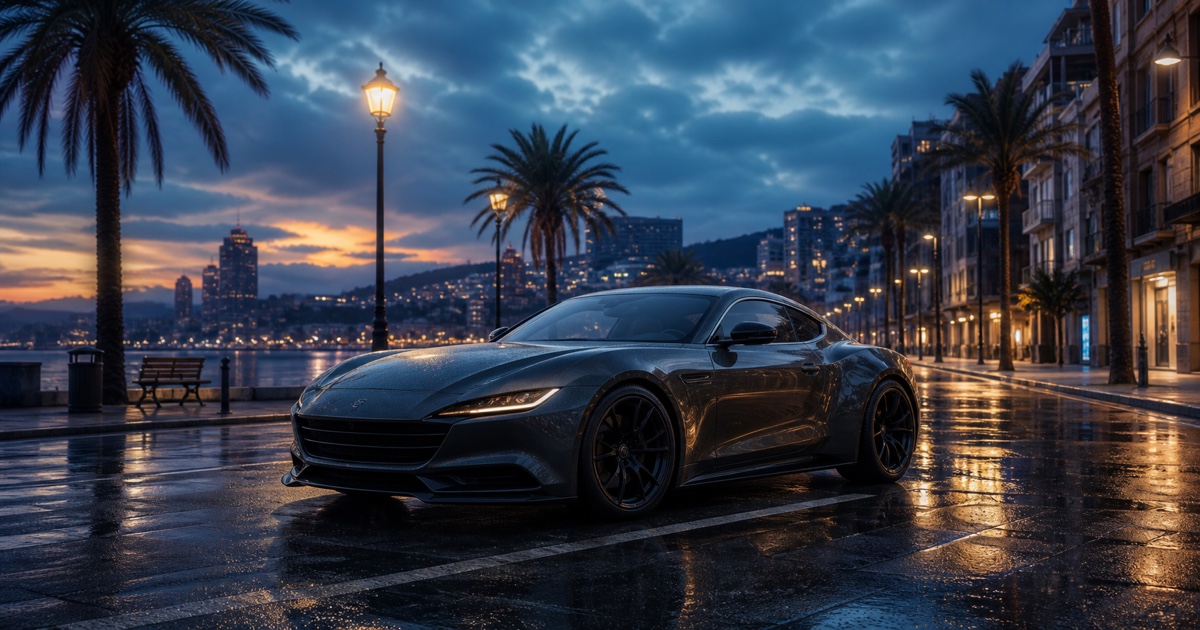
Stylized FiveM coastal city with a sports car and cinematic lighting

NoPixel 4.0 Visuals

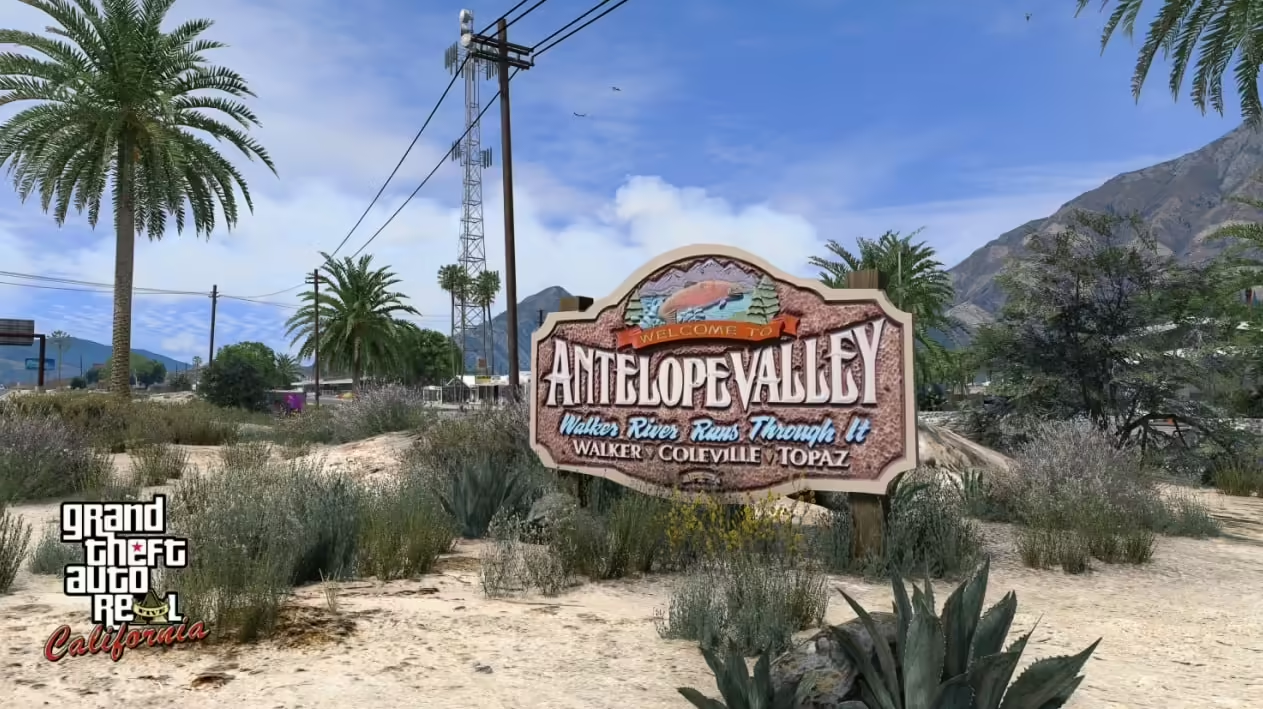
NoPixel 4.0 visuals: official creator access, separate graphics/vegetation/vehicle packs and historical compatibility guidance.

How to Install Graphics Mods for FiveM

How to Install Graphics Mods for FiveM

Short answer: first identify whether you have a client-side visual mod or a server resource. They use different installation paths. A client graphics pack should not be installed as a server resource or added to server.cfg .

FiveM Graphics Mods

Choose and Test Graphics Mods for FiveM

FiveM graphics changes fall into different categories: game/client modifications, post-processing presets and assets streamed by a server. Identify which one you are using before installing anything. A player-side preset is not installed by adding a server ensure command.