





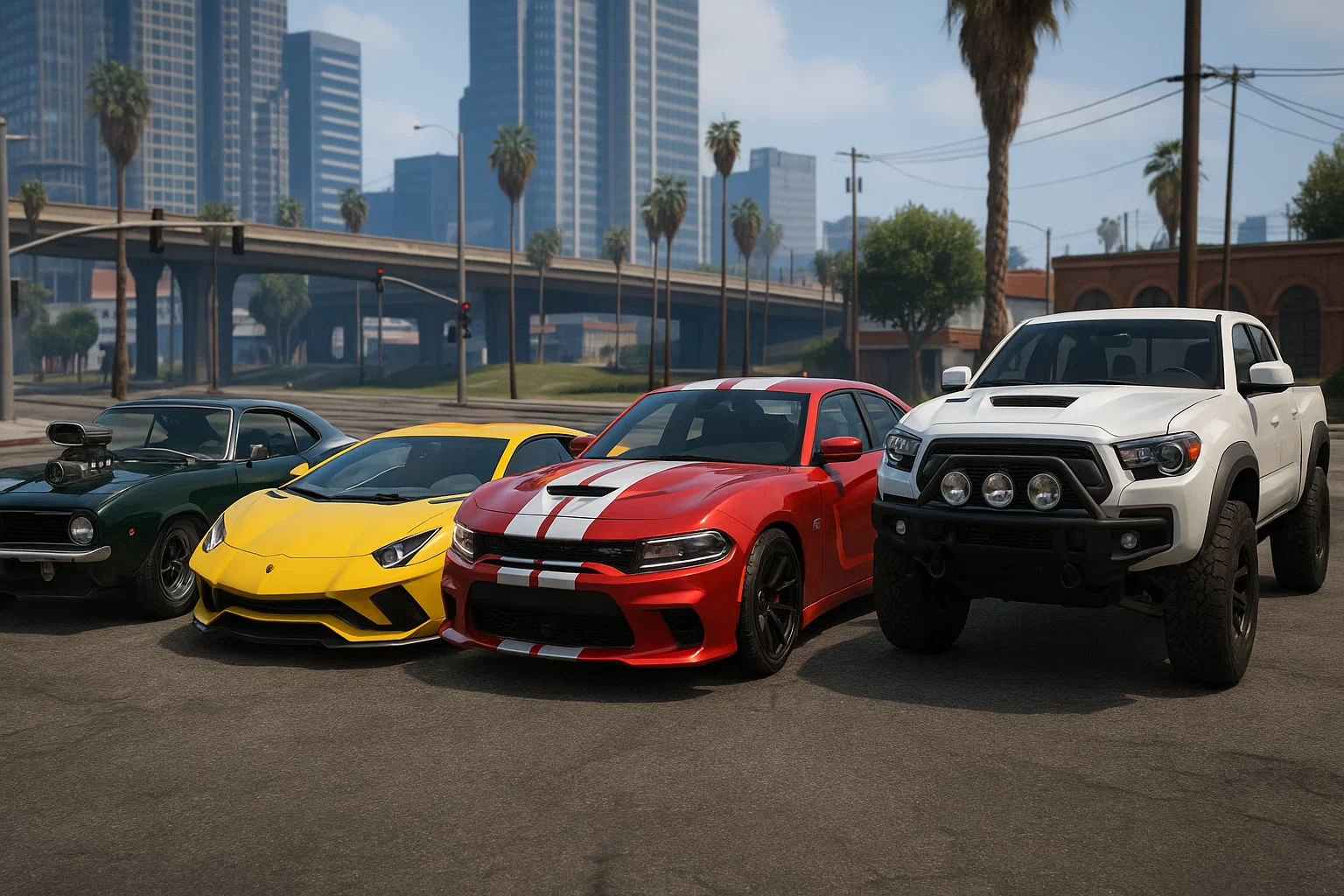
To install an add-on vehicle, place its complete FiveM resource in your server’s resources folder, start that resource and spawn the model named in vehicles.meta. Test the vehicle before adding it to a dealership or merging it with other packs.
Confirm the target GTA edition before installing or exporting assets. Legacy packages are not automatically Enhanced-ready; follow the official Enhanced asset-conversion guidance when that is your target.
Check the package first
Use a package you have permission to run and distribute to connecting players. Keep its original archive and README. A FiveM-ready resource normally includes a manifest plus model, texture and metadata files. A single-player .oiv installer or .asi plugin is not a server resource.
An add-on introduces a separate model. A replacement intentionally overrides an existing model name. Check which kind you have so you do not accidentally replace the default fleet.
1. Install one resource
For a resource named my_vehicle, the manifest should be at resources/[cars]/my_vehicle/fxmanifest.lua, not inside an extra nested extraction folder. Preserve the supplied paths and filename case. Linux hosts distinguish uppercase from lowercase.
Keep a working author-supplied manifest. The example below only covers a package whose four named metadata files actually exist in data/; other packages may need additional registrations.
fx_version 'cerulean'
game 'gta5'

files {
    'data/handling.meta',
    'data/vehicles.meta',
    'data/carcols.meta',
    'data/carvariations.meta'
}
data_file 'HANDLING_FILE' 'data/handling.meta'
data_file 'VEHICLE_METADATA_FILE' 'data/vehicles.meta'
data_file 'CARCOLS_FILE' 'data/carcols.meta'
data_file 'VEHICLE_VARIATION_FILE' 'data/carvariations.meta'
Keep the supplied .yft models and .ytd textures in their stream paths. If the author supplies layouts, audio or other data files, retain their corresponding manifest entries; do not discard them to match this example.
2. Start the resource
Add ensure my_vehicle to the active server.cfg. On a running development server, execute these two commands separately in the FXServer console:
refresh
ensure my_vehicle
Read the startup output. Resolve missing files, malformed XML or dependency errors before spawning the car. Start one new resource at a time so a failure has a clear owner.
3. Use the model name
Open vehicles.meta and find the vehicle’s modelName. That is the model/spawn name. gameName is a display-text label and can differ. Enter the model name into your installed, authorized admin vehicle spawner.
Inspect wheels, lights, doors, seats, liveries, tuning, collision and handling. Test with another connected player and after a reconnect. A model appearing once does not prove all its metadata works.
4. Add ownership and shop integration
Once spawning works, follow the vehicle-shop resource’s actual configuration or database schema. Framework name alone does not identify that schema. Use the same model name, the intended category and a deliberate price.
Test purchase, key assignment, garage storage, retrieval and persistence after restart. Remove test vehicles and test purchases through the appropriate administrative tools. Back up any data changed during integration.
If you have a single-player DLC
Inspect the archive with the appropriate authoring tool and identify its models, textures and all metadata dependencies. Conversion may involve custom audio, layouts and tuning parts beyond the four-file example. Prefer the author’s FiveM instructions where available; extracting two model files is not a complete conversion.
Troubleshoot by symptom
If nothing spawns, verify startup and modelName. If the wrong car appears, look for model-name collisions across resources. For missing textures or tuning, compare metadata and streamed dependencies with the original package. For crashes, record the exact crash and test the vehicle alone on a compatible game build.
Measure graphics/streaming behavior in a repeatable scene with the expected number of vehicles. Client script timing in Resmon does not measure model geometry or GPU texture cost. Keep an easy rollback by retaining each tested package separately.
Reference documentation
Cfx.re — resource manifest · Cfx.re — data files · Source: dexyfex/CodeWalker
For built-in models, search vehicle spawn names. Add-on model names come from the package’s own vehicles.meta.