





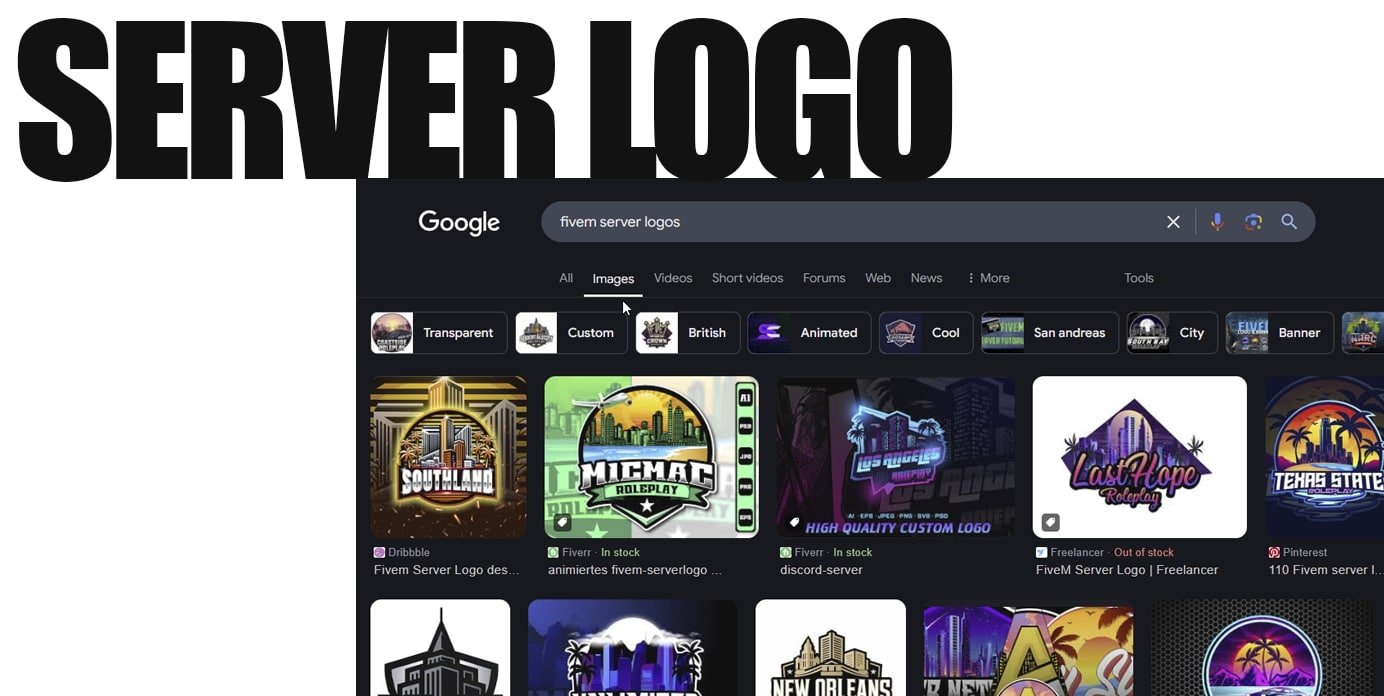
Create a simple logo that remains recognisable at a small size, then export a separate 96 × 96 PNG for the FiveM server list. Keep a larger editable original for your website, Discord and other artwork.
Design for the server list
Start with the server name, an initial or a simple symbol. Test it at the actual icon size: small slogans, detailed backgrounds and thin outlines may disappear. Try it on both light and dark backgrounds. Use artwork and fonts whose licences cover your intended use.
Keep the source file editable. A vector format is useful for scaling; a large raster original also works if it has enough detail for the exports you need. Avoid repeatedly enlarging a small finished PNG.
Install the FiveM server icon
Export the finished icon as a 96 × 96 PNG. Put it in the server-data directory used by your server configuration and reference its actual filename in server.cfg:
load_server_icon "my-server.png"The filename above is an example: it must match the file you uploaded, including letter case on systems that distinguish it. Apply the configuration through your normal server restart procedure.
Check that it worked
Review the console for a file-loading error, then inspect the server listing. If the icon is missing, check dimensions, PNG format, path and filename before redesigning it. Allow the listing to refresh before treating an old thumbnail as an upload failure.
Prepare other exports
Export each website or social image for its intended placement. Those dimensions are separate from the FiveM requirement. Keep transparent and solid-background variants if both are useful, and record your colours and font licences alongside the source file.
Ask a few players to identify the icon at list size without reading the server name. If it is difficult to recognise, simplify the design before producing more variants.