Use Coupon WELCOME to save 20%

$ USD
  • $ USD
  • € EUR
  • £ GBP
  • $ AUD
  • R$ BRL
  • CHF CHF
  • ¥ JPY

Browse all tutorials

Gta Rp

How To Play GTA RP

To start GTA roleplay through FiveM, install the official client with a supported, legitimate PC copy of GTA V, choose a community and follow its joining rules. You do not need to buy a server pack or install server scripts to play on someone else’s server.


Master FiveM Jobs Creator: Complete Tutorial (4 Steps)

FiveM Job Creator Guide: Setup, Dependencies and Testing

A FiveM Job Creator lets authorized staff define jobs without hand-writing every interaction, but the installation still depends on the exact framework, inventory, targeting, database and UI versions used by your server. Check those contracts first, install the declared dependencies, restrict creator access, build one small test job and verify the complete player flow before configuring a full department.

How To Create a FiveM Server Trailer

How to Make a FiveM Server Trailer: Filming Checklist

Build your FiveM trailer around what a new player can actually do on the server. Plan the story before recording, capture readable gameplay and finish with one clear way to join. A short accurate trailer is more useful than a long montage of unavailable features.

How to Advertise Your FiveM Server

How to Advertise a FiveM Server

Advertise a FiveM server with one clear message, real gameplay and a working join path. Start with a small campaign you can measure. Fix connection and onboarding problems before paying to send more people into them.

FiveM FPS Title Image

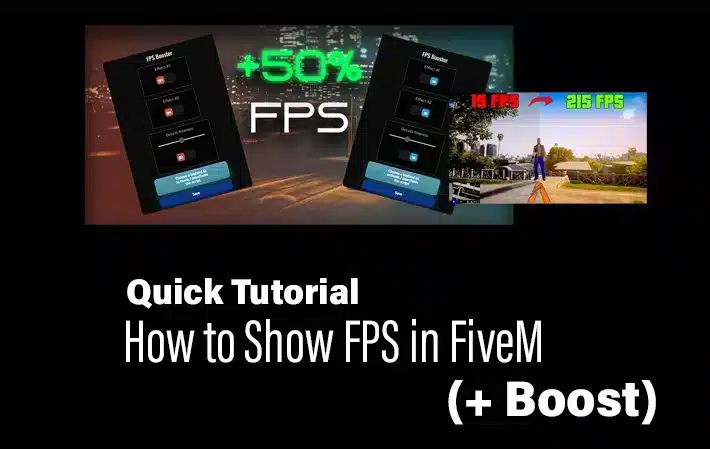
FiveM FPS Command: How to Show the FPS Counter

To show FPS in FiveM, press F8 , enter cl_drawfps true , and press Enter. The counter appears in a screen corner. To hide it again, run cl_drawfps false .

How To Create your Own FiveM Launcher

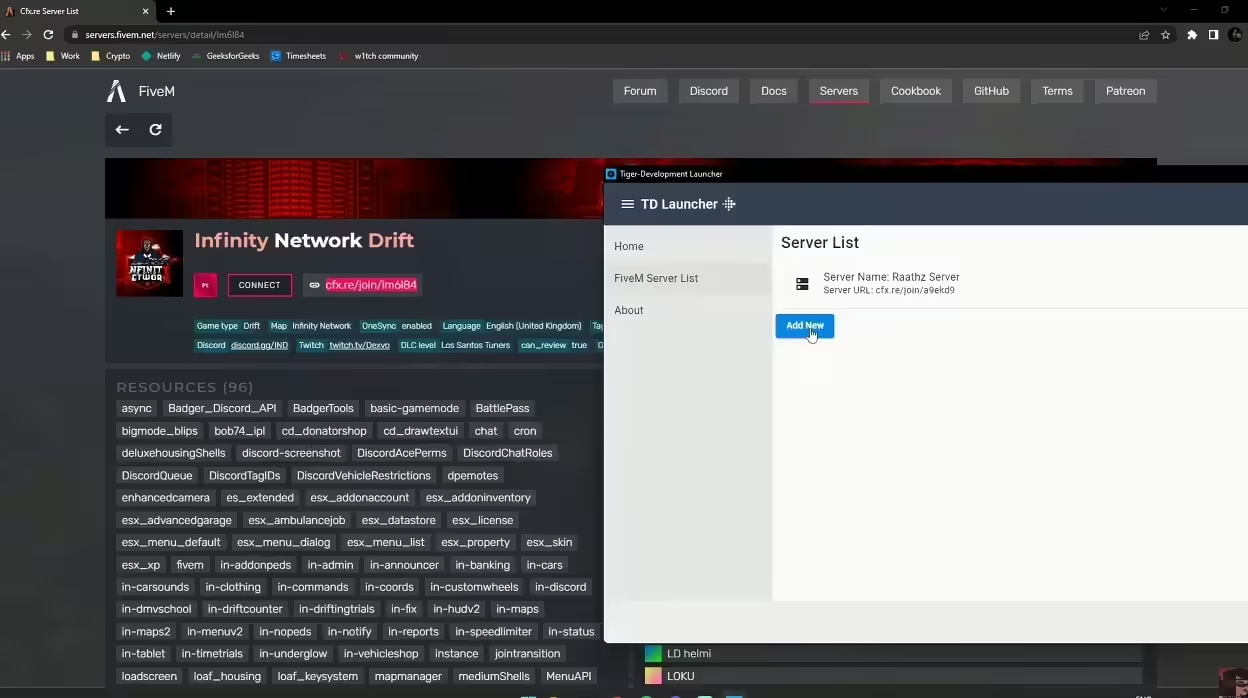
Create a FiveM Launcher with Windows Forms

A small Windows Forms launcher can ask Windows to open your FiveM server connection. It does not install FiveM, bypass a whitelist or confirm that a player has connected. Keep the normal server connection instructions available for players who do not want another executable.

FiveM Server Competition Title Image

How to Make Your FiveM Server Stand Out

Give players a clear reason to choose your server: a specific roleplay concept, a reliable first session and a community that follows through on its promises. Buying more resources or copying another city’s feature list does not establish that experience.

Best FiveM Settings for FPS

Best FiveM Settings for FPS and Graphics

The best FiveM settings are the ones that keep your frame time stable on the servers you actually play. Start with textures at Normal or High, reduce population and distance scaling, keep MSAA off, and test one change at a time. FiveM performance varies heavily with server scripts, streamed maps and player count, so no preset can guarantee a specific FPS gain.

Update FiveM Artifacts

How to Update FiveM Server Artifacts Safely

Update the FXServer runtime while preserving your server-data directory, configuration, txAdmin data and database. Download the recommended artifact for your operating system, test it, and keep the previous runtime until the new build has passed a normal session.

How To Reduce NPC Density on FiveM

How to Reduce NPC Density in FiveM Safely

Ambient ped and traffic density can be reduced by a client resource that applies density multipliers every frame. This changes the world players see; it does not guarantee a server-performance or FPS improvement. Check whether your existing population resource already owns these settings before adding another.

How to Enable Snow in FiveM

How to Enable Snow in FiveM

Enable FiveM snow with a small resource: the server owns the state, ACE protects the command, and clients apply documented weather natives.

VPS vs Dedicated Server for FiveM Hosting

VPS vs Dedicated Server for FiveM Hosting

Choose between a VPS and a dedicated server by testing your actual FiveM workload and comparing operating responsibilities. Player slots and RAM alone do not establish capacity, and neither hosting type guarantees low latency or DDoS protection.

How to Install Graphics Mods for FiveM

How to Install Graphics Mods for FiveM

Short answer: first identify whether you have a client-side visual mod or a server resource. They use different installation paths. A client graphics pack should not be installed as a server resource or added to server.cfg .

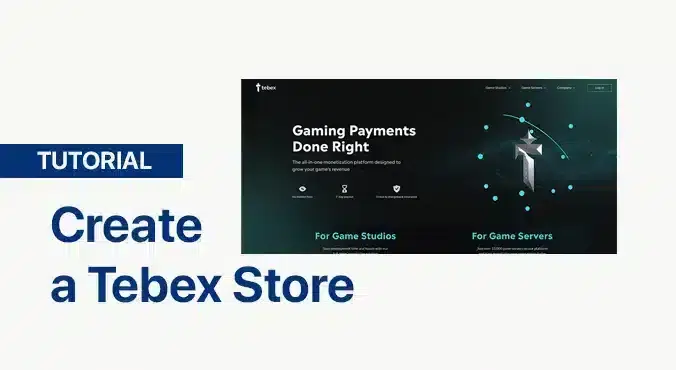
Tutorial Image: Tebex Store

How to Create a Tebex Store for a FiveM Server

To create a Tebex store for FiveM, register the store in Tebex, select the FiveM integration, copy the generated secret into the server-side sv_tebexSecret setting, restart the server and verify authentication before adding packages. Use the current official setup page while you work; dashboard labels and onboarding steps can change.

How to Refund a Tebex Purchase

How to Refund a Tebex Purchase

For a Tebex purchase issue, keep your order details and check Tebex Buyer Support and the checkout terms. Tebex’s Buyer FAQ says it does not issue refunds for these digital transactions; the checkout terms preserve refunds required by applicable consumer law.

SaltyChat Channel Switching Fix for FiveM

SaltyChat Channel Switching Fix for FiveM

Start by identifying the symptom. Use DNS only when the FiveM NUI is stuck at “Connecting…”; otherwise check channel state, logs and the integration.

How To Report a FiveM Server

How to Report a FiveM Server to Cfx.re or Rockstar

To report a FiveM server, use the server’s Report Server button in the FiveM server browser or the official Cfx.re web form. Send Rockstar reports only when the issue belongs to Rockstar’s services or intellectual property rather than the operation of a FiveM server.

FiveM Admin Guide (2025): Safe, Correct, and Fast Setup

FiveM Server Administration: Setup and Daily Checks

FiveM administration has several permission systems: txAdmin controls, FXServer ACE permissions and the permissions used by your framework or admin resource. Identify which one owns the action you need before granting access. Server-owner approval is required.