





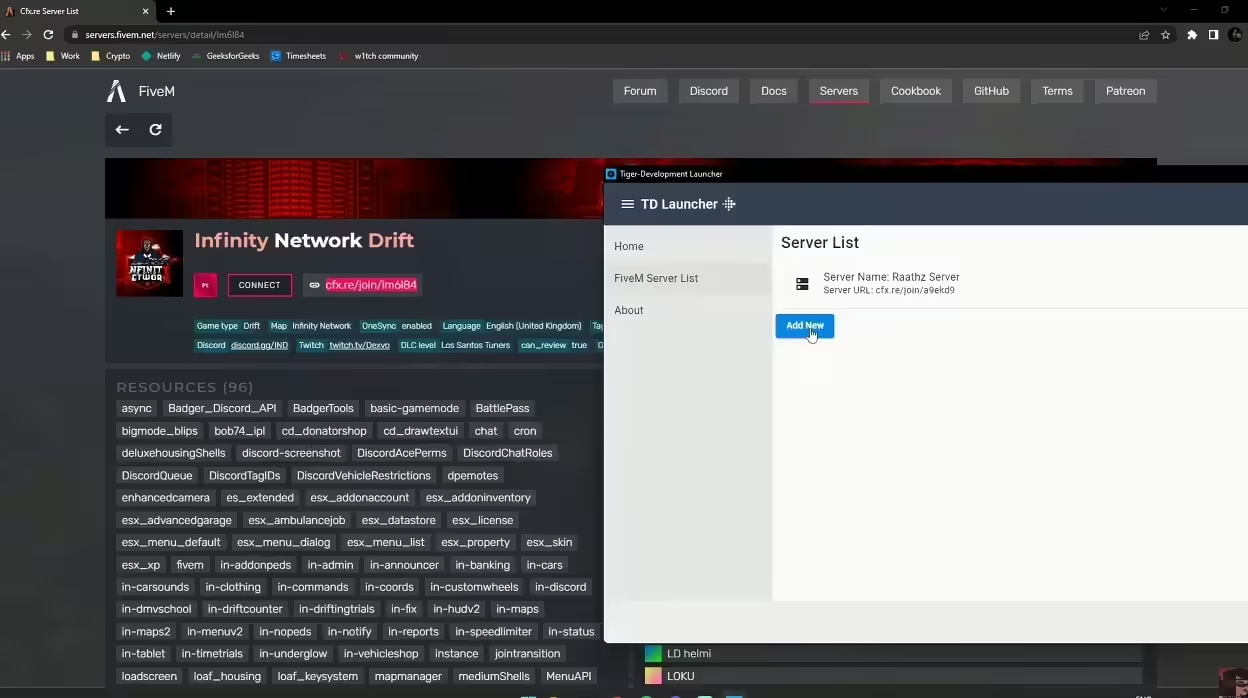
A small Windows Forms launcher can ask Windows to open your FiveM server connection. It does not install FiveM, bypass a whitelist or confirm that a player has connected. Keep the normal server connection instructions available for players who do not want another executable.
Setup and checks
In Visual Studio, install the .NET desktop development workload and create a Windows Forms App. Add a Connect button and a Label named StatusLabel, then attach the code below to the button’s Click event. The sample address is a local test server; set it to your actual server address and port before distributing the launcher. Put the using directives at the top of your form file and the event handler inside your Form class.
using System;
using System.ComponentModel;
using System.Diagnostics;

private void ConnectButton_Click(object sender, EventArgs e)
{
    const string serverAddress = "127.0.0.1:30120";
    try
    {
        Process.Start(new ProcessStartInfo("fivem://connect/" + serverAddress)
        {
            UseShellExecute = true
        });
        StatusLabel.Text = "Launch requested";
    }
    catch (Win32Exception)
    {
        StatusLabel.Text = "Windows could not open FiveM.";
    }
}
UseShellExecute explicitly asks Windows to handle the registered protocol. Launch requested means only that the request was handed off; it is not a connection-status check. Test with FiveM installed, without a protocol handler and with an unavailable server, and verify the actual result in FiveM.
For an older .NET Framework project, follow Microsoft’s Framework version checks; dotnet --version reports an SDK version and is not that check. Build from reviewed source and investigate antivirus detections rather than instructing players to exclude an unknown executable. A build or download has not been independently tested on Windows in this article review.