





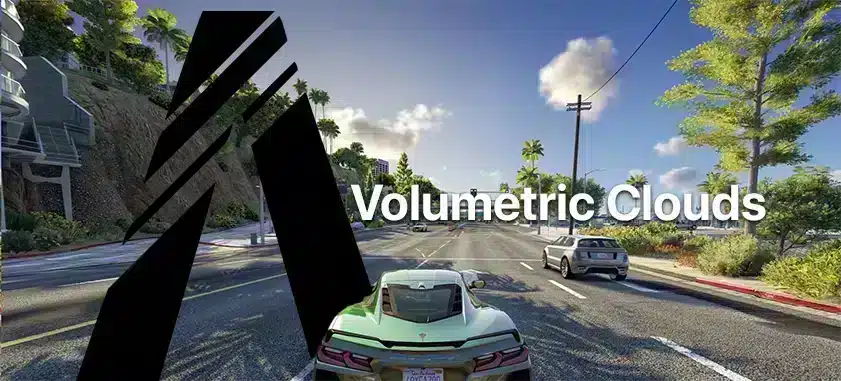
Volumetric-cloud effects in FiveM depend on the graphics package or shader you install. Identify the exact effect and its documented requirements first. A preset file alone may not include the shaders it references, and there is no universal FiveM cloud-installation folder.
The configuration and code examples here target FiveM for GTA V Legacy. Enhanced has different runtime and compatibility rules; check Cfx.re’s Legacy-to-Enhanced changes before applying them to an Enhanced server.
Check the actual package
Use the effect author’s release page and installation notes. Confirm the supported game/client setup, required shaders, preset files and removal method. Do not assume that every cloud preset needs NVE or that one preset’s instructions apply to another.
Check whether the server permits the client modifications involved. A screenshot of a working effect on another server does not establish compatibility with yours.
Install one layer at a time
Close FiveM and back up only the files the documented installation changes. Follow the graphics package’s own FiveM instructions. If the effect uses ReShade, verify the effect-search and texture-search paths in your actual installation instead of guessing a shader directory.
Load the supplied preset, check for missing-effect or shader-compilation errors and enable the effect through the overlay’s configured key. Do not replace a complete shader folder to repair one missing effect.
Compare a repeatable scene
Record the same sky, location and camera view with the effect off and on. Check frame time, visual artefacts and the transitions between weather conditions. Change one effect setting at a time. Raising render resolution adds load and is not a required cloud fix.
If it fails
A missing effect points first to the package dependencies or configured search path. A shader error needs the exact effect version and log. If FiveM crashes or the server rejects the client, remove the change through your file list and restore the clean baseline.