





![Body Damages V2 [ ESX / QBCore / STANDALONE ] FiveM resource preview](https://rpcrate.com/wp-content/uploads/2023/06/chrome_0SmBpgNxhh-jpg-1200x679.avif)
![Body Damages V2 [ ESX / QBCore / STANDALONE ] FiveM resource preview 2](https://rpcrate.com/wp-content/uploads/2023/06/chrome_vJz9oHsFmg-jpg.avif)
![Body Damages V2 [ ESX / QBCore / STANDALONE ] FiveM resource preview](https://rpcrate.com/wp-content/uploads/2023/06/chrome_0SmBpgNxhh-jpg-150x85.avif)
![Body Damages V2 [ ESX / QBCore / STANDALONE ] FiveM resource preview 2](https://rpcrate.com/wp-content/uploads/2023/06/chrome_vJz9oHsFmg-jpg-150x93.avif)
Graphic interface:
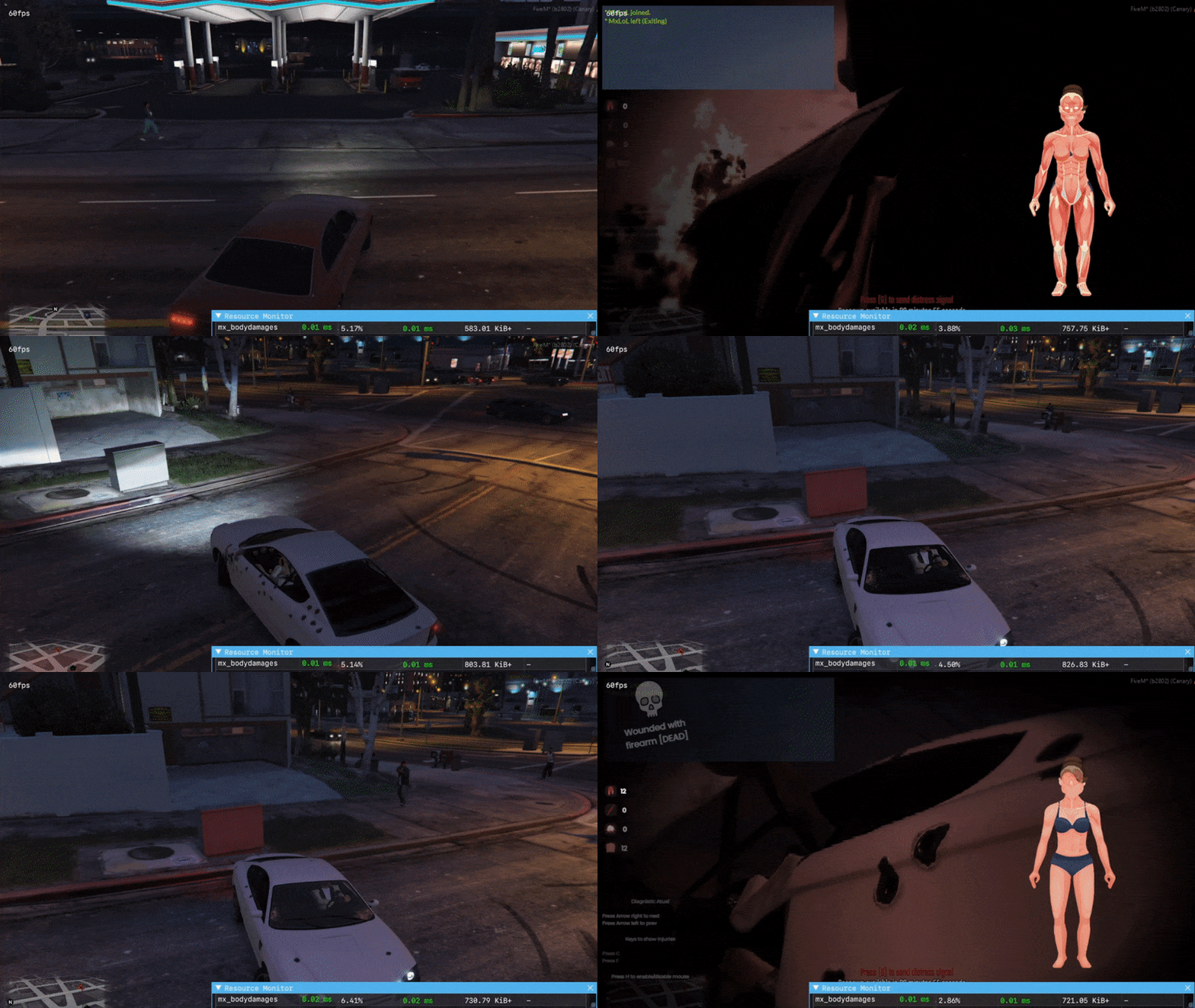
- The script has 3 types of interface, you can choose which one you like best.
- Template: new
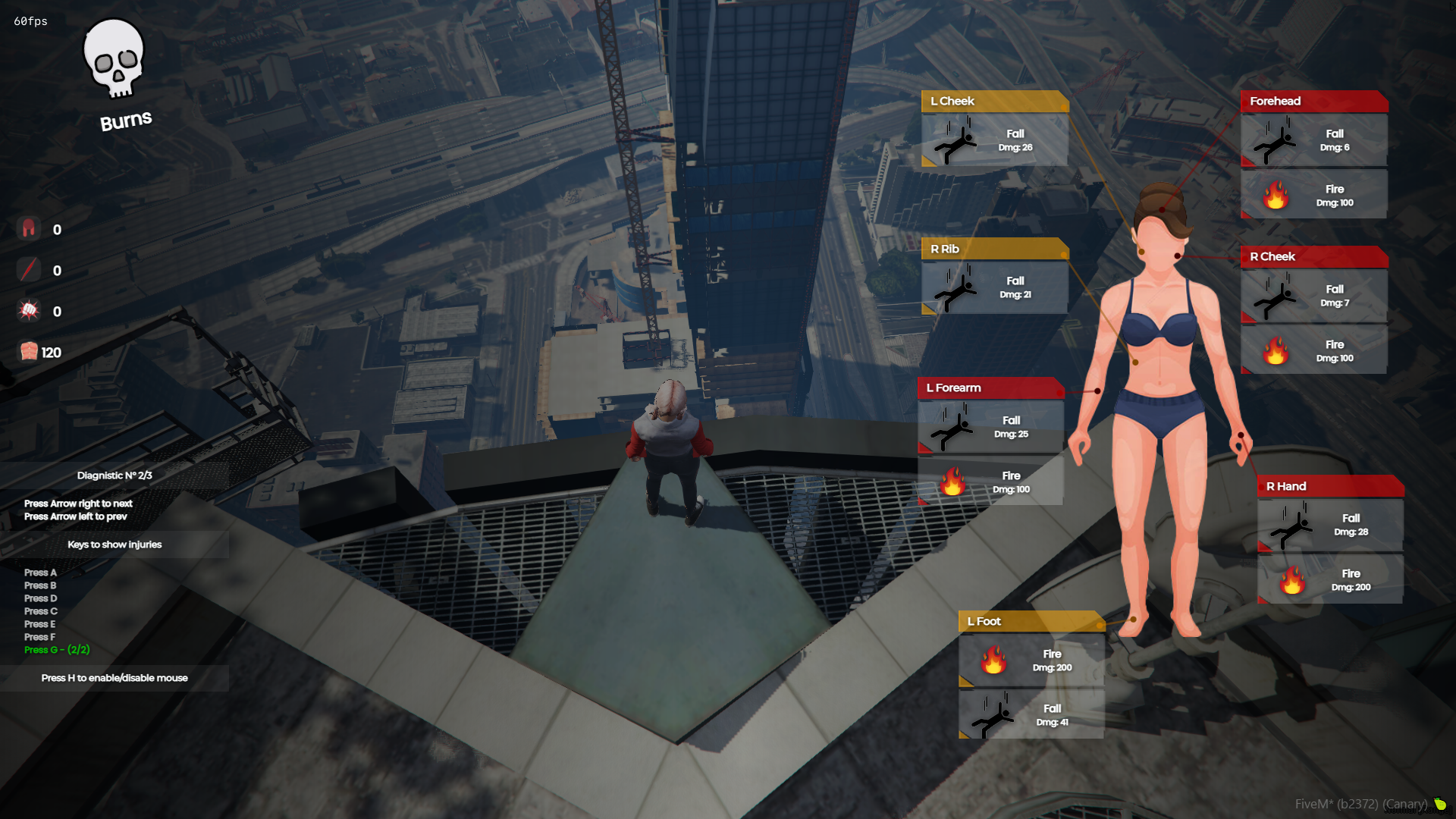
- Template: classic
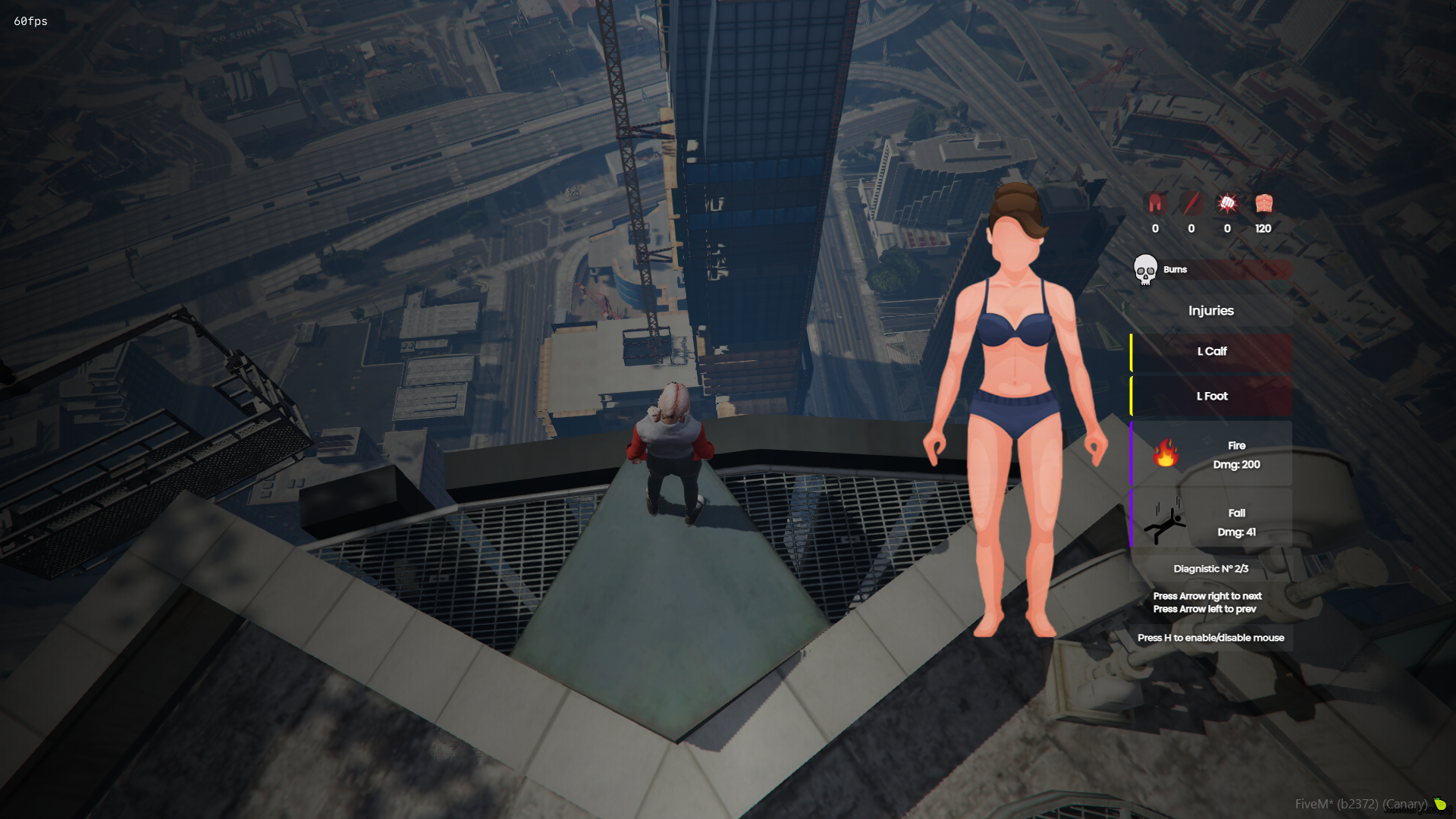
- Template: old
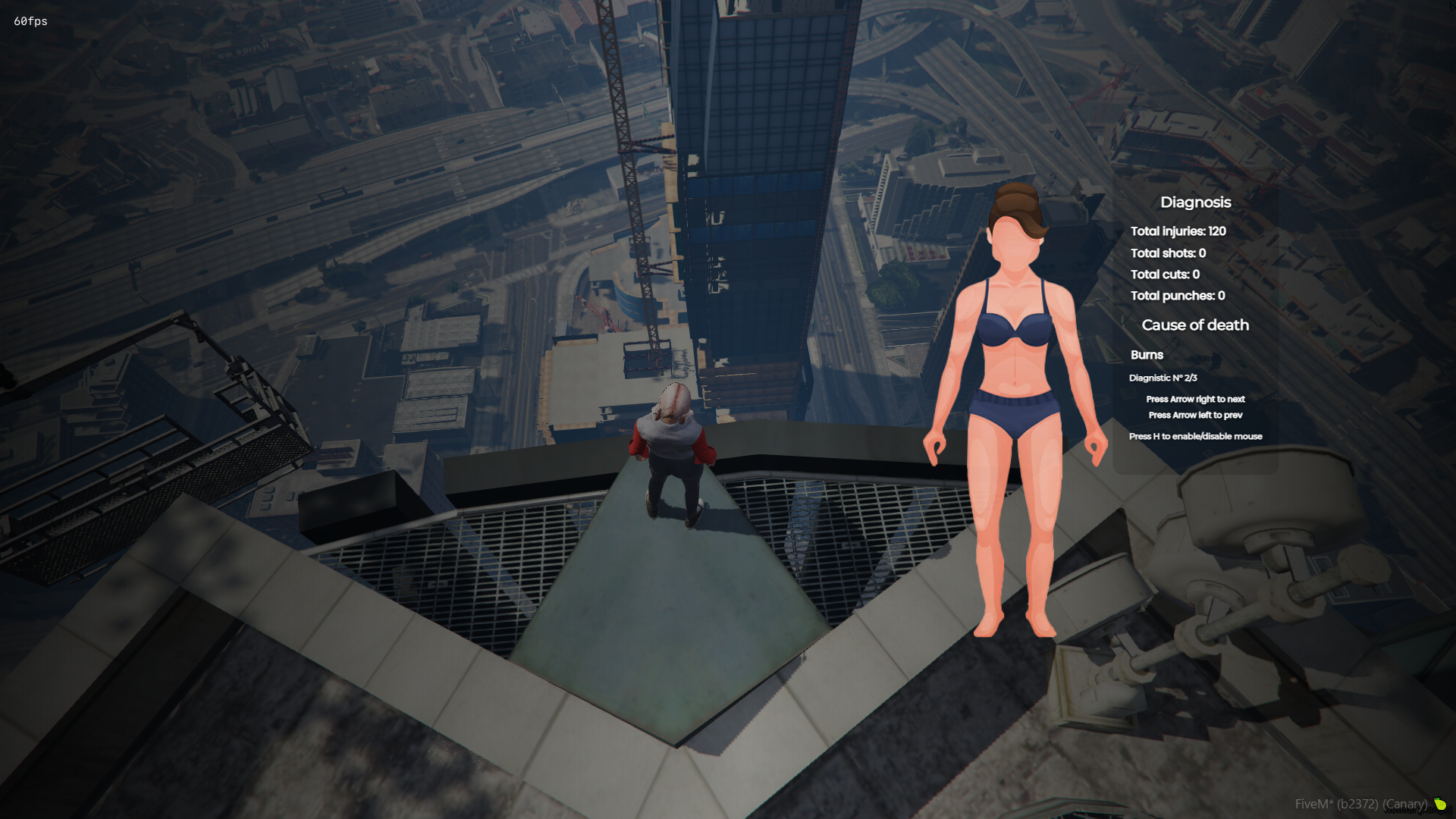
- The GUI template can be changed easily in Config.lua
- You can set the position of the Body on the x, y screen the way you like it, if you like it centered, in the corner, higher or lower, place it the way you like it.
- You can set the size of the GUI ‘scale’, but anything above 1.0 may look weird.
- The entire interface can be translated easily in the configuration.
- To access the information from the new and classic interface, it is necessary to press H to enable the focus (mouse) and thus be able to better visualize the information and press the keys.
Commands:
- There are two commands, /health and /diag
- /health – Shows your damage taken information.
- /diag – Shows the damage taken information of the player next to you.
- These two commands can be changed easily in Config.lua
Resources:
- GUI information is reset once the player’s maximum health is restored.
- The body image changes automatically if the ped is male or female.
- To close the graphical interface, just type the command again or press ESC, DELETE, BACKSPACE or the right mouse button.
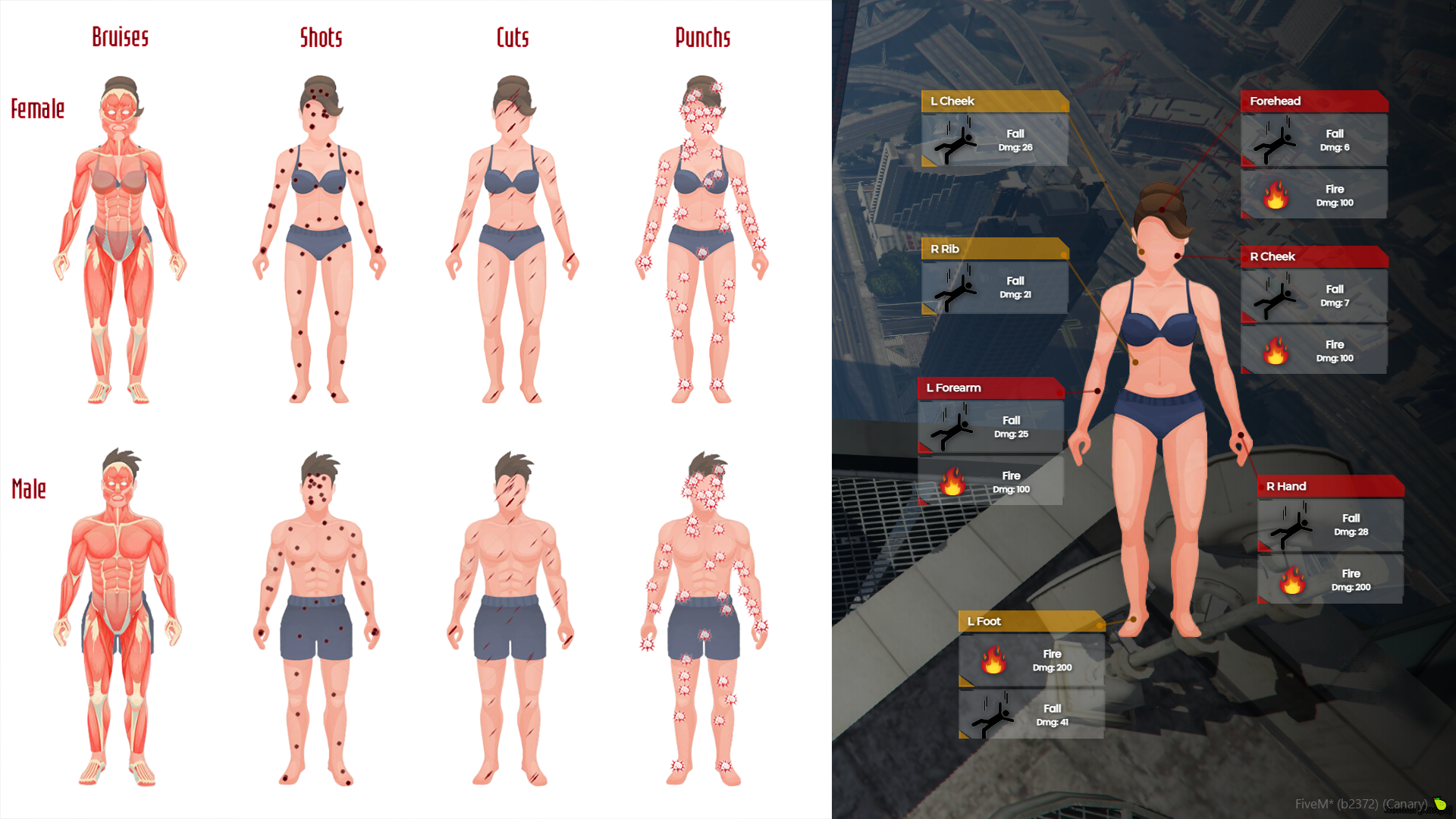
- Indicates various injuries (bruises, gunshots, cuts and punches).
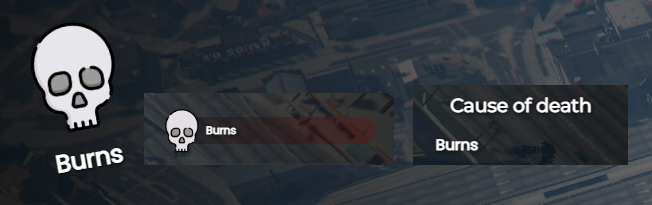
- Indicates the cause of death
- When eliminating a player, if enabled, the graphical interface will open automatically, showing the damage information of the player you eliminated.
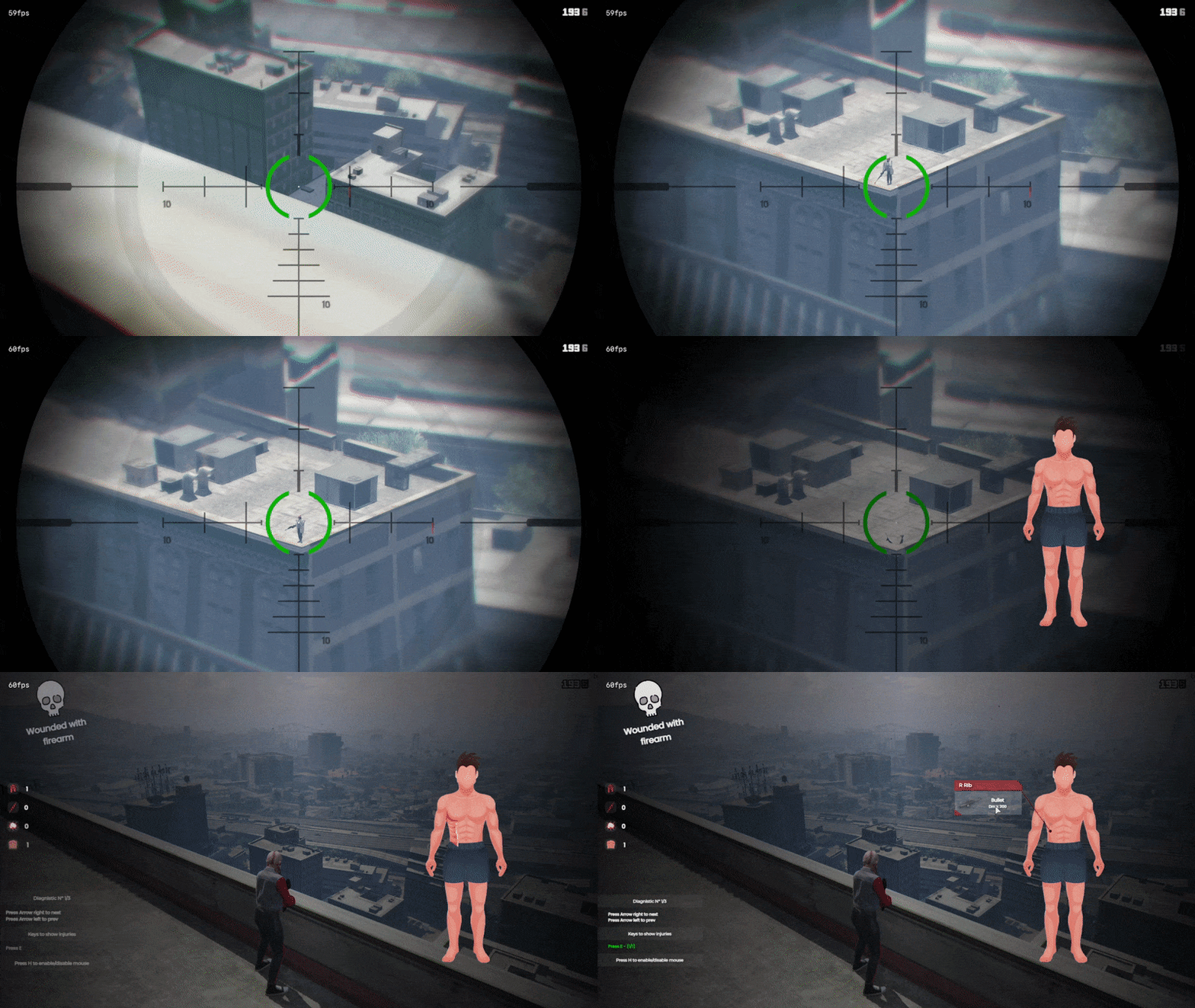
- Upon dying, if enabled, it will have a flash effect on your screen for a few seconds.
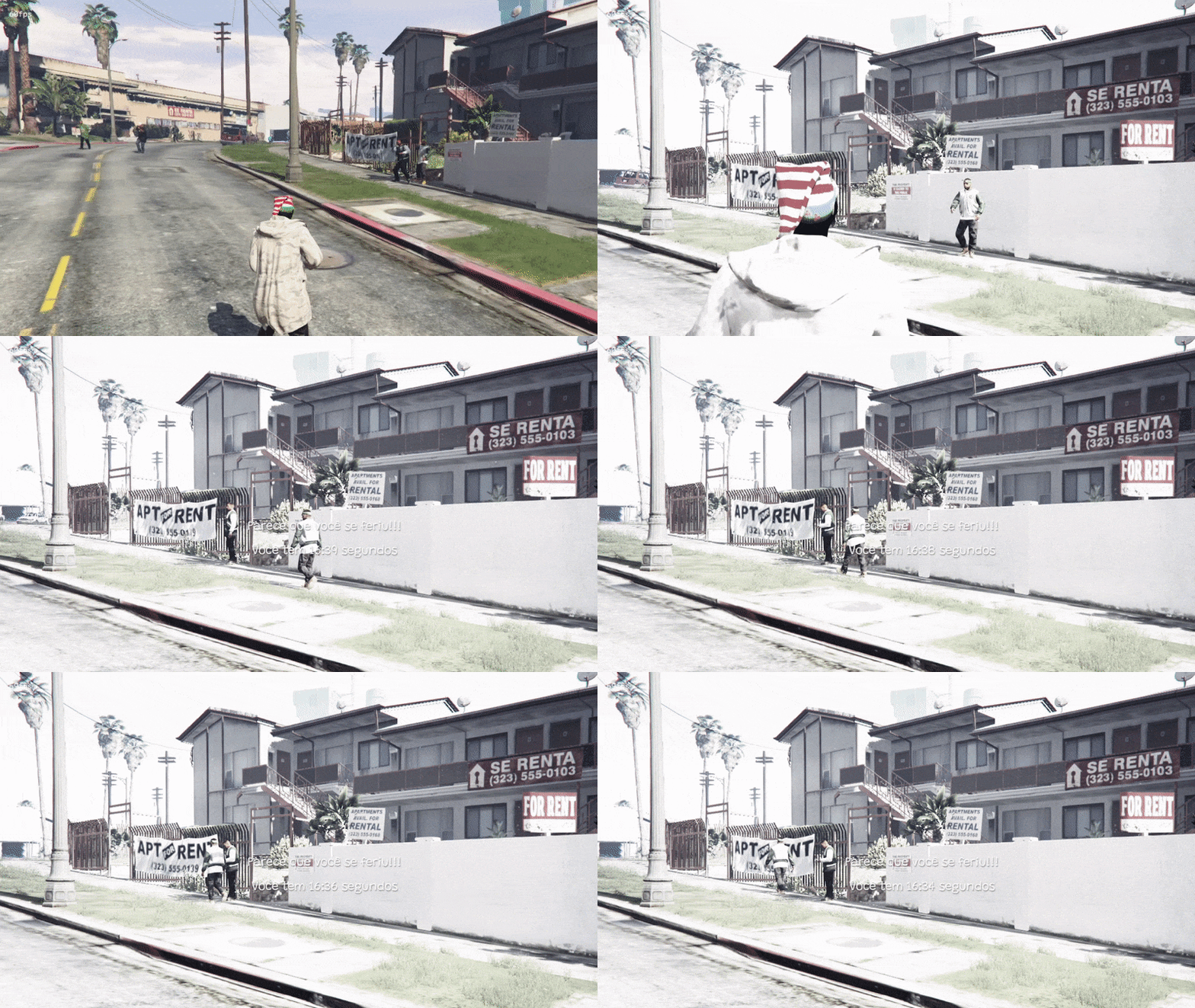
- When taking damage, if enabled, will have a shake effect on the screen with each damage taken.
Database:
- Now this script has saved player diagnostics.
- You can disable this function in Config.lua.
- You can define how many diagnoses each player can have.
- When exceeding the diagnosis limit, the script will remove the oldest diagnosis from the player and add the new one.
- This is interesting, because in the medical roleplay, you can have medical files, data from the players in the hospital, for example.
Youtube Video DB
Display Damages:
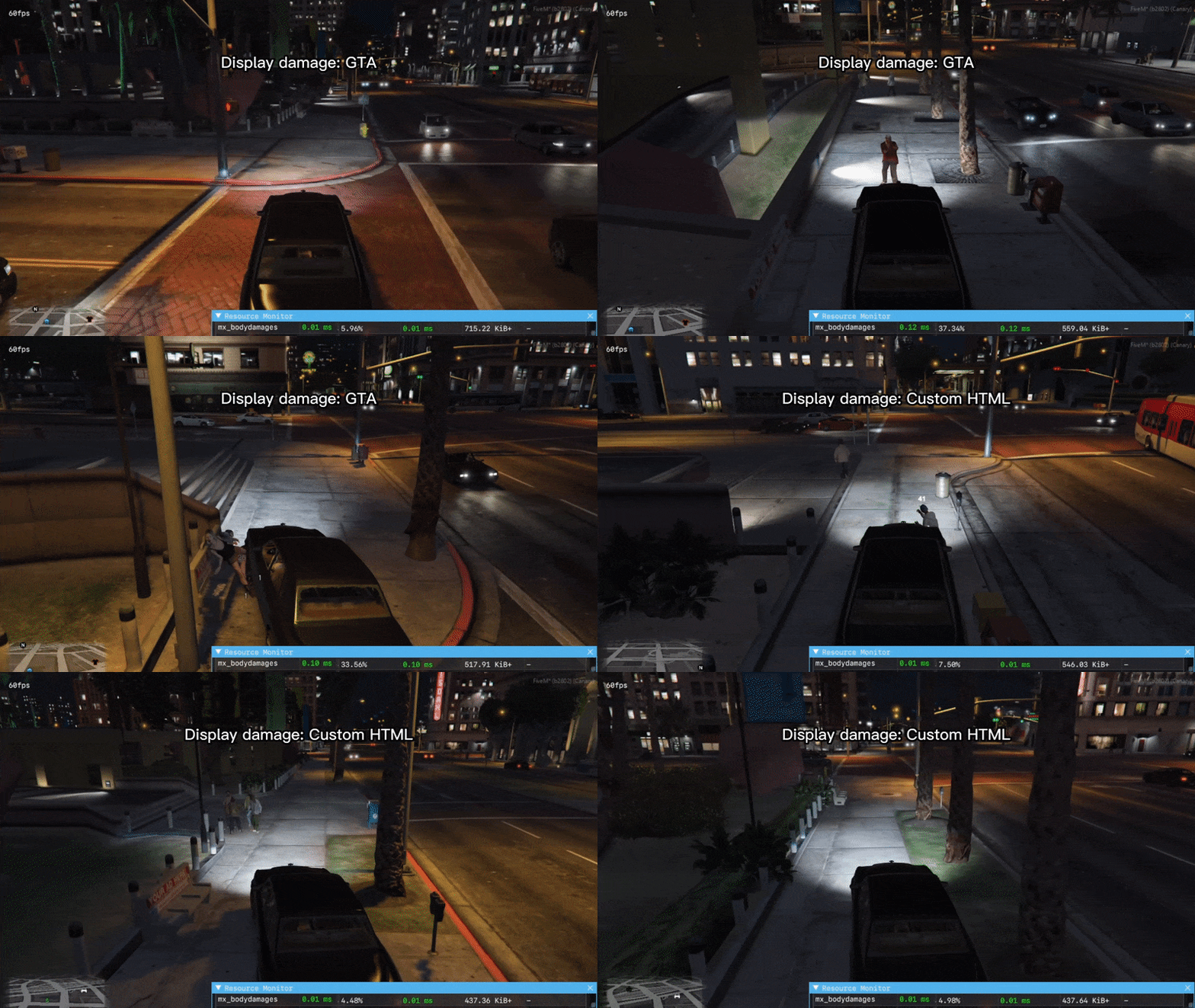
- The script has two types of display damages, a GTA own and a custom html.
- GTA – Using this display, the resmon will be a little high, but it doesn’t affect the FPS.
- Custom HTML – Using this display, you will have a lower resmon, it doesn’t affect FPS.
- You can choose what you like best.
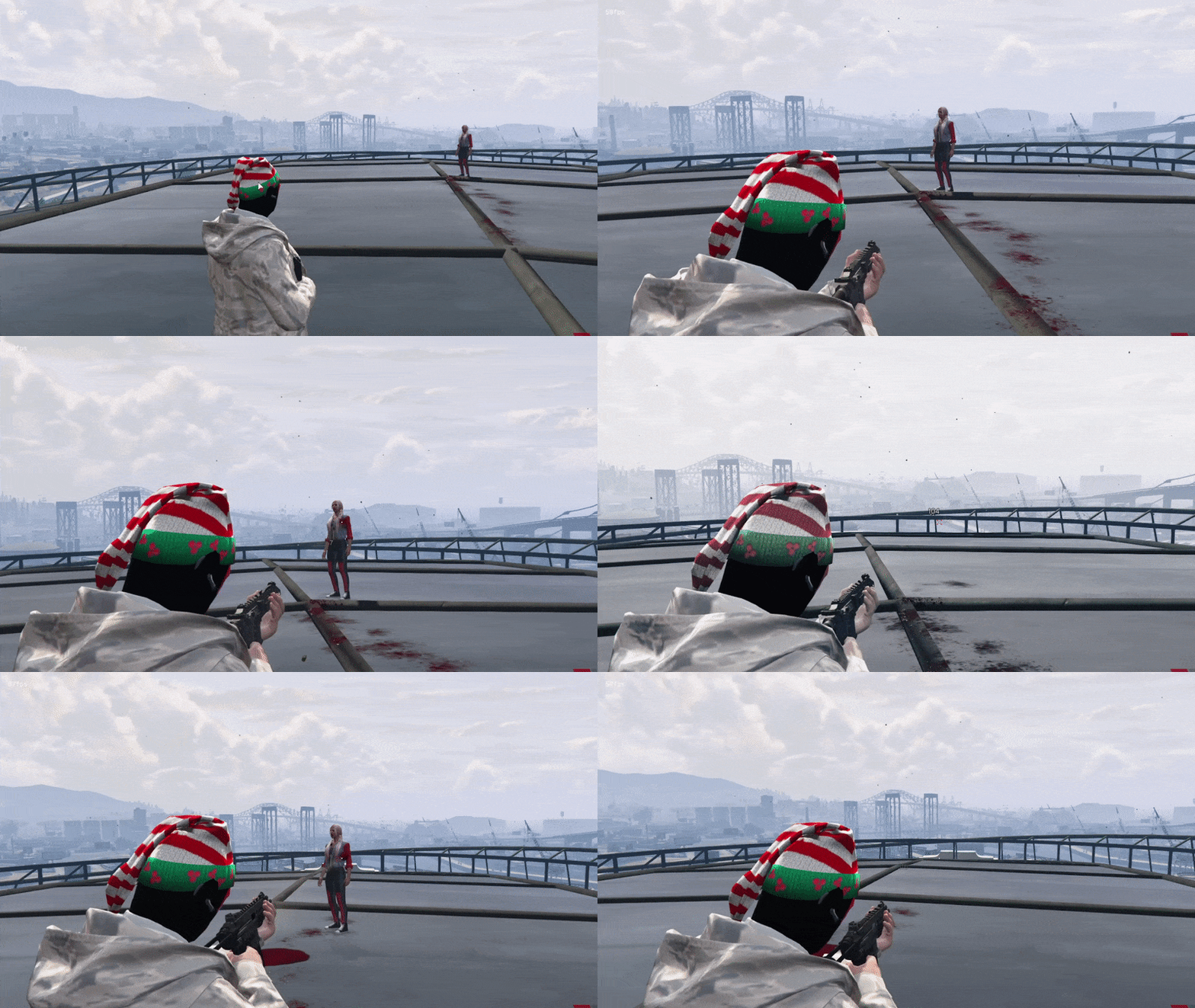
Display damages – GTA
- You can set the color you want, or leave it in RGB mode
- You can choose some types of display that you want to display on the screen.
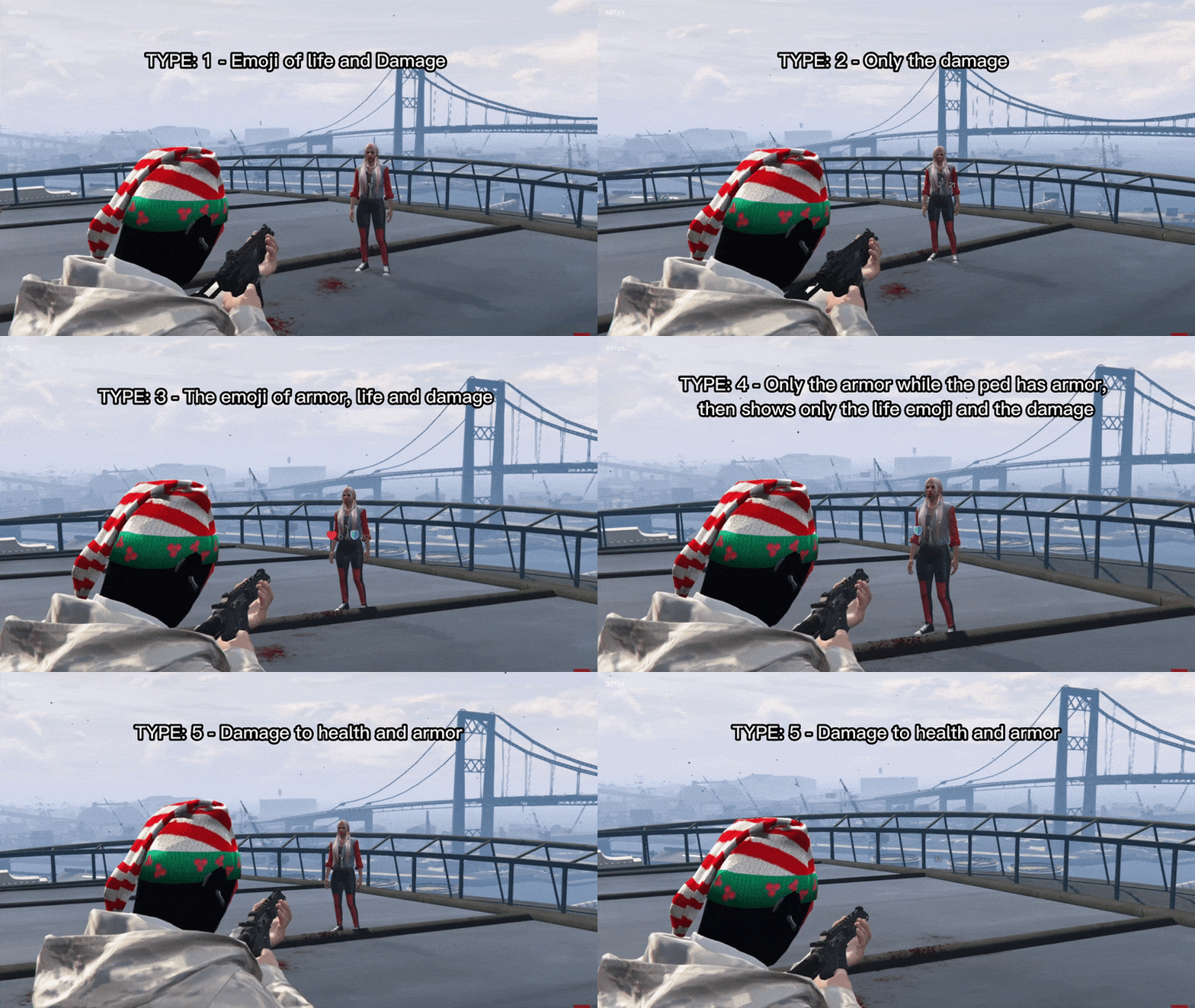
Display damages – Custom HTML
- You can set the color you want, or leave it in RGB mode
- You can choose some types of display that you want to display on the screen.
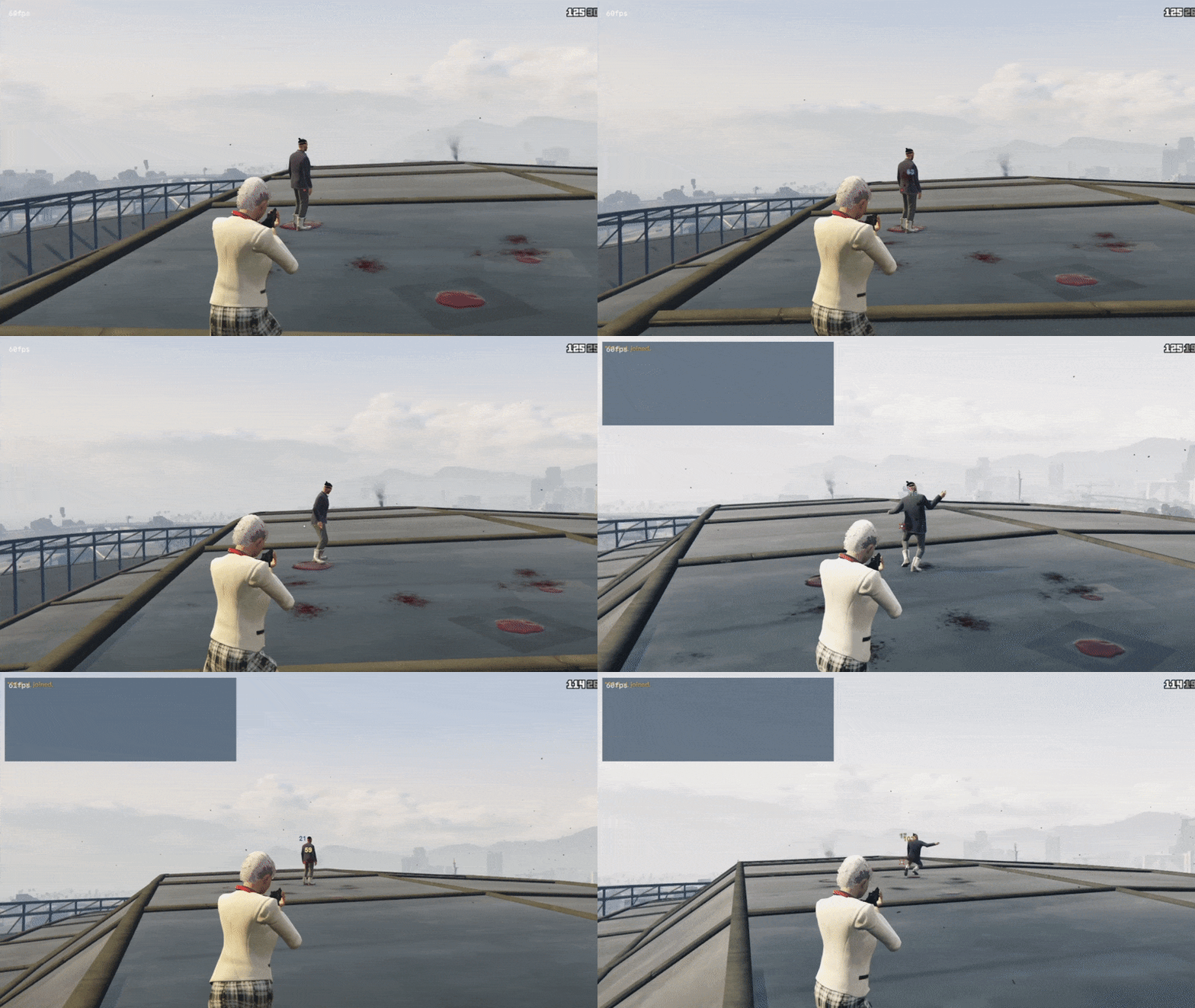
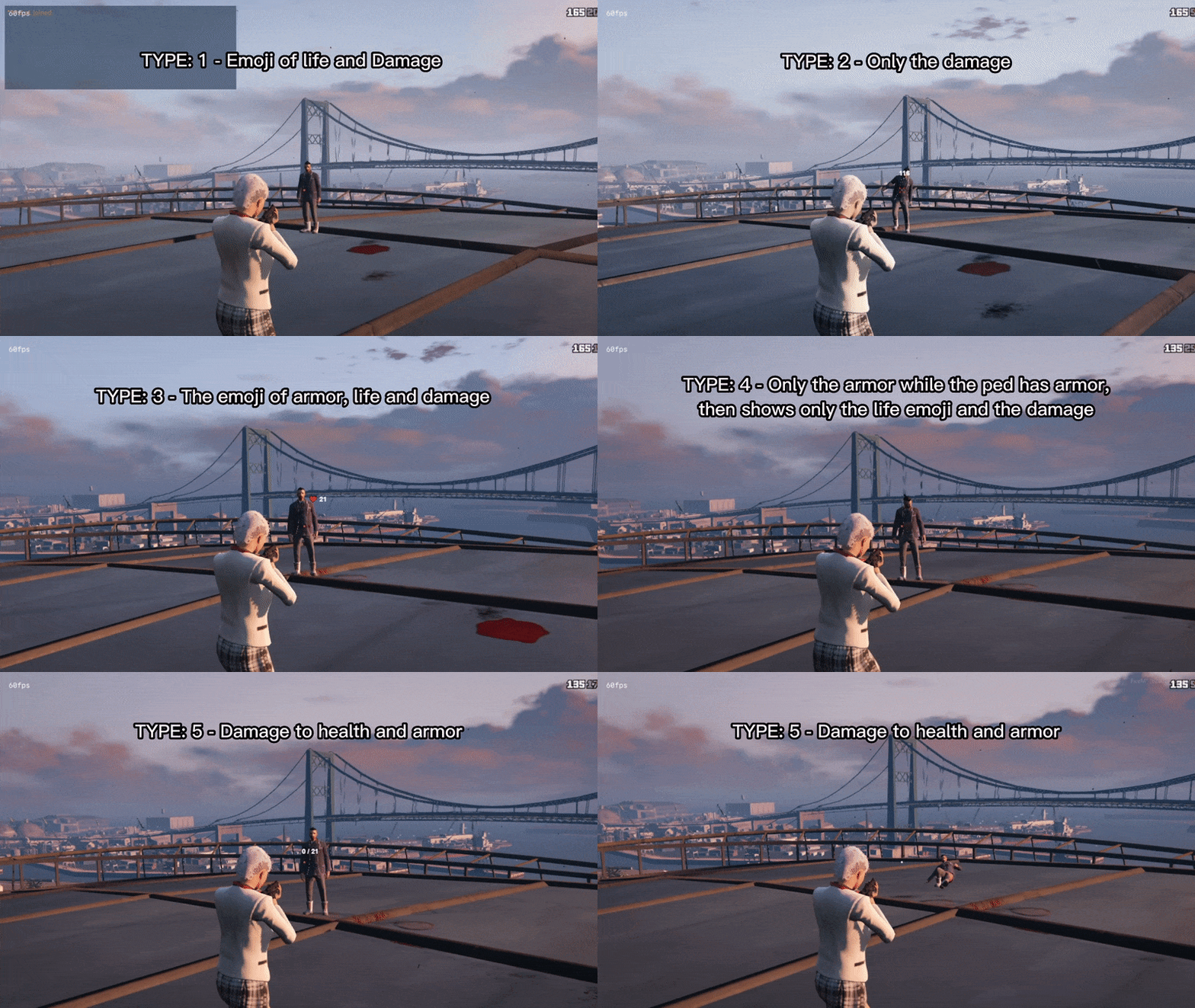
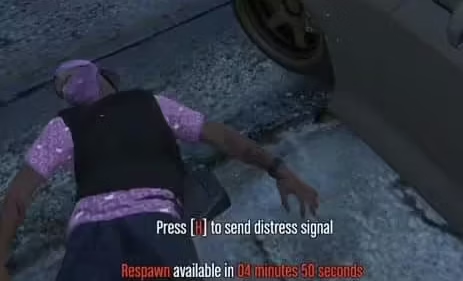
- When eliminating a player/ped, “DEAD” appears on the display, this option can be deactivated in Config.lua
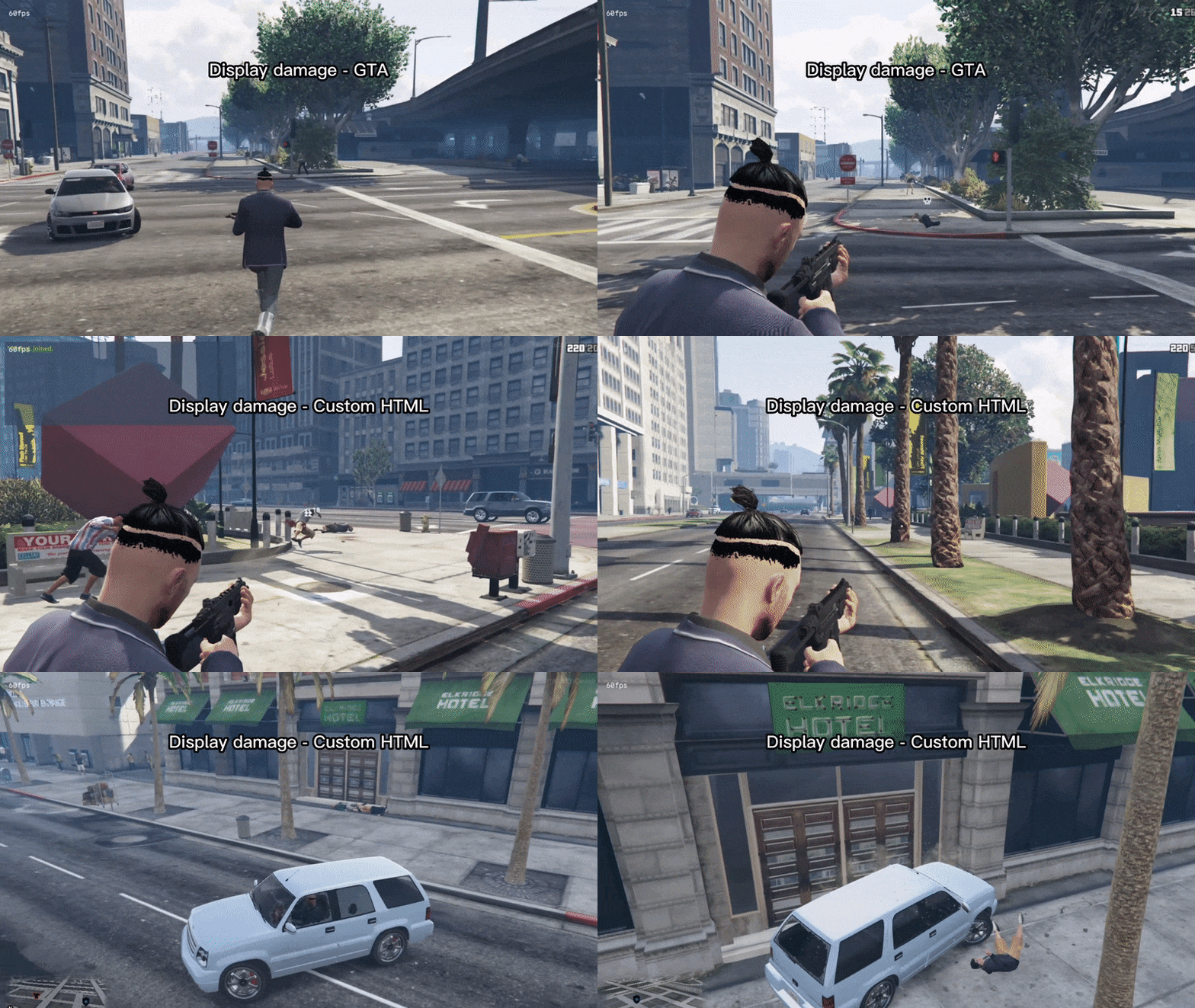
- Resmon Display damage – GTA
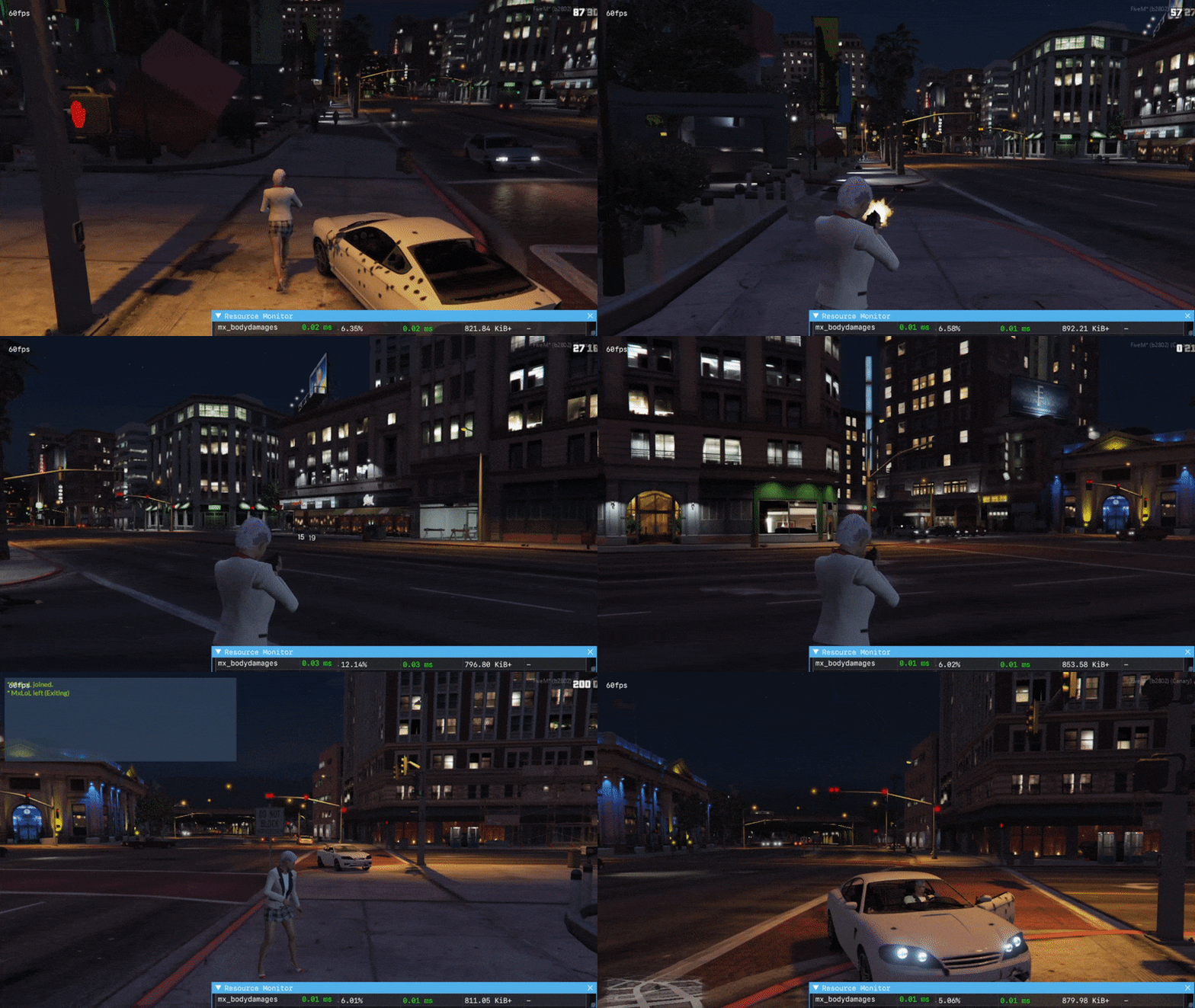
- Resmon Display damages – Custom HTML
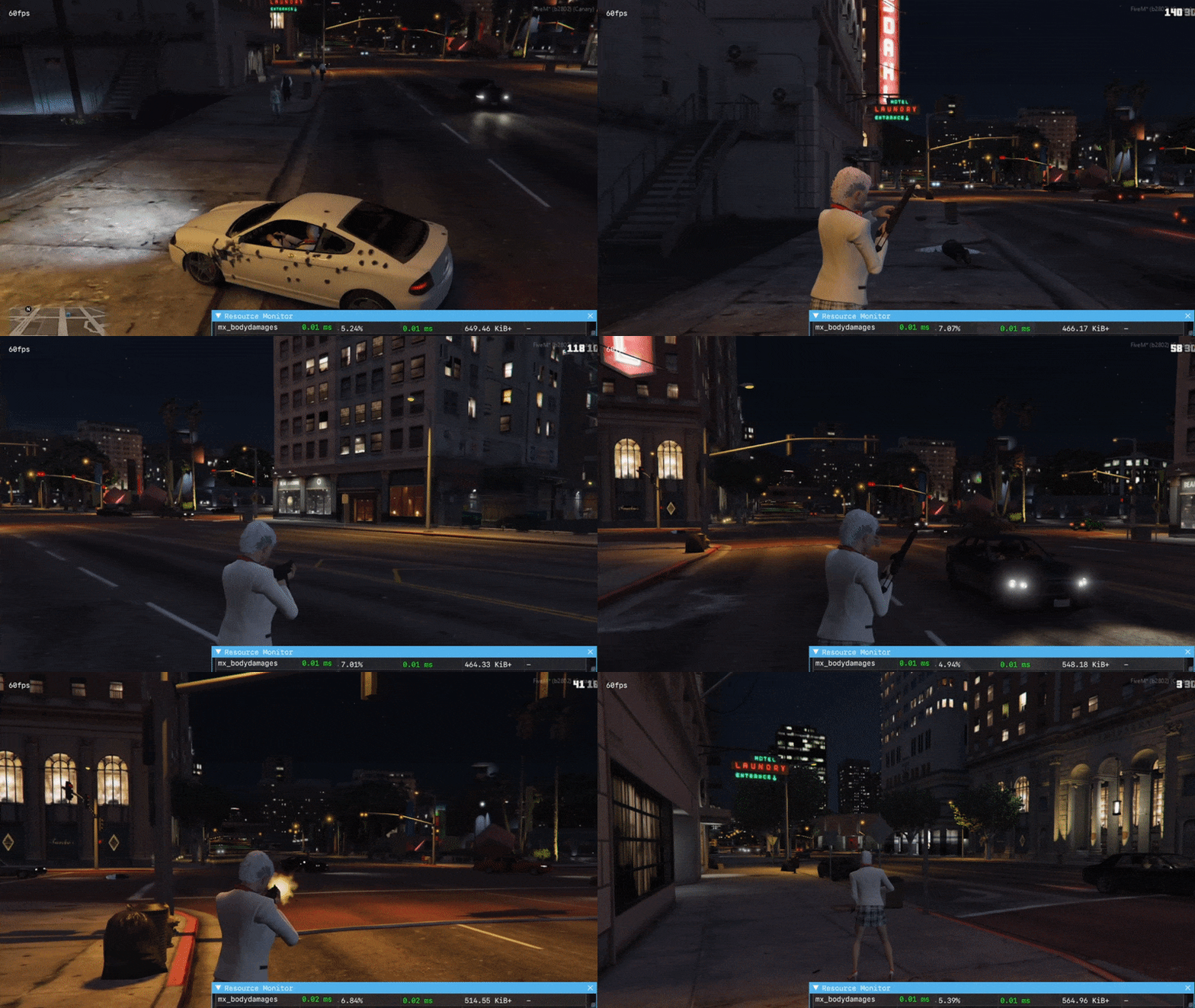
- Resmon idle and taking some damage


Reviews
There are no reviews yet.