




There is no universal ReShade preset that makes every FiveM setup look better or run faster. Start from the unmodified image, then adjust a small set of effects for your display, the server’s rules and the performance you can sustain.
 English
ReShade presets for FiveM and GTA V. A preset is a client-side post-processing configuration: it changes what one player sees on their own machine and nothing else. It is not installed on a server, cannot be required of players, and does not affect anyone who does not choose to run it.
A preset is written against a specific ReShade version and a specific set of shader files, so installing one without its matching shaders is the usual reason a preset loads but looks nothing like its screenshots. Presets also cost frame rate, sometimes heavily, and they interact with whatever graphics mod you already run — a preset tuned for NaturalVision will look wrong on vanilla lighting. Keep a copy of your working configuration before replacing it, and expect to adjust rather than match a screenshot exactly, since results depend on your display and GPU.
There is no universal ReShade preset that makes every FiveM setup look better or run faster. Start from the unmodified image, then adjust a small set of effects for your display, the server’s rules and the performance you can sustain.
Use ChromatiX’s current creator sources and distinguish game editions, local graphics files and server resources before installation.
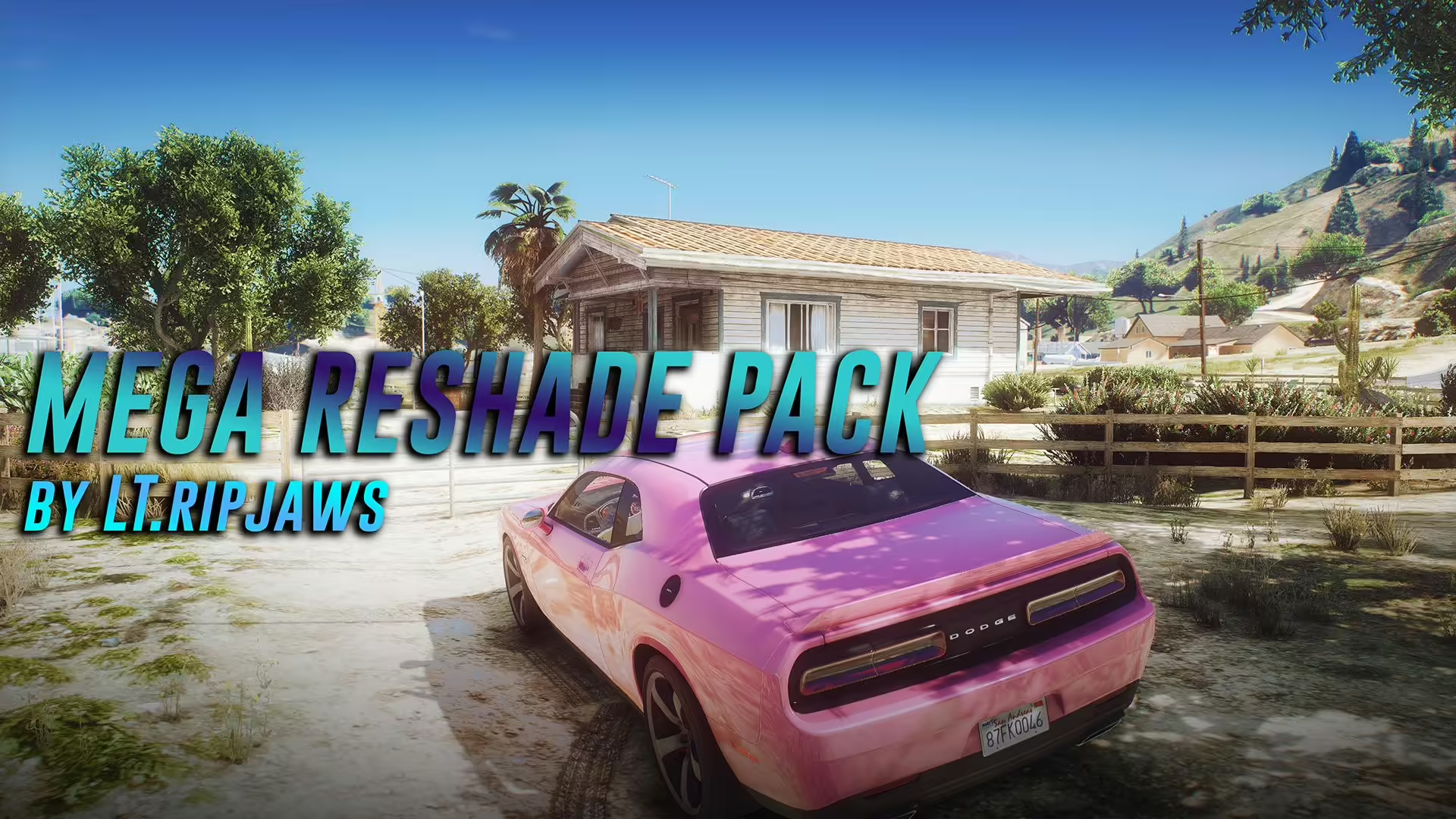
LTRipjaws’ Mega Reshade Pack is a set of GTA V graphics presets built around NaturalVision Evolved and medium ENB settings. The creator’s listing dates to 2021. It is a client graphics modification; placing the files in a FiveM server resources folder will not install the presets for players.
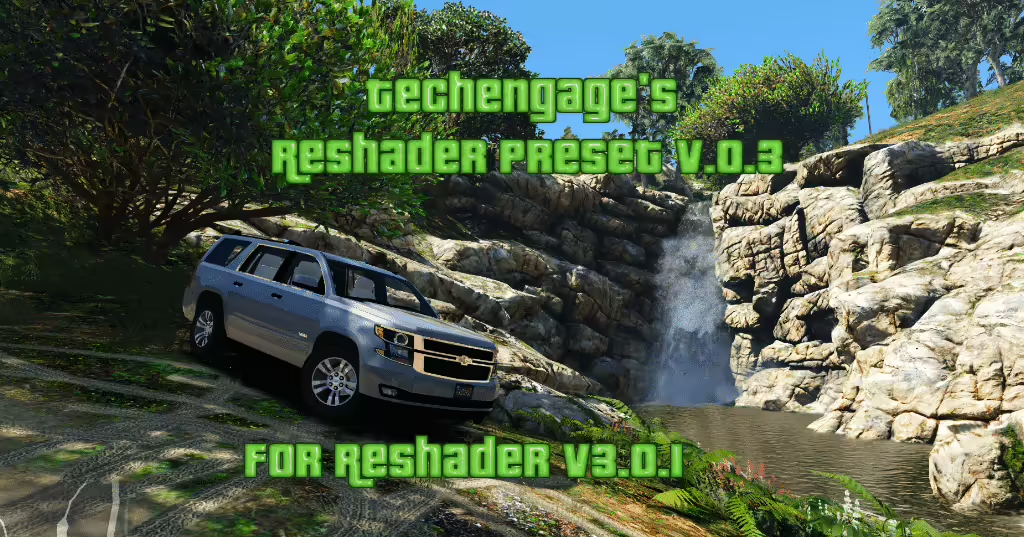
Review Techengage’s grand.ini preset, distinguish old ReShade 3 instructions from current setup, and check compatibility before using FiveM.
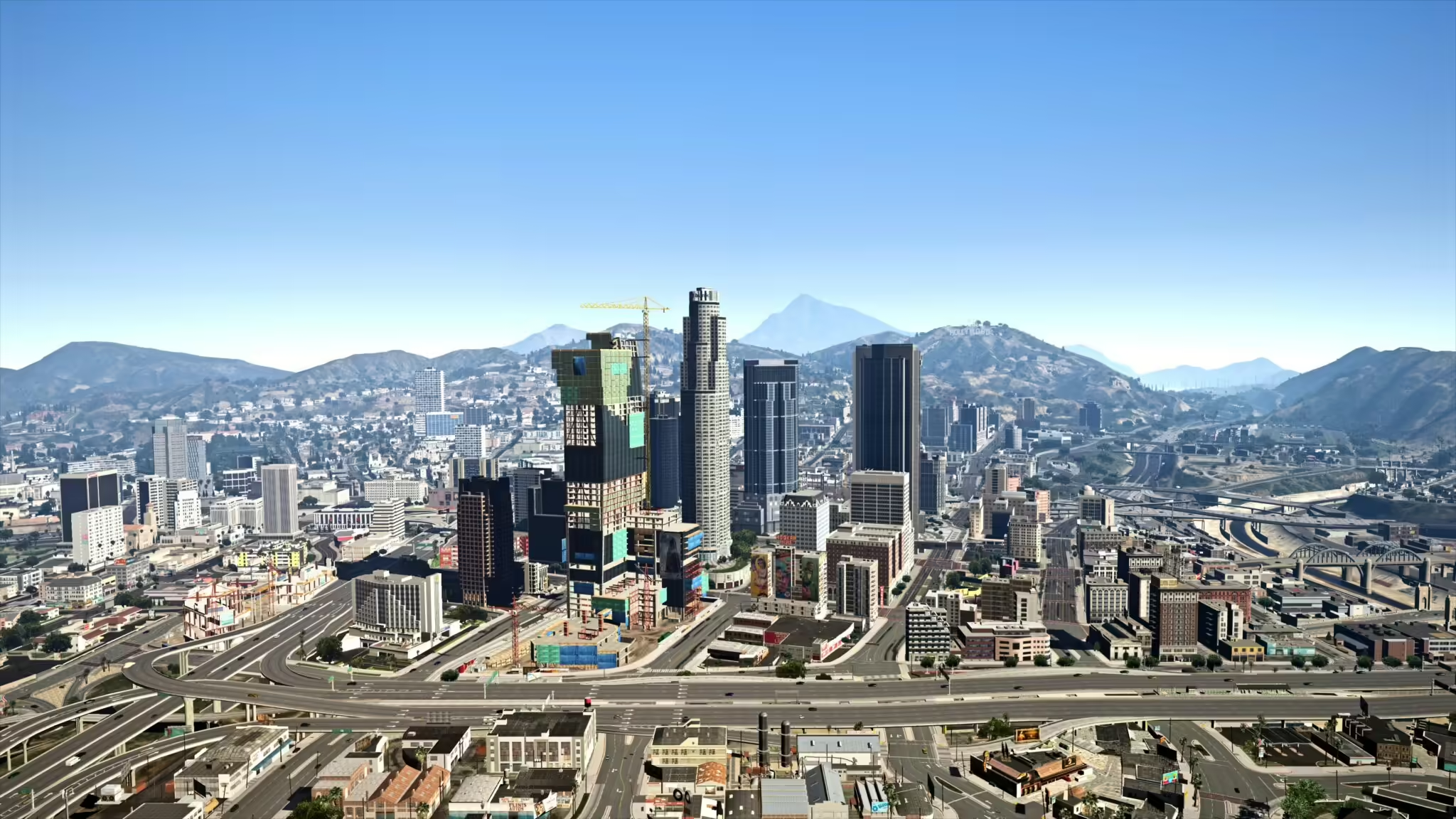
Find Reacon’s original L.A. preset, distinguish normal and optional RT versions, and check the graphics setup before using it with FiveM.
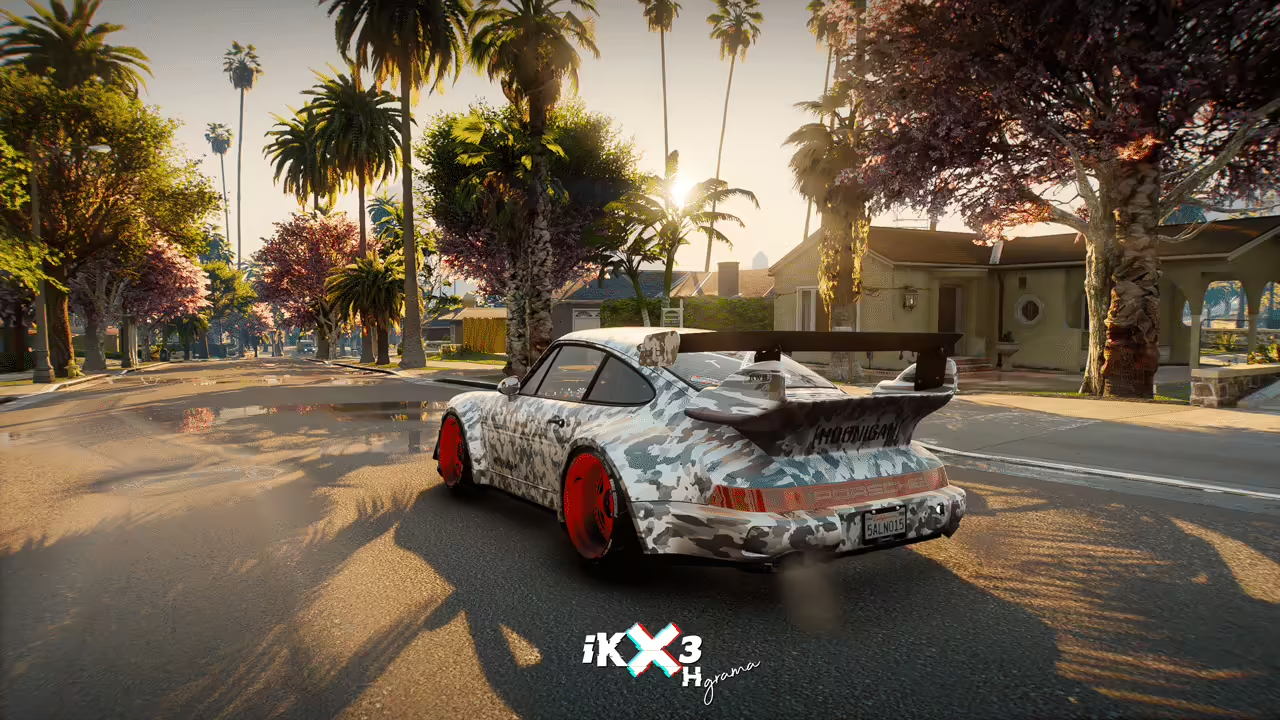
Check iKX3 HGrama’s NVE and separate RTGI requirements, use the creator download and verify shader compatibility before trying it with FiveM.
A ReShade preset for FiveM is a client-side configuration that changes post-processing effects such as color, contrast, sharpening, lighting tone and depth. The preset normally stores settings in an INI file and may require specific ReShade shaders; it is not a FiveM server script and is not installed in server resources. Before downloading, check the preset author, required ReShade version, included shader packages, screenshots, installation path and performance notes. Use the official ReShade installer, avoid repacked executables, back up existing preset and shader files, and test one preset at a time. Compare the same daytime, nighttime, weather and interior scenes so visual changes and FPS costs are measurable. Some servers restrict client plugins or modified files through their rules, pure mode or anti-cheat configuration, so confirm the server policy before joining. Remove the preset and restore the clean files if crashes, missing effects or severe frame-time spikes appear.
Record the preset source and required shader packages. Back up the current INI and shader folders before replacing anything, and change one preset at a time so the cause of a visual or performance problem remains clear.
Compare daylight, night, rain, fog, interiors, menus, and HUD elements. A dramatic screenshot can still make player names, road edges, or UI text hard to read. Keep a neutral reference screenshot from the same camera position.
Use the same route and graphics settings before and after installation. Compare frame rate, frame-time stability, loading behavior, and GPU use rather than judging only one still image. Disable expensive effects individually when performance drops.
Restore the backed-up files or remove only the files installed by that preset and its documented shader set. Do not delete unrelated game or FiveM files. Recheck the server’s client-mod policy before joining with ReShade enabled.