Use Coupon WELCOME to save 20%

$ USD
  • $ USD
  • € EUR
  • £ GBP
  • $ AUD
  • R$ BRL
  • CHF CHF
  • ¥ JPY

FiveM guides: find help for your next task

Build a Custom FiveM Phone App

Build a Small FiveM Phone App with NUI

Build a small phone-style NUI app first to learn the complete open, message, callback and close lifecycle. This example shows a session note that stays while the resource runs. It has no calls, messaging service, database or framework dependency; adding those requires separate server-side authorization and persistence.
How to Play FiveM

How to Play FiveM: Your First Server and First Session

To play FiveM, install the GTA V edition required by your chosen FiveM client/server, download the client from the official site and join a community whose language, rules and access requirements fit you. You do not need to buy server resources to join someone else’s server.

How to Migrate ESX → QBCore the Right Way

How to Migrate an ESX Server to QBCore

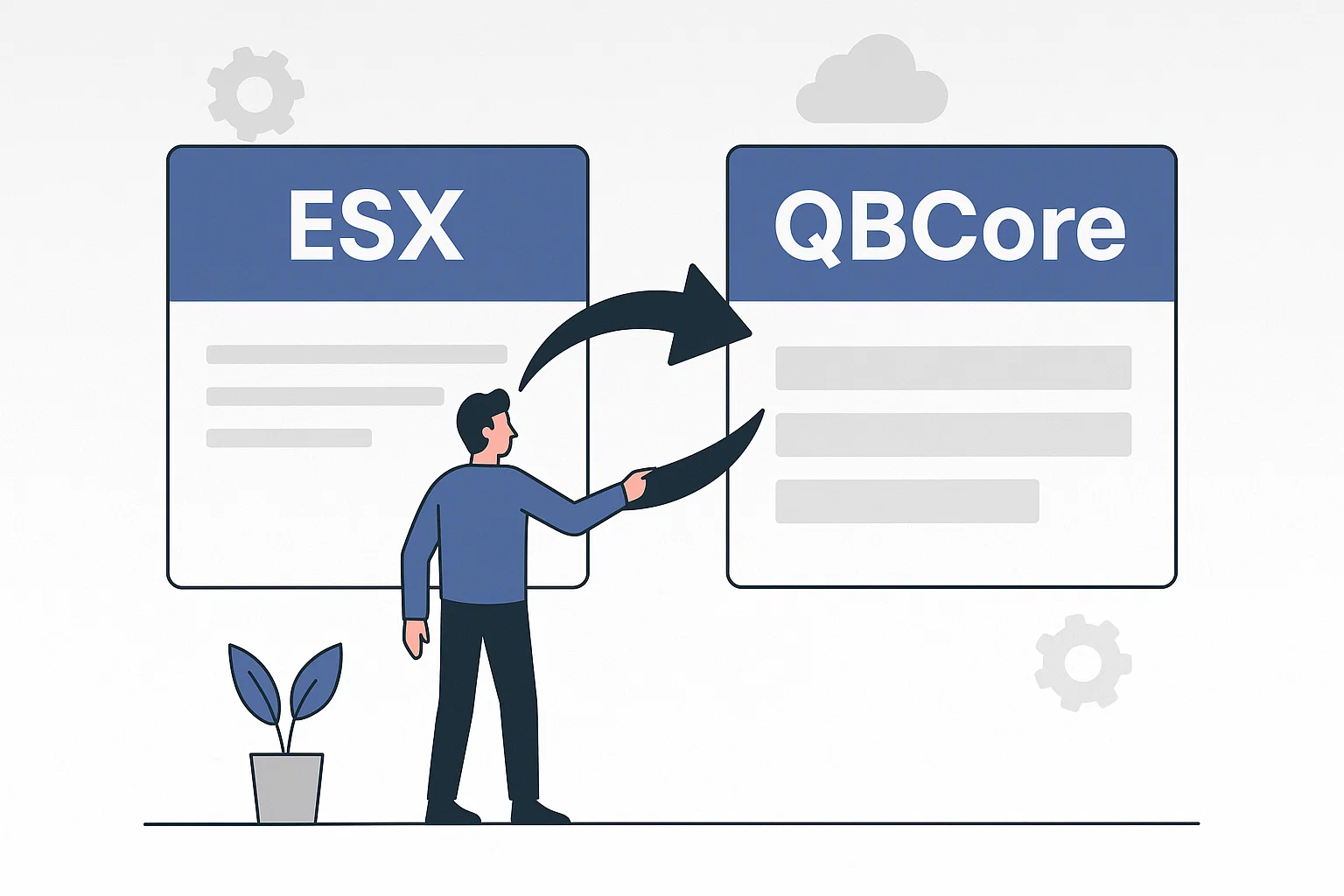
Direct answer: Migrating ESX to QBCore is a controlled rewrite and data migration, not a framework switch. Build a clean QBCore staging server, inventory every ESX dependency, define an explicit field-by-field data map, port resources against current APIs, rehearse rollback, and cut over only after referential and gameplay checks pass.

RedM server documentation page for a RedM setup guide

Create a RedM Server with FXServer and txAdmin

Create a RedM server with FXServer and txAdmin using a RedM-compatible recipe, then verify a RedM client can join before adding gameplay resources. FiveM and RedM share server tooling, but GTA V resources and game-build values are not interchangeable with Red Dead Redemption 2.

How To Create FiveM MLOs

How to Build and Test a FiveM MLO Interior

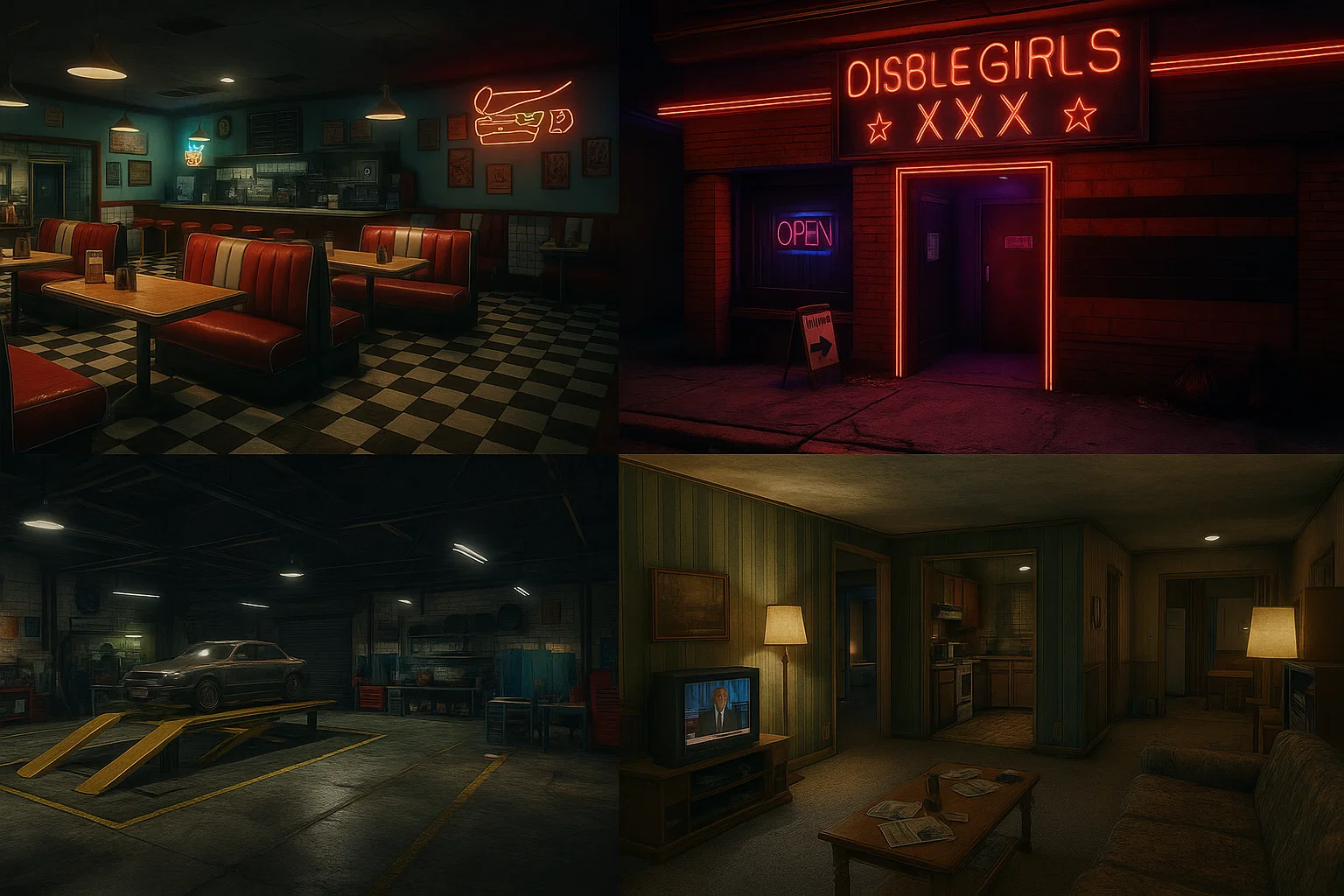
Build your first FiveM MLO as one small interior with a doorway, collision and correct room visibility. Keep the editable project separate from the exported resource, and test each layer before adding detailed props or lighting.

How to Run a FiveM Server Using Docker

Run FiveM in Docker with Persistent Data and Private txAdmin

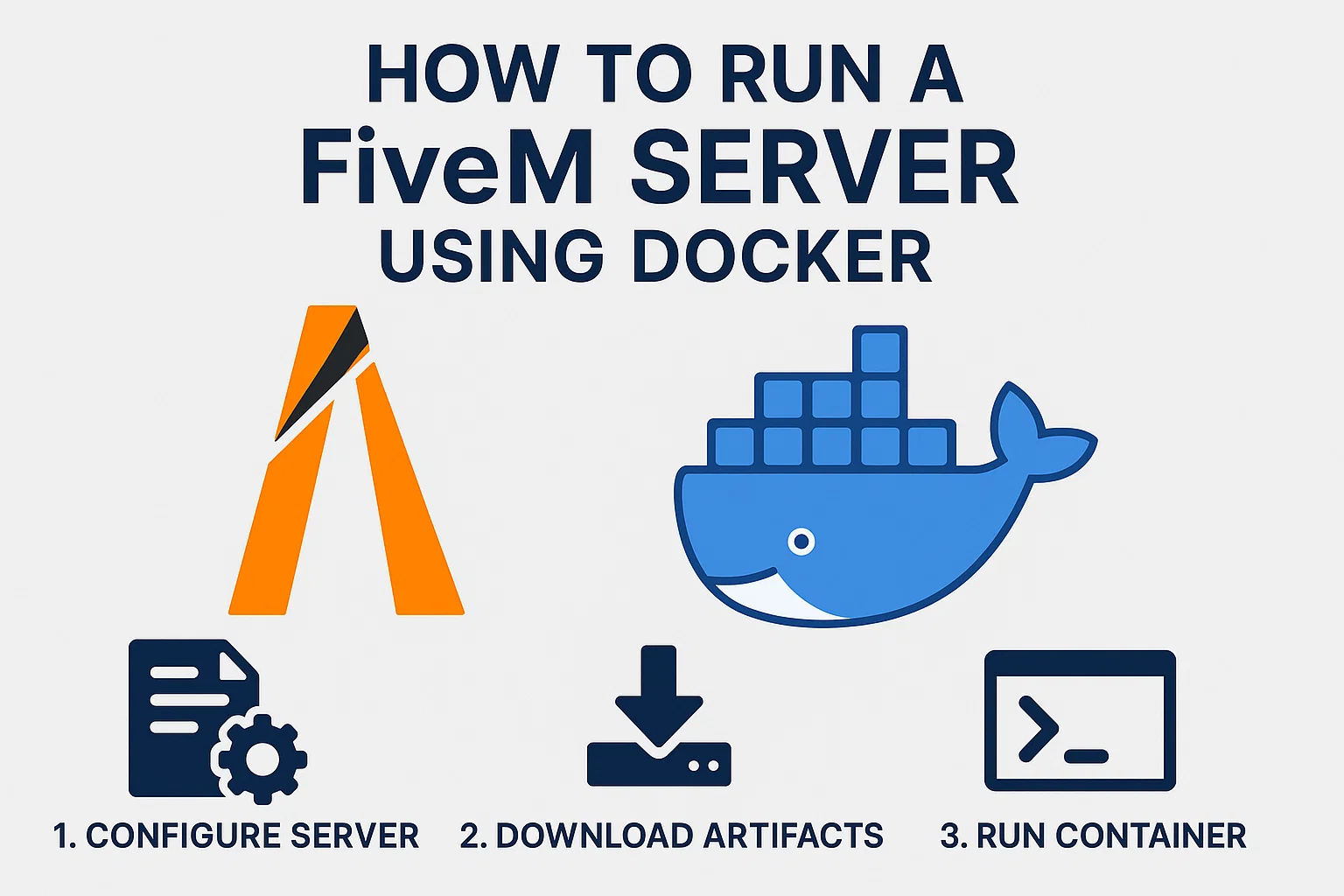
A Docker deployment needs persistent server data, deliberate port exposure and a recoverable image/configuration pair. The example below uses the community-maintained spritsail image on a Linux host; its paths and environment variables are specific to that image, not universal FXServer options.

CFX Server List Ranking Guide: Settings, Listing Hygiene,…

FiveM Server List Guide: Get Listed and Improve Clicks

The FiveM server list has three separate jobs: your server must be technically listable, the entry must be understandable enough to earn the right click, and the experience must keep the players who connect. Fix them in that order. Cfx.re documents the listing requirements and configuration variables, but it does not publish a complete ranking formula . Treat anyone promising a guaranteed position as speculation.

FiveM: How to Remove the Crosshair (Players & Server …

How to Remove the Crosshair in FiveM (HideHudComponentThisFrame 14)

Fast answer: FiveM servers remove the default GTA crosshair — HUD component 14 , the reticle — by running HideHudComponentThisFrame(14) every frame in a client script. The call must run on the client, inside a loop, because HUD components render again on the next frame. Below: the copy-paste resource, an optional player toggle command, and fixes for a crosshair that keeps coming back.

QBCore Admin Commands

QBCore Admin Commands

A dependency-labelled QBCore admin command reference based on the current qb-core source, with permissions, syntax and safe testing notes.

FiveM server.cfg

Configure FiveM server.cfg and Verify Your Changes

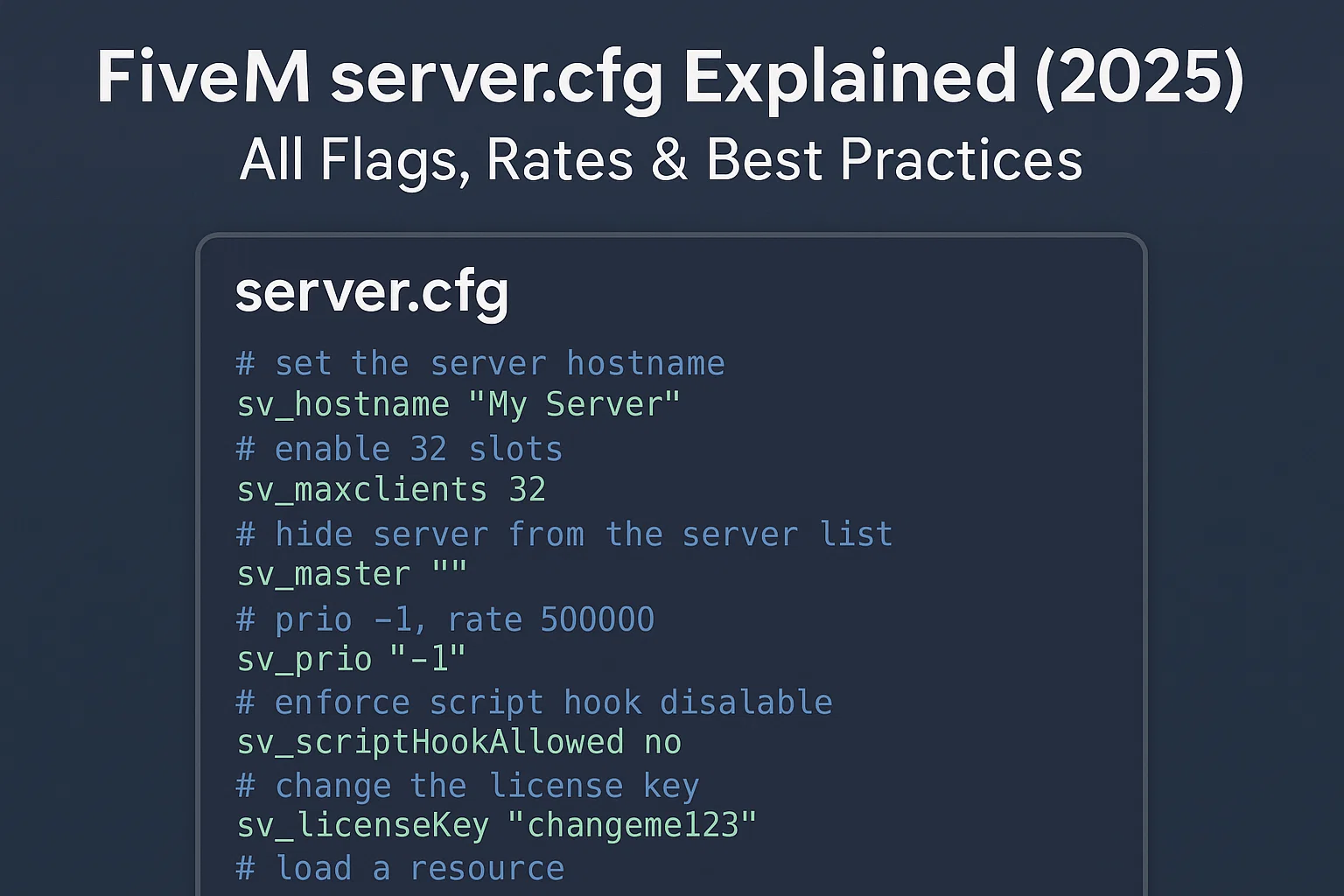
Edit the server.cfg that your active FXServer or txAdmin profile actually loads. Keep a working copy, change only the setting you need and verify startup plus a real player connection. The configuration tool below can help draft settings; review its output against your installed resources and the official reference.

Voice on FiveM: Mumble / SaltyChat / pma-voice (Setup, Tu…

Set Up and Troubleshoot FiveM Voice: pma-voice and SaltyChat

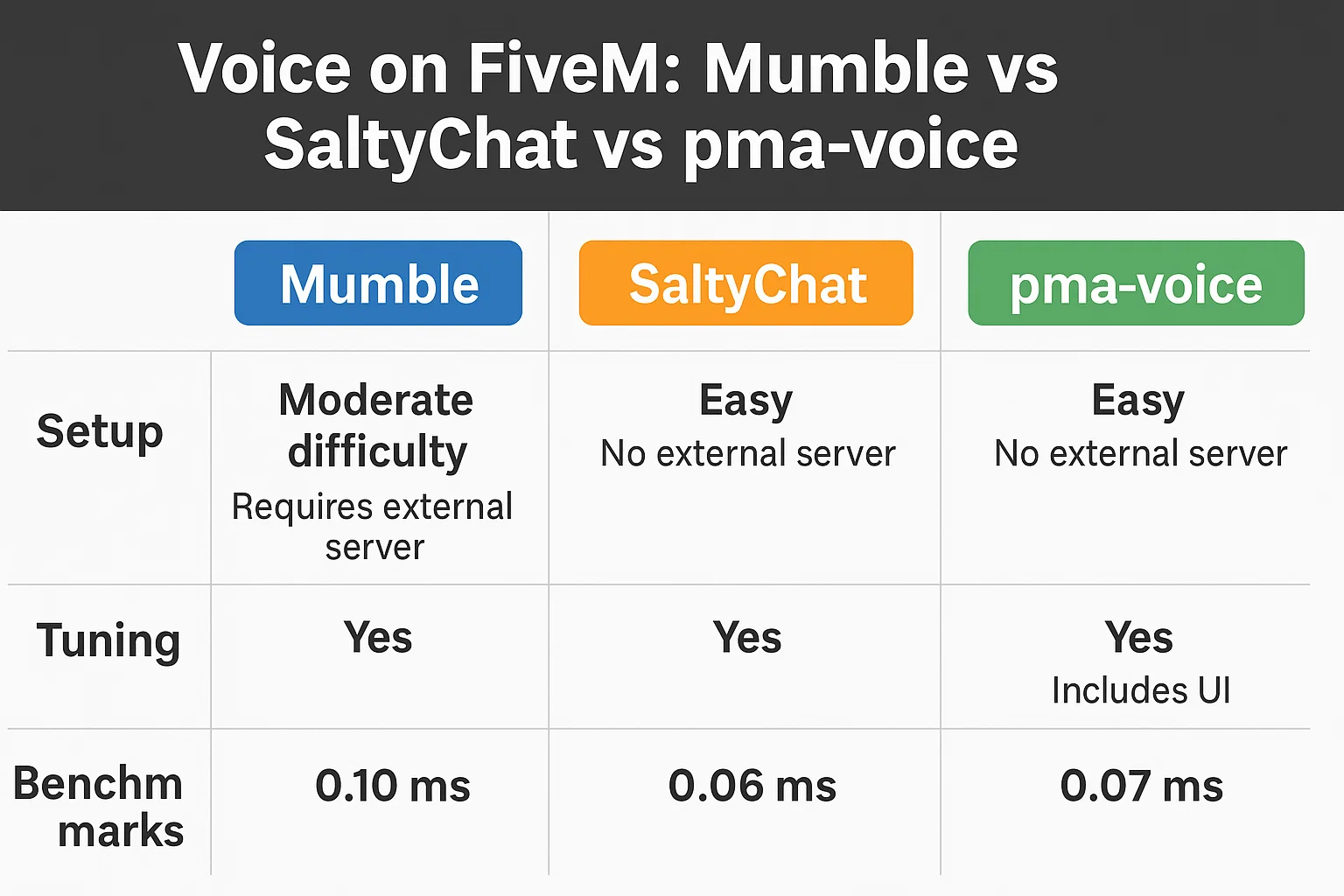
Choose one voice system that your radio and phone resources support, then test proximity, radio and calls independently. pma-voice uses FiveM’s built-in Mumble transport; SaltyChat adds a TeamSpeak client/plugin workflow. Neither choice guarantees a particular latency or sound quality on your server.