




Review the idle animation replacement: original creator credit, nested FiveM resource folder and missing idle/model checks in its client loop.
 English
Review the idle animation replacement: original creator credit, nested FiveM resource folder and missing idle/model checks in its client loop.
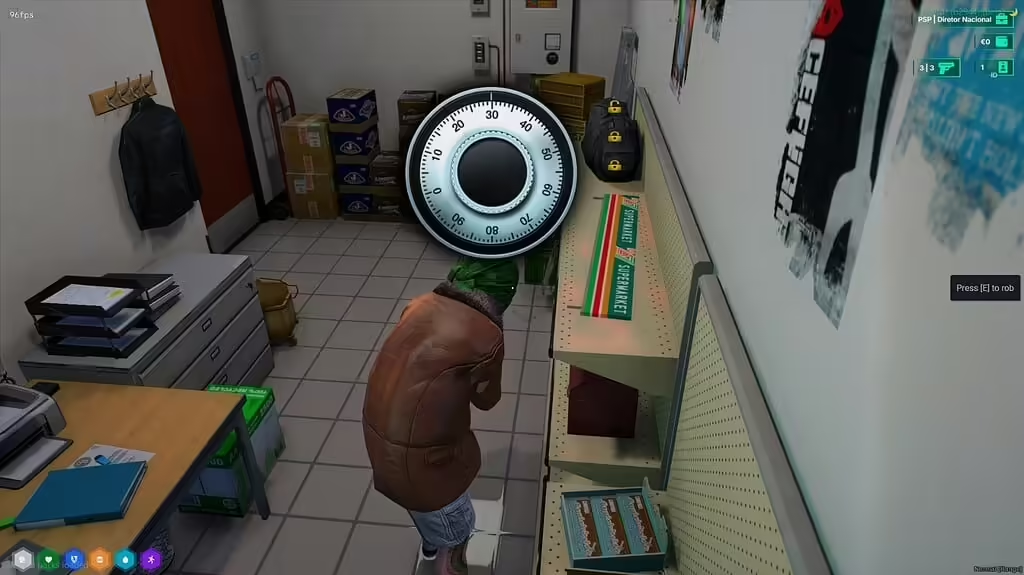
Review assaltos_247 1.0.1, its ESX and inventory dependencies, safe minigame, reward configuration and server checks before deployment.
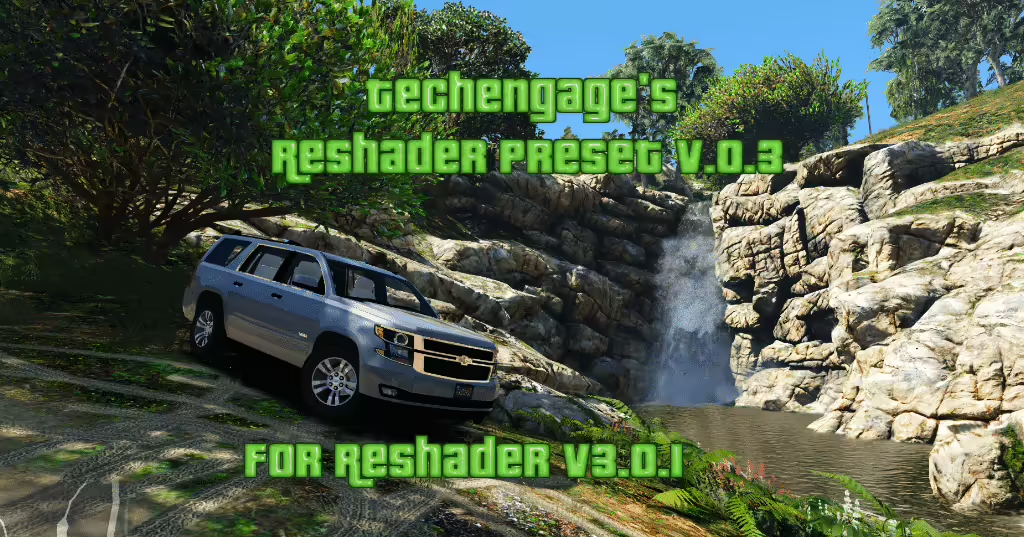
Review Techengage’s grand.ini preset, distinguish old ReShade 3 instructions from current setup, and check compatibility before using FiveM.
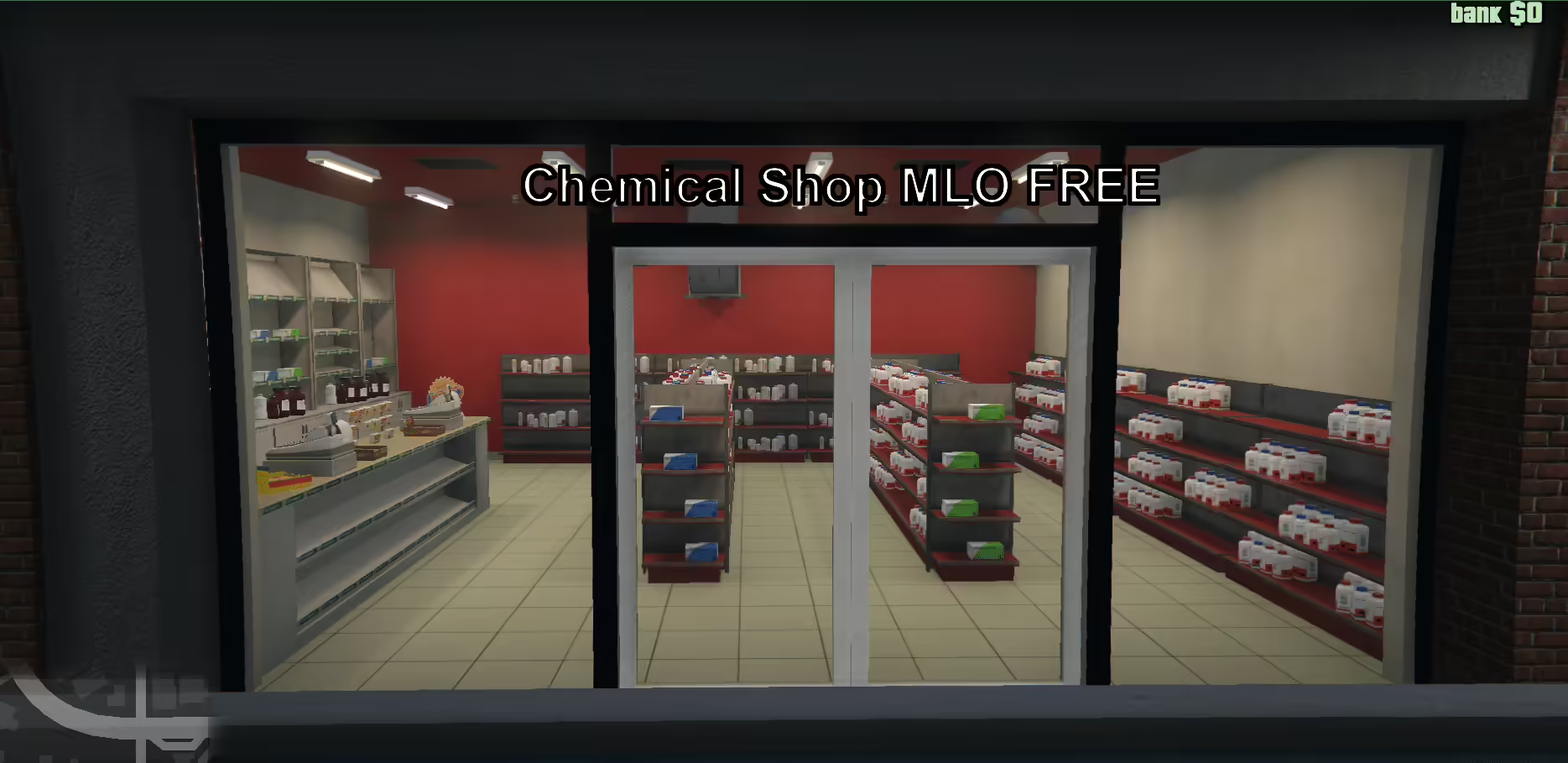
Find the original Chemical Shop V2, select the correct FiveM or SP folder and review the manifest reference to a missing peds.meta before installation.
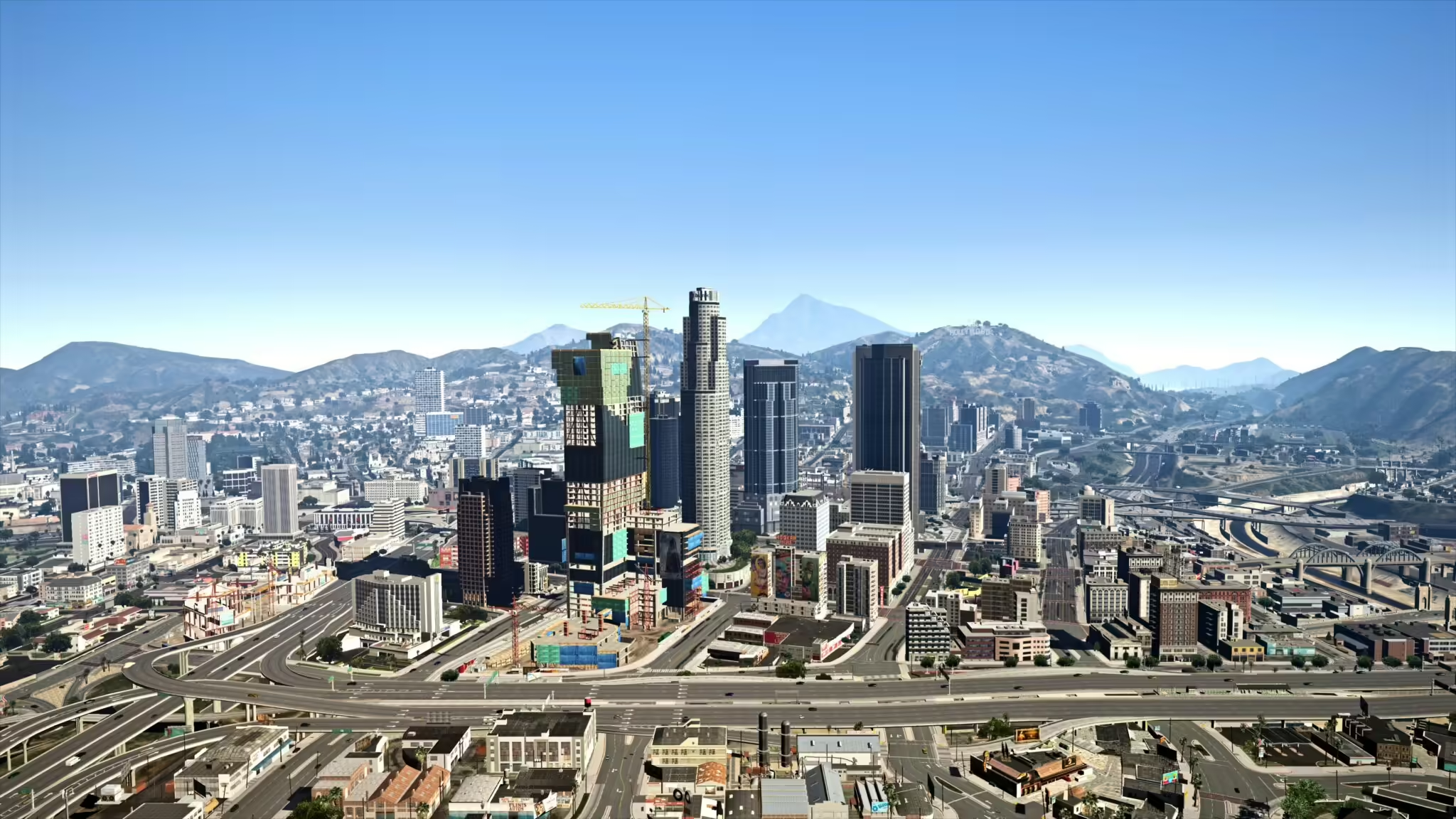
Find Reacon’s original L.A. preset, distinguish normal and optional RT versions, and check the graphics setup before using it with FiveM.
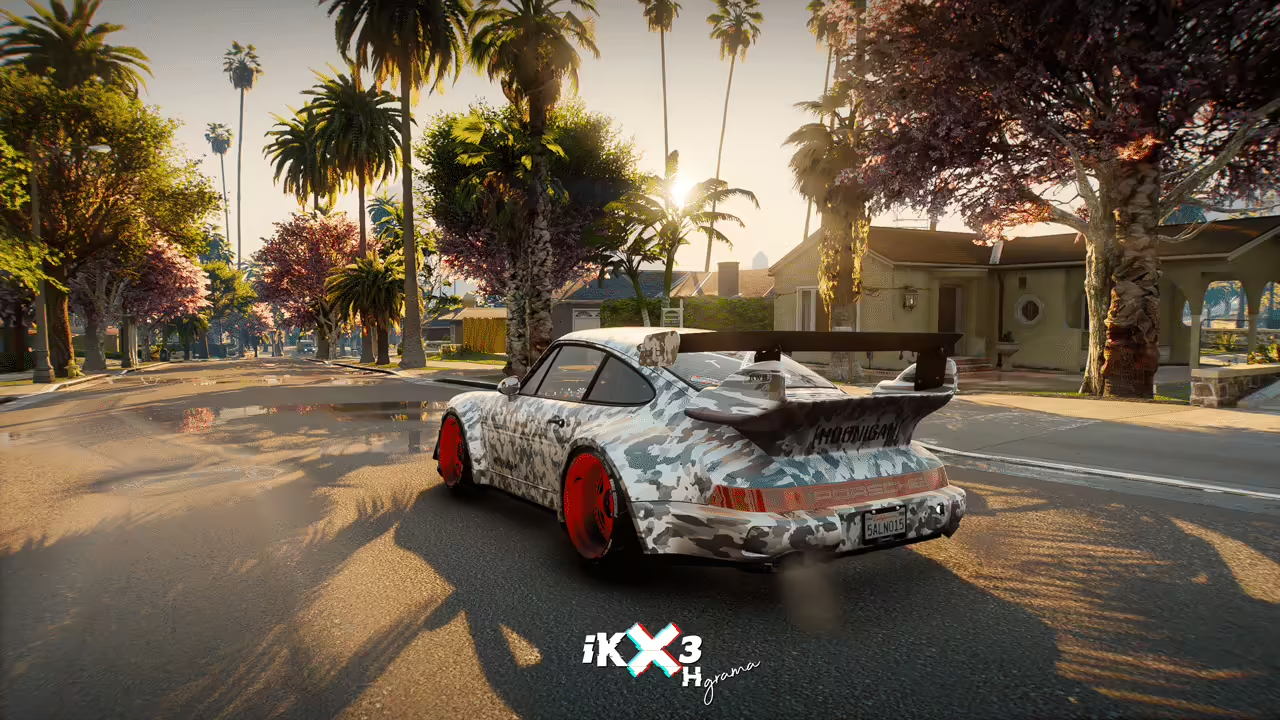
Check iKX3 HGrama’s NVE and separate RTGI requirements, use the creator download and verify shader compatibility before trying it with FiveM.
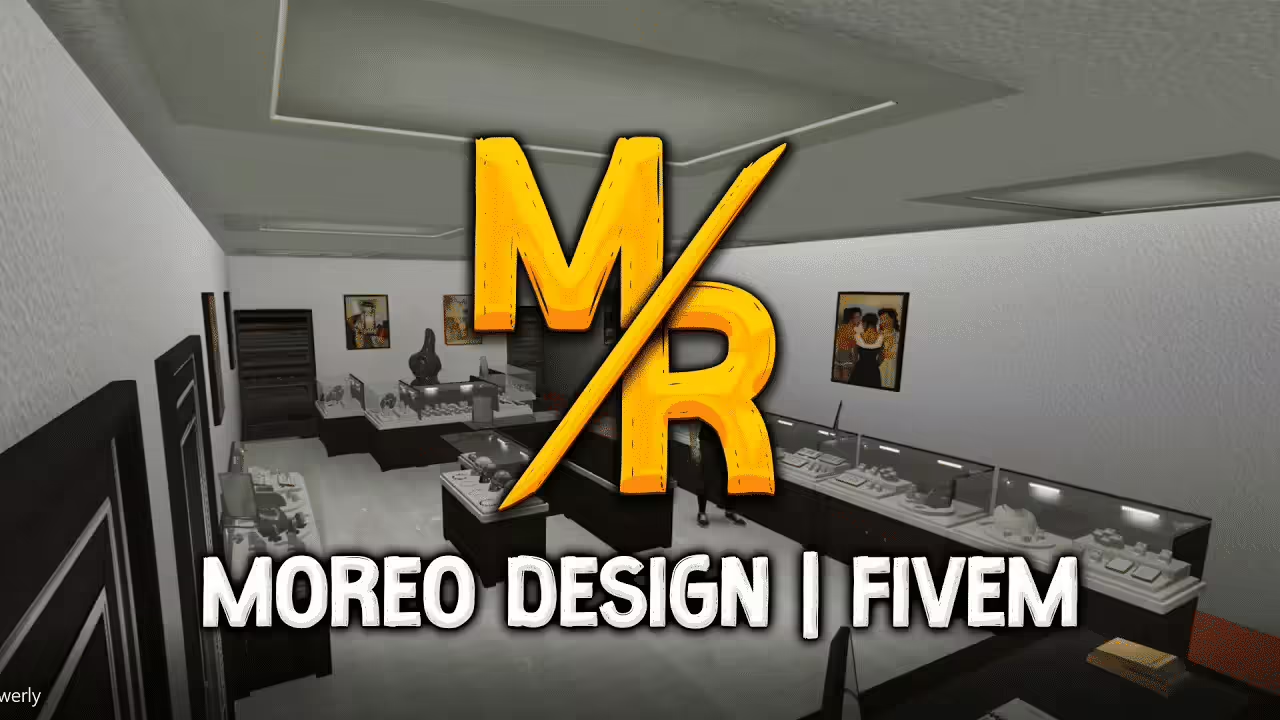
Install Moreo’s Jewelry with its actual legacy FiveM manifest or separate SP DLC. Check Legion Square collisions and reported single-player LOD issues.
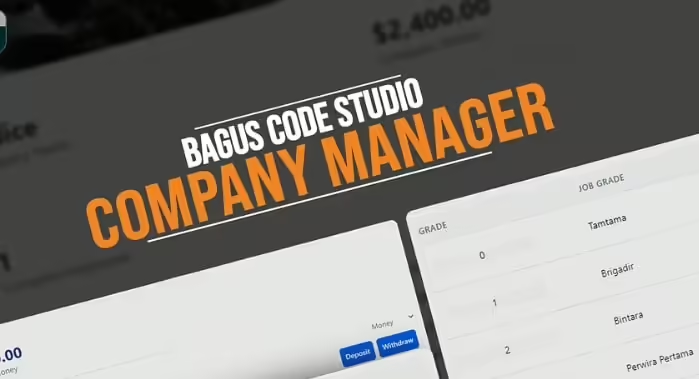
Set up km-empresas for QBCore with its ownership table, purchase prices and job grades. Check charging, concurrent purchases and missing resale.
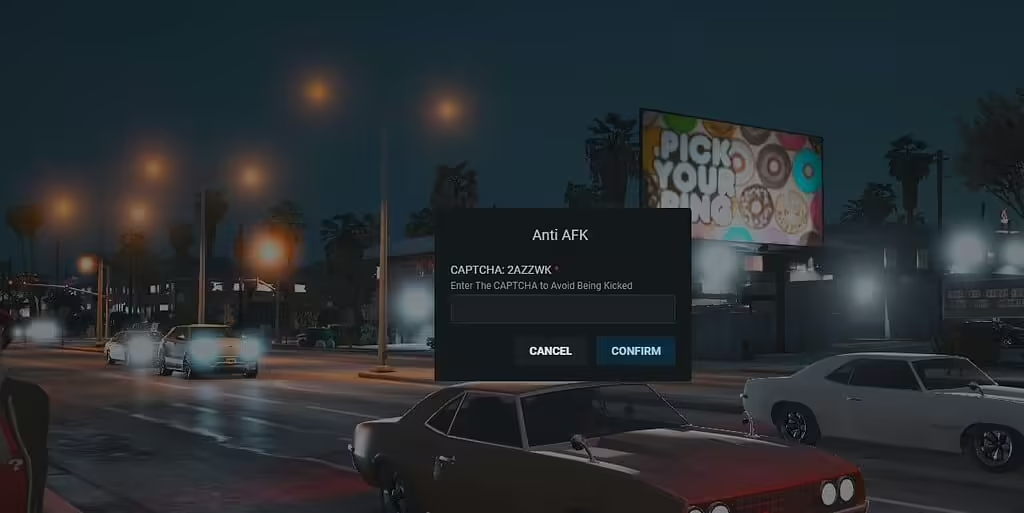
Review the RK Anti-AFK CAPTCHA release and Hajdenko rewrite, its ox_lib requirement and retry/zone cleanup problems before enabling player kicks.
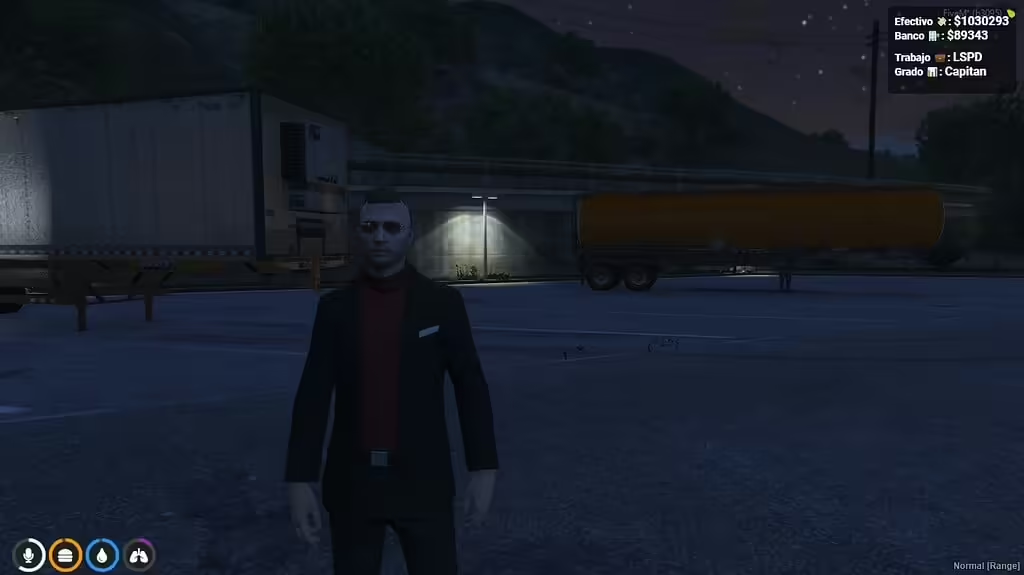
KM-HUD is a QBCore resource in the Angelinn142/km-hud repository. Its manifest requires qb-core and loads html/ui.html; the client code displays cash, bank balance, job and job grade. The HUD toggle command is /zshud.
Set up primeWeaponshop for ESX with NativeUI Reloaded, shop locations and real inventory items. Review purchase validation and payment failures.
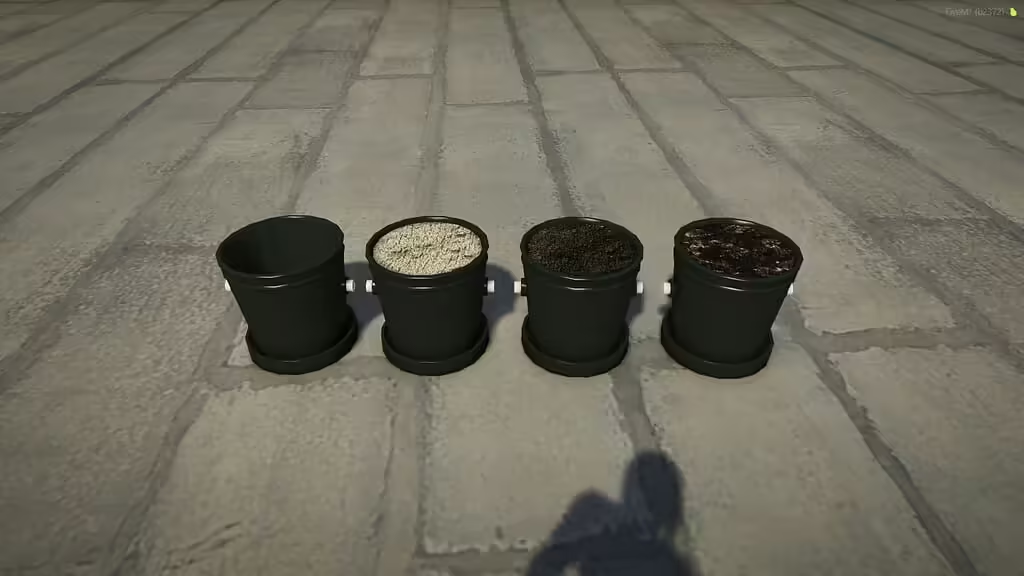
Install the verified bzzz_pot resource, find its four prop model names and inventory images, and connect it to your own placement or growing script.
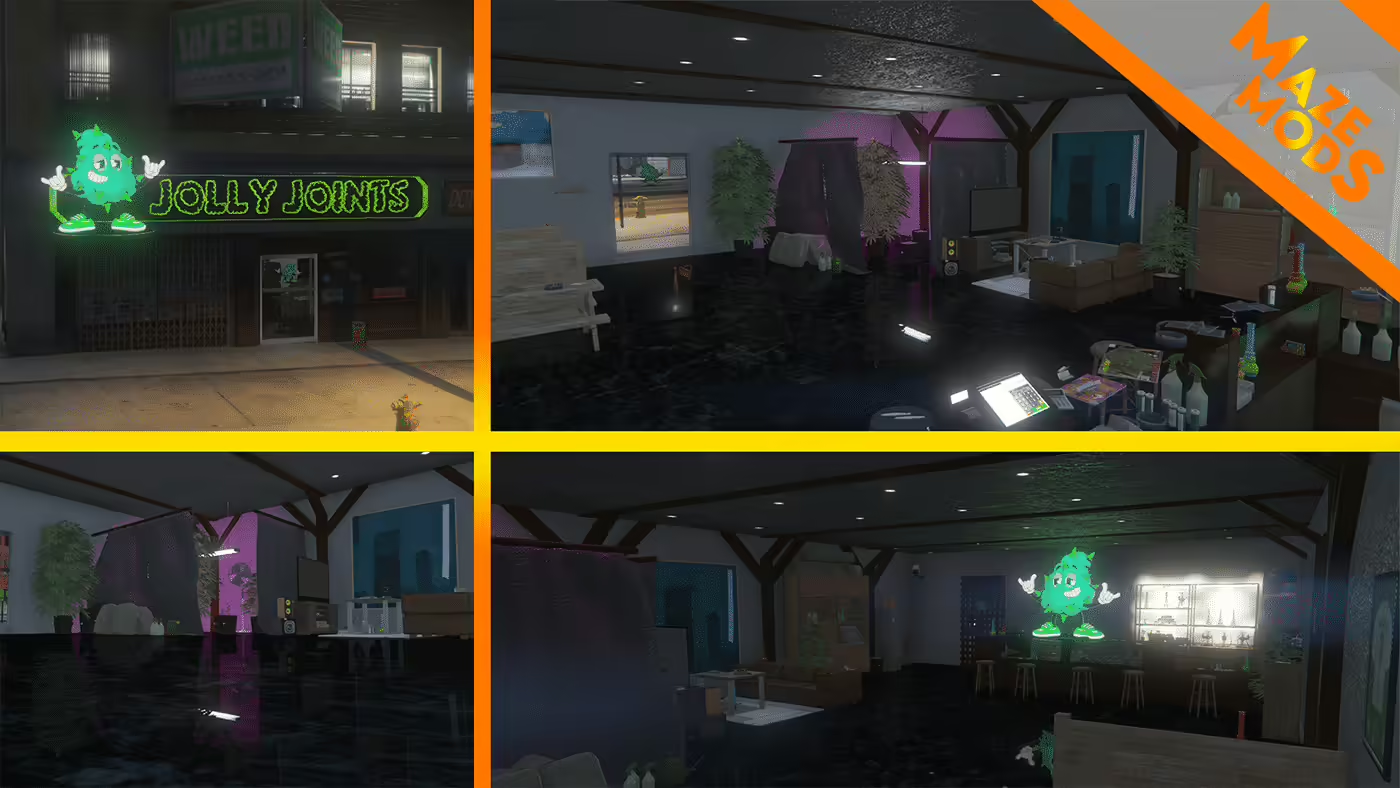
Find the original Jolly Joints map, install florek_weedshop for FiveM and check the creator’s dealership and Legion Square conflict warnings.
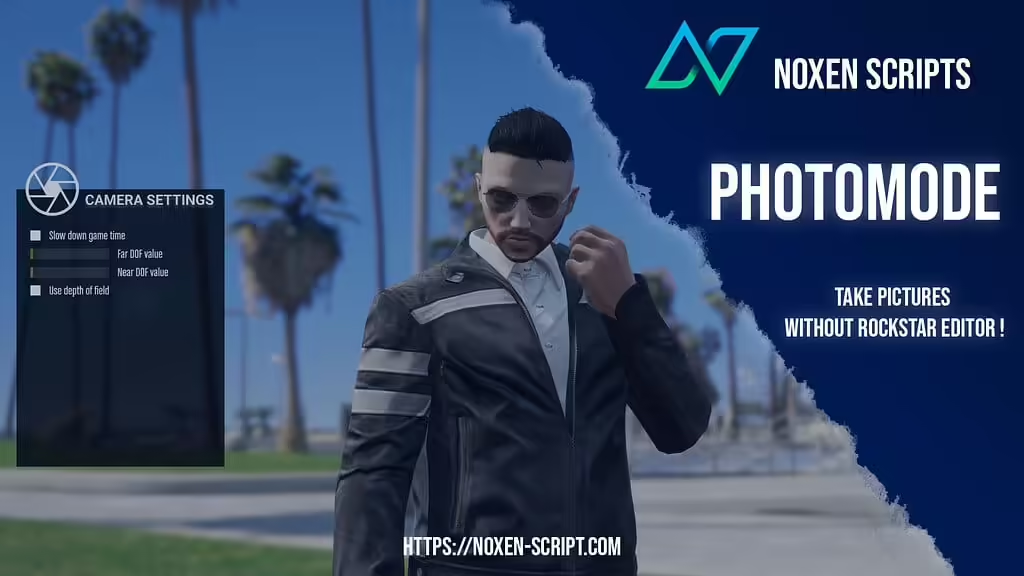
Install noxen_photomode in server resources, use /photomode and review default access, camera controls and cleanup requirements.
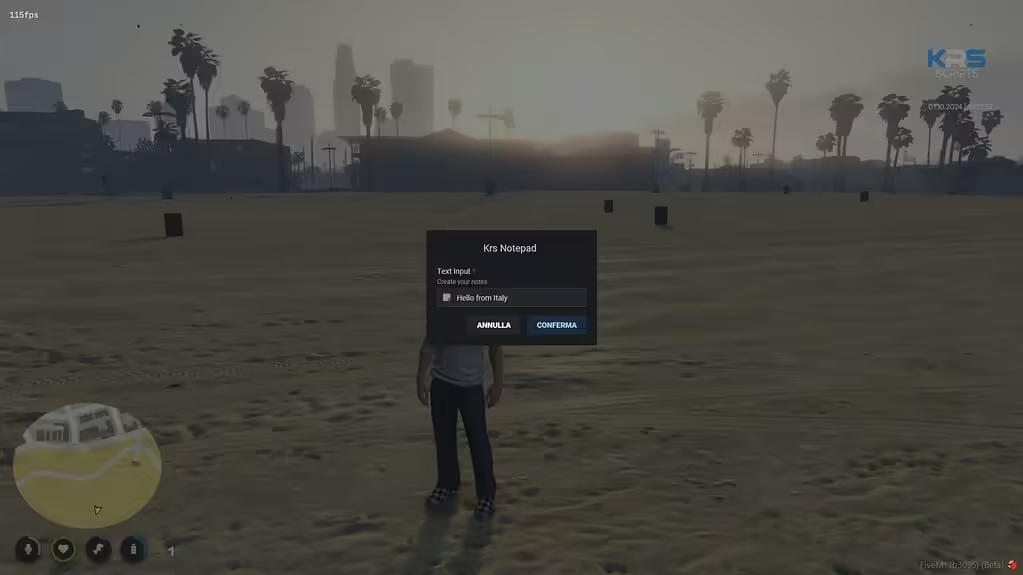
Review Krs Notepad’s ESX and ox_inventory setup and the missing server checks before allowing players to create saved notes.
ReShade applies post-processing on the game client. Install it only when the server permits it and the ReShade release supports your client’s renderer. Do not select FXServer.exe: that is the dedicated server, not the process drawing your game.

NoPixel 4.0 visuals: official creator access, separate graphics/vegetation/vehicle packs and historical compatibility guidance.
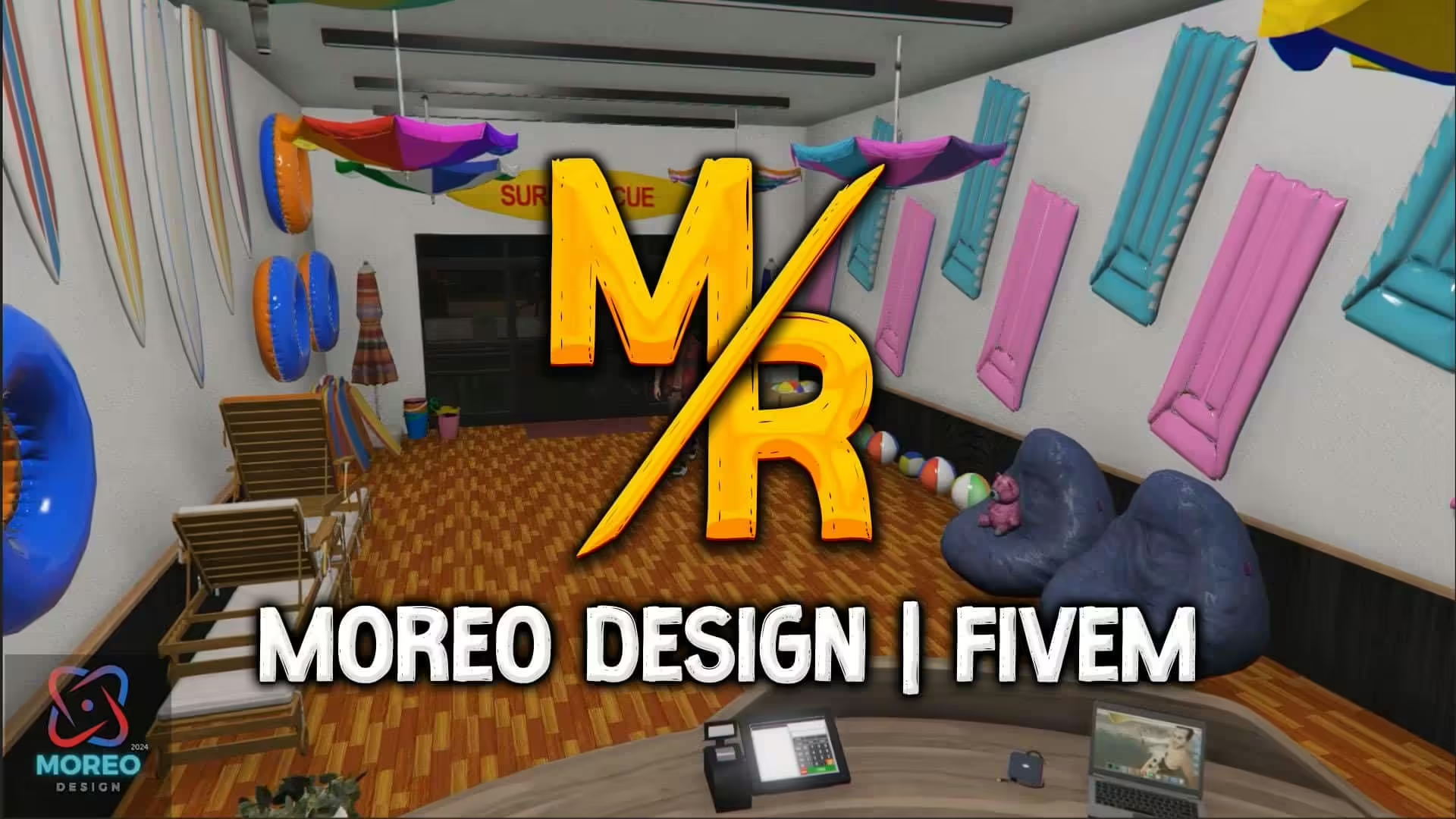
Set up Moreo Design’s SeaWorld Shop 1.0 with separate FiveM and single-player instructions and checks for graphics or map conflicts.