





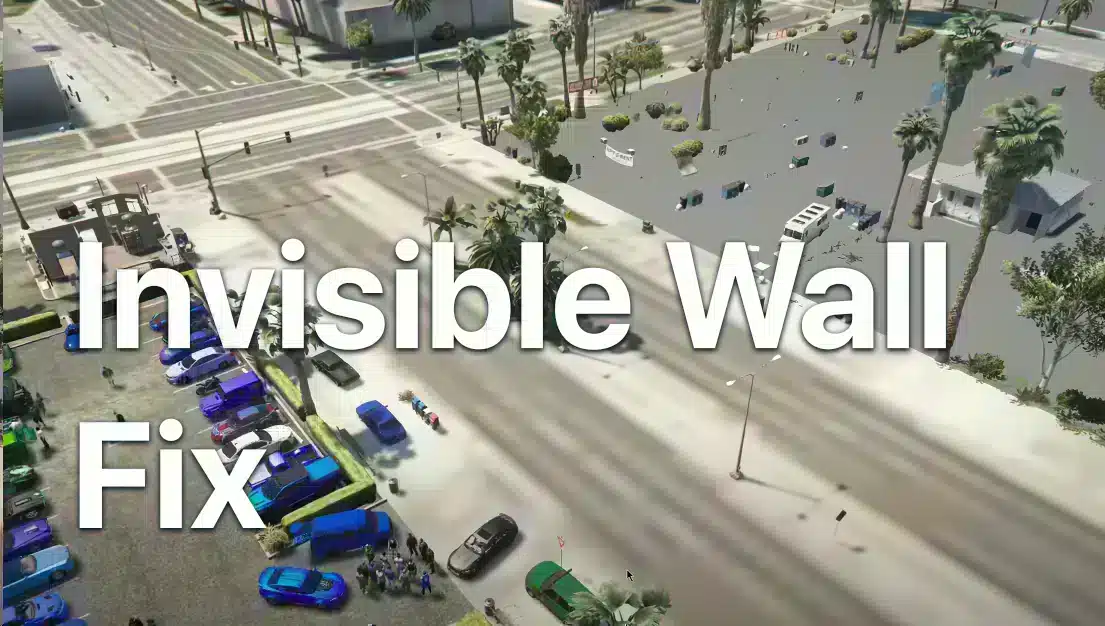
First separate two problems: an invisible obstacle that blocks movement, and missing ground that lets you fall through. Both need the exact location and affected server to diagnose. Reinstalling FiveM or deleting all application data is not a useful first step.
Compare the same location
Record a short clip, the nearest landmark or coordinates, the time and any recent map change. Ask another player to visit the same spot. Test another server with a clean client if possible.
When several players fail at the same location, report it to the server team as a likely map or resource problem. When only your client fails across different areas, inspect client errors and recent graphics modifications.
For players: make reversible checks
Restart the client and revisit the location. If you recently installed a graphics modification, follow its documented removal process and compare a clean client. Check memory pressure and reduce graphics load gradually if assets fail to stream; there is no universal texture-budget value that fixes collisions.
Use the separate cache guide only when a cache reset fits the symptoms. Rename the specific cache folders so you can restore them. Do not delete the entire data directory or empty the recycle bin as a troubleshooting shortcut.
For administrators: isolate the map resources
Reproduce the problem on a test copy. Identify resources that change that location, including interiors, map replacements, collisions and door systems. Review their startup and client errors. Test each relevant change separately rather than stopping unrelated resources on the live server.
Check whether an old collision remains where a replacement removed the visible object, or whether the new map is missing required collision or placement data. Follow the map creator’s installation and dependency instructions. A client graphics setting cannot repair a broken resource package.
Confirm the repair
Visit the point on foot and in a vehicle with more than one client. Test entry, exit, reconnect and a server restart. Keep the evidence and exact resource versions in the report. Restore the previous map configuration if the attempted fix introduces a new obstacle.