





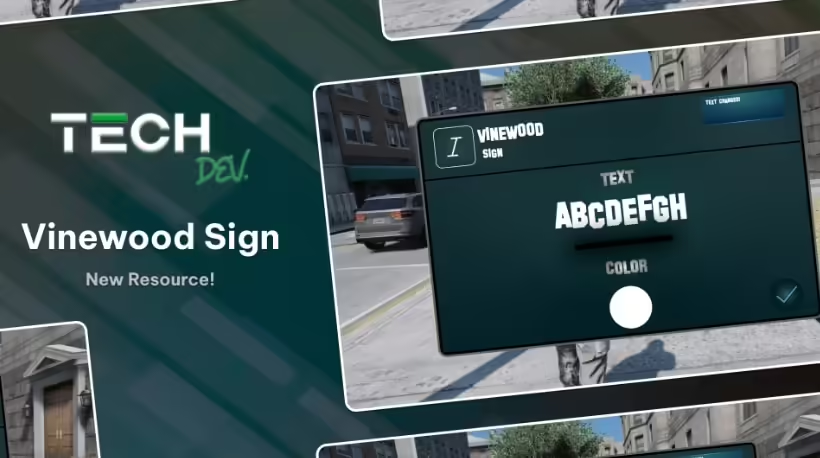
Ricky-VinewoodSign by R1CKY6 changes the Vinewood sign through a custom interface. The reviewed version 1.0 supports ESX, QBCore and standalone modes. It has eight letter positions; it does not establish the flashing, fading or automatic time-of-day effects previously promised here.
Installation and access
Use the original Ricky-VinewoodSign folder and ensure Ricky-VinewoodSign after the selected framework. In config.lua, choose Config.Framework and set Config.AuthorizedGroups to your own staff groups or standalone identifiers. Remove the example identifier. The default command is /vinewood; the server checks authorization for both opening the menu and saving changes.
Persistence and visual limits
Text and color are saved in textSettings.json. Keep a backup of that file and verify that the server can write it. Use characters supported by the supplied models and keep within eight positions. The creator illustrates a nighttime difference: white retains the original illuminated appearance, while other colors do not look the same at night.
Check the result
Test with an authorized and an unauthorized player, then reconnect and restart the resource to check persistence. Inspect the sign in daylight and darkness with other maps loaded. The source documents text and color changes, not a complete effects editor, guaranteed compatibility with every build or measured performance on your server.