





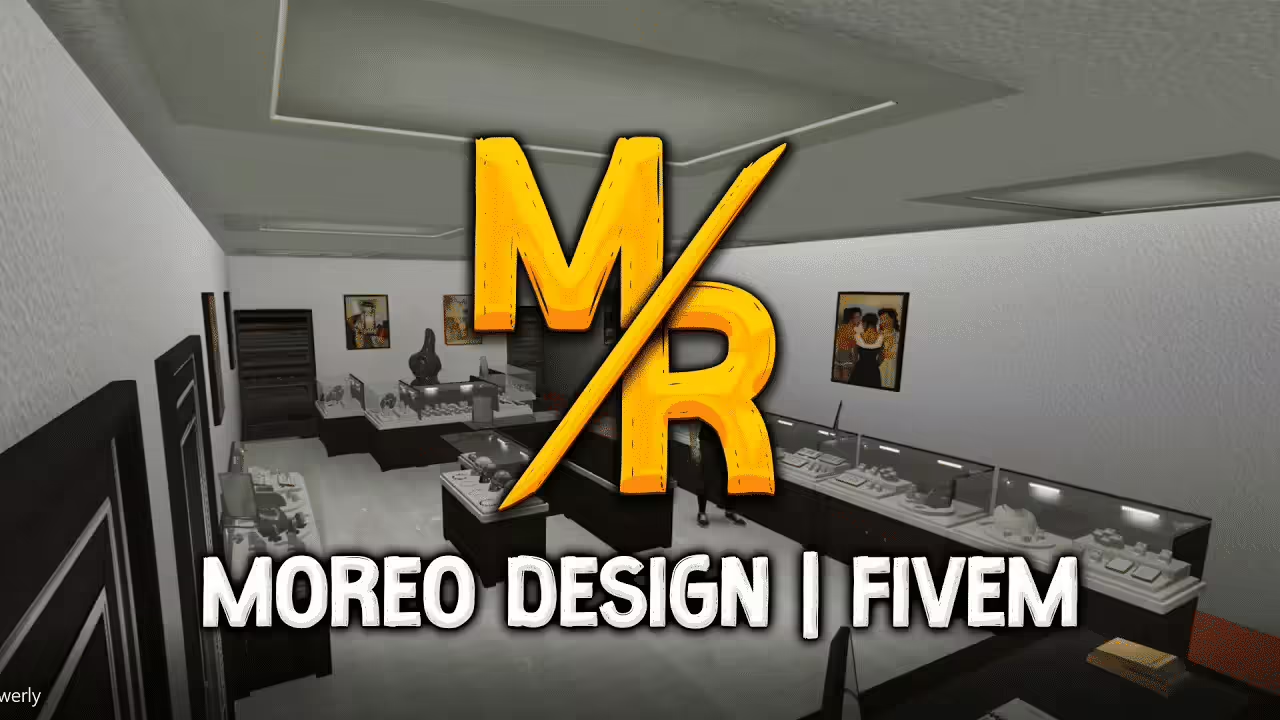
Moreo Design’s Jewelry 1.0 places a jewelry interior at Legion Square according to the creator. The download contains separate FiveM and SP editions. The FiveM resource uses the older __resource.lua manifest; the SP edition instead contains a dlc.rpf archive.
Choose the correct Jewelry edition
For FiveM, copy FiveM/moreo_jewelry into your server resources and add ensure moreo_jewelry to server.cfg. Keep __resource.lua beside the complete stream directory. Do not replace that folder with SP/moreo_jewelry, which contains the single-player archive.
The supplied legacy manifest only enables this_is_a_map. Its client_script and data_file lines are comments, so they do not execute or register anything. Cfx documentation now uses fxmanifest.lua with fx_version; changing the filename alone does not constitute a tested migration. Check startup messages and map loading on your intended server build.
For single-player, copy SP/moreo_jewelry into mods/update/x64/dlcpacks. Back up and edit mods/update/update.rpf/common/data/dlclist.xml with an archive editor. Add an Item element containing dlcpacks:/moreo_jewelry/ within Items, preserving valid XML and the original game archive.
Check collisions and map visibility
Keep all three supplied YTYP files, the YMAP placements, collision YBN files and _manifest.ymf together. The archive has door models but no robbery logic, inventory rewards, police alerts or access-control script. Those need separate integration if your server requires them.
Publisher comments report falling through the map and missing interiors/building LOD issues in single-player. These are user reports, not faults reproduced here. Test the entrance, floors, window views and distance transitions around Legion Square, first alone and then alongside other maps.
Reviewed on 11 September 2026: creator page, full README and legacy manifest, complete file inventory and RAR integrity. Binary geometry, CodeWalker project and DLC internals were not rendered or tested in-game.