Use Coupon WELCOME to save 20%

$ USD
  • $ USD
  • € EUR
  • £ GBP
  • $ AUD
  • R$ BRL
  • CHF CHF
  • ¥ JPY
FiveM Infinite Loading Screen: Complete Fix Guide

FiveM Infinite Loading Screen: Diagnosis and Fixes

When FiveM remains on a loading screen, first determine whether the failure affects one client, one server or every player after a resource change. Preserve the exact screen text and console error, test one known-working server, and change one reversible cause at a time. Do not begin with undocumented security convars or a blanket deletion of application and server data.
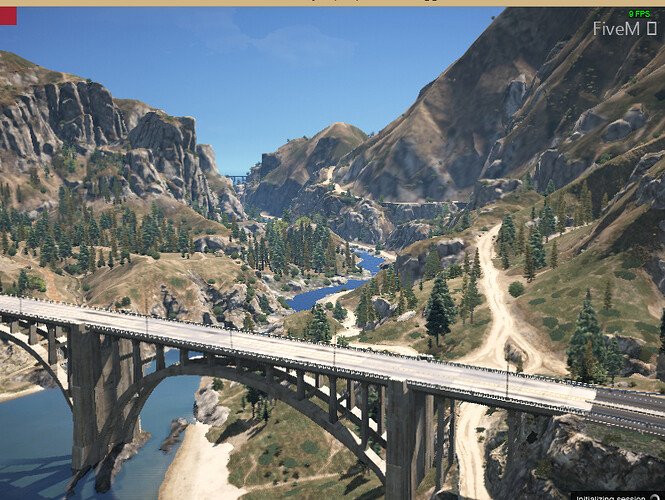
FiveM Bridge

How to Change the Bridge Image in a FiveM Loading Screen

To remove a bridge image from a FiveM loading screen, first identify whether it belongs to your custom loading resource or to the client’s own connection interface. CSS in your resource can only change the page that resource controls.

Unnamed File

Informative Loading Screen for FiveM

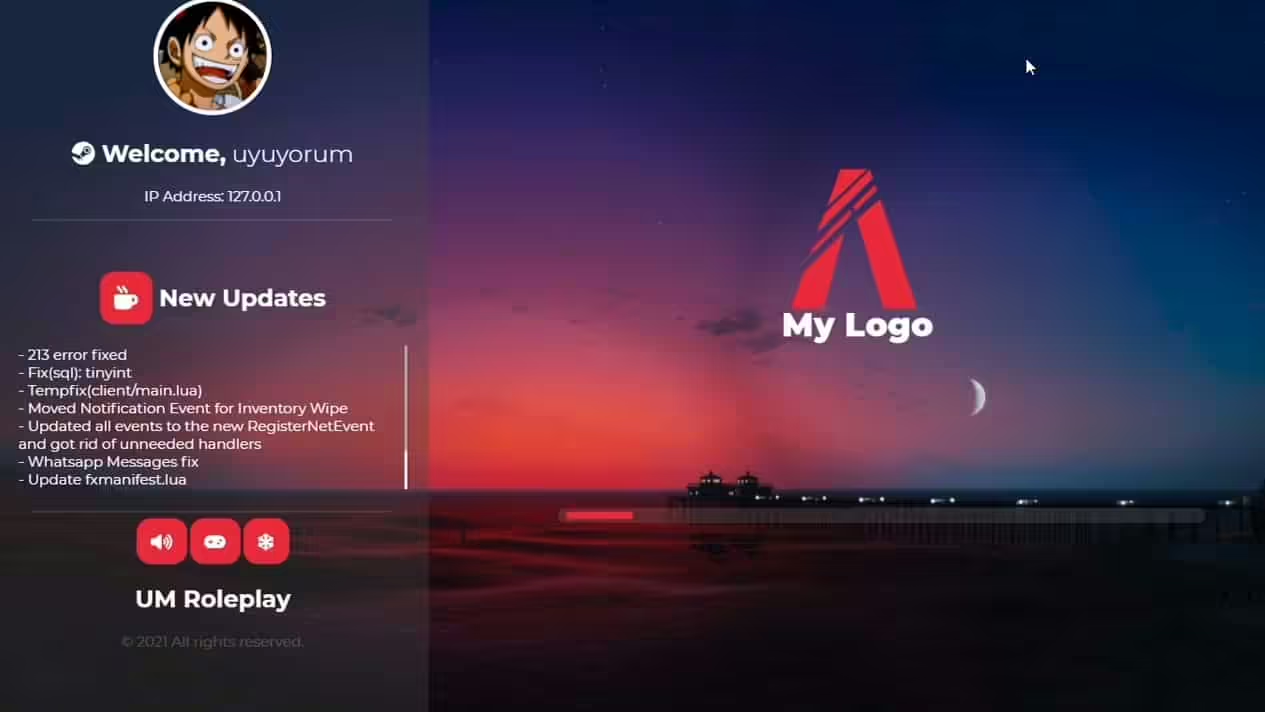
Informative Loading Screen’s manifest credits OnlyScripts / veryappropriatename and original creator Ledun1. It declares index.html as the loading screen and includes style.css, script.js and music/song.mp3. These are the concrete files to inspect before changing the screen’s text, appearance or music.

F1 LOADING-SCREEN V4 – Free FiveM Loading Screens

F1 Loading Screen V4 for FiveM

F1 Loading Screen V4 uses the f1-loading-screen-v4 resource folder and ensure f1-loading-screen-v4 in the original README. Its manifest points to index.html and includes js/config.js, js/main.js, CSS, images and audio files. Keep those paths intact when customizing the package.

1d2cfa7e63ef22c81b57d1332b32857d48de29c7.jpeg

Afterlife IV Loading Screen for FiveM

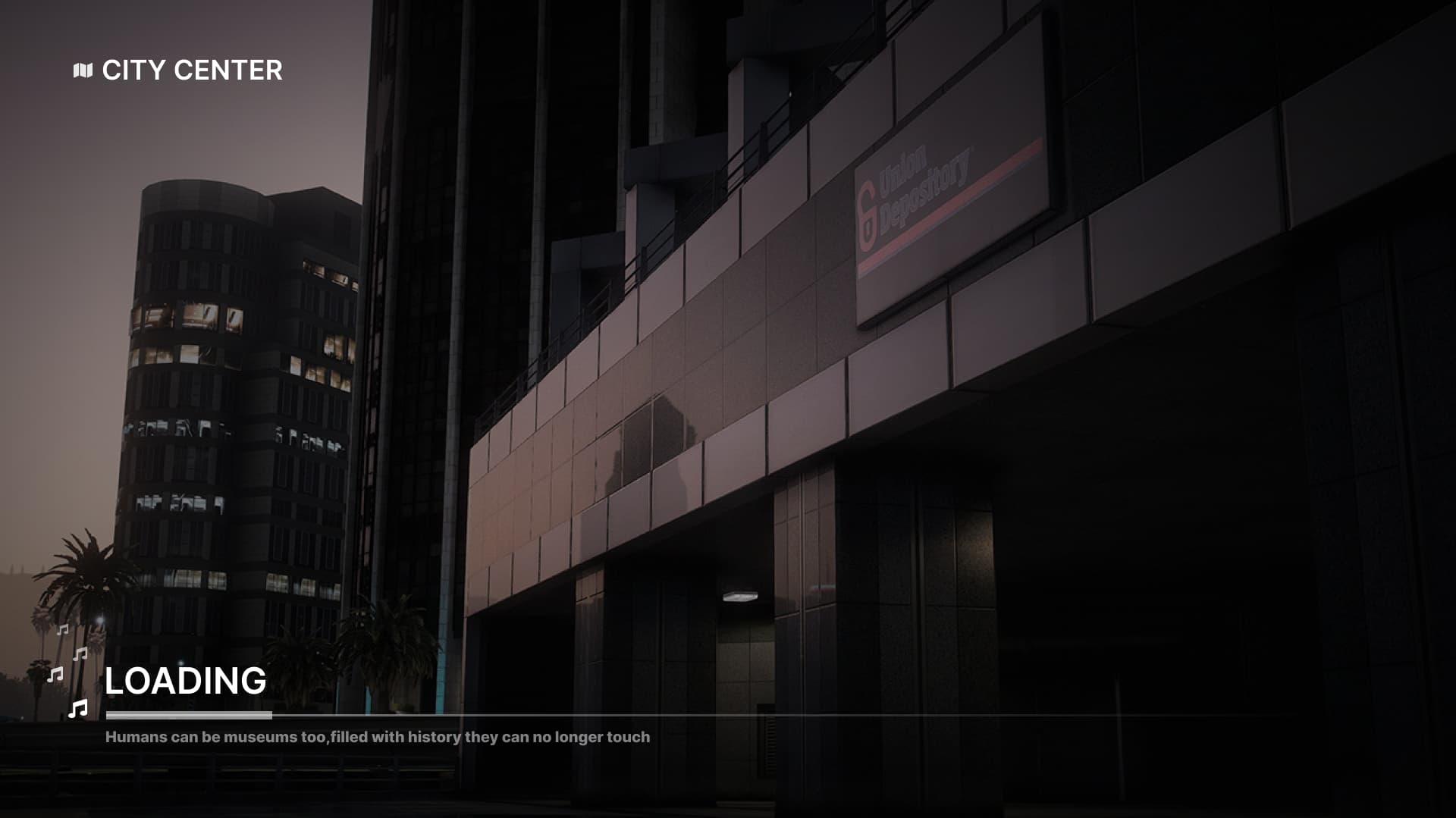
Afterlife IV Loading uses a React interface with SCSS styling. Its FiveM manifest points to ui/dist/index.html and lists built CSS/JavaScript, PNG images and MP3 music. A source checkout without the expected built files is not enough to display the loading screen.

FiveM Infinite Loading Screen: Complete Fix Guide

Advanced Loading Script for FiveM

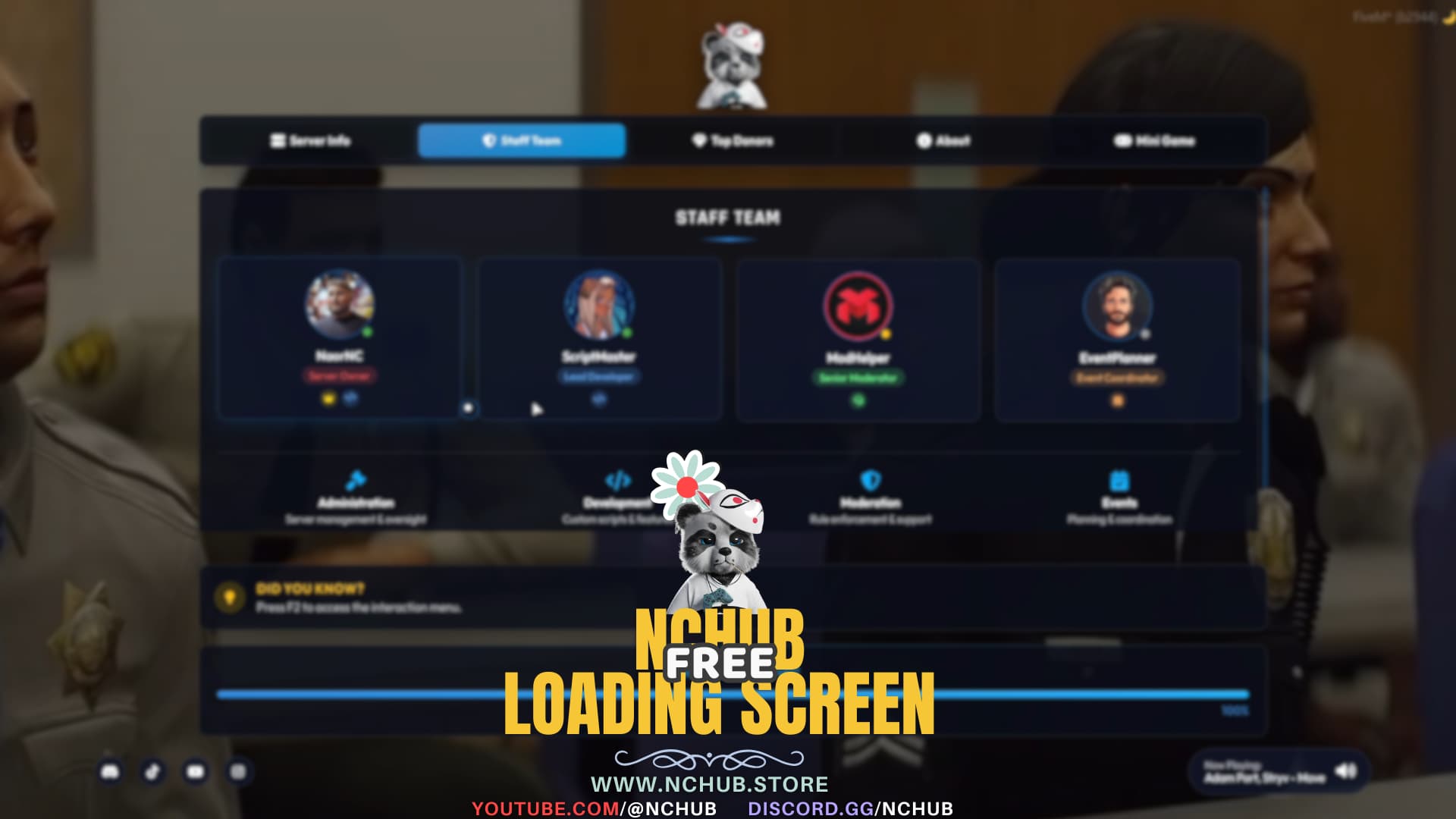
This loading screen is NC-LoadingScreenV4 by NaorNC. The creator’s installation uses ensure nc-loadingscreenv4 and html/js/config.js. That file controls branding, background media, links, staff entries, tips and audio; html/img/logo.png is the documented logo path.

FiveM Loading Screen

How to Create a FiveM Loading Screen

A current FiveM loading screen is an NUI resource declared with loadscreen in fxmanifest.lua . Keep the first version local and small: one HTML document, one stylesheet and one script. Add progress or server handover data only after the basic screen opens and closes correctly.