




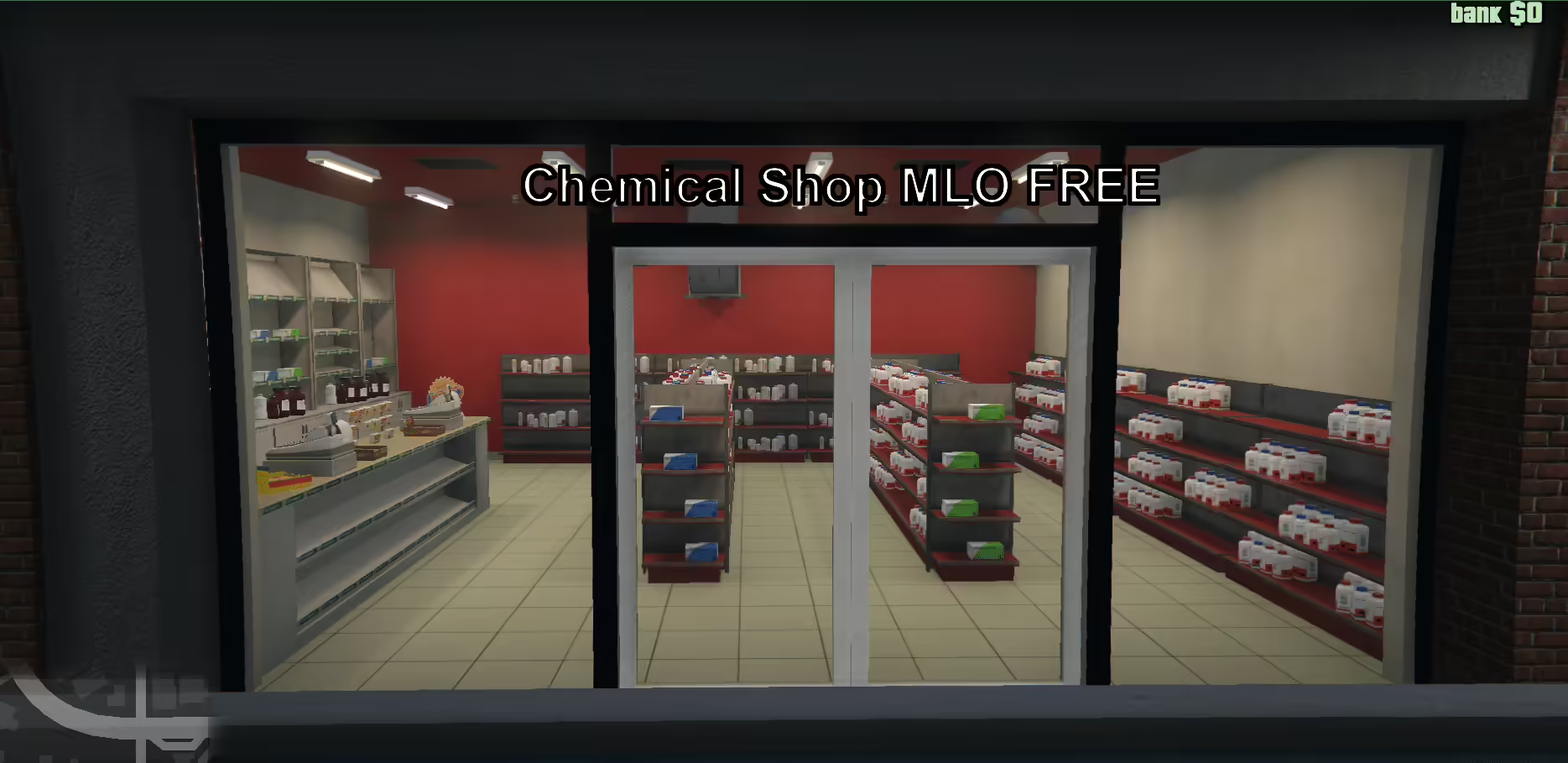
Find the original Chemical Shop V2, select the correct FiveM or SP folder and review the manifest reference to a missing peds.meta before installation.
 English
Find the original Chemical Shop V2, select the correct FiveM or SP folder and review the manifest reference to a missing peds.meta before installation.
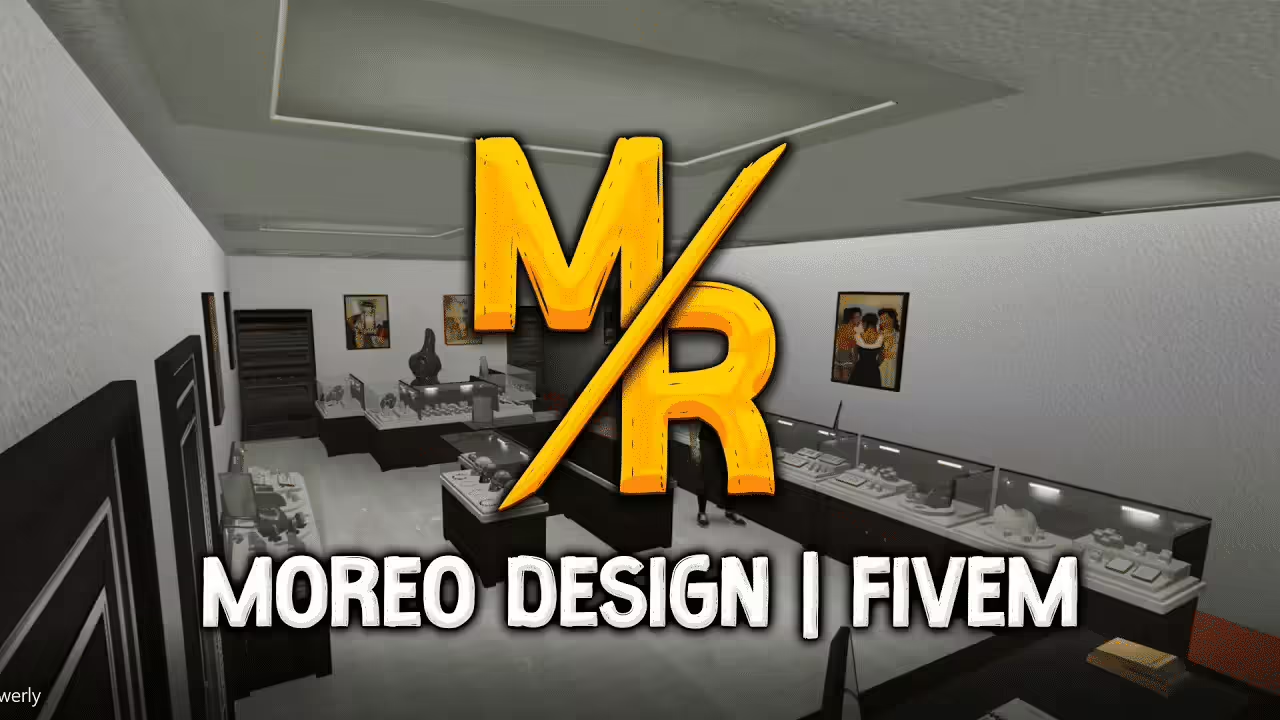
Install Moreo’s Jewelry with its actual legacy FiveM manifest or separate SP DLC. Check Legion Square collisions and reported single-player LOD issues.
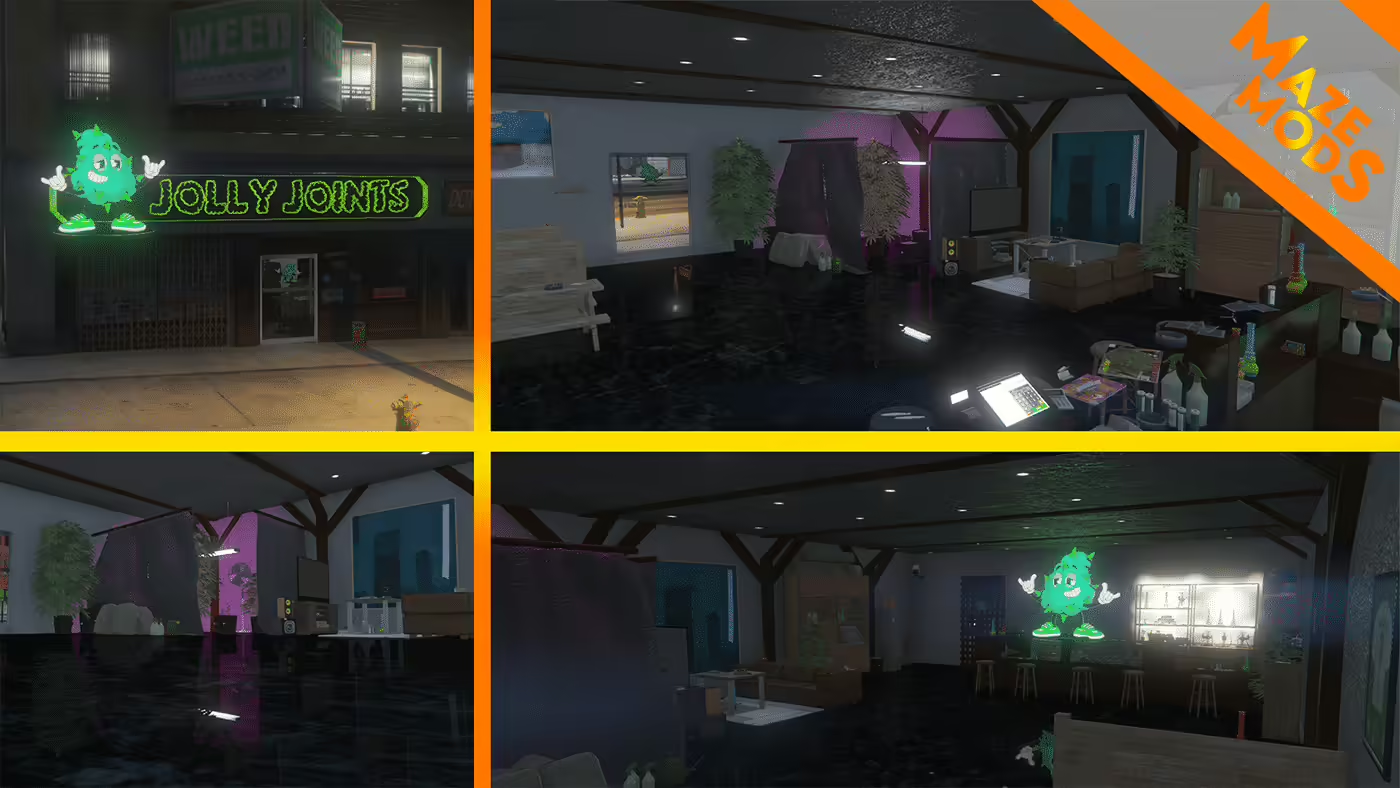
Find the original Jolly Joints map, install florek_weedshop for FiveM and check the creator’s dealership and Legion Square conflict warnings.
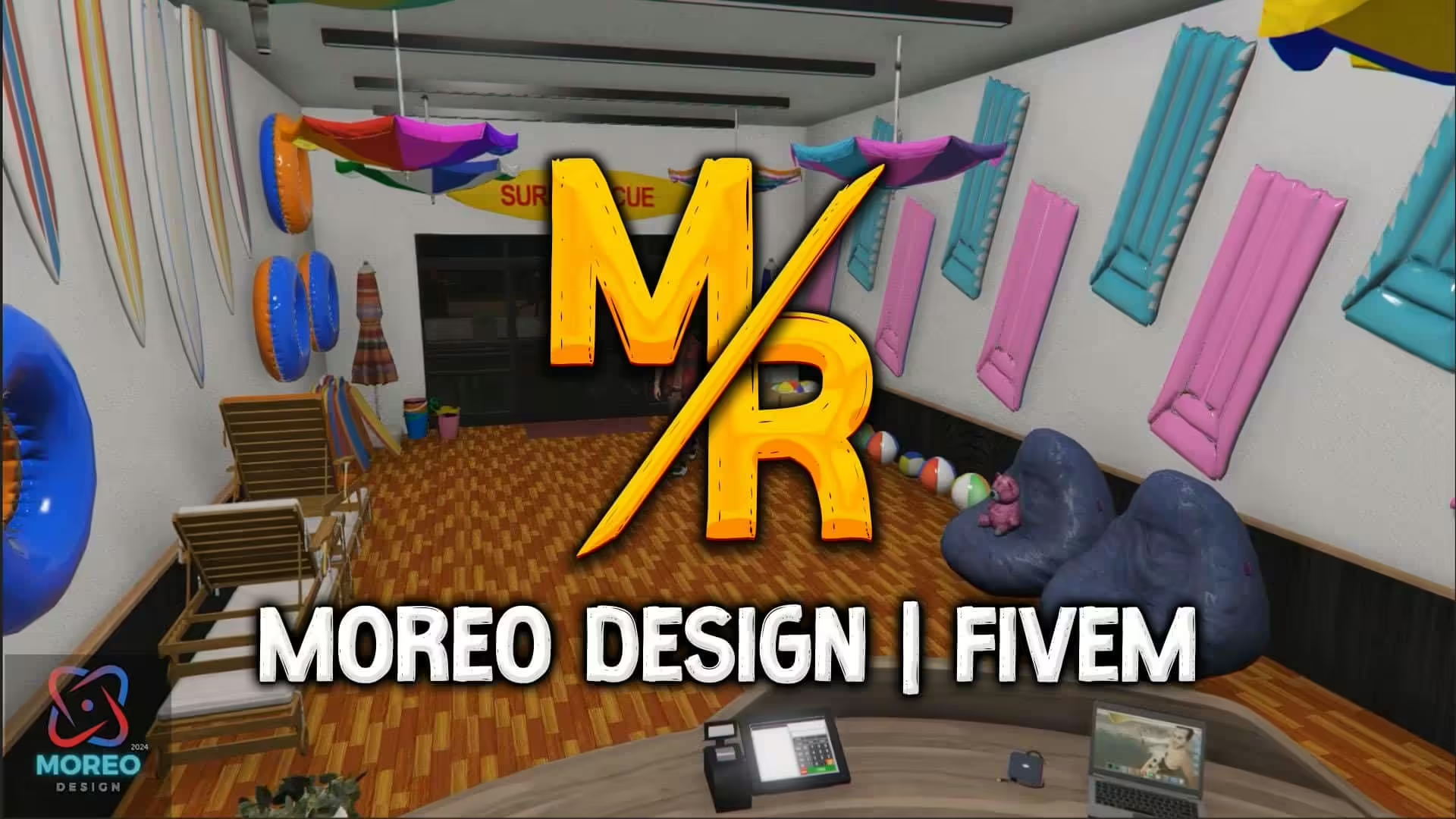
Set up Moreo Design’s SeaWorld Shop 1.0 with separate FiveM and single-player instructions and checks for graphics or map conflicts.
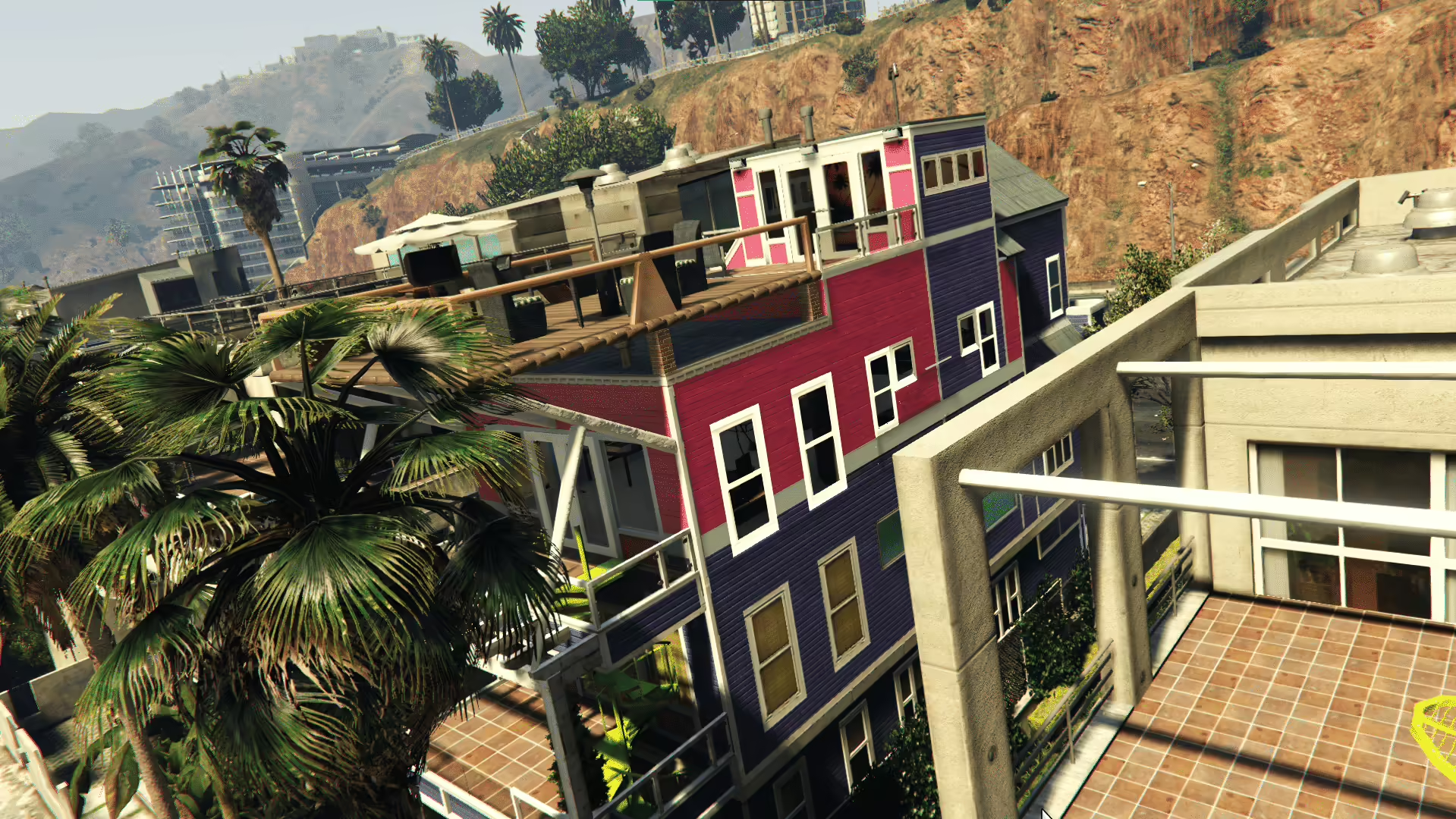
Check KING_SYKO’s Vespucci Beach House 1.0.0, its included installation README and creator-confirmed map overlaps before installing.
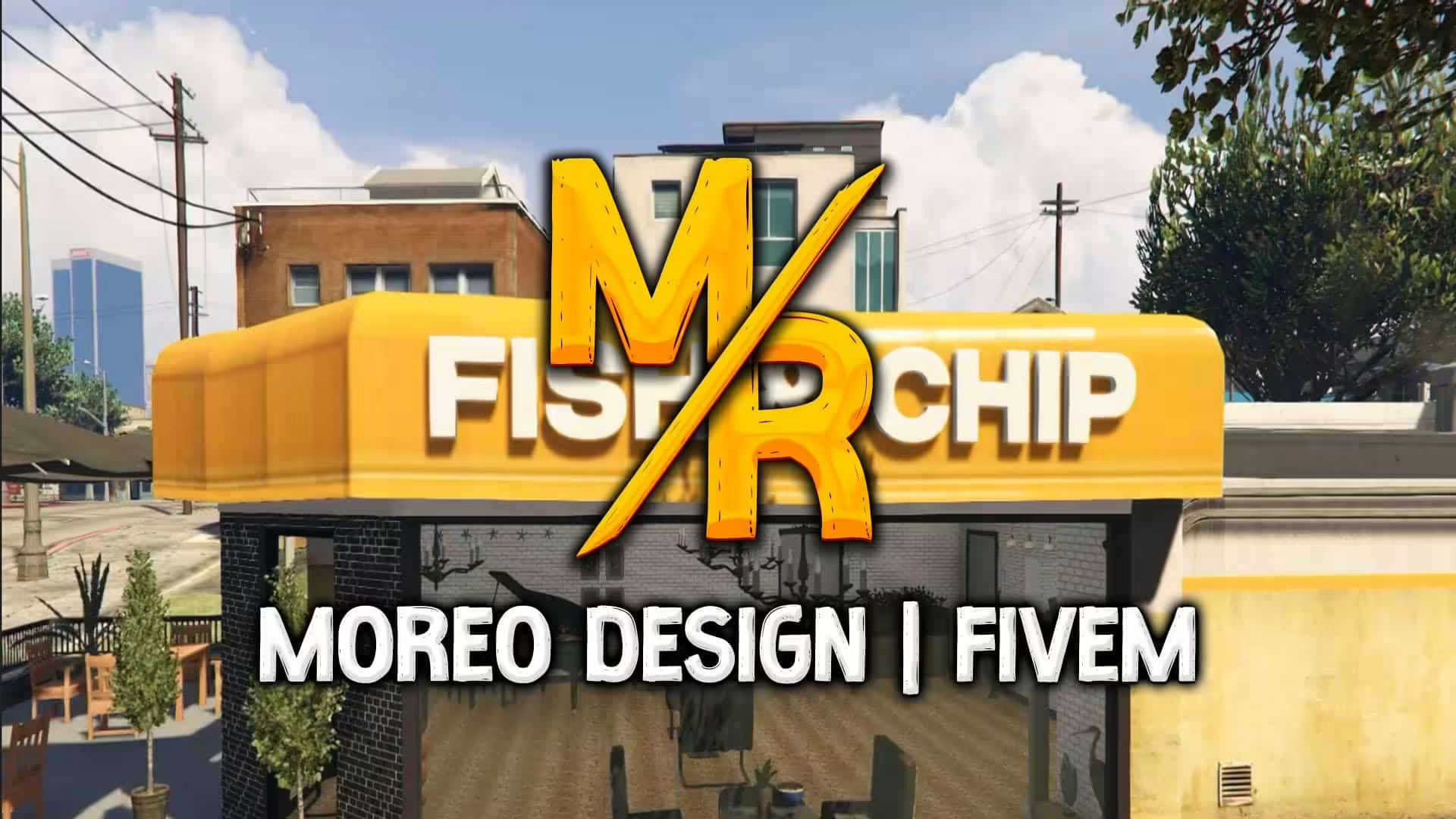
Install Moreo Design’s Fish and Chip Restaurant using the correct FiveM resource or GTA V DLC path, then check for nearby map conflicts.
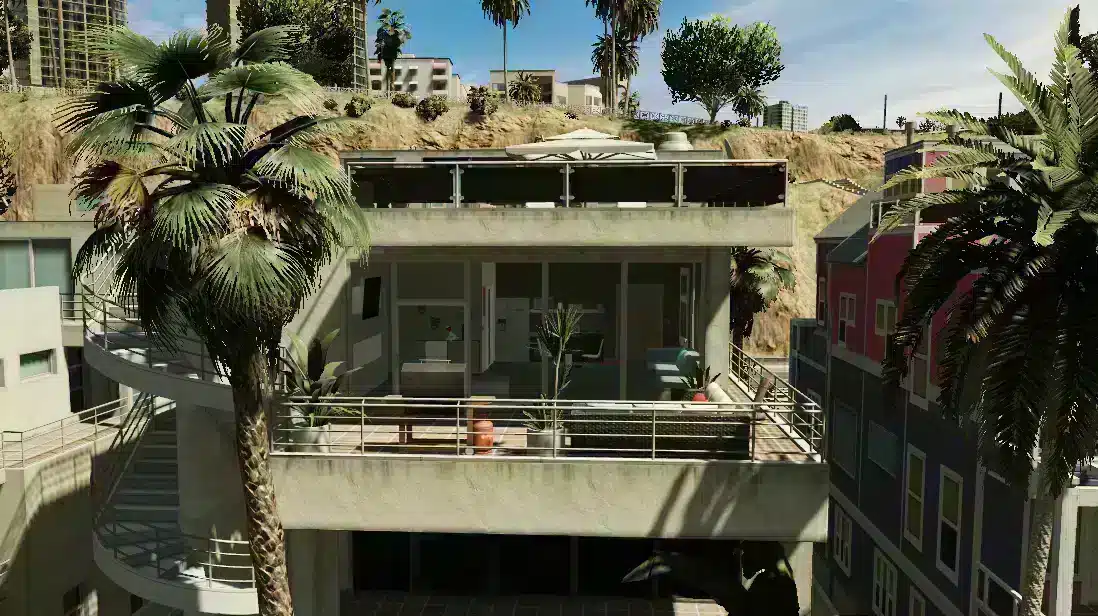
Find Moreo’s Beach Apartment releases and resolve the beachhouse versus beach_house installation difference.
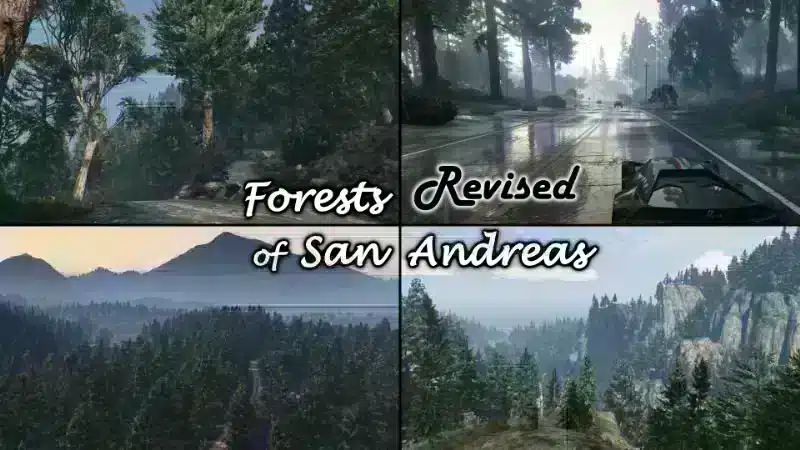
Choose Larcius’ FiveM-Server package and check vegetation conflicts instead of installing the single-player or client-only variant.
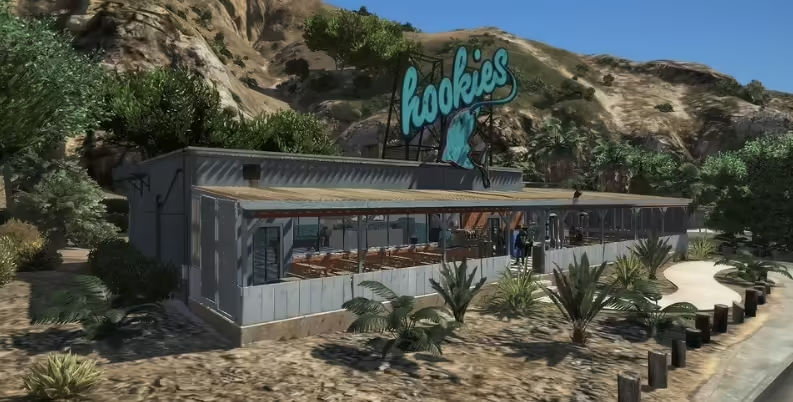
Find the Hookies release matching the original screenshots and check the supplied resource before installing.
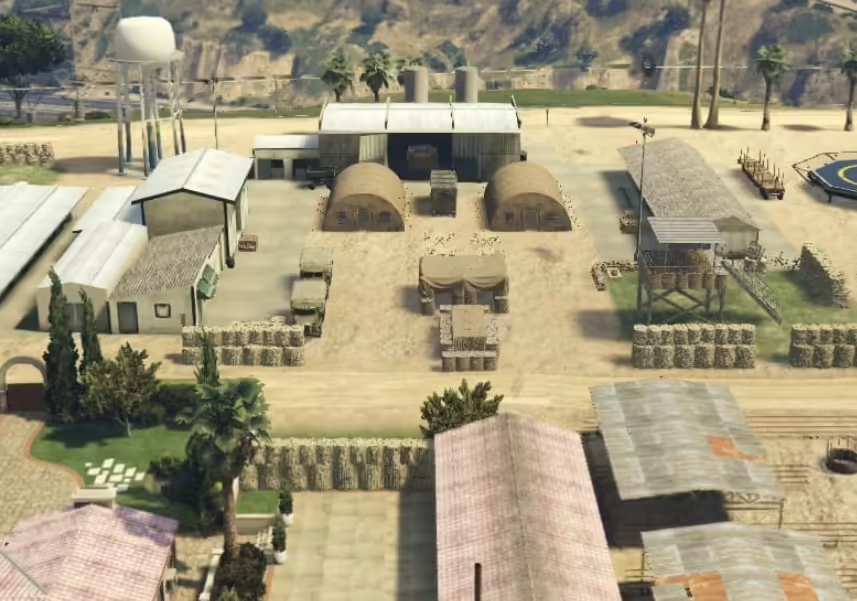
Identify Fortress Paulo’s credited creator and verify the supplied map package before adding it to a FiveM server.
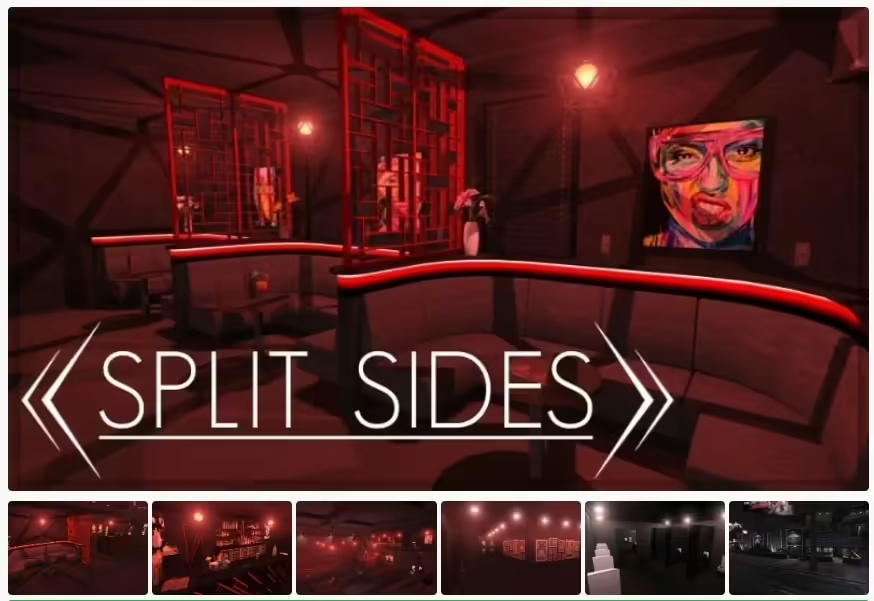
Use GTA5 Interiors’ Split Sides West release, its actual resource name and targeted collision checks for your FiveM server.
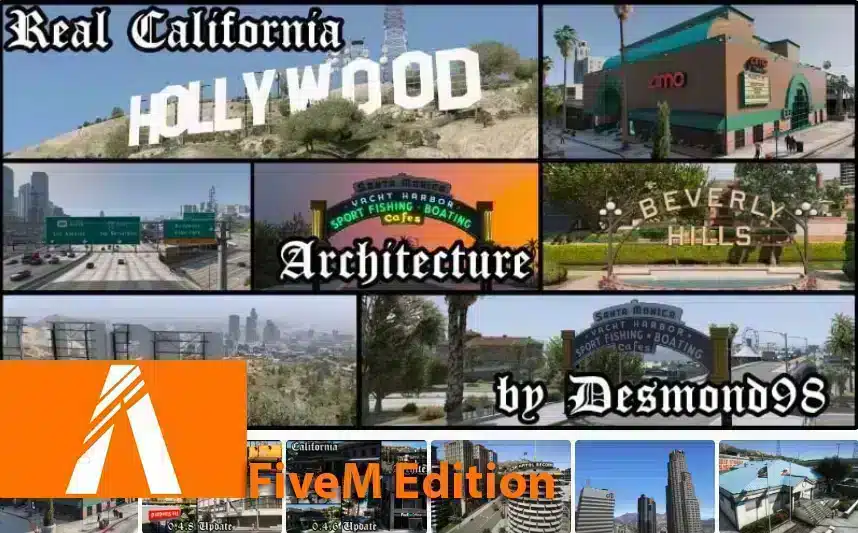
Find Vlad’s Real California Architecture release, distinguish its single-player installation from FiveM, and check billboard conflicts.
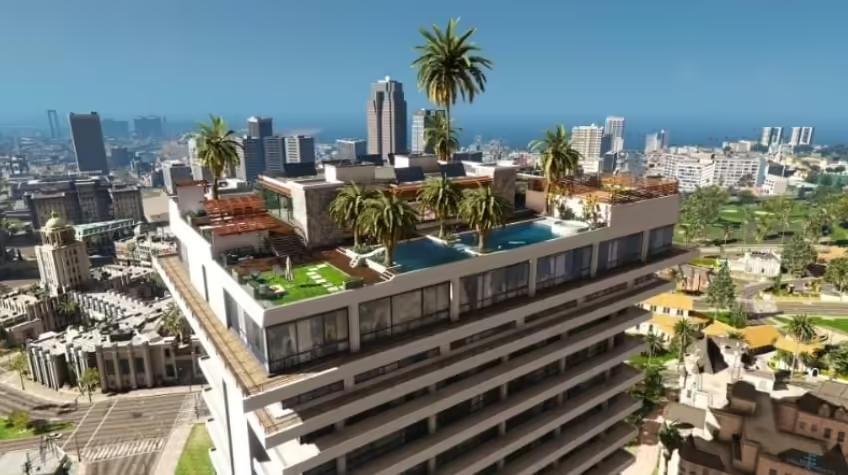
Find Gidoxy’s Rooftop House source and distinguish the FiveM edition from single-player files before installing.
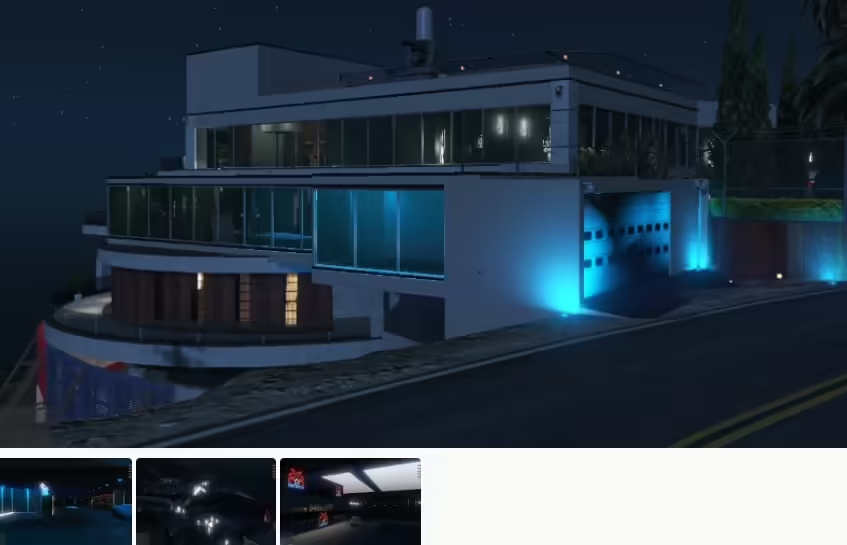
Identify MBRoberto’s Devin Weston conversion and distinguish its single-player instructions from FiveM packaging.