




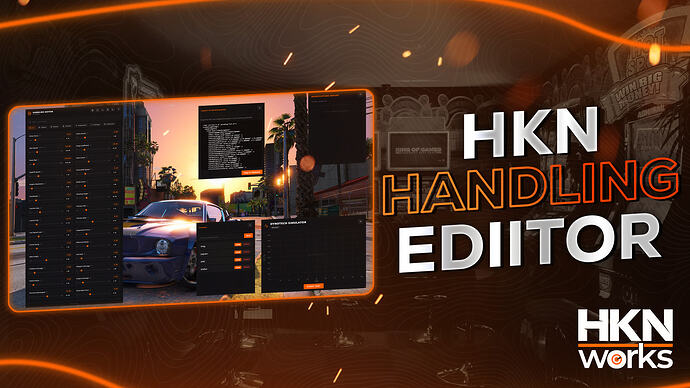
Compare HKN Handling Editor’s free escrow and paid source editions, check handling.meta export and validate saved tuning before live use.
 English
Compare HKN Handling Editor’s free escrow and paid source editions, check handling.meta export and validate saved tuning before live use.
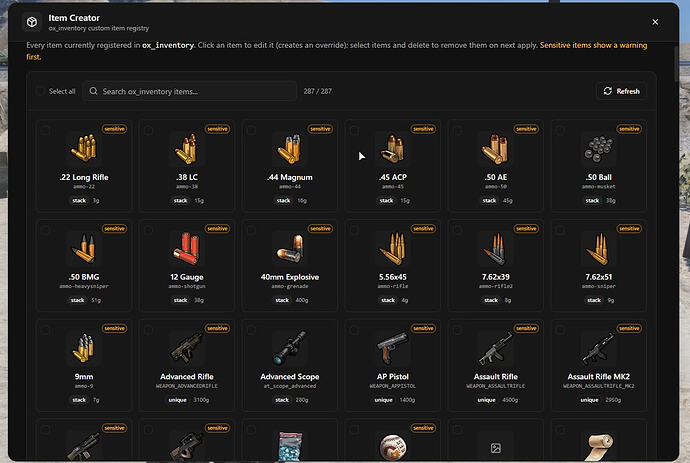
Set up spoodyItemCreator with its required inventory bridge, restrict admin access and protect item definitions and images before using live updates.
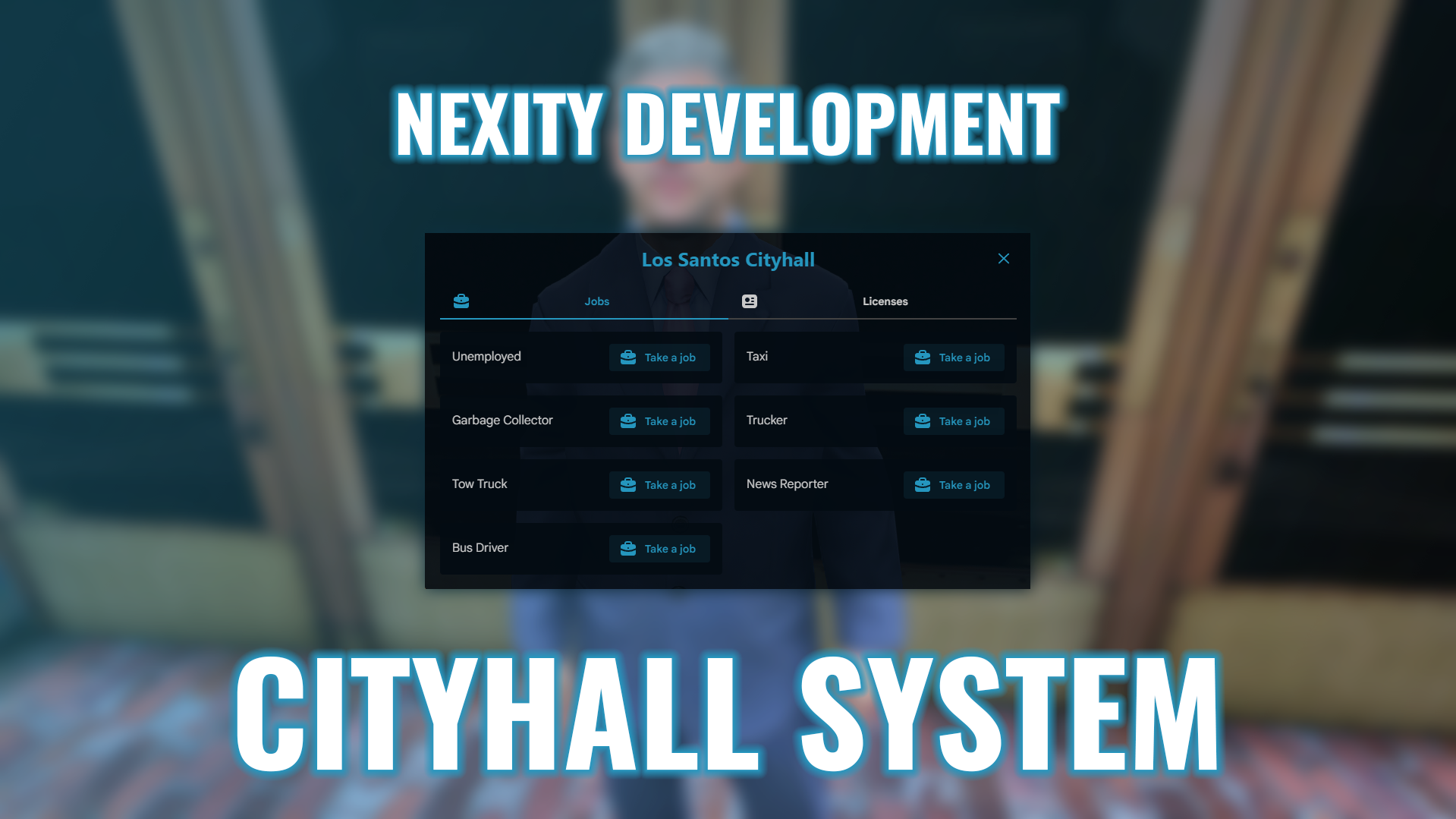
Review nx_cityhall dependencies, framework-specific inventory and target integrations, and server-side license validation before installing it publicly.
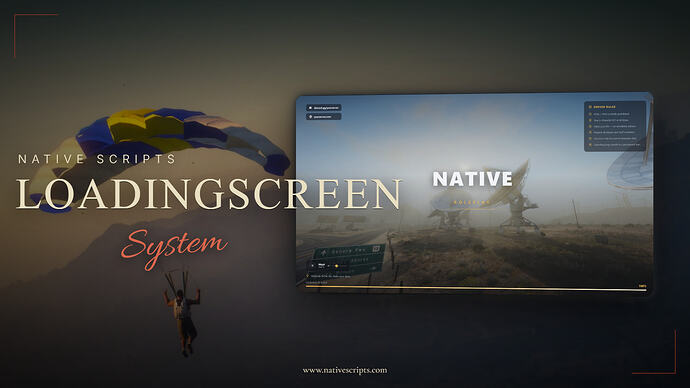
Native Scripts publishes ns-loadingscreen as a standalone resource. Its release instructions use the folder ns-loadingscreen-fivem, ensure ns-loadingscreen-fivem and html/config.js. Configure your server name, logo, links, rules, tips and music there. Use the creator’s download route linked in the original release.
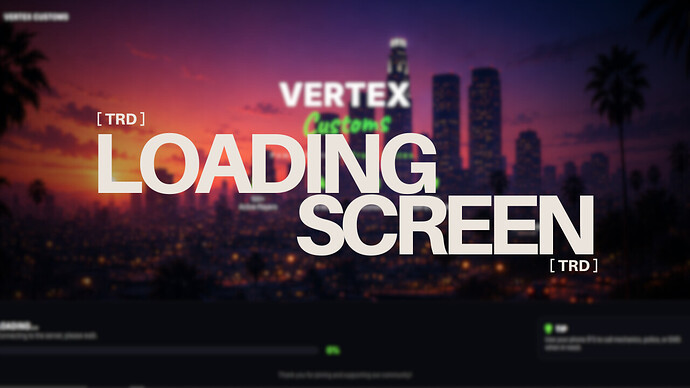
TRD Loading Screen v3 is the release published by Rwix. The original post links to its Tebex distribution and describes config.js settings for server name/tag, music, background video or image and default volume. Follow that source to confirm the current package and terms.
![🛡️ [FREE] NXM Aduty The admin-duty script you’ll actually enjoy using](https://rpcrate.com/wp-content/uploads/2026/06/maxresdefault-6.jpg "NXM Aduty: ESX Dependencies and Staff Permission Checks")
Review NXM Aduty’s documented database, clothing and ACE requirements before enabling staff-duty powers.
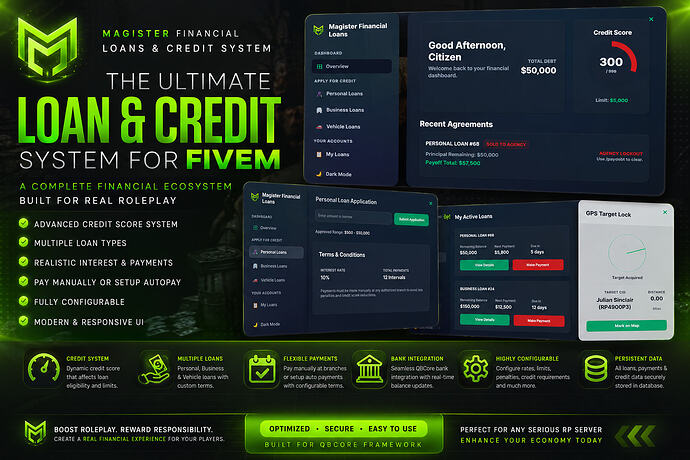
Check Magister Loans’ QBCore banking, qb-management and ox_inventory integrations, understand the free escrow edition and test debt workflows.
![Carmarket [FREE]](https://rpcrate.com/wp-content/uploads/2026/06/57e235a321413c5a2a1a01580e071a7939a4002a_2_690x388.jpeg "Koja CarMarket for FiveM: Creator Download, Setup and Trade Tests")
Find Koja’s free Car Market listing, check ESX/QBCore dependencies and conflicting ox_lib guidance, then test auctions, ownership and payments.

Install Var Chess with its bzzz_chess asset dependency and verify permissions, wagers and reconnect behavior.
![[PROP] Food Props | Free - Ultra Low Poly](https://rpcrate.com/wp-content/uploads/2026/06/4993816af0642cf620d19dad097eafdb5d42471b_2_690x388.jpeg "Cartty Food Props: Inventory Images and Spawn Integration")
Use Cartty’s food-prop release with the correct inventory images, item configuration and prop cleanup checks.
![Airdrops ( Zones, Graffity, Decay, In-Game Creator & Configurator & Much More) [ESX][QB-CORE][QBOX]](https://rpcrate.com/wp-content/uploads/2026/06/3153d87d1df35dbaba34bf486db4b7804a978d75_2_690x388.jpeg "IC3D Airdrops for FiveM: Free Release, Dependencies and Loot Checks")
Find the original IC3D Airdrops release and check framework, inventory, loot settings, alerts and admin permissions before FiveM deployment.
![[MLO] Marines Table Restaurant](https://rpcrate.com/wp-content/uploads/2026/06/maxresdefault-2.jpg "Marines Table Restaurant MLO: Location and Resource Setup")
Find Vertex Group’s restaurant release, its documented resource name and the entrance checks to make before adding a job.
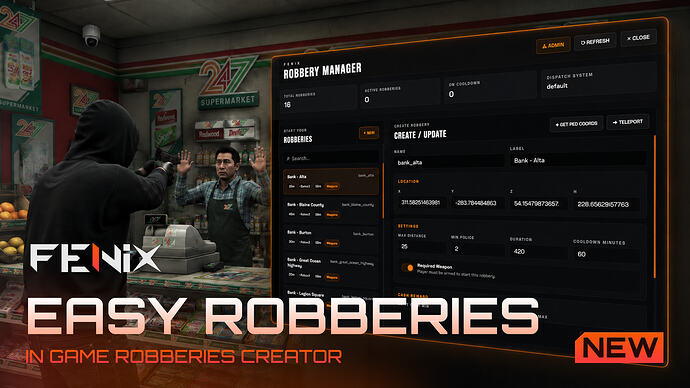
Configure FNX Easy Robberies using its documented bridge, config files, staff permission and saved robbery data.
Review Red40 Clothing Packer, its YMT workflow and outfit-code changes. Back up clothing assets and test the output before FiveM migration.

The FiveM server list has three separate jobs: your server must be technically listable, the entry must be understandable enough to earn the right click, and the experience must keep the players who connect. Fix them in that order. Cfx.re documents the listing requirements and configuration variables, but it does not publish a complete ranking formula . Treat anyone promising a guaranteed position as speculation.

FiveM server upvotes are an official visibility mechanism for the Cfx.re server list. They may improve placement and discovery, but they do not repair poor onboarding, crashes, weak retention or an unclear server identity.
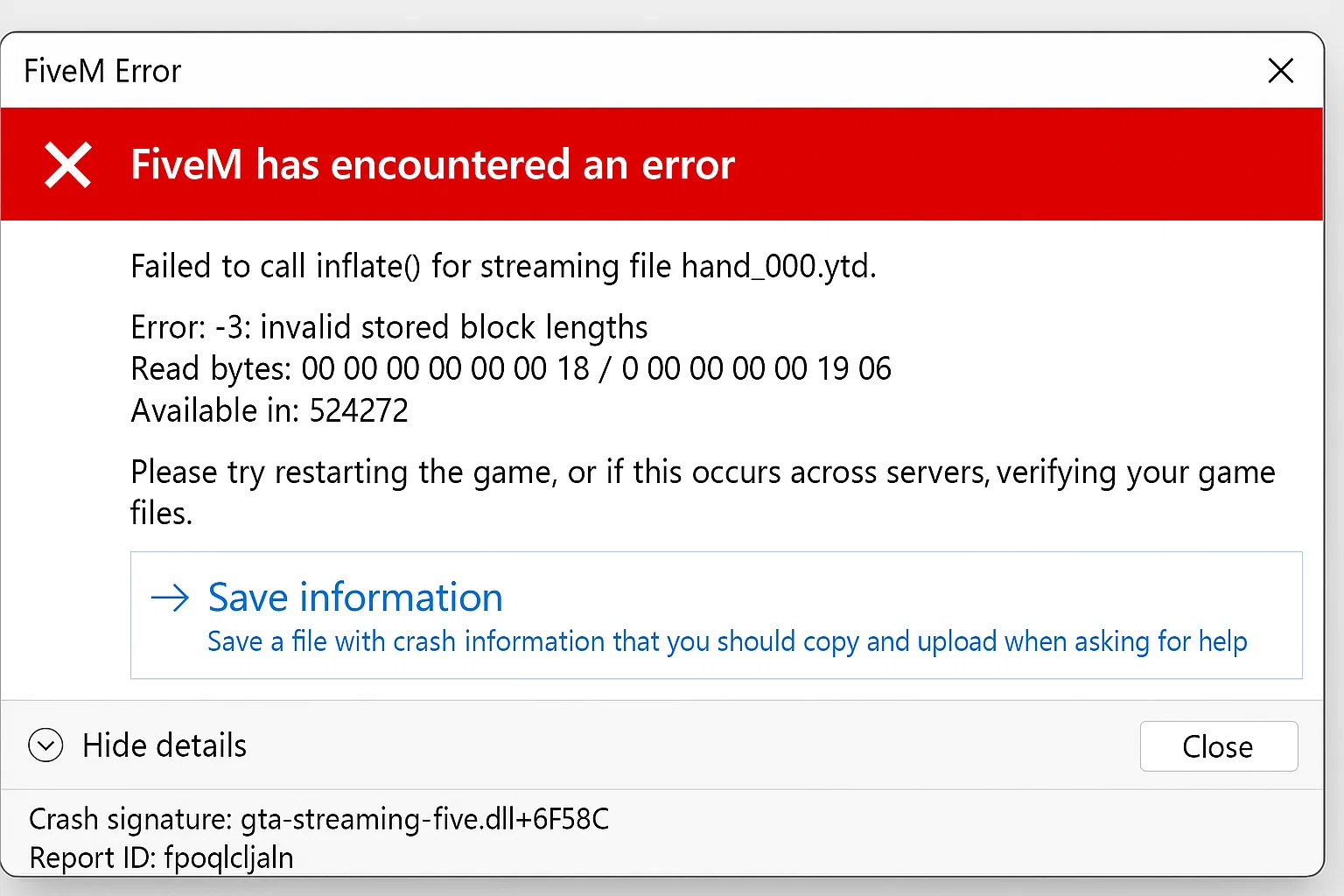
“FXServer is not responding” means txAdmin’s monitor cannot obtain the expected response from the game server. Check whether FXServer is running, listening at the configured endpoint and able to finish startup before changing firewall or resource settings.

Update the FXServer runtime while preserving your server-data directory, configuration, txAdmin data and database. Download the recommended artifact for your operating system, test it, and keep the previous runtime until the new build has passed a normal session.