SwiftLink by Swift Studios combines speed-camera zones and a CCTV interface for QBCore. We inspected release tag SwiftLink at commit d062d48, manifest version 1.0.0. The source supports a useful starting point, but its advertised secure access and siren-based exemptions need qualification.
Configure the actual resource
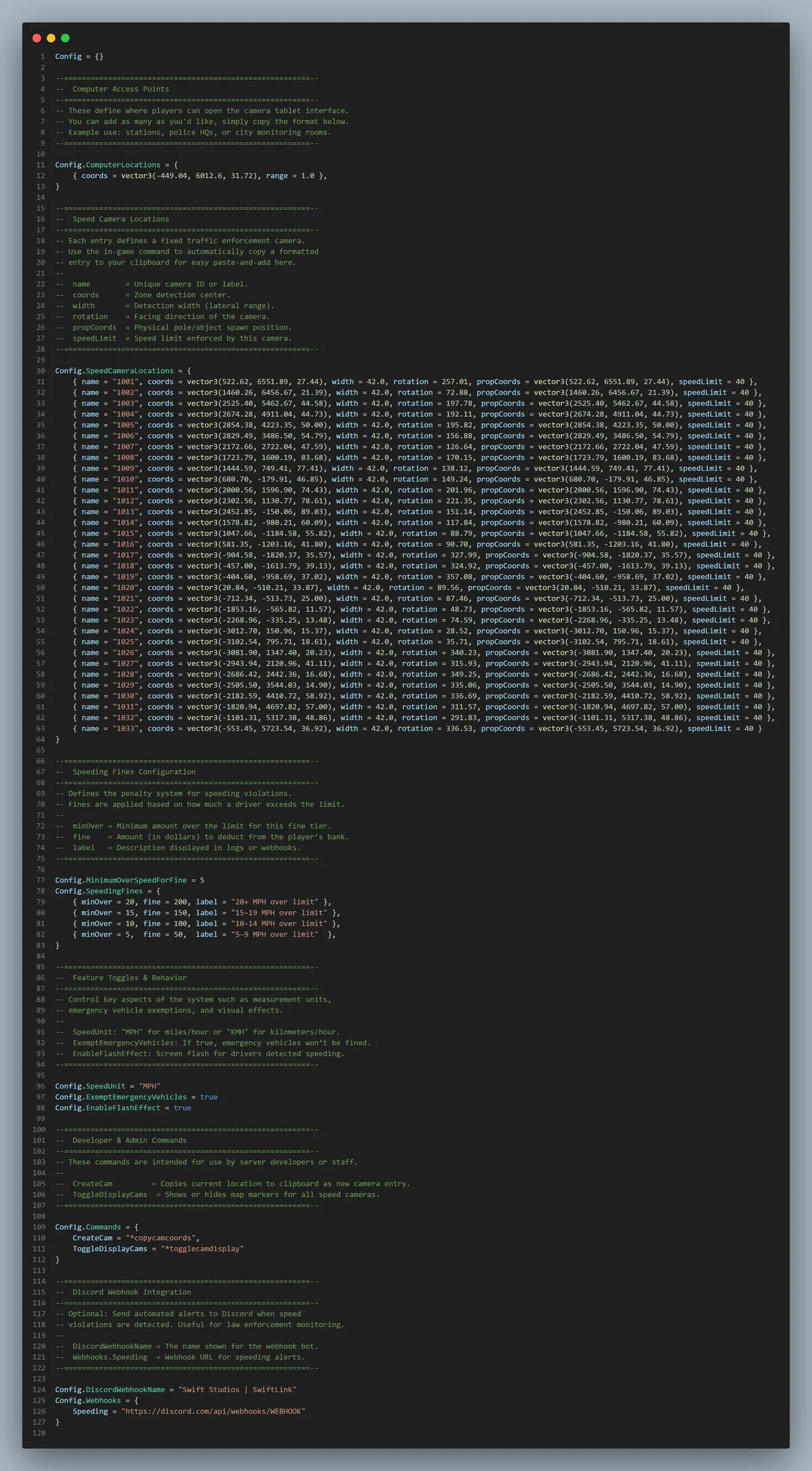
Install the SwiftLink folder and start qb-core and ox_lib before it. The package includes its HTML interface; the manifest declares no SQL file. Configure ComputerLocations, SpeedCameraLocations, SpeedUnit and SpeedingFines. Fine tiers are evaluated in order, so keep higher thresholds first. Detection occurs when a driver enters a zone, not continuously while remaining inside.
Check exemptions and permissions
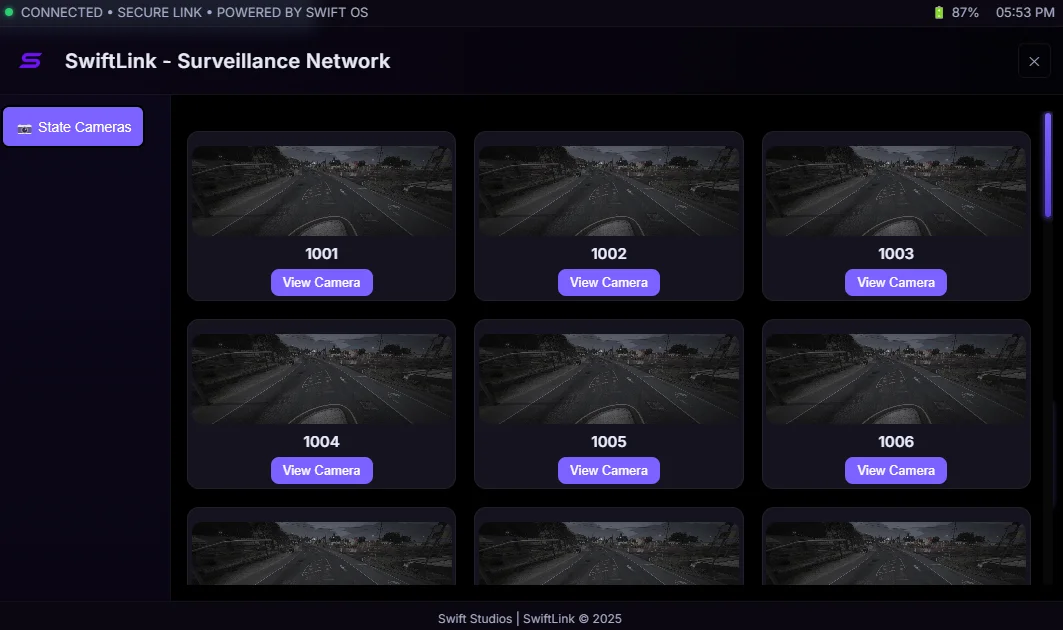
With ExemptEmergencyVehicles enabled, the server exempts the reported emergency class regardless of siren state; the supplied siren argument is unused. The CCTV interface checks terminal proximity on the client but does not check police jobs or server-side authorization. Add explicit access rules instead of treating a configured computer position as officer authentication.
Protect logging and fine validation
The shared configuration includes a prefilled Discord webhook and is sent to clients. Remove the bundled destination and keep any replacement in server-only configuration. The fine event also trusts client-reported speed, limit and emergency status without validating the configured camera or server-side location. Review validation and rate limits before using it to enforce your economy.
Camera-access logging currently prints to the server console; it is not a complete Discord officer-audit feature. The two developer commands copy camera coordinates or toggle local blips and have no administrator check. Test fines, insufficient funds, civilian access, two-player camera objects, exit behavior and resource restarts. The README restricts redistribution and resale. No game test, performance benchmark or repaired release is supplied here.