$27.00Original price was: $27.00.$15.30Current price is: $15.30.
-43%
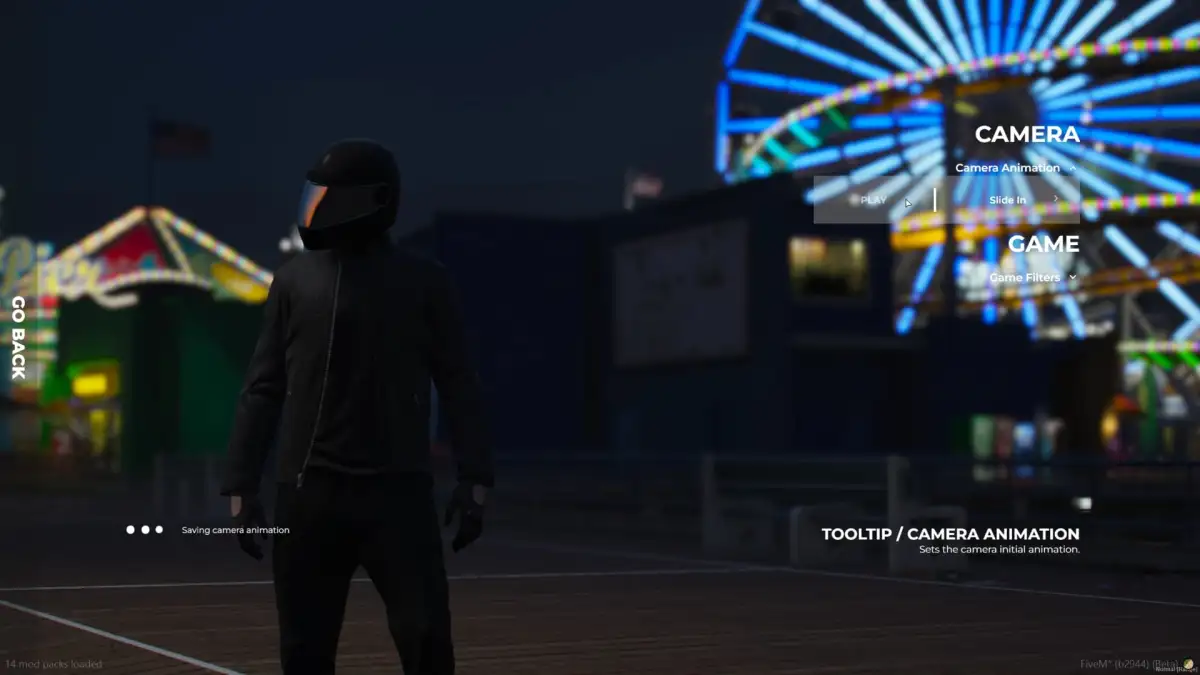
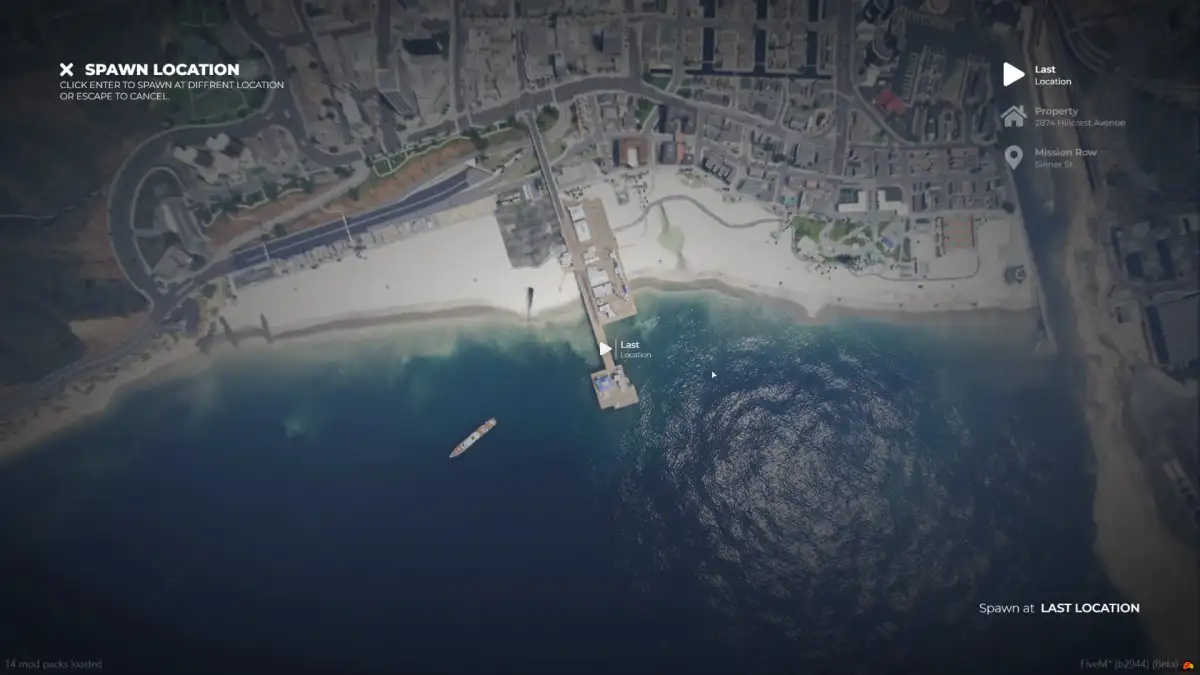
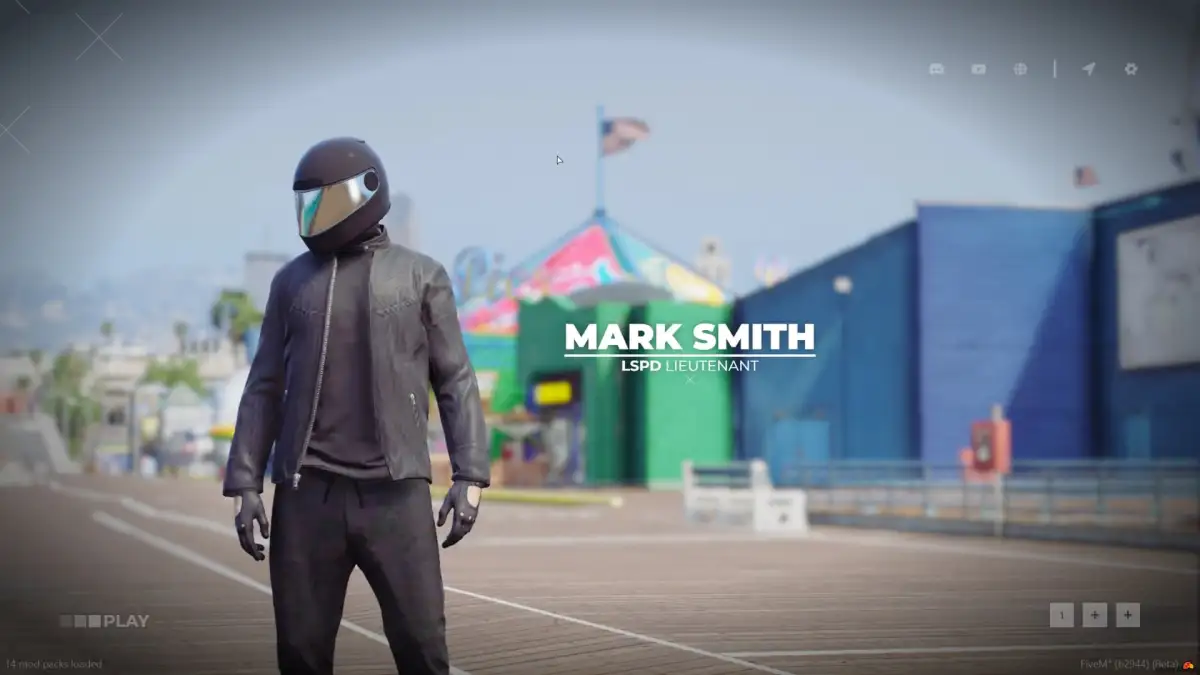
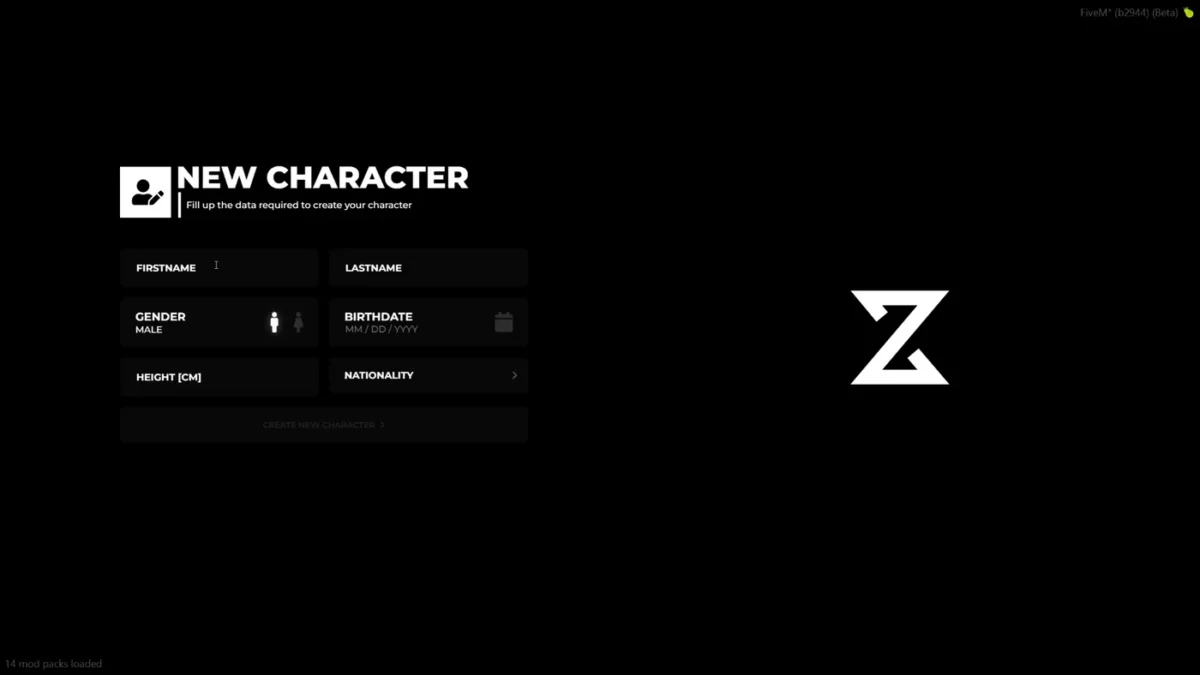
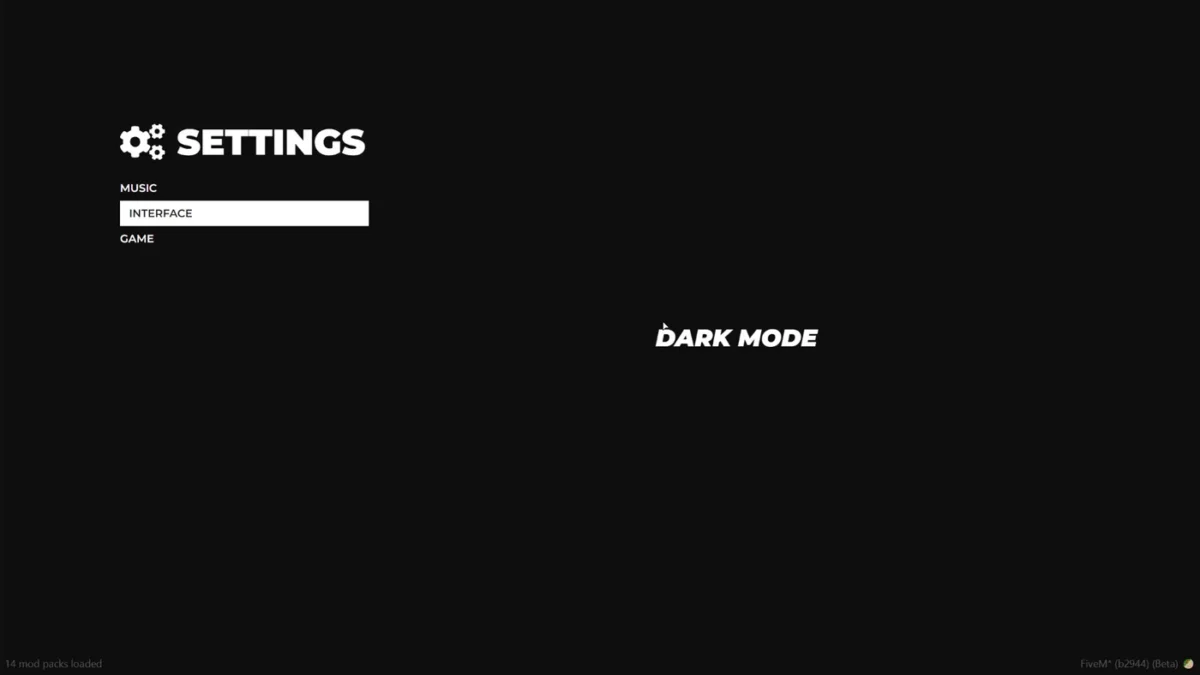
ZSX Multicharacter is a FiveM multicharacter script with a custom camera system, built-in spawn selection, identity, logout system, and unlimited character slots.
Config = {}
Config.IssueHelper = false -- [DEF. false] [BOOLEAN] Use that if you need help on discord. Gathers config data and non-sensitive data.
Config.Characters = {}
Config.Characters.Free = 1
Config.Characters.IdentifierType = "license"
Config.Debug = false
Config.DebugTimers = false
Config.CheckIntegration = true

Config.CameraFOV = 20.0
Config.CameraOffsets = {
    coords = {      -- Actual camera coordinates where camera is being spawned at. Relative to the player offsets. Native ref: https://docs.fivem.net/natives/?_0x1899F328B0E12848
        x = -.65,
        y = 5.0,
        z = 0.0,
    },
    rot = {         -- Focus coordinates that camera "is facing".                                                  Native ref: https://docs.fivem.net/natives/?_0x1899F328B0E12848
        x = -.65,
        y = 0.0,
        z = 0.3
    }
}

Config.Music = {
    default = 'https://www.youtube.com/watch?v=sA80HAfJPR8',
    volume = .3,
}

Config.Commands = {
    ['logout'] = {
        use = true,
        commandName = 'logout',
    },
    ['setcharacterslots'] = {
        use = true,
        commandName = 'setcharacterslots'
    }, ['addcharacterslots'] = {
        use = true,
        commandName = 'addcharacterslots'
    },
}

Config.ForceAppereance = false -- [DEF. false] [IF NOT FALSE PLEASE USE STRING INSTAED OF TRUE] Check client/framework/framework_functions.lua Framework.SetSkin function for the compatible appearances.

Config.Prefix = 'char' -- [DEF. 'char'] [STRING] What prefix should we use to gather user identifiers. (ESX Only since qbcore have implemented citizensIDs)

Config.UI = {
    ['settings'] = true,
    ['spawn_selector'] = true,
    ['discord'] = 'https://discord.gg/', -- [STRING] Set your Discord URL to show that content or set it to false to disable discord icon.
    ['youtube'] = 'https://youtu.be/', -- [STRING] Set your Youtube URL to show that content or set it to false to disable youtube icon.
    ['website'] = 'https://mywebsite.rp/', -- [STRING] Set your Website URL to show that content or set it to false to disable website icon.
    ['delete_character'] = false,
}

Config.ServerLogo = 'https://i.postimg.cc/J4JcGmCQ/new.png'

Config.CanSwapLocationOnLogout = true -- [DEF. true] [BOOLEAN] Will user have access to swapping locations when using logout command.

Config.Buckets = {}
Config.Buckets.MulticharacterID = 1000 -- [DEF. 1000] [INT] What bucket identifier should be set while inside multicharacter.
Config.Buckets.PopulationEnabled = false -- [DEF. false] [BOOLEAN] Should population be enabled inside multicharacter?
Config.Buckets.DefaultId = 0 --[DEF. 0] [INT] What bucket identifier should be set when user will select character.

Config.Effects = {
    useEffects = true, -- [DEF. TRUE] [BOOLEAN] Set if you want the camera animation with the sound to be played when user selects his character
    useBucketSphere = true, -- [DEF. TRUE] [BOOLEAN] Set that if you want use animation with the white sphere
}

Config.SpawnCoords = {
    coords = vector3(-1249.1780, -163.0153, 40.4084), -- [COORDS] Set your desired coords for the users that will create their characters
    heading = 237.3200 -- [INT] Heading of the given coords
}

Config.DefaultSettings = {}
Config.DefaultSettings['Filters'] = 'NG_filmic25' -- [STRING] Default values for filters
Config.DefaultSettings['Cameras'] = 'from_back' -- [STRING] Default values for camera

Config.UserInterface = 'START_BEFORE'   -- [STRING] More information on docs:

Config.Identity = {}
Config.Identity.UseCameraAnimation = true        -- [BOOL] Use identity camera animation
Config.Identity.UseClothingTimer = true          -- [BOOL] Use clothing timer
Config.Identity.SpawnPlayerAtSpawnCoords = true  -- [BOOL] Spawn player at the specified coordinates as in Config.SpawnCoords | Warning otherwise, you will have to set player coords manually!
Config.Identity.ClothingTimer = 15000            -- [INT] How much time does user have to wait to open skin menu after creating new character
Config.Identity.SwitchPlayerBucketOnLoad = true  -- [BOOL] Set player in default bucket right after identity animation
Config.Identity.SetInBucketOnAppearance = false  -- [BOOL] Set player in Multicharacter bucket while in appearance | Warning! It will only work for the appearances that has appearance callback when it's finished.
                                                 --[[                                                                Currently available appaearances
                                                                                                                        - illenium-appearance
                                                                                                                        - fivem-appearance
                                                                                                                        - crm-appearance
                                                                                                                        - bl_appearance
                                                                                                                        - dx_clothing
                                                                                                                        - rcore-clothing
                                                 ]]

Config.StarterItems = {
    {
        item = 'bread',
        amount = 3
    }, {
        item = 'water',
        amount = 3
    },
}

Config.CommandGroupAllowed = 'admin'

Config.SphereColor = {255, 255, 255}
Config.SphereIntensity = .95

Config.AutoHandleUIV2 = true                -- [DEF. true] [BOOL] Automaticaly checks for UIV2 in order to prepare the integration.

Config.DateFormat = 1                     --[[ [DEF. 1] [INT] Available formats:
                                            Config.DateFormat = 1 -- DD/MM/YYYY
                                            Config.DateFormat = 2 -- MM/DD/YYYY
                                            Config.DateFormat = 3 -- YYYY/DD/MM
                                            Config.DateFormat = 4 -- YYYY/MM/DD
                                          ]]

Config.IdentityDuplicateCheck = false -- [DEF. false] [BOOL] Duplicate Name Check - Example: If user enters 'John Doe' and another one exist's, user cant create character

--- A easy way to allow specified player's a different slot limit than the rest, without using a command.
--- Please use a player identifier, with the character slot amount you want a user to have.
Config.CustomSlots = {
    ["license:xxxxxxxxxxxxxxxxxxxxxxxxxxxxxxxx"] = 5,
}

--Algorithm Handlers

Config.AirCheckerDuration = 5000
Config.MaxAmountOfCoordsChecks = 5          -- [DEF. 5] [INT] Increasing that value may help with proper allocation of the player. Amount with max 0 may spawn your ped (if he's on some custom big interior) at wrong coords or even under the map.
Config.MaxAmountOfHeadingChecks = 5         -- [DEF. 5] [INT] Increasing the amount will create better background of the player
Config.MaxAmountOfDistanceChecks = 5        -- [DEF. 5] [INT] Increasing the amount will help the algorithm to prevent the camera to spawn inside the wall
Config.InteriorCheckerDurationMax = 10000   -- [DEF. 10000] [INT] Maximal amount of time for the preload of the interior
Config.UseInteriorCheck = false             -- [DEF. false] [BOOL] Use interior checker

--End

Config.AwaitShutdownLoadingScreen = false   -- [DEF. false] [BOOL] Allow to await loading screen to be manually shutdown.
Config.CustomInitialization = false         -- [DEF. false] [BOOL] If you will set that value to true you will have to manually handle opening up Multicharacter content. You can check out our documentation page for export/event

Config.UseFastTransition = false            -- [DEF. false] [BOOL] Required UIV2, makes the loading faster without the server logo on the startup to maintain functionality.

Config.DB_TablesToRemove = { -- Example of table
    -- {
    --     table = 'owned_vehicles',
    --     identifierColumn = 'owner',
    -- }
}

--[[
    DOCS: https://zsx-development.gitbook.io/docs/multicharacter/faq
]]
Setup guide
The delivered archive has multiple focused config files and SQL but no README; this guide defines their safe order.
Requirements and preparation
The framework/database bridge selected in shared/config_framework.lua.
A backup of character and identity tables before importing sql.sql.
Installation
Back up character tables, import the included SQL and extract ZSX_Multicharacter.
Configure framework, identifier type, free/custom slots, locations and user settings in the matching files under shared.
Start after the framework, database and identity/spawn resources.
Configuration checkpoints
Test create/select/delete/logout flows and character-slot admin commands.
Verify that each character keeps separate identity, appearance and spawn data after reconnect.
Safety: Back up the affected resource and database tables, use credentials owned by your server, and complete a staging test before replacing a live resource. The full configuration remains in the download package.
Additional information
Framework
ESX, QBCore, QBOX, Standalone
Reviews
There are no reviews yet.
Only logged in customers who have purchased this product may leave a review.












Reviews
There are no reviews yet.