






Video
Config file
Config = {}
Config.Framework = 'esx' -- autodetect, qb, oldqb, esx, oldesx
Config.SQL = "oxmysql"          -- oxmysql, ghmattimysql, mysql-async
Config.ItemImagesFolder = "nui://ox_inventory/web/images/"
Config.MenuKey = 38
Config.InteractionHandler = 'ox_target' -- drawtext, ox_target, qb_target, qb_textui, esx_textui
Config.AdminMenuCommand = "adminboss"
Config.DefaultImage = 'https://cdn.discordapp.com/attachments/983471660684423240/1147567519712940044/example-pp.png'
Config.Admins = {
    "admin",
    "superadmin",
    "god",
    "mod",
    "moderator",
}


Config.Certifications = {
    {
        name = "air_support",
        label = "Air Support Division",
        icon = 'air_support_icon.svg',
    },
    {
        name = "burglary_task",
        label = "Burglary Task Force",
        icon = 'burglary_task_icon.svg',
    },
    {
        name = "field_training_officer",
        label = "Field Officer",
        icon = 'field_training_icon.svg',
    },
    {
        name = "high_speed_pursuit_unit",
        label = "High Speed Pursuit Unit",
        icon = 'high_speed_pursuit_unit_icon.svg',
    },
    {
        name = "high_value_target_unit",
        label = "High Value Target Unit",
        icon = 'high_value_target_unit_icon.svg',
    },
    {
        name = "k9_unit",
        label = "K9 Unit",
        icon = 'k9_unit_icon.svg',
    },
    {
        name = "major_crimes_unit",
        label = "Major Crimes Unit",
        icon = 'major_crimes_unit_icon.svg',
    },
    {
        name = "motorcycle",
        label = "Motorcycle",
        icon = 'motorcycle_icon.svg',
    },
    {
        name = "shark_rangers_unit",
        label = "Shark Rangers Unit",
        icon = 'shark_rangers_icon.svg',
    },
}

Config.Inventory = "ox_inventory" -- codem-inventory, qb_inventory, esx_inventory, ox_inventory, qs_inventory

Config.BlacklistedItems = {          -- items you don't want to show up on the menu
    -- "water",
    -- "weapon_pistol"
}

Config.Notify = function(message)
    if Config.Framework == 'esx' or Config.Framework == 'oldesx' then
        TriggerEvent("esx:showNotification", message)
    else
        TriggerEvent('QBCore:Notify', message, "info", 1500)
    end
end
Config.Clothes = "fivem-appearance" -- fivem-appearance -- illenium-appearance -- codem-appearance -- esx_skin -- qb-clothing

function openClothingMenu()
    if Config.Clothes == 'fivem-appearance' then
        TriggerEvent("fivem-appearance:client:openClothingShopMenu", false)
    end
    if Config.Clothes == 'illenium-appearance' then
        TriggerEvent("illenium-appearance:client:openClothingShop", false)
    end
    if Config.Clothes == 'codem-appearance' then
        TriggerEvent("codem-appereance:OpenClothing")
         --[[
            // Add this code in codem-appereance client/clothing.lua

           RegisterNetEvent("codem-appereance:OpenClothing")
            AddEventHandler("codem-appereance:OpenClothing", function()
                OpenMenu("binco")
            end)
        --]]
    end
    if Config.Clothes == 'esx_skin' then
        TriggerEvent("esx_skin:openMenu")
    end
    if Config.Clothes == 'qb-clothes' then
        TriggerEvent("qb-clothing:client:openMenu")
    end
end

function RefreshSkin()
    if Config.Clothes == 'fivem-appearance' then
        TriggerEvent("fivem-appearance:client:reloadSkin")
    end
    if Config.Clothes == 'illenium-appearance' then
        TriggerEvent("illenium-appearance:client:reloadSkin")
    end
    if Config.Clothes == 'codem-appearance' then
        TriggerEvent("codem-appearance:reloadSkin")
    end
    if Config.Clothes == 'esx_skin' then
        TriggerEvent("esx_skin:getLastSkin", function(lastSkin)
            TriggerEvent('skinchanger:loadSkin', lastSkin)
        end)
    end
    if Config.Clothes == 'qb-clothes' then
        TriggerEvent("qb-clothing:reloadSkin")
        --[[
            // Add this code in qb-clothing client/main.lua

            RegisterNetEvent("qb-clothing:reloadSkin")
            AddEventHandler("qb-clothing:reloadSkin", function()
                local playerPed = PlayerPedId()
                local health = GetEntityHealth(playerPed)
                reloadSkin(health)
            end)
        --]]
    end
end

function onBossMenuOpen()
end

function onBossMenuClose()
end

function badgenumber(source)
    -- your function to get player badge number
    return 0
end
mBossmenu
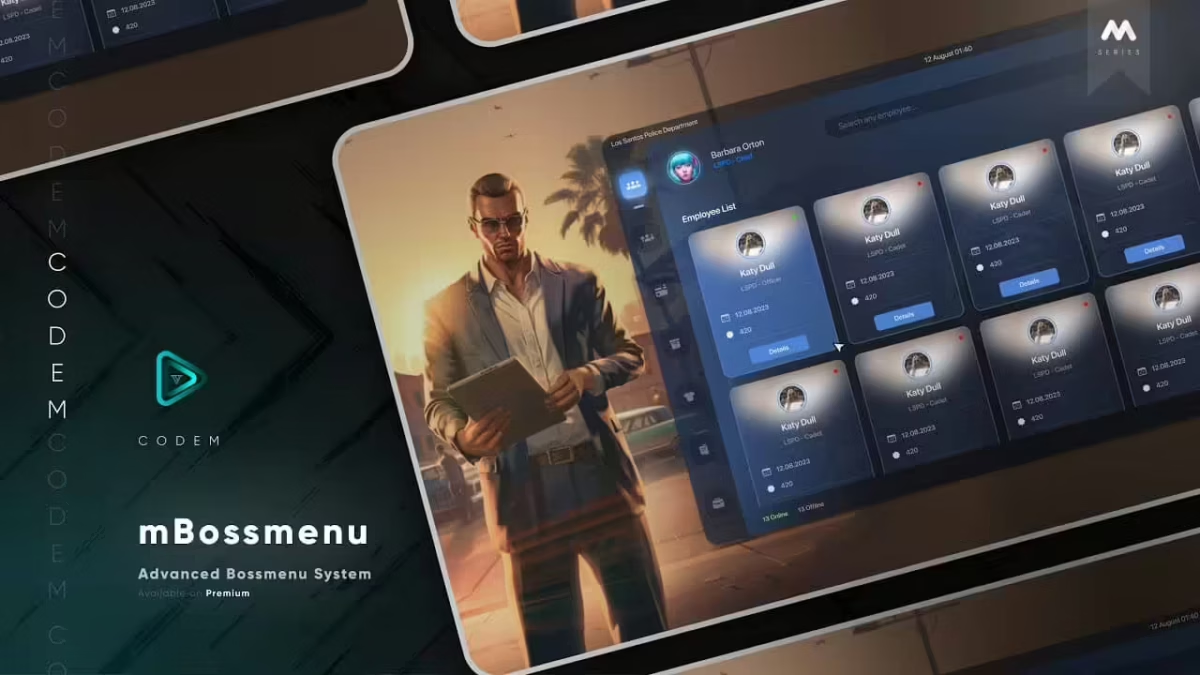
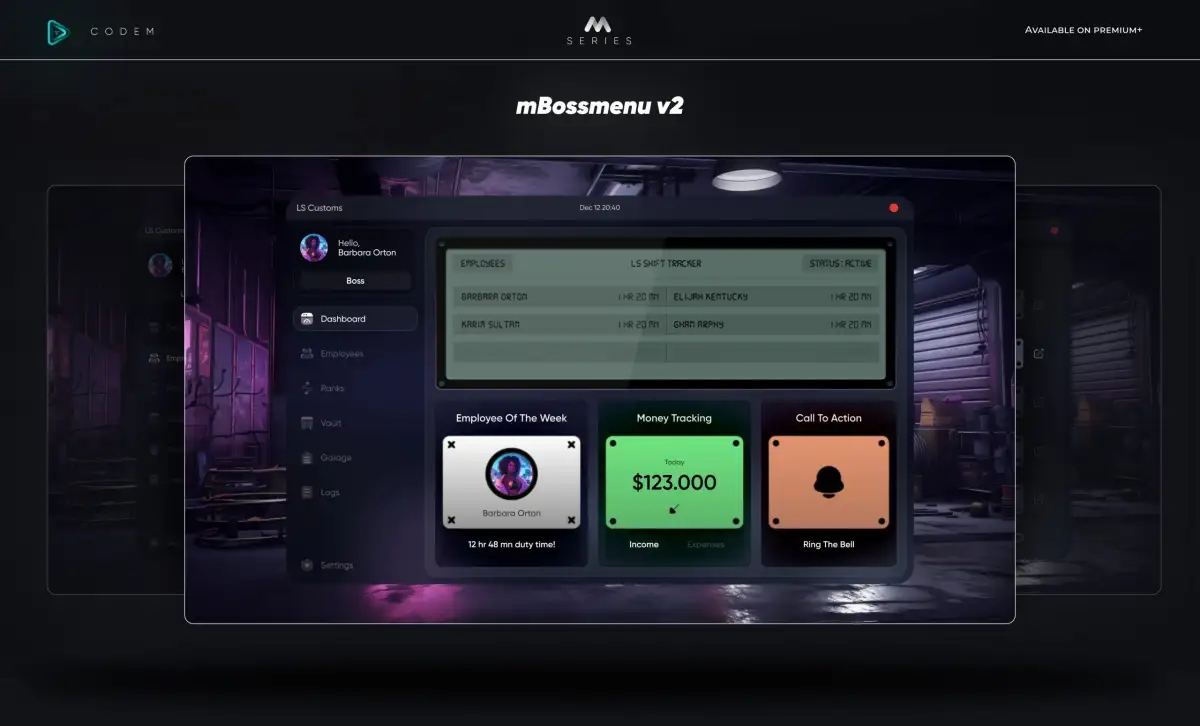
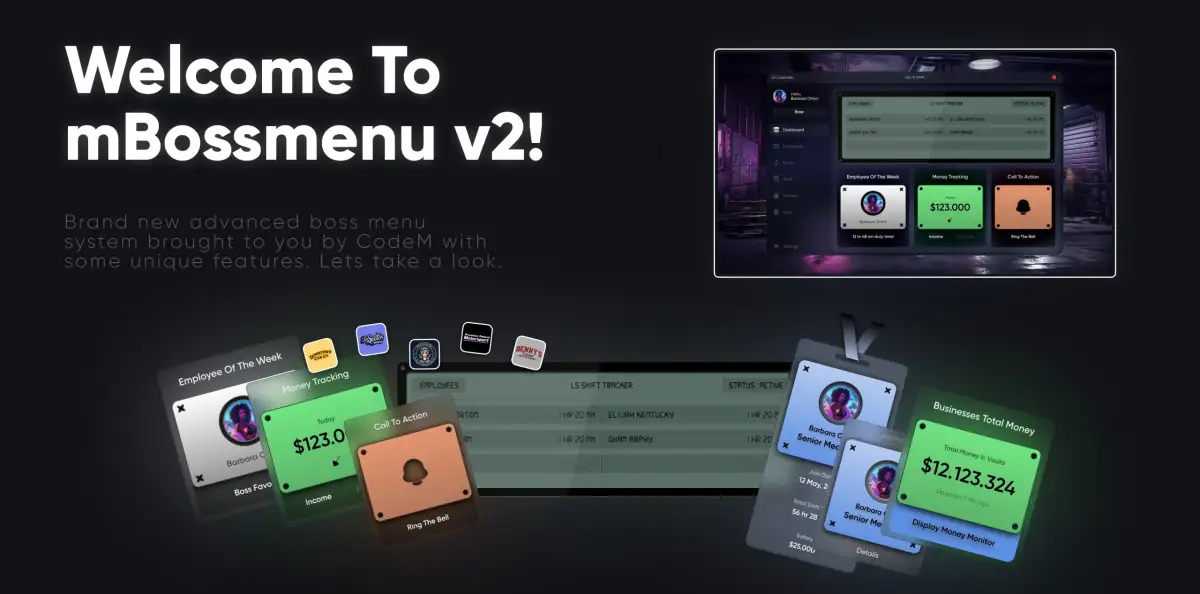
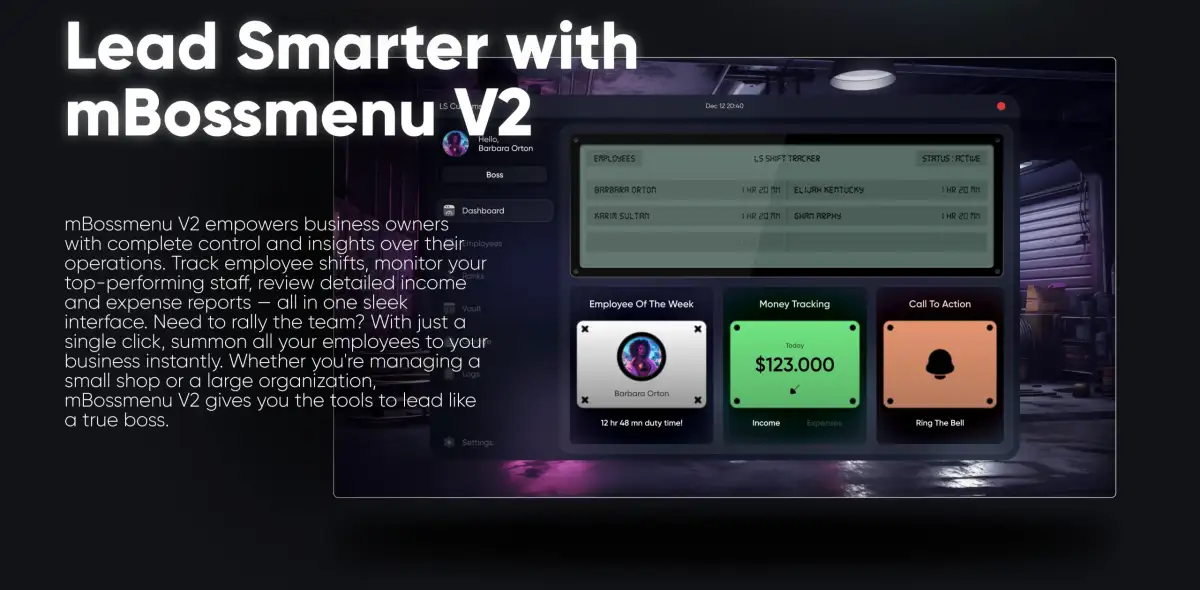
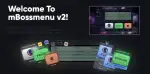
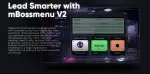
is a sophisticated and feature-rich boss menu system designed for use with the ESX and QBCore frameworks in FiveM. This premium tool offers business owners and server admins comprehensive control over business operations, employee management, and administrative tasks, all through a sleek and user-friendly interface.
Key Features:
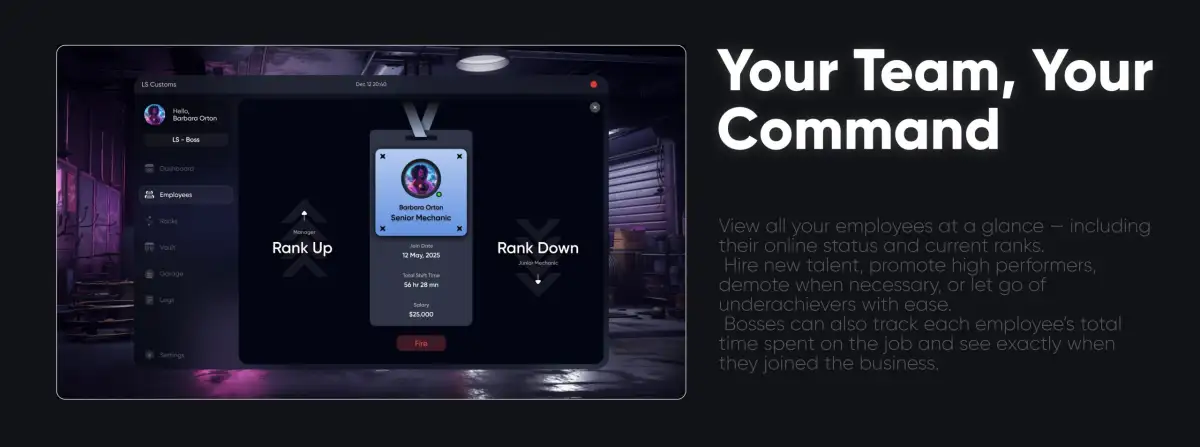
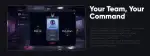
- Employee Management: Easily view and manage employees with detailed profiles displaying online/offline status, rank, and start dates. Business owners can recruit new members directly from the menu.
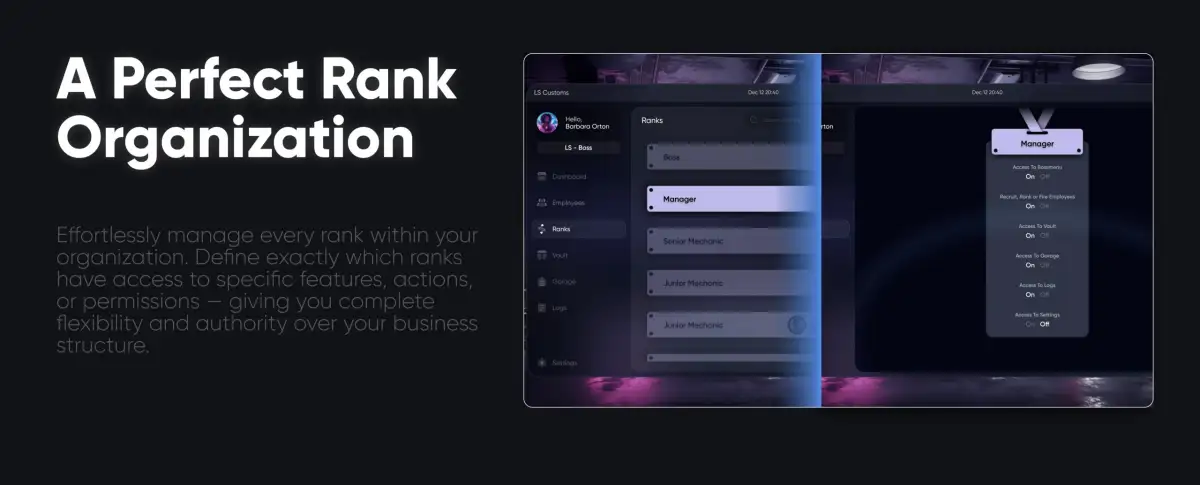
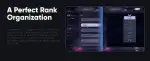
- Rank Details: Define and manage employee ranks, including setting salaries, permissions, and rank-specific actions. This section provides an organized way to keep track of employee roles and responsibilities.
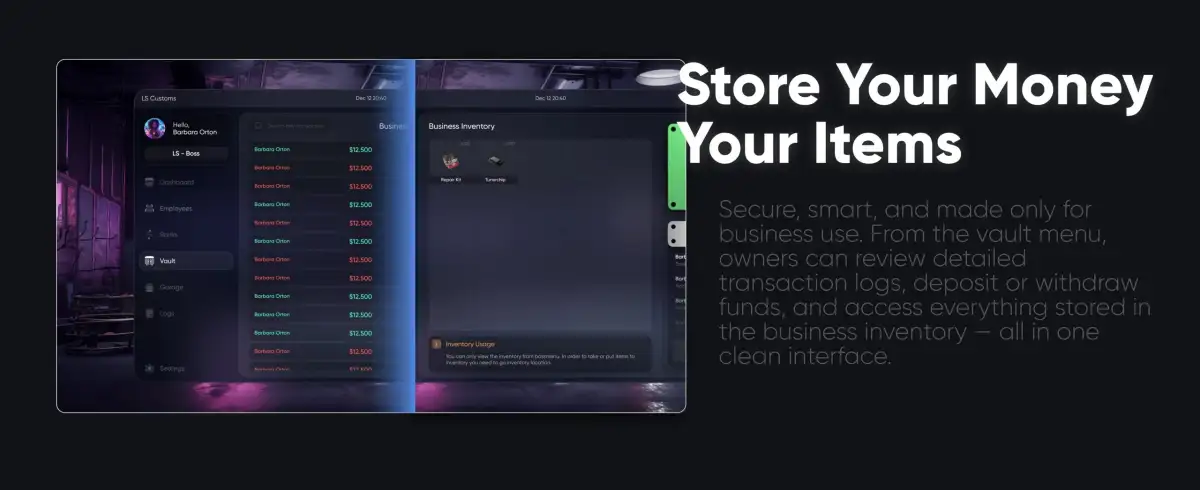
- Business Inventory: Allows both bosses and employees to access, add, or remove items from the shared business inventory, streamlining inventory management.
- Admin Menu for Businesses: Server admins can create new jobs and manage business settings through a dedicated admin panel. This includes adding new businesses, configuring job roles, and overseeing overall business operations.
- Customizable Business View: Admins can personalize the appearance of the mBossmenu, including color themes and company logos. The interface also provides financial insights, including income and expenses, making it easier to track business performance.
- Secure and Efficient: Designed for optimal performance, mBossmenu ensures a smooth and responsive experience even with a large number of employees and businesses.
With mBossmenu, business management within your FiveM server is not only streamlined but also elevated to a new level of professionalism and efficiency. Perfect for roleplaying servers that aim to provide a realistic and engaging business management experience.

![Farmer Simulator Job [AlmostStandalone] FiveM resource preview](https://rpcrate.com/wp-content/uploads/2022/09/chrome_plJeD0t6Qq-jpg-500x375.avif)
Reviews
There are no reviews yet.