





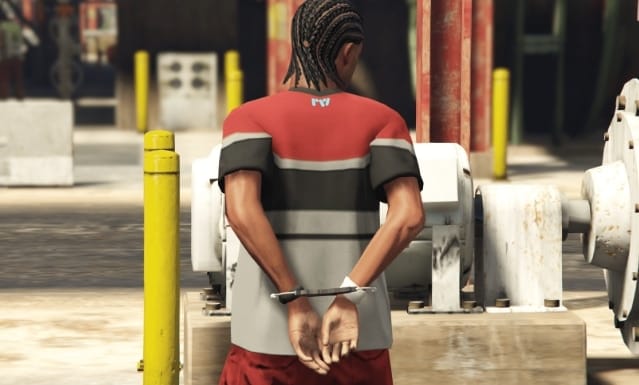
To let a restrained player walk, change the movement restrictions in the police or restraint resource that actually owns the handcuff state. A framework name alone does not identify that code. This is a server-owner change; players cannot enable it through a client setting.
Find what prevents movement
Back up the resource and note its version. Search its client code for FreezeEntityPosition, DisableControlAction, the handcuff animation and the existing cuff-state variable. Check for a second resource that applies restraints.
Change the existing restraint flow
If the resource deliberately freezes the ped while cuffed, change that call to unfreeze only in the restraint flow that should allow walking. Do not add an always-running unfreeze loop: it can interfere with other gameplay, such as character selection or cutscenes.
Check whether the existing control loop disables movement controls 30 and 31. Keeping those disabled prevents walking even after unfreezing. Preserve the restrictions on attacks, weapons and other actions required by your server rules.
Control-disabling natives act for the current frame. An active restriction loop must run every frame; a fixed 10 ms wait can leave frames unrestricted. Use the resource’s existing loop and actual state instead of creating an unrelated global flag.
Keep authorization on the server
The server must still decide who may cuff or release a player. Do not introduce a client event that grants arbitrary restraint changes. Walking is a presentation and control change, not permission to bypass inventory, escape or combat checks.
Test before release
With two test players, check walking, sprinting, aiming, shooting, melee, inventory, entering and leaving vehicles, escorting, death, release and reconnection. Verify both the cuffed and uncuffed states. If another system breaks, restore the original resource before trying a narrower edit.
Reference
Cfx.re control IDs and Cfx.re event security explain the controls and authorization boundary.