





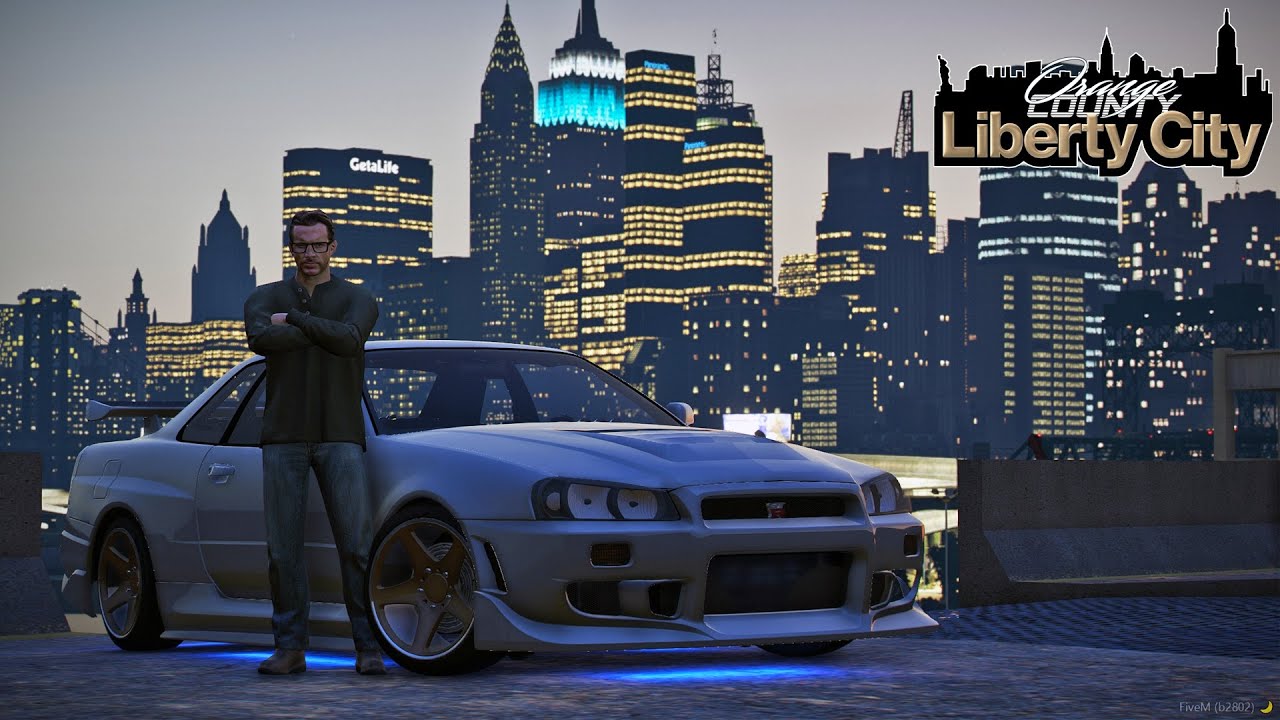
Before adding a Liberty City map to FiveM, verify the provenance and permission for the exact package, then test its technical fit. A seller’s download link or a claim that a port “works on FiveM” does not establish permission to redistribute the underlying game assets.
Check the source and permission
Identify who created the map and whether it contains original work or imported assets. Read the package license and applicable Cfx.re Creator Platform License Agreement. Permission from a package uploader is not necessarily permission from the owner of included assets.
If the right to use and distribute the content is unclear, obtain clarification from the relevant rightsholder before deployment. Keep the license and source record with the package. This page does not certify any third-party Liberty City download.
Check the technical scope
Confirm whether the package targets GTA V Legacy or Enhanced, which game build it needs, where it places the map and which existing maps or assets conflict. Large world changes can affect travel, spawn points, collision, navigation and resource coordinates.
Inspect the complete manifest and declared dependencies. On an isolated server, test the entry route, collision, lighting, vehicle travel and reconnect behavior before integrating jobs, garages or teleporters.
Choose a maintainable map
An original map with clear permissions and documented compatibility is easier to evaluate. Whatever the location, judge the actual player route and support requirements rather than the city name or preview alone. Preserve the previous map configuration and a way to restore affected spawn/interaction coordinates.