





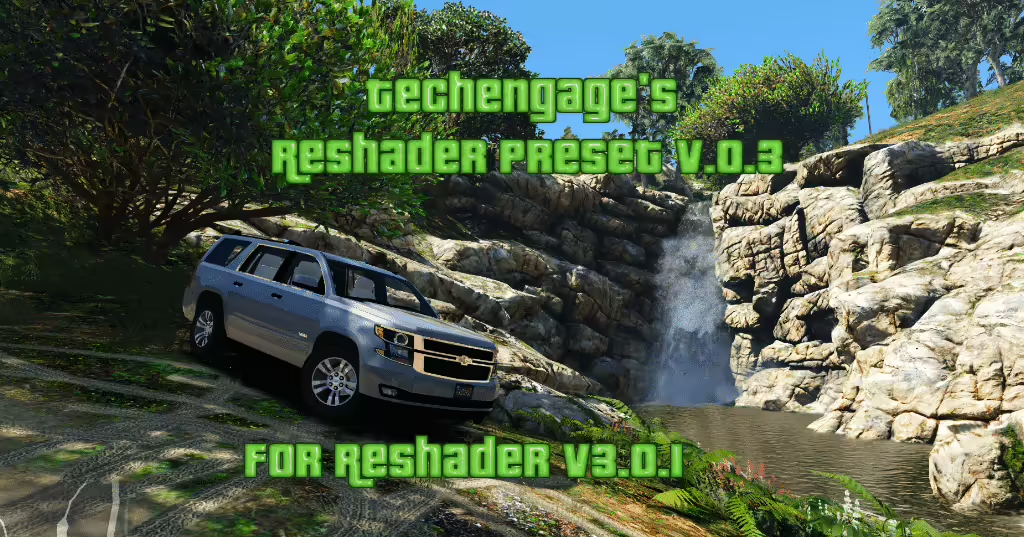
Techengage’s preset 0.9 is an older GTA V configuration for ReShade 3. The creator page shows an October 2016 upload and a January 2017 update. Its grand.ini file and shader instructions describe that historical setup, not a newly maintained preset or verified support for current FiveM Enhanced.
Original Techengage release and download
Understand the original effect selection
The creator recommends Clarity, Colourfullness, Curves, FXAA, Levels, LumaSharpen, Tonemap and Vibrance, and says the other shaders were not tuned. VisualV is recommended for the original appearance. Preserve the spelling and effect references in the actual preset when checking missing shaders; do not enable every installed effect simply to remove warnings.
Current ReShade installation guide
Replace the old blanket-overwrite instructions
Back up your current presets and shader folders. Use the current ReShade installer to select the actual game executable, rendering API and preset. Review what will be installed instead of replacing the whole shader directory with a 2016 bundle. The old Shift+F2 shortcut belongs to the historical instructions; the current startup banner identifies the configured overlay key.
Test before relying on the result
Check compilation messages and compare the same scene by day and night with the preset on and off. Record frame time and visibility, including dark interiors and HUD readability. A creator’s old FPS comment is not a benchmark for your machine. Confirm current client and server requirements before FiveM use. This review did not retrieve and execute the archive or establish compatibility with every modern shader version.