





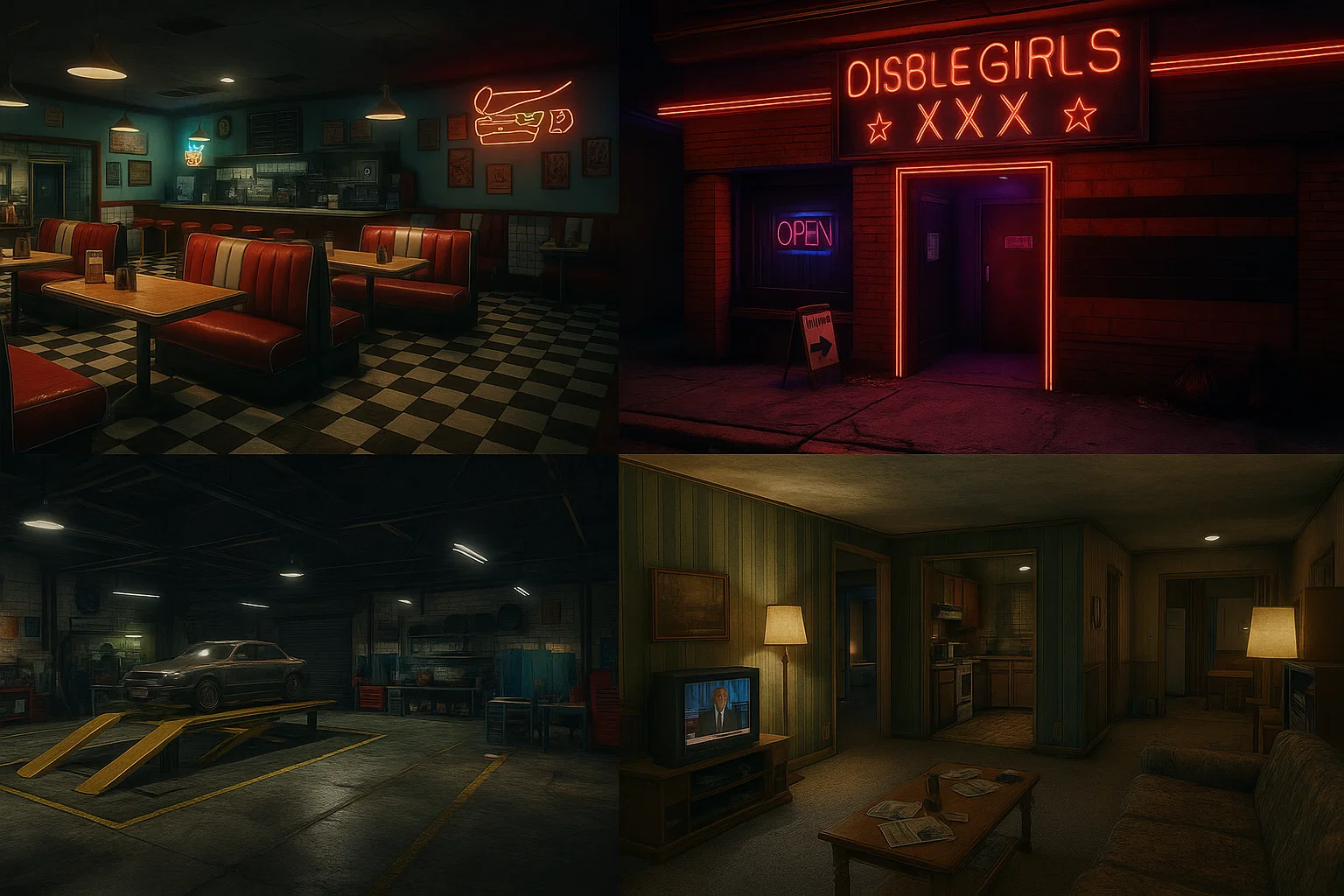
Build your first FiveM MLO as one small interior with a doorway, collision and correct room visibility. Keep the editable project separate from the exported resource, and test each layer before adding detailed props or lighting.
Confirm the target GTA edition before installing or exporting assets. Legacy packages are not automatically Enhanced-ready; follow the official Enhanced asset-conversion guidance when that is your target.
Prepare the tools and source files
Use a compatible Blender and Sollumz release, plus CodeWalker for inspecting map and archetype data. Follow the release’s supported Blender version rather than assuming every newer Blender version works.
Begin with an original asset or one you are authorized to modify and distribute. Save the source project, exported files and a record of the tools used. Build on a separate test server with overlapping maps disabled.
1. Model a minimal interior
Create a floor, walls, ceiling and doorway at the intended scale. Check transforms, normals, material assignments and texture paths. Use the GTA materials supported by your exporter; a generic Blender material does not guarantee the same in-game result.
Export a simple visible drawable first. Confirm its position and appearance in CodeWalker before adding more geometry. Missing geometry can come from normals, materials, bounds or visibility setup; do not assume one cause.
2. Create and align collision
Create simplified collision geometry for walkable floors, walls and blockers using the Sollumz collision workflow. Inspect the exported collision against the visible model. Leave door openings clear unless a separate door system should block them.
Test collision in game early. Falling through a floor requires checking that collision exists, loads and aligns with the placed object.
3. Define rooms, portals and placement
Create the MLO archetype and its rooms and portals using the documented Sollumz/CodeWalker workflow. Associate entities with the correct rooms and check portal connections and orientation. Inspect room bounds and visibility from both sides of each doorway.
Create the map placement for the archetype and preserve consistent names between exports. Keep the YTYP archetype data and YMAP placement in the project rather than trying to repair names only in the final archive.
4. Package the exported assets
Use an ordinary resource folder, for example tutorial_interior, containing fxmanifest.lua and a stream directory. Put the required exported assets there. For an exported tutorial_interior.ytyp, the manifest includes its explicit data-file registration:
fx_version 'cerulean'
game 'gta5'

this_is_a_map 'yes'
files { 'stream/tutorial_interior.ytyp' }
data_file 'DLC_ITYP_REQUEST' 'stream/tutorial_interior.ytyp'
Replace that filename with your actual exported YTYP. Include any other declarations required by your asset. In server.cfg, add ensure tutorial_interior after its dependencies. See the official data-file reference for DLC_ITYP_REQUEST.
5. Check the complete player experience
- Start the resource and inspect server and F8 errors. Join from a client that has not used your local development files.
- Approach from outside, enter every room and inspect each doorway from both directions. Check disappearing objects, visibility leaks, flicker and blocked passages.
- Walk, sprint and use the intended interactions. Test multiple players, reconnect and restart.
- Compare the same camera route before and after the interior is enabled. Check frame time, texture/memory pressure and visual complexity. Script resource timing alone does not measure an MLO’s GPU cost.
- Test daylight, night and weather, then simplify the specific geometry, materials or visibility issue found by the comparison.
Release with a recoverable version
Ship installation notes, dependencies, conflicts and the exact asset version. Retain the previous resource and configuration. If a regression appears, stop the new resource and restore the prior package before investigating in the source project.
MLO vs YMAP: What the Two FiveM Map Files Actually Do
FiveM MLO Compatibility Guide: Frameworks, Conflicts & Testing