





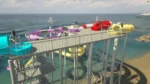
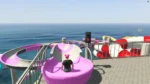



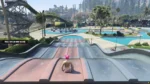



Video Preview
Technical / Compatibility
-
OneSync Infinity Ready — scales with large player counts.
-
Compatible with all maps & MLOs — spawn and positioning are configurable.
-
Files you can edit:
config.lua,language.lua, HTML/CSS for UI styling. -
Exports & Hooks: Designed to be called from other resources (passes, admin tools, telemetry).
-
Protection: Escrow system active for core code; settings and UI remain editable for server owners.
Quick Install (3 steps)
-
Drop the resource into your
resources/[your-folder]and add toserver.cfg. -
Configure
config.lua(prices, pass timers, slide positions) andlanguage.lua. -
Start resource, verify spawn points on your map/MLO, and enjoy.
Support & Customization
-
Support included — installation help and basic troubleshooting.
-
Customization services available upon request (models, animations, pass mechanics).
-
Recommended: Adjust slide spawn points and target markers per MLO to avoid clipping.
Install instructions (Standalone):
1. Put rtx_waterpark folder to your resources
2. Open config.lua file
3. Configure your config.lua to your preferences (Configure notify line in bottom of config.lua you need use our notify system or you need change notify line to your system)
4. Put rtx_waterpark to the server.cfg
Install instructions (QBCore):
1. Put rtx_waterpark folder to your resources
2. Open config.lua file
3. Configure your config.lua to your preferences (Configure notify line in bottom of config.lua you need use our notify system or you need change notify line to your system)
4. Put rtx_waterpark to the server.cfg
5. If you want use waterpass system, add new items to qb-core/shared/items.lua – items name: waterpass, waterpassunlimited
Example items line for items.lua:
[‘waterpass’] = {[‘name’] = ‘waterpass’, [‘label’] = ‘Water Pass’, [‘weight’] = 1000, [‘type’] = ‘item’, [‘image’] = ‘waterpass.png’, [‘unique’] = false, [‘useable’] = true, [‘shouldClose’] = true, [‘combinable’] = nil, [‘description’] = ‘Water Pass’},
[‘waterpassunlimited’] = {[‘name’] = ‘waterpassunlimited’, [‘label’] = ‘Water Pass Unlimited’, [‘weight’] = 1000, [‘type’] = ‘item’, [‘image’] = ‘waterpassunlimited.png’, [‘unique’] = false, [‘useable’] = false, [‘shouldClose’] = true, [‘combinable’] = nil, [‘description’] = ‘Water Pass Unlimited’},
Install instructions (ESX):
1. Put rtx_waterpark folder to your resources
2. Open config.lua file
3. Configure your config.lua to your preferences (Configure notify line in bottom of config.lua you need use our notify system or you need change notify line to your system)
4. Put rtx_waterpark to the server.cfg
5. If you want use waterpass system, upload sql sql_ESX.sql file to your mysql database.
Common issues:
—————————–
If you use an anticheat, put an object named “prop_cs_box_clothes” in the whitelist
License agreement / Terms of Service
1. Any purchase is non-refundable.
2. Each product is to be used on a singular server, with the exception of a test server.
3. Any form of redistribution of our content is considered copyright infringement.
4. If any of these rules are broken, legal actions can be taken.
© 2025 RTX Development, all rights reserved.
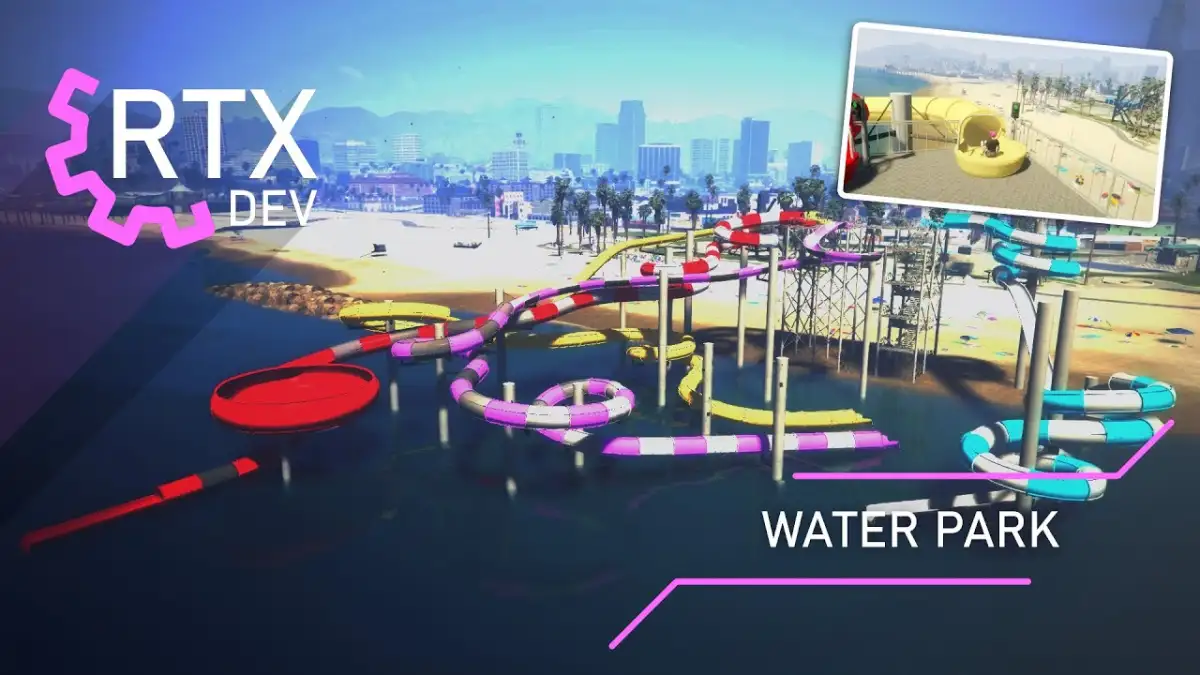
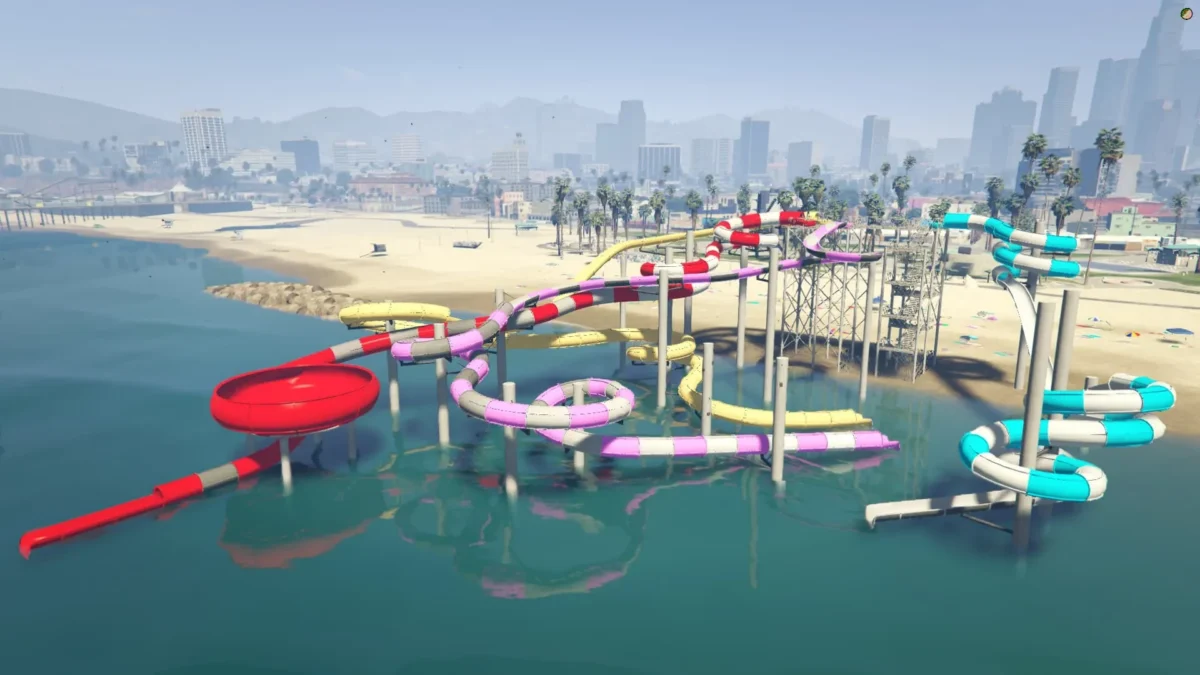
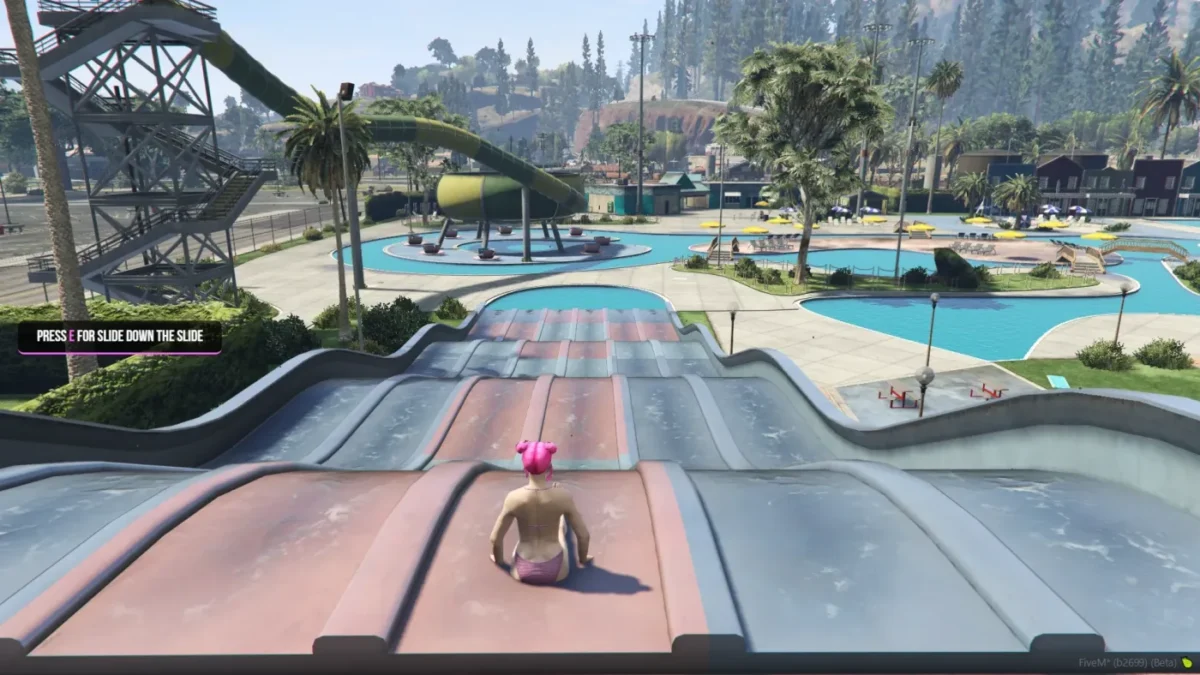
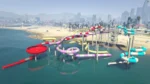
Fully synchronized, highly-optimized water park with 4 slide types, flexible payment & pass systems, custom models/animations, and four interaction methods — plug-and-play for any map or framework.
Water Park delivers a polished, standalone attraction you can drop into any FiveM server or MLO. Everything is network-synchronized between players, configurable in plain Lua/HTML files, and built for performance and compatibility.
Highlights
-
True player synchronization (all actions mirrored across clients)
-
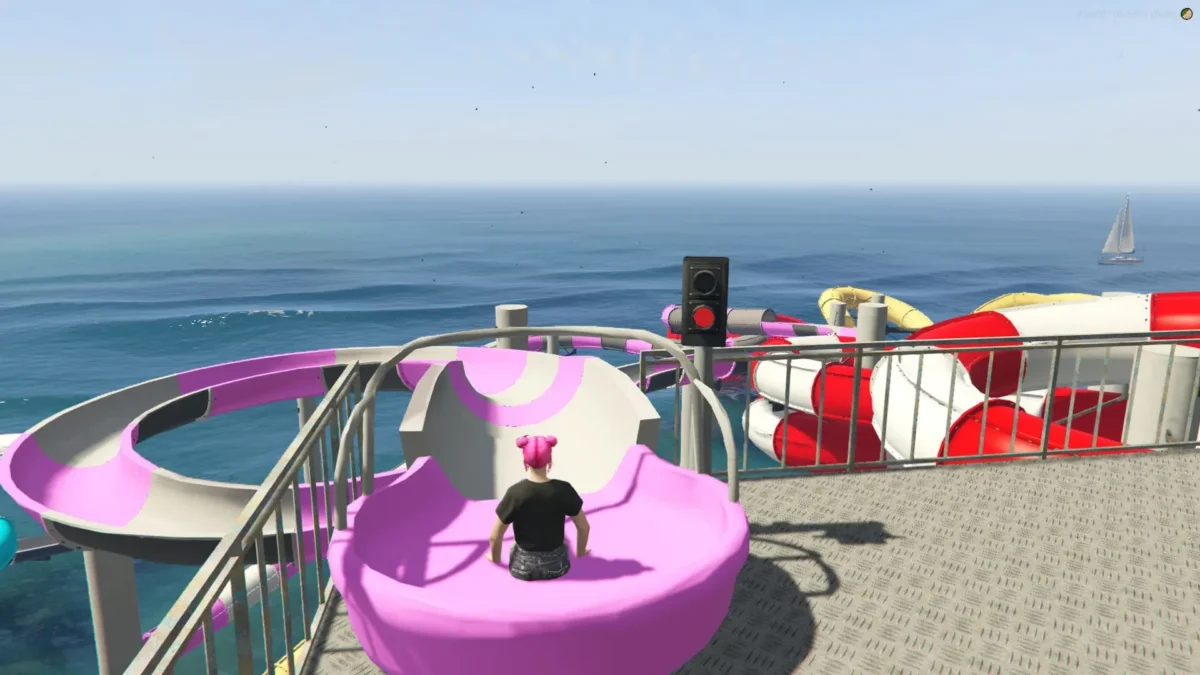
Four distinct slide types with traffic-light queuing system
-
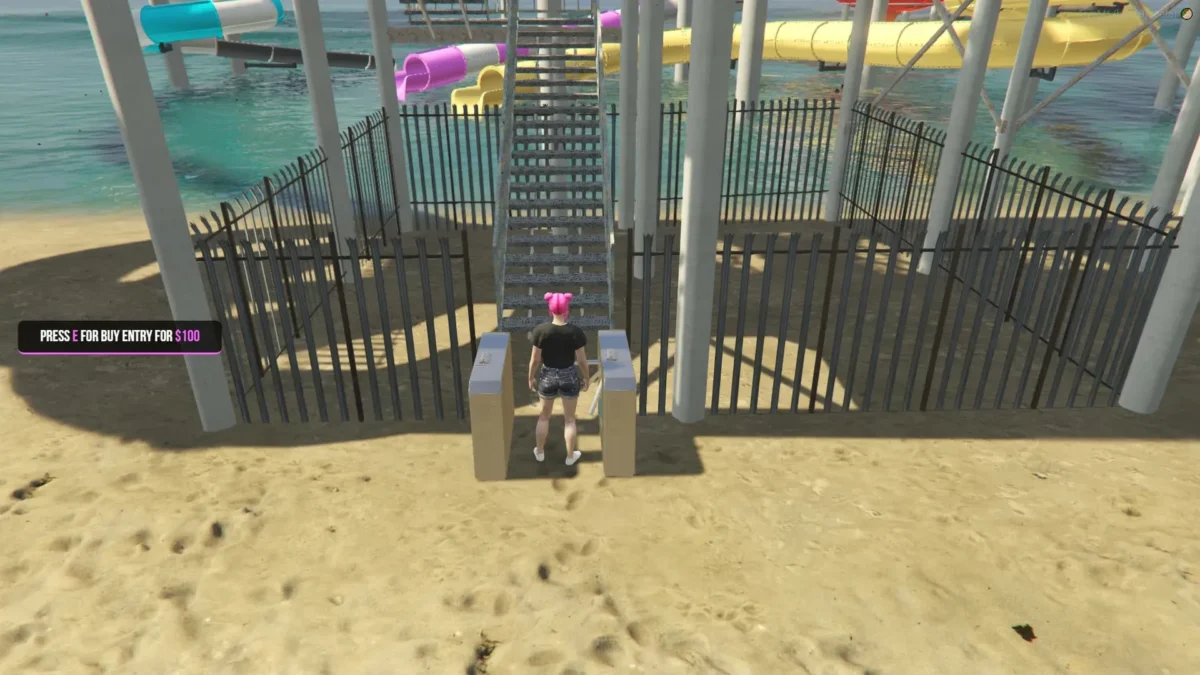
Optional entrance fee + configurable Water Pass system (unlimited & limited passes)
-
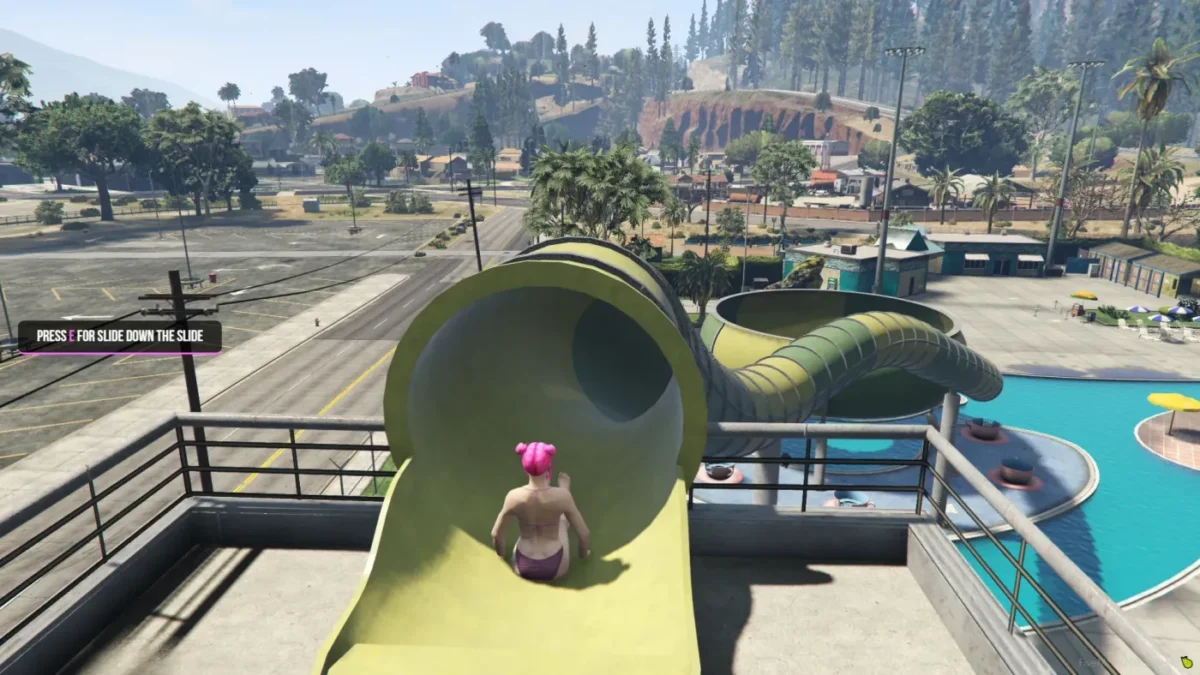
Four interaction methods: built-in UI, 3D text, help notifications, and target points
-
Custom models and animations included
-
OneSync Infinity ready, framework-agnostic (works with any framework)
-
Escrow protected while keeping config.lua, language.lua and HTML editable
-
Easy install + support included
Features (detailed)
-
Synchronized between players: Slide runs, queues and pass checks are authoritative and replicated so everyone sees the same state.
-
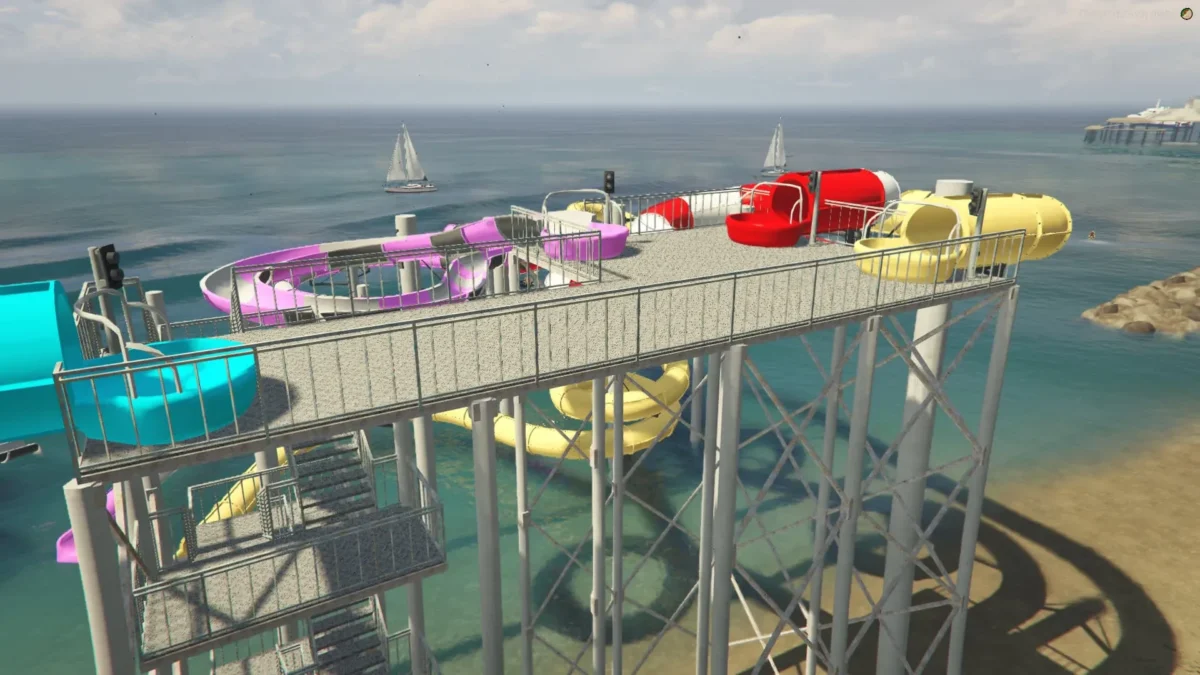
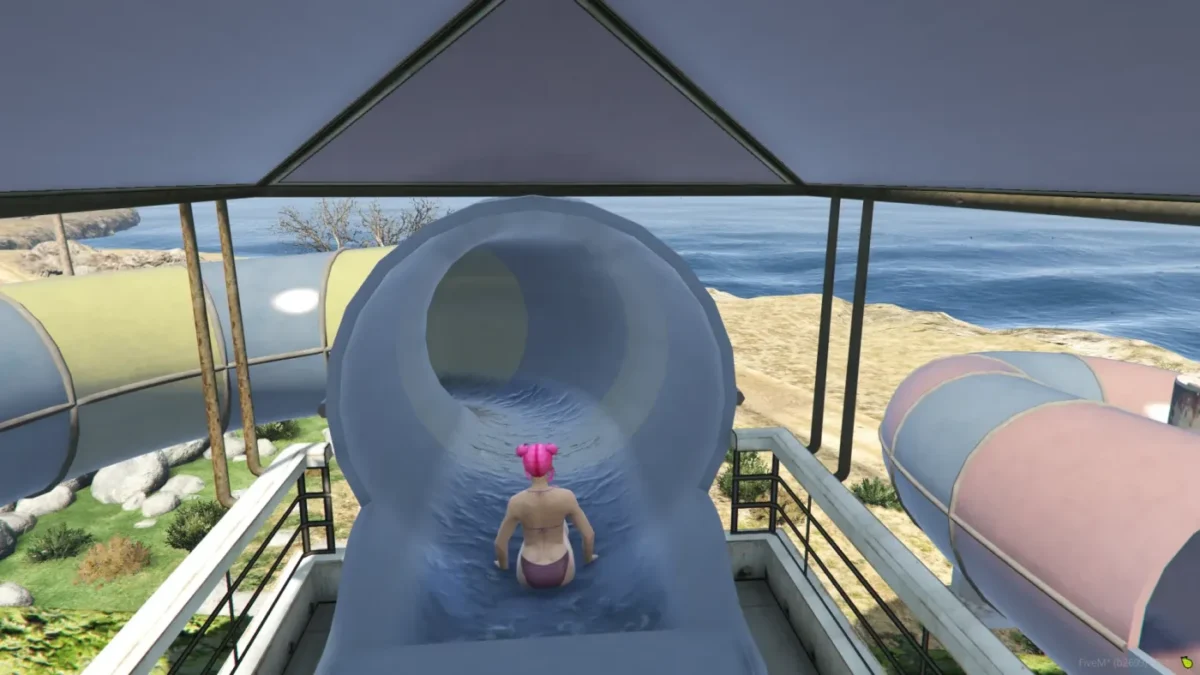
4 Slide Types: Multiple slide mechanics for variety (fast, slow, tube, combo). Each slide uses its own animation and model set.
-
Traffic Light System: Visual queue control — green = go, red = wait — prevents collisions and creates smooth ride flow.
-
Flexible Interactions: Trigger park features via:
-
Built-in UI system
-
3D floating texts
-
Help/notify popups
-
Target interaction points (exports compatible with target systems)
-
-
Water Pass System: Two pass modes:
-
Unlimited — permanent access until revoked
-
Limited — single-use or timed entries; duration configurable in
config.lua
-
-
Customization: Change language strings, prices, timers and appearance in
language.lua,config.luaand the included HTML/CSS. -
Custom Assets: Ships with optimized custom models and unique animations for authentic park feel.
-
Standalone & Framework-Agnostic: No dependency on a specific framework — integrate with ESX/QBCore or run standalone.
-
Protected & Configurable: Resource is escrow-protected; core gameplay remains configurable through exposed files.

Reviews
There are no reviews yet.