Add to cart
Sale!

iHUD v2

Original price was: $25.00.Current price is: $13.60.

-46%
Add to Cart
iHUD v2 FiveM resource preview
iHUD v2
$25.00 Original price was: $25.00.$13.60Current price is: $13.60.

Product facts

Framework
ESX
Resource type
Script
Included files
1 downloadable file

Purchase details

Update access
Lifetime access to files published to this listing Read the update access policy
Download format
ZIP
Package verified
2026-07-25 · 40 files in the delivered package

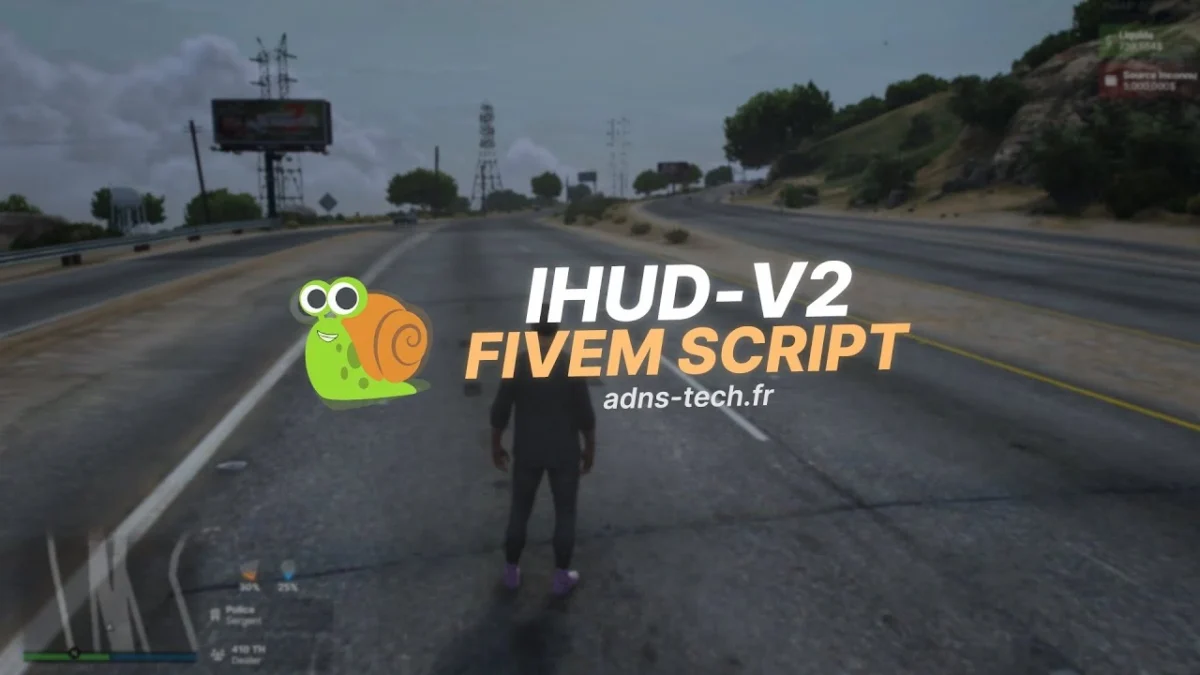
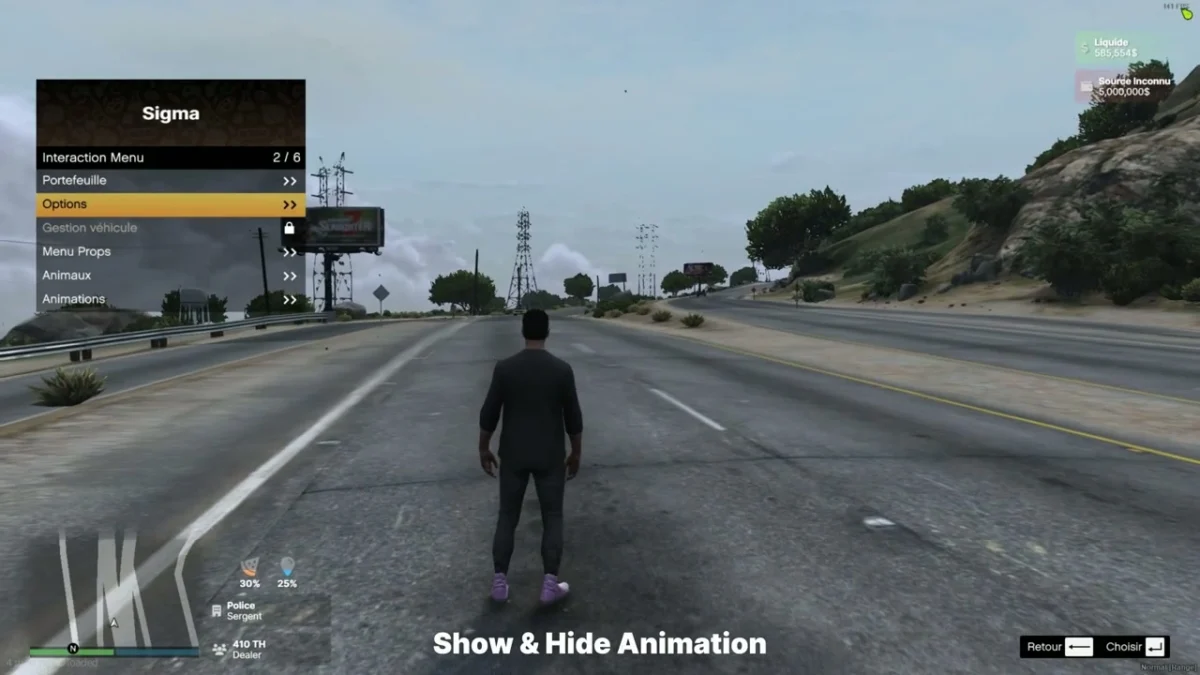
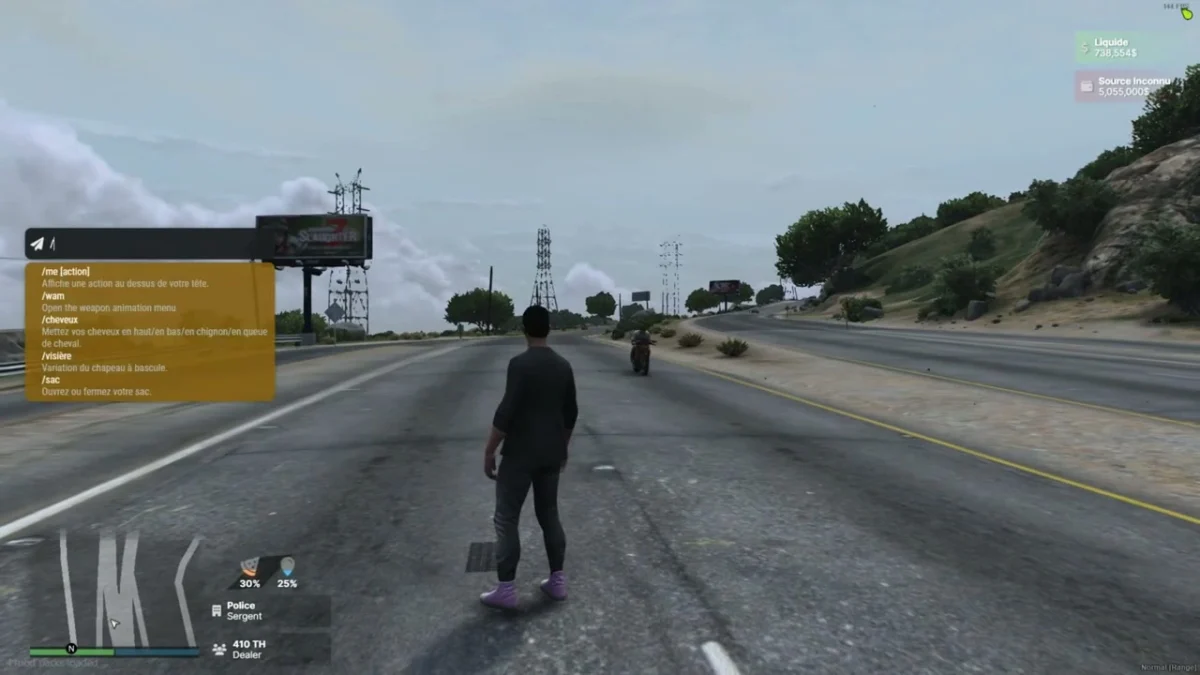
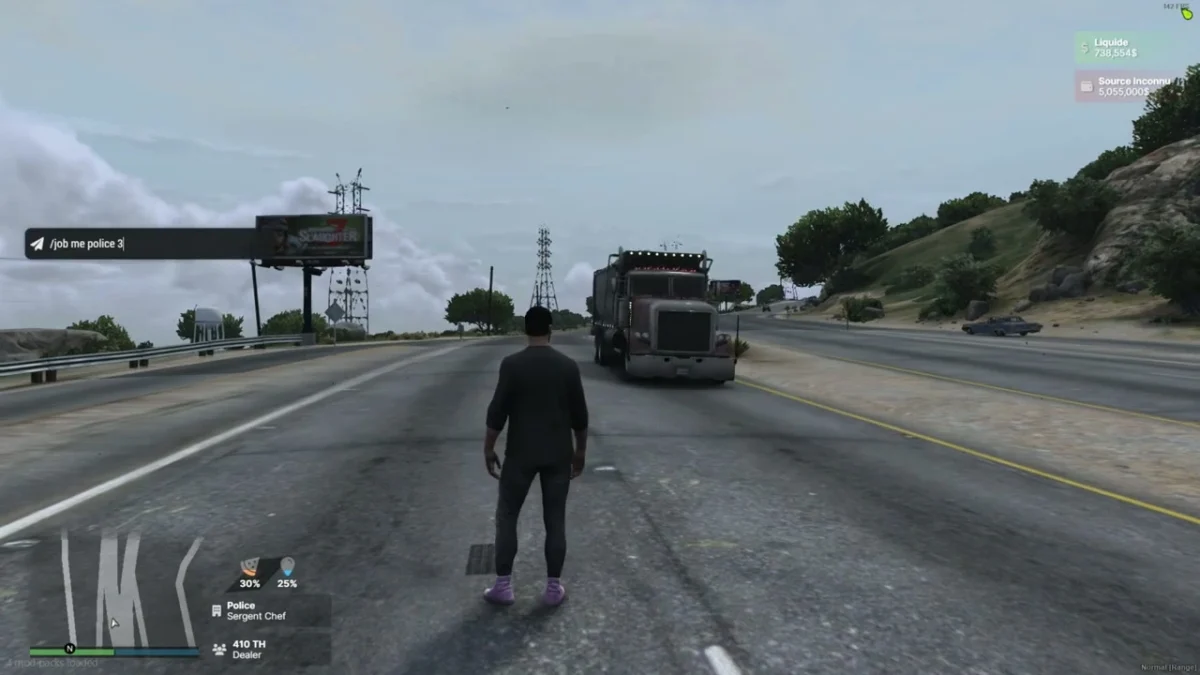
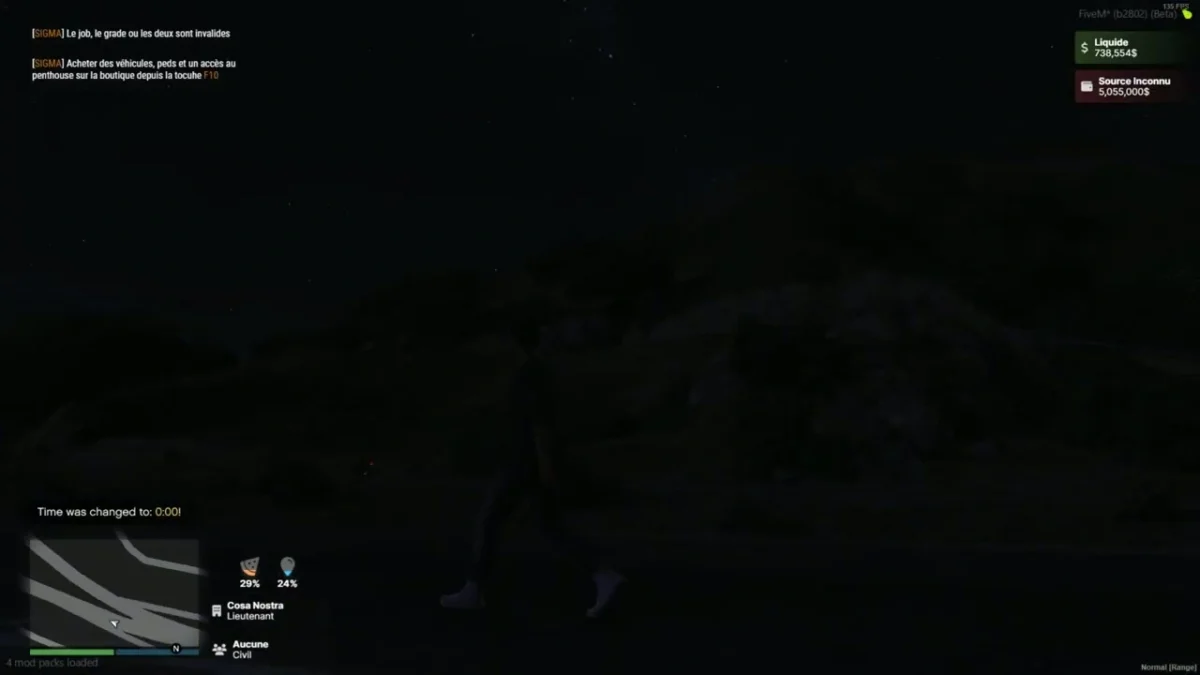
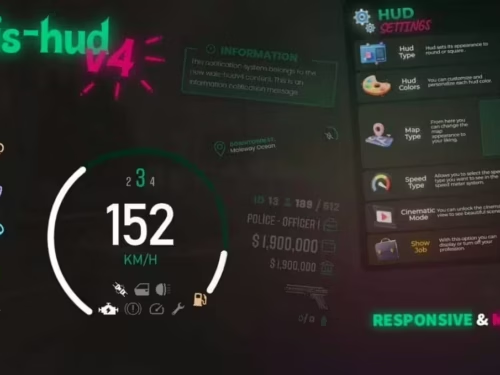
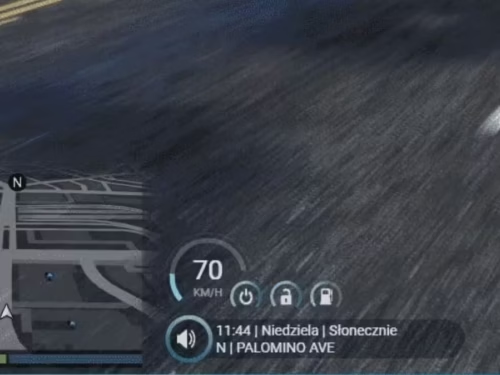
A lightweight, modern ESX HUD that shows player status, jobs, money, and a voice-talking cue via NUI. Built for performance and easy plug-in to existing ESX servers.

Features

  • Status bars

    • Hunger and Thirst with animated fill and percentage labels.

    • Consumes standard ESX status events (see Integration).

  • Job display

    • Primary Job and optional Second Job (grade supported).

  • Money display

    • Cash (liquid) and Black Money with clear labels.

  • Voice indicator

    • Microphone icon appears only while the player is talking (NetworkIsPlayerTalking).

    • Optional proximity classes are wired in the UI and can be toggled if you integrate with your voice system.

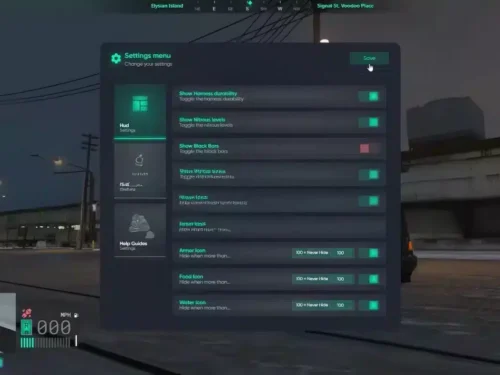
  • Toggleable sections

    • Enable/disable HUD blocks (Job, Job2, Money, Black Money, Micro) via config.

  • ESX-version friendly

    • Works with ESX v1 final and “legacy” styles; supports retrieving ESX via exported function or legacy event.

  • NUI first

    • Clean Inter UI (HTML/CSS/JS); all data flows through SendNUIMessage.

Files & manifest

  • fxmanifest.lua
    • ui_page "NUI/index.html"
    • Loads CSS/JS/assets from NUI/src/*
    • shared_script "config.lua"
    • client_script "client/*.lua"
  • Main client logic: client/main.lua
  • Configuration: config.lua
  • NUI: NUI/index.html, NUI/src/css/*, NUI/src/js/{config.js,index.js,events.js}, NUI/src/images/micro.png

Configuration (config.lua)

Config = {
  DEBUG = false,

  -- How to get ESX:
  ESX_method   = "function",         -- "function" (export) or "event"
  eventNameESX = "esx:getSharedObject",
  extendedName = "extended",         -- e.g. "es_extended" / "extended"
  VERSION_ESX  = "final",            -- "legacy" or "final" (informational)

  -- Status source (list of {name, percent}):
  statusEventName = "esx_customui:updateStatus",

  ACTIVED = {
    JOB         = true,
    JOB2        = true,
    MONEY       = true,
    BLACK_MONEY = true,
    MICRO       = true
  }
}

Notes

  • If you use an alternative status tick (e.g. sigma_hud:onTick), the client listens on Config.statusEventName or falls back to "sigma_hud:onTick".

Client events & data flow

  • Initialization
    • esx:playerLoaded → HUD initializes with ESX player data.
    • On init the HUD is shown and NUI receives:
      SendNUIMessage({ type = "init", config = Config.ACTIVED })
      
  • Status updates (Hunger/Thirst)
    • Listen to Config.statusEventName (default esx_customui:updateStatus) and emit a list like:
      TriggerEvent("esx_customui:updateStatus", {
        { name = "hunger", percent = 48.0 },
        { name = "thirst", percent = 72.0 }
      })
      
    • HUD maps those to the two status bars.
  • Job / Second Job
    • esx:setJob and esx:setJob2 are handled automatically. NUI receives:
      SendNUIMessage({ type = "updateJob", jobs = {
        { label = job.label, grade = job.grade_label },
        { label = job2.label, grade = job2.grade_label }
      }})
      
  • Money
    • esx:setAccountMoney updates cash and black money:
      SendNUIMessage({ type = "updateMoney", moneys = {
        { label = "Liquide", value = cash.money },
        { label = black.label, value = black.money }
      }})
      
  • Voice (Talk indicator)
    • Polls NetworkIsPlayerTalking(PlayerId()); shows/hides mic icon with:
      SendNUIMessage({ type = "toogleMicro", show = true/false })
      
    • A helper to change proximity classes exists in NUI (type = "changeMicro"), so you can hook it into your voice resource if desired.
  • Show/Hide HUD (custom)
    • Trigger from anywhere client-side:
      TriggerEvent("iHud-V2::show", true)  -- show
      TriggerEvent("iHud-V2::show", false) -- hide
      

Installation

  1. Drop the folder into your resources (e.g. resources/[ui]/iHud-V2).
  2. Ensure the resource:
    ensure iHud-V2
    
  3. Configure ESX access method, status event name, and toggle sections in config.lua.
  4. Confirm your status script emits { name = "hunger"/"thirst", percent = <0-100> } arrays to Config.statusEventName.

Compatibility & tips

  • ESX retrieval
    • function mode expects: ESX = exports[Config.extendedName]:getSharedObject()
    • event mode expects: TriggerEvent(Config.eventNameESX, function(obj) ESX = obj end)
  • Voice proximity
    • The HUD ships with a talking indicator out-of-the-box. To show proximity levels (whisper/normal/shout), have your voice resource send a NUI message with type="changeMicro" and your chosen CSS class.
  • Styling
    • Fonts & icons loaded from CDNs; UI is responsive and kept minimal for RP servers.

Setup guide

The current iHUD package contains editable Lua and NUI settings but no README.

Requirements and preparation

  • ESX and a status resource that sends hunger/thirst values.
  • The configured voice and job/money events must match the server.

Installation

  1. Extract iHud-V2.
  2. Configure the status event and HUD behavior in config.lua; change NUI presentation only in the included NUI config.
  3. Start after ESX and the status/voice resources it reads.

Configuration checkpoints

  • Test health, armor, hunger, thirst, job, money and voice-talking states.
  • Verify reconnect and resolution changes without NUI errors.

Safety: Back up the affected resource and database tables, use credentials owned by your server, and complete a staging test before replacing a live resource. The full configuration remains in the download package.

Additional information

Framework

ESX

Reviews

There are no reviews yet.

Only logged in customers who have purchased this product may leave a review.