





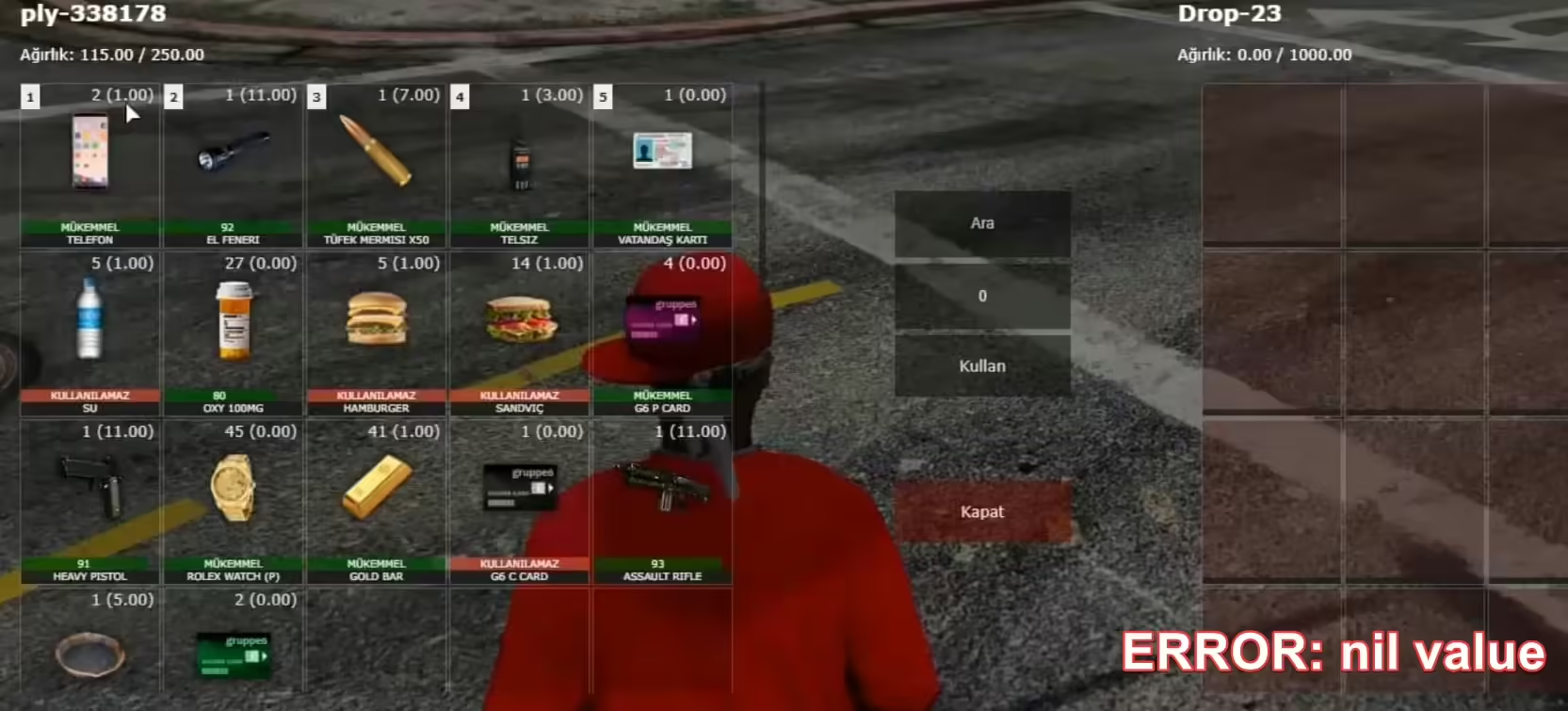
An ESX inventory error needs the exact error text and the inventory resource in use. A missing canCarryItem function is an API or integration problem; a player being unable to carry more weight is a different condition. Do not replace ESX and your inventory together without checking compatibility.
Identify the integration
Record the ESX release or commit, inventory resource and the script that triggered the error. Capture the server stack trace and its file and line number. Check whether the resource uses the ESX inventory API or a third-party inventory bridge.
If canCarryItem is nil
A nil-function error means the caller cannot access that function on the object it is using. Check how it obtains the player object, whether the player is loaded, and whether the installed framework or inventory integration supports that API. The error alone does not prove an item has no weight.
Compare the calling code with the official ESX player implementation and your inventory’s documentation. Update or adapt the incompatible resource on a test copy. Do not bypass capacity checks by returning true: that can create overflow or item-transfer exploits.
If carrying capacity is wrong
Check the item definition, unit of weight, quantity and player capacity in the inventory that owns them. Do not assume a database item row is authoritative when a replacement inventory uses files or metadata. Back up persistent data before changing definitions.
Test one item at a time: an empty inventory, just below capacity, exactly at capacity and above capacity. Include transfers, purchases, storage and item removal, then reconnect to check persistence.
Deploy a verified correction
Keep compatible versions together and follow their documented migration order. Use a controlled restart when framework state requires it. Confirm that startup, existing inventories and new players work before reopening the server. If data changes fail, restore only the affected test or migration state through your recovery procedure.