





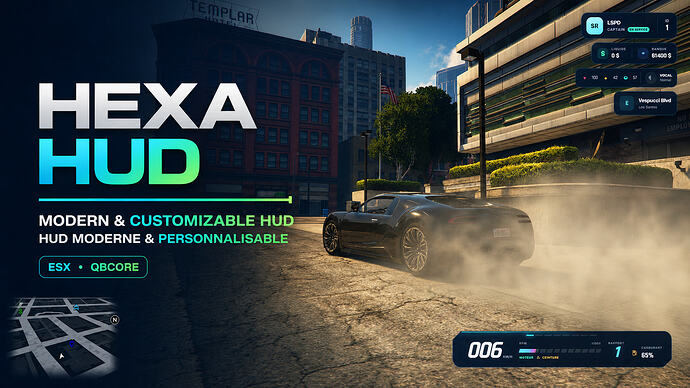
Hexa Studio describes Hexa HUD as a configurable HUD for ESX Legacy and QBCore. RPCrate has not installed or benchmarked this resource.
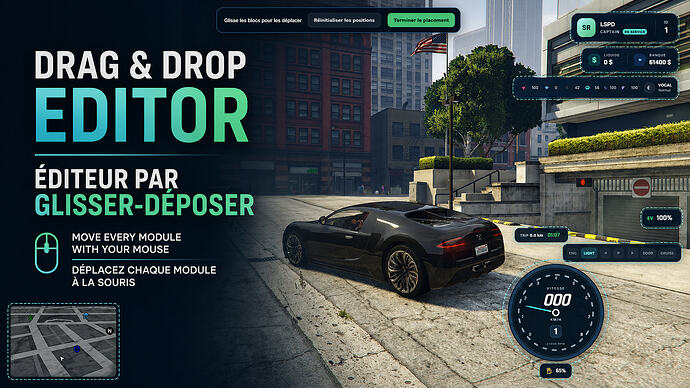
Get and install Hexa HUD
Obtain the free package from the creator’s Tebex store through Asset Escrow, using the Cfx.re account that will own the resource. Follow the included installation instructions and use a server licence belonging to that account. Discord membership is not required to obtain the resource.
Review the resource configuration before starting it. For ESX status values, the release names esx_status. ox_fuel and LegacyFuel are optional; the creator describes a native GTA fuel fallback. The release states that player preferences do not require an SQL database.
In-game controls
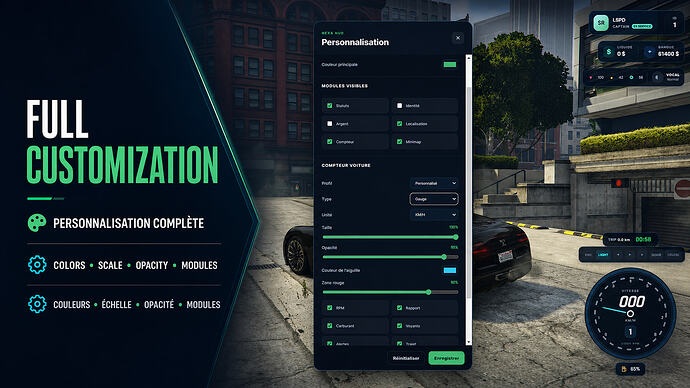
Use /hudsettings for customization, /togglehud or F10 to show or hide the HUD, and B for the seatbelt. Server configuration limits which modules players can customize.
Source: Hexa Studio release. Download and included instructions: Hexa HUD on Tebex.