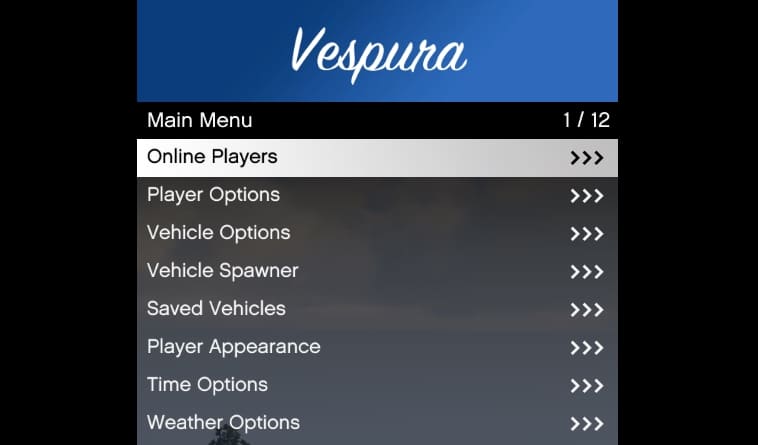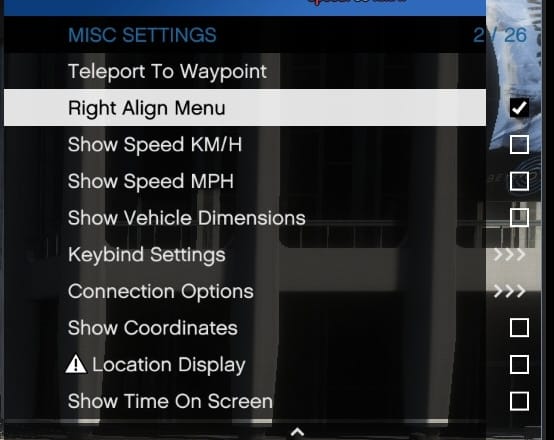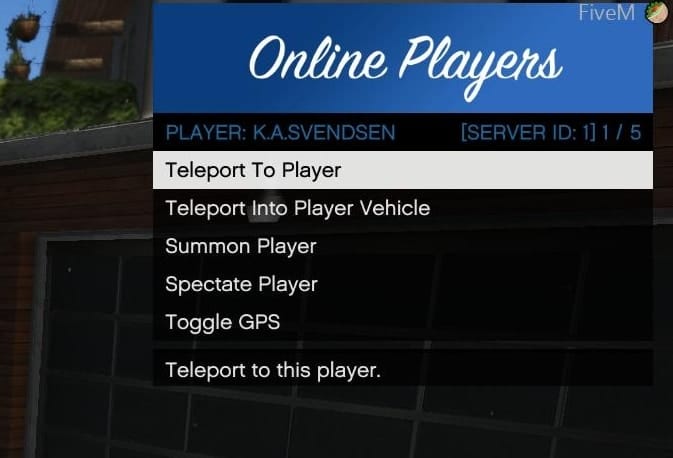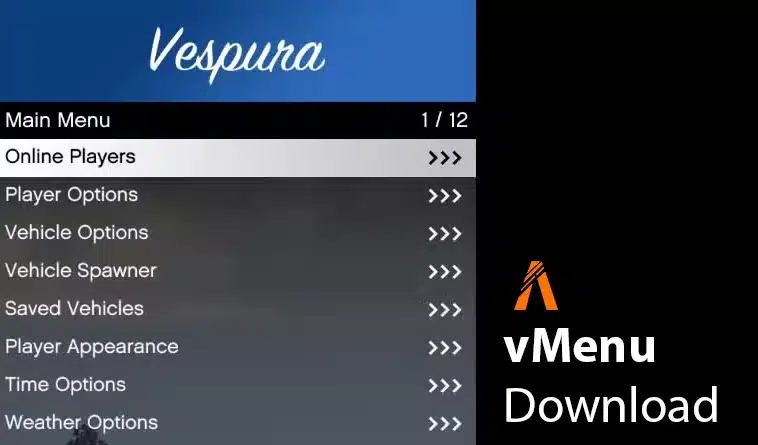
vMenu is TomGrobbe/Vespura’s permissions-based server menu. The creator maintains separate Legacy and Enhanced documentation. These instructions cover Legacy; use the Enhanced guide for an Enhanced server.
Creator documentation for both editions
Install and configure Legacy
Extract the release into resources/vMenu/ with fxmanifest.lua directly inside it. The vMenu folder name is case-sensitive. Back up and edit config/permissions.cfg for your roles, then load it before starting the resource:
exec @vMenu/config/permissions.cfg
ensure vMenu
Official Legacy installation instructions
Verify ordinary-player and staff access
Test vehicle spawning, weapons and administrative options with an ordinary player and a staff account. Reconnect and restart to confirm permissions persist. Keep the previous configuration for rollback. Legacy receives limited updates and community-provided support while Enhanced development continues; a visible menu alone does not prove correct access restrictions.