





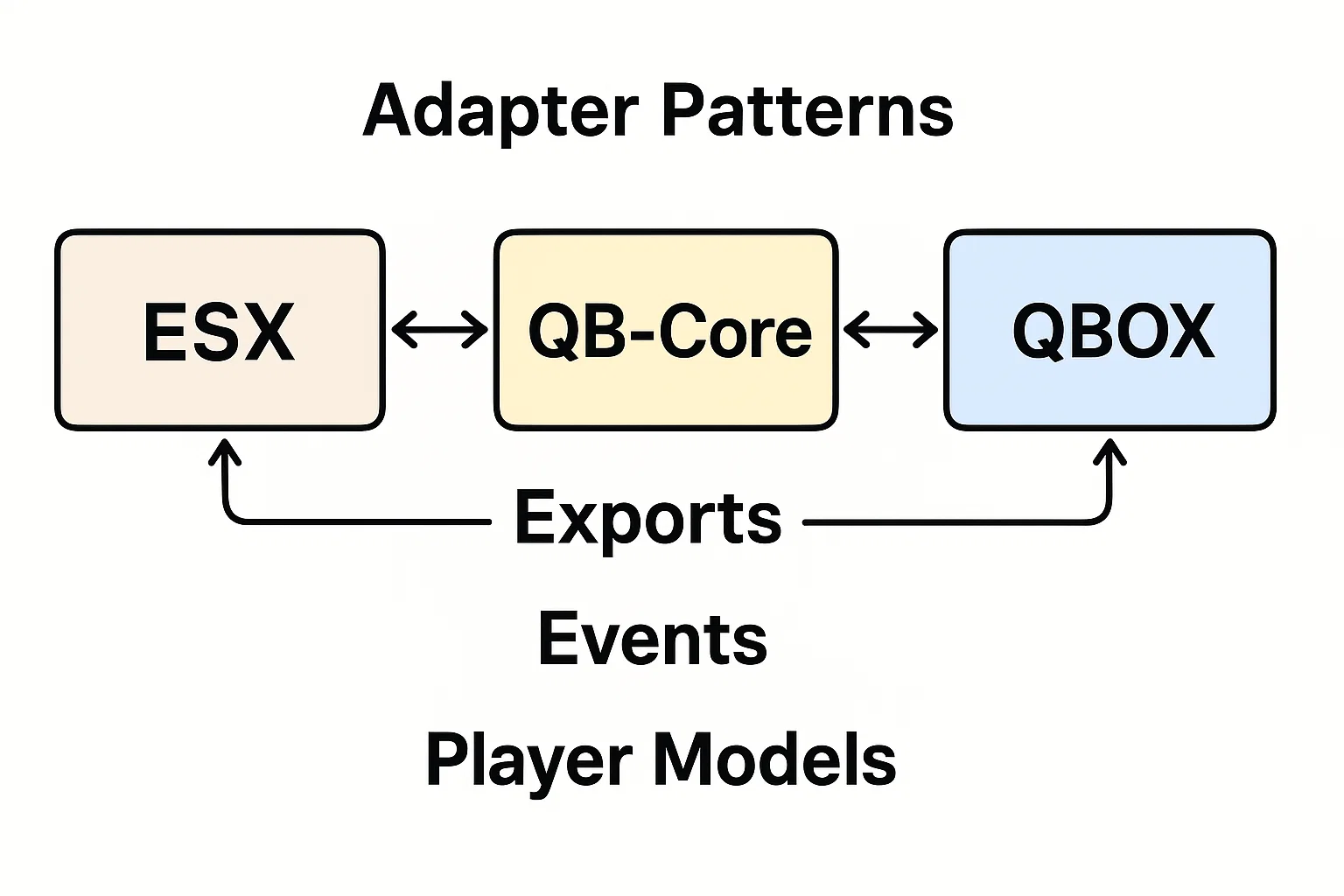
A framework adapter gives your resource a small interface while keeping ESX, QBCore and Qbox details in one place. Start with a read-only operation, verify it on each supported framework, and add money or inventory operations only when their failure behavior is defined.
The configuration and code examples here target FiveM for GTA V Legacy. Enhanced has different runtime and compatibility rules; check Cfx.re’s Legacy-to-Enhanced changes before applying them to an Enhanced server.
Define the contract first
The example below returns the logged-in character identifier, or nil if no character is loaded. It runs on the server only. It does not convert existing identifiers or make the three frameworks share a database. Use one selected framework per deployment.
Create the resource
Create resources/[local]/character_adapter/ with the following three files. This example selects QBCore. For ESX or Qbox, change both the manifest dependency and the framework value. Do not enable all three frameworks to test the adapter.
fxmanifest.lua:
fx_version 'cerulean'
game 'gta5'

dependency 'qb-core'
server_scripts { 'adapter.lua', 'server.lua' }adapter.lua:
local framework = 'qbcore' -- 'esx', 'qbcore' or 'qbox'
CharacterAdapter = {}

if framework == 'esx' then
    local ESX = exports['es_extended']:getSharedObject()
    function CharacterAdapter.identifier(src)
        local player = ESX.GetPlayerFromId(src)
        return player and player.identifier or nil
    end
elseif framework == 'qbcore' then
    local QBCore = exports['qb-core']:GetCoreObject()
    function CharacterAdapter.identifier(src)
        local player = QBCore.Functions.GetPlayer(src)
        return player and player.PlayerData.citizenid or nil
    end
elseif framework == 'qbox' then
    function CharacterAdapter.identifier(src)
        local player = exports.qbx_core:GetPlayer(src)
        return player and player.PlayerData.citizenid or nil
    end
else
    error('Select a supported framework in adapter.lua')
endserver.lua:
RegisterCommand('adapter_check', function(src, args)
    if src ~= 0 then return end -- server console only
    local target = tonumber(args[1])
    if not target or target < 1 or target % 1 ~= 0 then
        print('Usage: adapter_check <player server ID>')
        return
    end
    local identifier = CharacterAdapter.identifier(target)
    print(identifier and 'Character resolved.' or 'No loaded character.')
end, false)
Run and check
Add ensure character_adapter after the selected framework in your active server configuration. With a logged-in test character whose server ID is 12, run adapter_check 12 in the FXServer console. Expect Character resolved.; repeat after that character disconnects and expect No loaded character.. The command deliberately does not print identifiers.
Repeat on separate ESX and Qbox test installations after selecting their dependency and adapter branch. A Lua syntax check or mocked export test alone cannot confirm a live framework integration.
Extend without hiding failures
For each new operation, document arguments, return values and errors. Inventory additions must distinguish full inventory from unknown items. Money operations must use supported framework methods and preserve their success result. Never return success unconditionally or mutate PlayerData.money directly.
Keep lifecycle handlers specific to the installed framework. playerJoining is not proof that a character has loaded. Use local handlers for local events; do not make internal grant or job-update handlers network-accessible for convenience.
Test the boundary
Check missing players, resource start order, character switching and reconnects. For write operations, also test denied access, duplicate requests, insufficient funds and partial failures. Keep identifiers opaque and retain any migration crosswalk as recovery evidence.
Reference documentation
Source: docs.qbox.re · Source: qbcore.org · Source: esx-framework/esx_core · Cfx.re — listening for events