





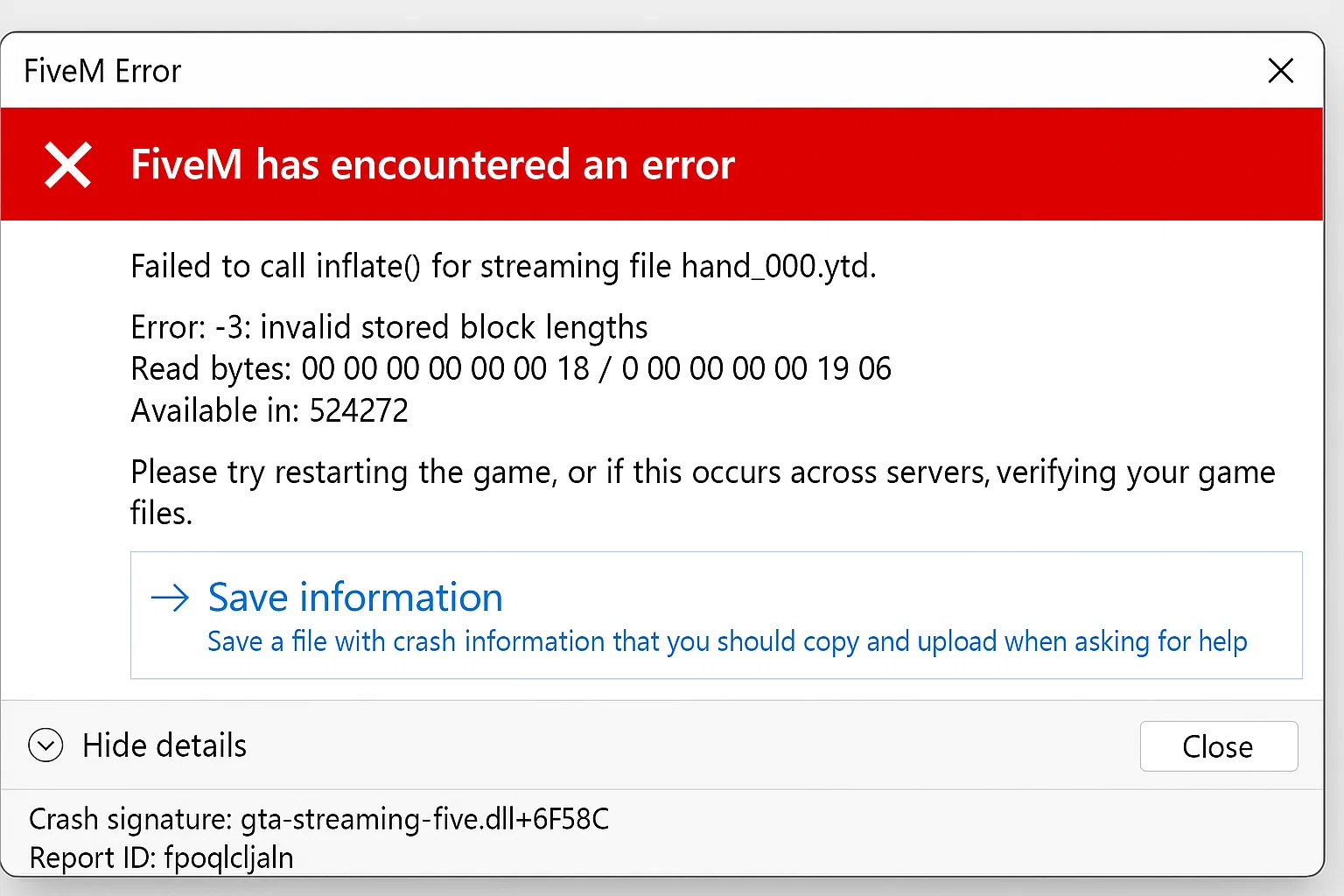
“Failed to Inflate” means data could not be decompressed. Record the complete error and any named file or resource before clearing cache or changing server settings. The same phrase can come from different causes.
Determine the scope
If one player fails while others join normally, compare that client’s download, cache and storage. If several players fail immediately after a resource upload, inspect the changed server package first. A single successful retry does not prove the package is sound.
For an affected player
- Save the error, crash reference and server name. Close FiveM completely.
- Check free storage and whether the issue occurs on another server. Restore recent unsupported graphics changes if the failure began with them.
- If the error points to a cached resource download, follow the targeted cache guide and retry that server. Preserve settings and unrelated files.
- Send staff the exact named resource/file if the same failure returns. Reinstalling the whole client is not the first diagnostic step.
For the server administrator
- Back up the current package and configuration. Compare the last changed resource with the authorized original archive.
- Check for interrupted uploads, zero-byte files, omitted hidden files and unexpected HTML/error documents saved as downloads. Compare checksums when available.
- Reproduce on staging and isolate the named resource with its dependencies. Restore the last working version to test whether the regression follows the package.
- Check the resource manifest, asset format and artifact requirements. Retest a new download with more than one client before deploying the repaired package.
What about client replays?
sv_disableClientReplays is a server setting related to the client replay system. It is not a general decompression repair. Consider a replay-related workaround only when the crash context and current Cfx.re guidance identify that path; disabling replays also affects recording workflows.
Do not add competing set and setr variants or repeatedly clear all caches to hide a corrupt asset. Keep the exact change, restart procedure and result with the incident record.
Verify the repair
Repeat the same join and location, including a client without the previously cached package. Inspect the first new error and restore the prior version if the failure persists. Use Cfx.re client troubleshooting and the server-command reference for the installed runtime.